How Much Does a Smart Thermostat Save? Real Data (2026)
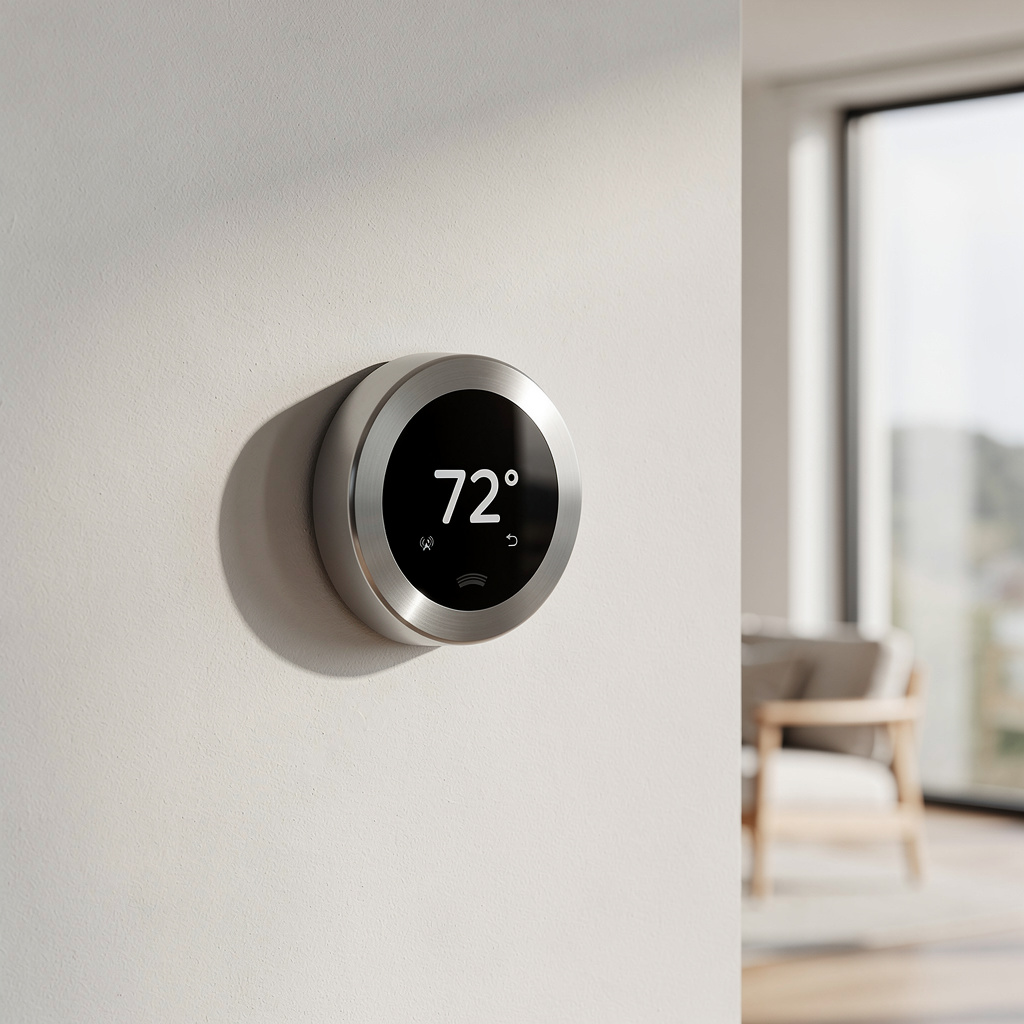
Yes, smart thermostats save money by automatically adjusting heating and cooling based on your schedule, location, and preferences. ENERGY STAR’s certification requirements mandate at least 8% lower heating runtime and at least 10% lower cooling runtime versus a standard non-programmable thermostat to earn the label. For the average household spending $2,000 yearly on heating and cooling, that translates to roughly $160-200 in savings at the certification floor — more if you’re switching from a thermostat you never touched, less if you already ran a disciplined manual schedule. The payback period for a $200-250 smart thermostat is typically 1-2 years.
As an Amazon Associate I earn from qualifying purchases.
Smart thermostats learn your patterns, detect occupancy, and optimize HVAC operation automatically. They eliminate the waste from heating or cooling an empty home while ensuring comfort when you return. Understanding how they achieve these savings helps you maximize your investment. For a complete comparison of the best models available, see the Best Smart Thermostats 2026: Complete Buyer’s Guide.
How Smart Thermostats Save Money
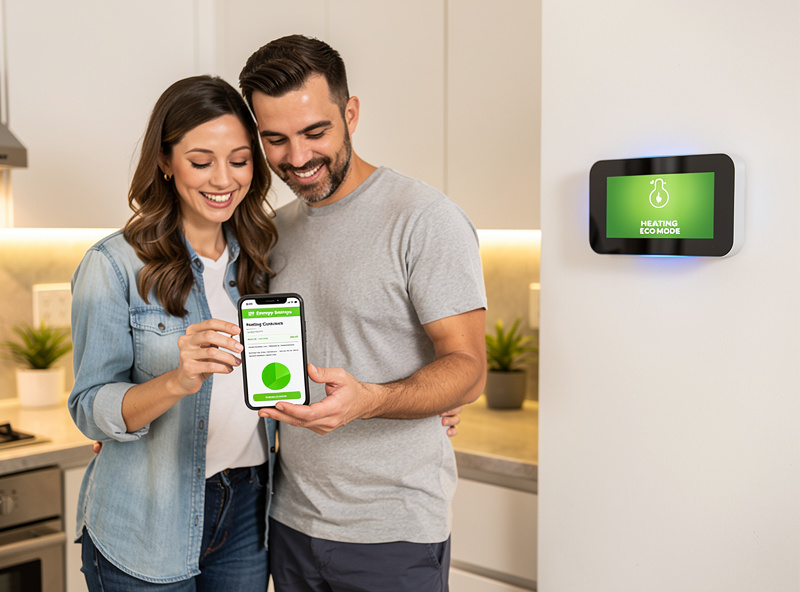
Smart thermostats reduce energy consumption through multiple mechanisms:
Automatic Schedule Optimization
Unlike programmable thermostats that require manual input, smart thermostats learn your routine and adjust automatically:
- Away mode: Reduces heating/cooling when no one is home
- Sleep optimization: Adjusts temperature for better sleep and energy savings overnight
- Arrival anticipation: Pre-heats or pre-cools before you return home
- Weekend vs. weekday: Adapts to different daily patterns
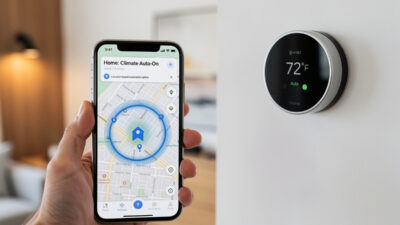
Geofencing and Presence Detection
Smart thermostats use your smartphone location to determine occupancy:
- Leaving detection: Thermostat adjusts when you exit a set radius (typically 1-3 miles)
- Arrival prediction: Begins conditioning home when you enter the radius
- Occupancy sensors: Built-in sensors detect movement for additional accuracy
- Result: Never heating or cooling empty spaces
Learning and Adaptation
AI algorithms optimize performance over time:
- Pattern recognition: Learns when you typically leave and return
- HVAC efficiency: Determines how long your system takes to reach target temperatures
- Seasonal adjustment: Adapts heating/cooling curves for changing weather
- Continuous optimization: Improves efficiency with each passing week
Technical Analysis: The Physics of Savings
Temperature Differential Impact
The relationship between indoor temperature and energy consumption follows the Second Law of Thermodynamics—heat naturally flows from warmer to cooler areas. The greater the temperature difference between inside and outside, the faster heat transfer occurs.
Mathematical relationship: Energy consumption scales roughly linearly with the temperature differential in most residential HVAC systems — the wider the gap between inside and outside, the more energy your system spends closing it every hour it runs. Each degree you shave off your winter setpoint (or add to your summer one) trims cost a little more; small per degree, but it compounds across a season, which is exactly what a smart thermostat automates without you touching the dial.
The Setback Habit Smart Thermostats Automate
A widely-used energy-efficiency rule of thumb holds that setting your thermostat back 7-10°F for about 8 hours a day — while you’re asleep or away — meaningfully cuts heating and cooling costs over a season. It’s the same underlying mechanic behind ENERGY STAR’s certification bar for smart thermostats.
- Winter: Setting back 7-10°F for 8 hours daily reduces heating runtime
- Summer: Raising the setpoint 7-10°F for 8 hours daily reduces cooling runtime
- Smart thermostats achieve this automatically without comfort sacrifice — you never have to remember to touch the dial
Thermal Mass and Recovery Time
Homes have thermal mass—walls, furniture, and air that retain temperature. Smart thermostats learn your home’s thermal characteristics:
- Well-insulated homes: Maintain temperature longer; can sustain setbacks for extended periods
- Poorly insulated homes: Lose heat/cooling faster; require more frequent adjustments
- Recovery time: How long HVAC takes to return to comfort temperature
- Smart optimization: Calculates ideal pre-conditioning time for your specific home
Where the Real Savings Come From
Empty-House Hours Are the Biggest Lever
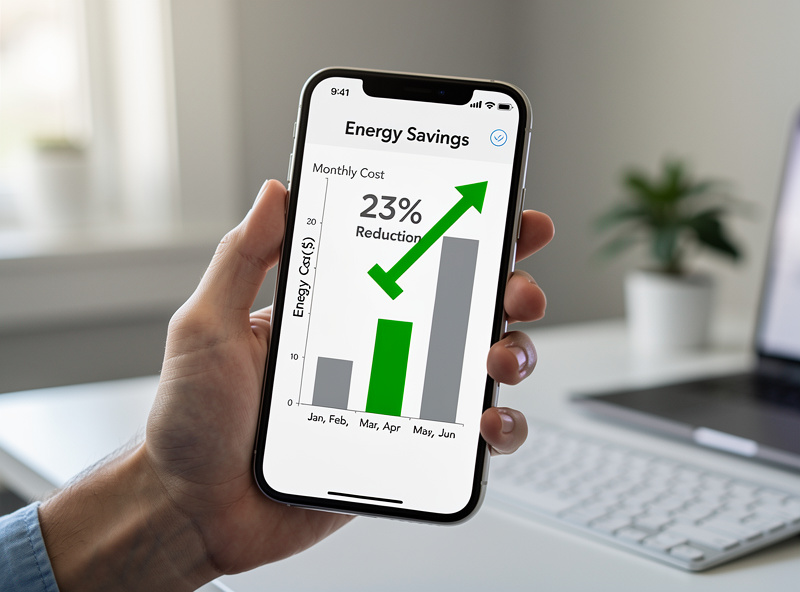
The households that get the most out of a smart thermostat are the ones with predictable empty-house stretches — two working parents gone 9-to-5, a house that sits empty all day during the school year. Geofencing and occupancy sensors stop you from heating or cooling square footage nobody is using, without you having to remember to set anything. A programmable thermostat can technically do the same job; in practice, most people override it, forget to adjust it for a schedule change, or never program it correctly to begin with. The learning algorithms on Nest and Ecobee both close that gap by adapting to whatever pattern you actually live, not the one you set once and ignored — Nest’s Home/Away Assist and Ecobee’s Follow Me sensors both work this way.
Multi-Room Sensors Fix Uneven Homes
If your house runs hot upstairs and cold downstairs (or vice versa), a single wall thermostat is guessing at comfort for the whole house based on one room’s temperature. Ecobee’s room-sensor approach — and similar systems from other brands — average or prioritize the rooms you’re actually using, which improves comfort and avoids overcooling or overheating rooms nobody’s in at the same time. This is where the savings-versus-comfort tradeoff tends to work out best: you use less energy and stop fighting hot and cold spots at once.
Dual-Zone and Vacation Setbacks
Homes with two HVAC zones (upstairs/downstairs) benefit from thermostats that manage each zone’s setback independently rather than running both zones on an identical schedule. Vacation/away modes that hold a wide, energy-conserving setpoint band — rather than shutting the system off entirely — protect against frozen pipes in winter while still avoiding the cost of maintaining a normal comfort temperature in an empty house.
None of this replaces doing your own math: pull twelve months of utility bills, isolate the heating/cooling portion, and apply the ENERGY STAR-certified range above to get a realistic estimate for your specific home and climate.
Product Comparison: Top Smart Thermostats for Savings
| Thermostat | Price | Key Savings Feature | Where It Excels |
|---|---|---|---|
| Google Nest Learning Thermostat | $249 | Auto-Schedule, Home/Away Assist | Fastest-adapting learning algorithm |
| Ecobee Smart Thermostat | $229 | Room sensors, occupancy detection | Best for uneven multi-room homes |
| Honeywell Home T9 | $199 | Smart room sensors, geofencing | Sensor + geofencing combo at a lower price |
| Amazon Smart Thermostat | $79 | Hunches feature, Alexa integration | Cheapest Alexa-native option |
| Wyze Thermostat | $79 | Basic scheduling, app control | Cheapest basic smart scheduling |
Rebates and Incentives
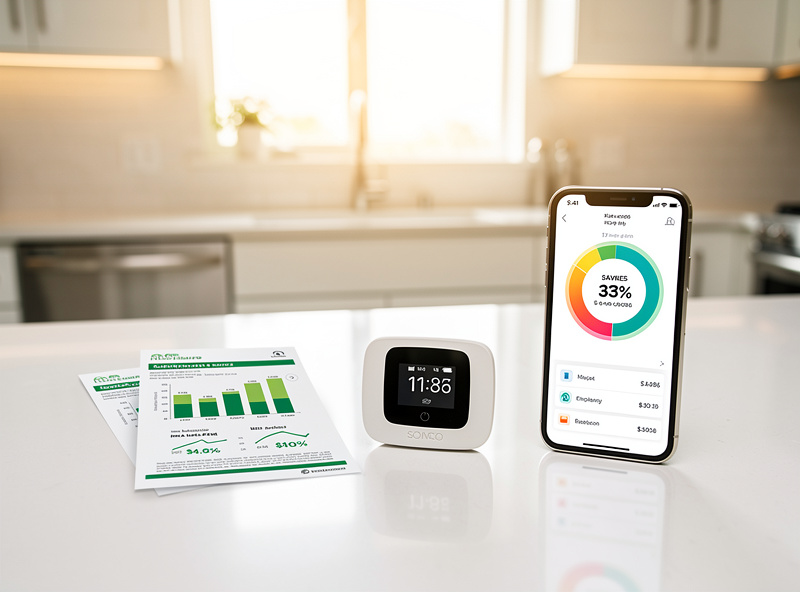
Many utility companies offer rebates that reduce or eliminate thermostat cost:
Typical Rebate Programs
- Instant rebates: $50-125 off at point of purchase through participating retailers
- Mail-in rebates: $50-200 after installation and registration
- Demand response programs: Additional $25-50/year for allowing utility to adjust during peak demand
- Seasonal promotions: Enhanced rebates during spring/fall installation seasons
Example: Ecobee lists hundreds of utility partners offering rebates. A $229 Ecobee thermostat might cost significantly less after a rebate, shortening the payback period further.
Calculating Your Potential Savings
To estimate your savings potential:
- Find your annual HVAC cost: Check 12 months of utility bills, identify heating/cooling seasons
- Estimate percentage: Heating/cooling typically represents 40-50% of total utility bills
- Apply savings rate: 8% for heating, 10% for cooling — ENERGY STAR’s certification floor; treat as a conservative baseline, since real-world results vary with climate, insulation, and habits
- Calculate range: Annual HVAC cost × 8-10%
- Subtract thermostat cost: Savings minus purchase price
- Determine payback: How many months to recover investment
Example calculation:
- Annual utility bills: $2,800
- HVAC portion (45%): $1,260
- Heating-rate savings (8%): $101 yearly
- Cooling-rate savings (10%): $126 yearly
- Thermostat cost (after rebate): $129
- Payback period: about 1-1.3 years
Safety Considerations and Best Practices
HVAC Compatibility
Ensure your system works with smart thermostats:
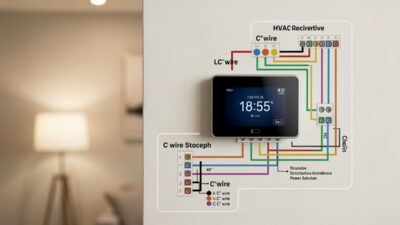
- 24V systems: Most smart thermostats require C-wire (common wire) for power
- High-voltage systems: Baseboard heaters require specific models (Mysa, Stelpro)
- Heat pumps: Verify compatibility with auxiliary heat staging
- Multi-zone: May need multiple thermostats or zone controller compatibility
Installation Safety
- Turn off power: Always cut HVAC power at breaker before installation
- Wire verification: Use multimeter to confirm wire functions before connecting
- C-wire solutions: If no C-wire, use adapter kit or hire professional
- Professional installation: Recommended for complex systems or if uncomfortable with electrical work
Winter Safety
- Freeze protection: Set minimum temperature (typically 55°F) to prevent pipe freezing
- Vacation hold: Use vacation mode rather than turning system completely off
- Humidity control: Some smart thermostats manage humidity to prevent condensation and mold
Frequently Asked Questions
How much can I really save with a smart thermostat?
ENERGY STAR’s certification bar requires at least 8% lower heating runtime and at least 10% lower cooling runtime versus a standard non-programmable thermostat. For a typical household spending $1,500-2,500 annually on HVAC, that is roughly $120-250 yearly at the certification floor. Your real results depend on climate, home insulation, previous thermostat habits, and how aggressively you use smart features.
Do smart thermostats work with all HVAC systems?
Most work with standard 24V heating and cooling systems. Exceptions include: millivolt systems (some gas fireplaces), high-voltage baseboard heaters (need specific models), and some proprietary communicating systems. Check compatibility tools on manufacturer websites before purchasing.
What’s the difference between Nest and Ecobee for savings?
Nest excels at learning your schedule automatically and has excellent geofencing. Ecobee offers room sensors that optimize comfort and savings in multi-room homes. Both meet or exceed ENERGY STAR’s certification bar (at least 8% lower heating runtime, at least 10% lower cooling runtime), but Ecobee tends to outperform in larger homes or those with hot/cold spots due to its sensor-based optimization.
Will a smart thermostat work without WiFi?
Yes, basic temperature control works without internet, but smart features (remote access, geofencing, weather integration, learning) require WiFi. Most store settings locally and resume smart operation when WiFi returns. Some features like automatic software updates require periodic connectivity.
Can I install a smart thermostat myself?
Most DIYers can install smart thermostats in 30-60 minutes if their system has a C-wire (common wire). The C-wire provides continuous power for WiFi and display. Without a C-wire, installation becomes more complex—consider a professional ($100-200) or a power adapter kit ($25-40).
Do smart thermostats extend HVAC life?
Indirectly, yes. By optimizing run times and reducing unnecessary cycles, smart thermostats reduce wear on compressors and blowers. Less frequent cycling means fewer startup surges that stress motors. However, the primary benefit is energy savings rather than equipment longevity.
What if my utility company doesn’t offer rebates?
Even without rebates, smart thermostats typically pay for themselves within 1-2 years through energy savings. Check manufacturer websites for seasonal sales (often 20-30% off in spring/fall). The Amazon and Wyze thermostats offer basic smart features at under $80, making payback even faster.