Smart Thermostat Geofencing — How It Saves Energy (2026)
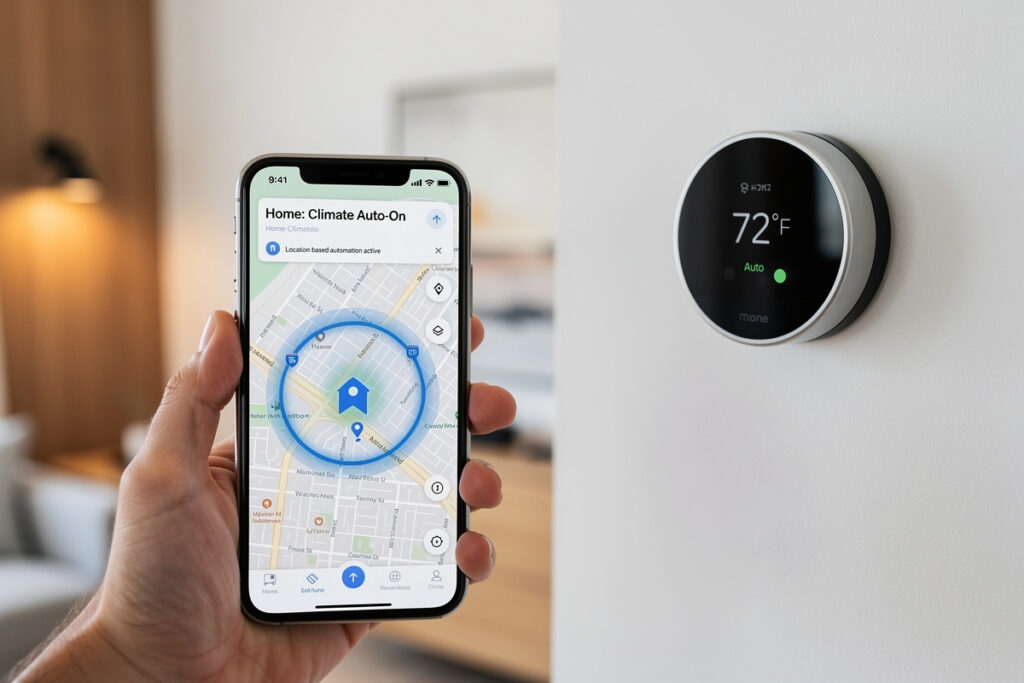
Smart thermostat geofencing uses your smartphone GPS to automatically adjust temperatures when you leave or approach home, eliminating wasted energy on an empty house. When the last family member exits a 3-5 mile radius, the thermostat enters energy-saving mode; when someone returns, it pre-conditions for comfort. Real-world savings from this kind of automated setback track with ENERGY STAR’s certified smart-thermostat bar — roughly 8% on heating and 10% on cooling — with zero manual scheduling effort. See the buyer’s guide for top geofencing models.
As an Amazon Associate I earn from qualifying purchases.
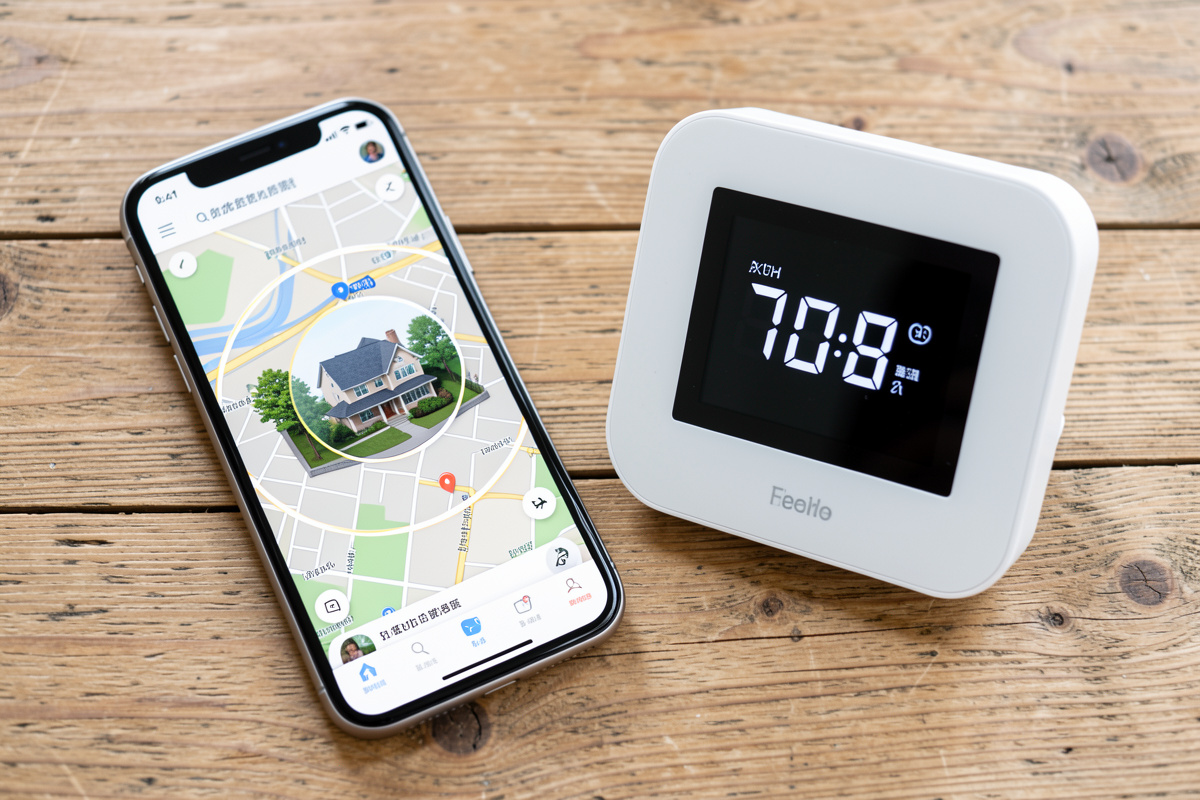
How Geofencing Technology Works
Geofencing creates an invisible digital boundary around your home using GPS coordinates. Your smartphone’s location services communicate with your smart thermostat through the cloud, enabling automatic climate adjustments based on your proximity.
The Technical Process:
- Boundary Setup: You define a virtual radius around your home (1-10 miles)
- Location Monitoring: Your phone’s GPS reports position to the thermostat app
- Exit Detection: When all registered phones leave the boundary, thermostat enters Away mode
- Energy Saving: Temperature adjusts to energy-efficient settings (5-8°F difference)
- Return Detection: When any phone re-enters the boundary, thermostat begins pre-conditioning
- Comfort Restoration: Home reaches target temperature shortly after you arrive
Modern geofencing uses multiple technologies for reliability: GPS for outdoor positioning, WiFi network detection (connecting to home WiFi = home arrival), and cellular tower triangulation as backup. This multi-layered approach ensures your thermostat knows your location even if one system fails.
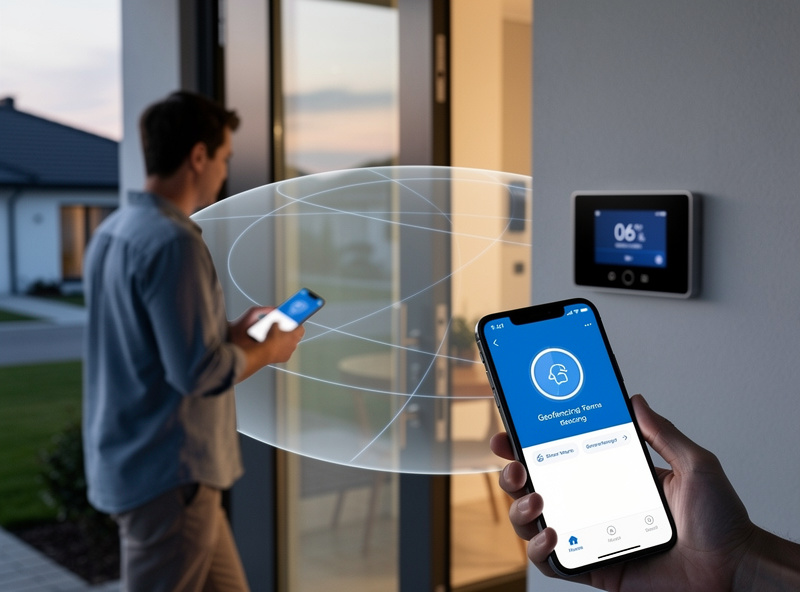
Real Energy Savings Calculated
The Department of Energy confirms that for every 1 degree you lower the thermostat in winter (or raise it in summer) for 8 hours daily, you save approximately 1% on heating/cooling costs. Geofencing typically adjusts 5-8 degrees during away periods, creating significant savings.
Annual Savings Calculation (using the ENERGY STAR 8-10% smart-thermostat range above):
| Home Size | Monthly Energy Bill | Geofencing Savings | Annual Savings |
|---|---|---|---|
| Small (1,000 sq ft) | $100 | 8-10% | $96-120 |
| Medium (2,000 sq ft) | $150 | 8-10% | $144-180 |
| Large (3,000+ sq ft) | $220 | 8-10% | $211-264 |
These savings come from eliminating the most wasteful scenario: heating or cooling an unoccupied home. Traditional schedules guess at occupancy; geofencing knows precisely when everyone is gone. The percentage doesn’t scale with house size — a bigger house just has a bigger bill for the same percentage to apply to.
Smart Thermostat Geofencing Comparison
| Thermostat | Multi-User | Radius |
|---|---|---|
| Ecobee Smart | 16 phones | Customizable |
| Nest Learning | Multiple | Fixed (~3mi) |
| Honeywell T9 | 8 phones | 1-10 miles |
| Mysa | 4 phones | Fixed (~2mi) |
All of these use a similar detection pattern: a location update from your phone triggers the transition, with most apps building in a short dwell-time buffer (often a couple of minutes) before switching modes, specifically to avoid a quick errand or a walk around the block flipping the thermostat. None of the manufacturers publish an exact response-time spec, so treat “a few minutes either direction” as the realistic expectation rather than a precise number.
Top Smart Thermostats with Geofencing 2026
1. Ecobee SmartThermostat with Voice Control — Best Multi-User Geofencing
Ecobee offers the most sophisticated geofencing system, supporting up to 16 family members with individual phone tracking. The system only switches to Away mode when the last person leaves, ensuring someone always stays comfortable.
Key Features:
- Multi-user geofencing (up to 16 phones)
- Follow Me temperature averaging using SmartSensors
- Amazon Alexa built-in for voice control
- HomeKit, SmartThings, and Google Assistant compatible
- Requires C-wire or included Power Extender Kit
Price: $249
Best For: Large families, homes with multiple occupants
2. Nest Learning Thermostat (3rd Gen) — Simplest Automatic Operation
Nest pioneered geofencing for thermostats with Home/Away Assist. It uses both phone location and activity sensors for reliable occupancy detection.
Key Features:
- Home/Away Assist (geofencing + motion detection)
- Auto-Schedule learning (no programming needed)
- Beautiful stainless steel design
- Farsight display shows temperature from across room
- Google states it works with 95% of 24V heating/cooling systems
Price: $249
Best For: Google ecosystem users, design-conscious homeowners
3. Honeywell Home T9 Smart Thermostat — Most Customizable
Honeywell offers detailed geofencing customization including multiple zones and flexible radius settings.
Key Features:
- Multi-zone geofencing support
- Customizable radius (1-10 miles)
- Flexible scheduling with geofencing integration
- Smart room sensors available
- Works with Alexa, Google, Cortana
Price: $199
Best For: Customization enthusiasts, large properties
4. Mysa Smart Thermostat — Best for Baseboard Heaters
Mysa specializes in high-voltage heating systems (baseboards, fan-forced heaters) with effective geofencing.
Key Features:
- High-voltage compatibility (120-240V)
- Clean, minimalist design
- Effective geofencing for smaller homes
- Energy usage tracking
- HomeKit compatible
Price: $139
Best For: Electric baseboard heating, apartments
Geofencing vs. Traditional Scheduling
Traditional programmable thermostats use time-based schedules: “Lower heat at 9 AM when I leave for work.” This approach has major flaws:
Traditional Schedule Problems:
- What if you work from home on Tuesdays?
- What if you leave early for a meeting?
- What if you’re sick and stay home?
- What if you go on vacation?
Geofencing Advantages:
- Automatically adapts to your actual location
- Works for irregular schedules
- Handles vacation days seamlessly
- No manual schedule adjustments needed
- Responds to real-time location, not predicted schedules
Geofencing eliminates the frustration of coming home to a cold house because you forgot to adjust the schedule, or wasting energy because your schedule changed.
Setting Up Geofencing Correctly
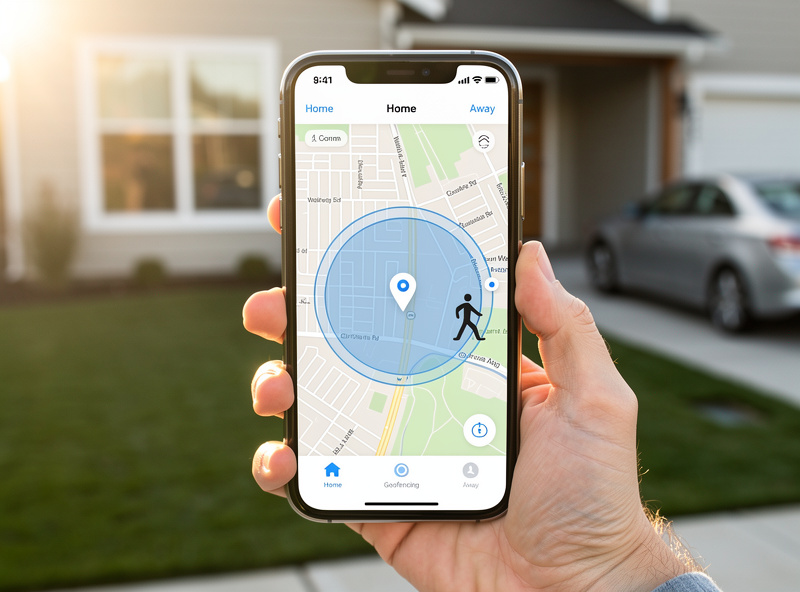
Proper configuration ensures comfort and savings:
Step 1: Define Your Geofence Radius
Start with 3-5 miles. Smaller radius = more aggressive energy saving but less pre-conditioning time. Larger radius = more comfort time but slightly less savings. Test different settings for a week to find your optimal balance.
Step 2: Configure Away Temperatures
Set Away mode 5-8 degrees different from Home settings:
- Winter Away: 62-65°F (vs 68-70°F home)
- Summer Away: 78-82°F (vs 72-74°F home)
Step 3: Enable All Family Phones
Add every household member’s phone to the geofencing system. Ecobee and Nest both support multiple users. If one person stays home, the thermostat stays in Home mode.
Step 4: Test the System
Drive away from home and monitor your thermostat app. You should see it switch to Away mode within 5-10 minutes of leaving the geofence. Return and verify it switches back to Home mode and begins pre-conditioning.
Common Geofencing Problems Solved
Problem: Geofencing drains my phone battery
Solution: Modern thermostats use geofencing APIs that don’t require constant GPS monitoring. They use cell tower triangulation and WiFi detection primarily. Battery impact is typically a few percent daily.
Problem: My house is cold when I arrive
Solution: Increase your geofence radius by 1-2 miles to give more pre-heating time. Also check that your HVAC system is properly sized—a system that’s too small can’t recover temperature quickly regardless of geofencing.
Problem: Geofencing doesn’t work when I forget my phone
Solution: Enable motion sensor backup detection (Nest, Ecobee) or use smart home hub automations that detect when all phones disconnect from WiFi. Some systems also integrate with smart door locks to detect departures.
Problem: Geofencing triggers when I walk the dog nearby
Solution: Reduce the geofence radius or use a more precise GPS setting. Some apps allow you to set minimum away time (e.g., must be gone 15 minutes before switching to Away mode) to prevent brief trips from triggering energy-saving mode.
My Recommendation
Best Overall: Ecobee SmartThermostat
Multi-user geofencing is essential for families. The Follow Me feature with SmartSensors provides the most precise climate control.
Best for Simplicity: Nest Learning Thermostat
Home/Away Assist combines geofencing with motion detection for reliable operation. The learning algorithm eliminates programming complexity.
Best Budget: Honeywell Home T9
At $199 with solid geofencing features, it’s the best value for those not invested in Google or Apple ecosystems.
Geofencing represents one of the more genuinely useful automation features in modern thermostats. On the ENERGY STAR-aligned savings above, most of these devices pay for themselves in roughly 1-2 years through energy savings alone, then keep saving for years with essentially zero ongoing effort.
Related Articles
- Best Smart Thermostats 2026: Complete Buyer’s Guide
- How Much Do Smart Thermostats Save? Real Data
- Nest vs Ecobee — Honest Comparison
- Best Smart Thermostats Without C Wire
- Best Smart Thermostat for Apartment Renters
- 15 Smart Home Automation Ideas
Why I Don’t Trust Vendor Geofencing Alone
Every geofencing implementation above lives entirely inside a single vendor’s cloud — Ecobee’s servers decide when your house is “away,” and Ecobee’s servers alone make that call. That’s the reason I never route geofencing straight into HVAC control without a second opinion. In my own setup, presence is a Home Assistant zone built from GPS via the mobile app integration, cross-checked against whether phones are still associated with the home WiFi access point, and cross-checked again against a door contact sensor on the main entry. A thermostat automation only fires when at least two of those three agree — GPS is the least trustworthy signal on its own, since a dropped location fix or a phone left behind in a car reads exactly like an empty house. That’s more setup than buying an Ecobee and trusting its app outright, but it’s also the difference between a system that quietly does the right thing for years and one that occasionally cooks your house to 55°F in January because a GPS ping glitched near the property line.
Geofencing in Practice: What Actually Works
Geofencing alone is unreliable for thermostat control. My house cooled to 55F in January because my phone briefly lost GPS near the geofence boundary and the thermostat thought I had left. The fix was combining geofencing with presence sensors: the geofence arms away mode, but the thermostat only drops to eco when a door contact sensor confirms nobody opened the front door in 30 minutes. Two independent signals confirming nobody is home eliminated every false trigger.
The radius matters too. A 200-meter geofence is too tight in dense housing — walking the dog past the house triggers it. I use 500 meters for the outer ring and the door sensor for inner confirmation. This dual-signal approach is more reliable than any single trigger, and it is the pattern I recommend for any automation that changes house climate.
Geofencing and Battery Drain
The phone-side battery impact of continuous geofencing is real but manageable. On my Pixel, the smart home app location services add roughly 2-3% battery drain over a full day. The GPS is not continuously polled; the OS uses cell tower and Wi-Fi triangulation for coarse location and only fires GPS when near a geofence boundary. If you notice excessive drain, check whether the app has been granted always-allow location vs while-using, since the former is required for background geofencing.
Frequently Asked Questions
How does geofencing know when I leave home?
Geofencing uses your smartphone’s GPS location services. When your phone exits a predefined radius around your home (typically 3-5 miles), the thermostat app detects this and signals the device to enter Away mode. When you re-enter the radius, it prepares for your return.
What radius should I set for geofencing?
Most users find 3-5 miles works best. Smaller radii (1-2 miles) may trigger false departures if you visit nearby neighbors. Larger radii (7-10 miles) delay energy savings until you are farther away. Test different settings for your routine.
Will geofencing work if my phone dies?
No—geofencing requires your phone to be on and connected. However, smart thermostats fall back to learned or programmed schedules when geofencing is unavailable. The system maintains comfort but may miss some energy-saving opportunities.
Does geofencing drain my phone battery?
Modern geofencing uses minimal battery. It relies on cellular tower proximity and WiFi network detection rather than constant GPS polling. Most users see roughly 2-3% additional daily battery usage. Disable battery optimization for your thermostat app to ensure reliability.
Can multiple family members use geofencing?
Yes, most systems support multiple users. Ecobee handles up to 16 phones. The thermostat only switches to Away mode when the last registered phone leaves, ensuring someone always stays comfortable. Multiple phones improve accuracy and prevent premature setbacks.
Why didn’t my thermostat adjust when I left?
Check that location services are enabled, the app has background access, and your radius is appropriate. If multiple people are home, the thermostat stays in Home mode until everyone leaves. Review your geofence settings in the thermostat app under “Home/Away Assist” or “Geofencing.”