Best Smart Thermostat for Apartment Renters (2026)
The Quick Answer
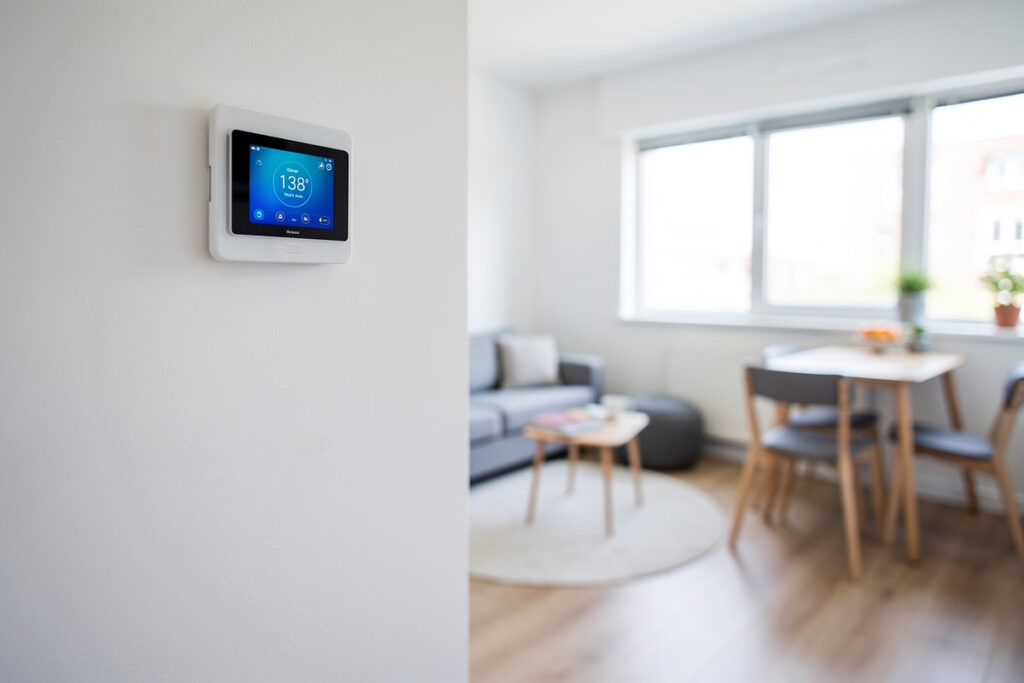
Apartment renters can install a smart thermostat in under 30 minutes and remove it cleanly when the lease ends — no electrician, no wall damage, no lost deposit. The key is matching your heating type: the Google Nest fits central HVAC without a C wire, while the Mysa handles 120-240V baseboard systems. Always photograph your original wiring before starting. See the complete buyer’s guide for all options.
Disclosure: HomeAutoCentral is reader-supported. As an Amazon Associate I earn from qualifying purchases, at no extra cost to you. I only recommend gear worth your money.
Challenges for Apartment Smart Thermostats
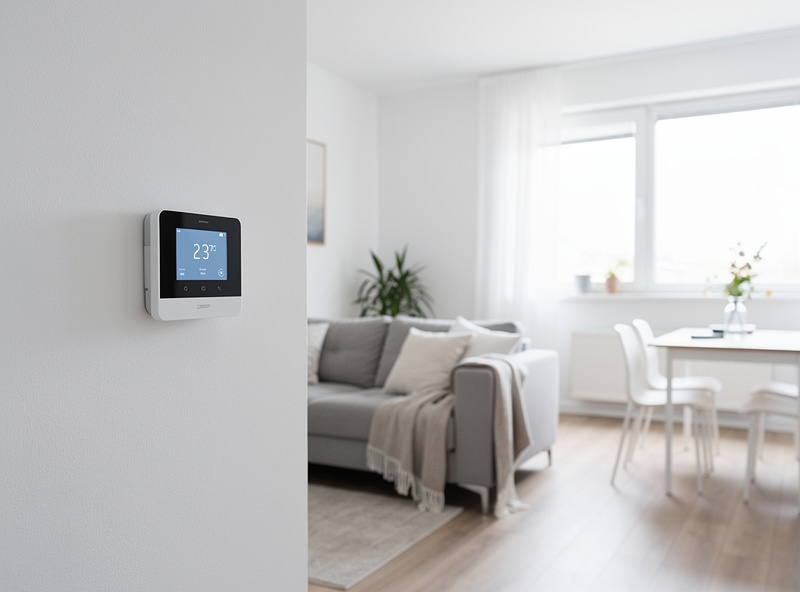
Apartments present unique obstacles: you cannot modify building infrastructure, HVAC systems vary wildly between units, landlords may restrict changes, and you need to restore original equipment when moving. Additionally, some apartments have non-standard heating systems (baseboards, radiators, PTAC units) that standard smart thermostats cannot control.
Renter-Friendly Requirements
- Reversible Installation: Must uninstall completely, leaving no trace
- No Wiring Changes: Cannot run new wires or modify electrical
- Universal Compatibility: Works with whatever HVAC the apartment has
- No Landlord Permission Needed: Standard thermostat swap is usually allowed
- Portable: Take it with you to your next apartment
Apartment HVAC System Types
Central HVAC (Most Common)
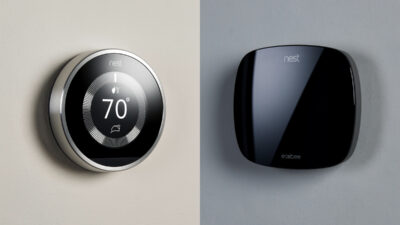
Most apartments with forced-air heating and cooling can use standard smart thermostats. The Google Nest Thermostat works without C-wire in many installations, making it ideal for rentals.
Forced air heating and cooling controlled by a wall-mounted thermostat. This is the easiest scenario—any standard smart thermostat works. Just swap the faceplate, use the existing wiring, and configure via app.
Best Choice: Google Nest Thermostat – Easy install, works without C wire, affordable, portable
Baseboard Electric Heat
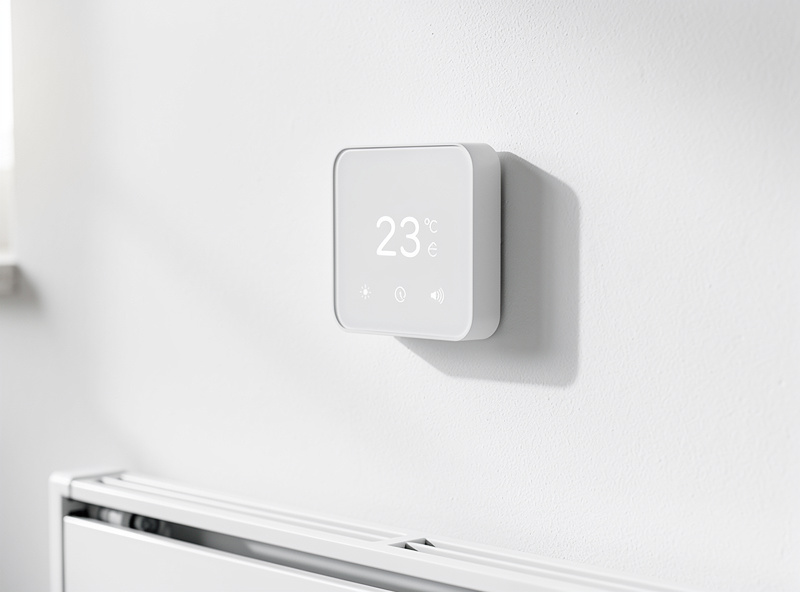
Common in older apartments and cold climates. High-voltage (120V or 240V) line-voltage thermostats control resistive heating elements. Standard low-voltage smart thermostats will NOT work and could be dangerous.
Best Choice: Mysa Baseboard – Specifically designed for line-voltage baseboards, beautiful design, scheduling and app control
Radiator Heat (Steam/Hot Water)
Common in older buildings, especially in Northeast cities. Systems use boiler-supplied steam or hot water. Most have individual radiator valves rather than central thermostats. Smart options are limited.
Best Choice: Look for a 2-wire smart thermostat rated for hydronic/steam systems (Honeywell and Braeburn both make 2-wire compatible models), or consider a European-style smart radiator valve like Tado° or Danfoss Ally if available in your region
PTAC/Window Units
Packaged Terminal Air Conditioners (through-wall units with heat) common in hotels and some apartments. Usually controlled by built-in knobs or basic remotes.
Best Choice: Sensibo Sky or a Cielo Breez – Controllers that work with IR remotes or unit wiring
Heat Pumps
Increasingly common in newer apartments. Require thermostats with specific heat pump settings, especially for auxiliary/emergency heat management.
Best Choice: Honeywell Home T9 – Excellent heat pump support, dual fuel compatibility, smart room sensors
Apartment Smart Thermostat Comparison
| Model | Price | Heating Type | Install Time |
|---|---|---|---|
| Google Nest Thermostat | $130 | Central HVAC, Heat Pump | 15 min |
| Mysa Baseboard | $140 | Electric Baseboard | 20 min |
| Honeywell T9 | $200 | Heat Pump, Central | 20 min |
| Amazon Smart Thermostat | $80 | Central HVAC | 15 min |
| Sensibo Sky | $100 | Window AC/PTAC | 5 min |
Top Smart Thermostats for Renters
1. Google Nest Thermostat — Best for Central HVAC
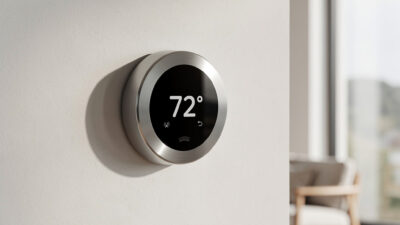
The newest Nest works with most apartment HVAC systems. Installation takes 15 minutes—just remove old thermostat and connect labeled wires. Works without C wire (common in apartments). The app provides scheduling, geofencing, and energy reports. When moving, uninstall in 2 minutes and reinstall original thermostat.
Price: $130
Best For: Gas heat, electric heat, heat pumps, central AC
Pros: Easy install, no C wire needed, portable, good app
Cons: No remote sensors, requires WiFi
2. Mysa Baseboard — Best for Electric Heat
Designed specifically for high-voltage baseboard heaters. Beautiful minimalist design replaces ugly old dial thermostats. Scheduling via app saves money on expensive electric heat—program lower temps when away/asleep. Geofencing and vacation mode included. Works with Alexa and Google.
Price: $140 per zone
Best For: Electric baseboard, fan-forced heaters, radiant ceiling
Pros: Line-voltage compatible, stunning design, zone-by-zone control
Cons: One per room needed, more expensive for whole apartment
3. Honeywell Home T9 — Best for Heat Pumps
If your apartment has a heat pump (common in newer buildings), the T9 handles them expertly—including auxiliary heat management. Includes C wire adapter if needed. Smart room sensors ($40 each) let you prioritize specific rooms (like the bedroom at night). Resideo app is solid.
Price: $200
Best For: Heat pumps, dual fuel, apartments needing room sensors
Pros: Excellent HVAC support, reliable, room sensors available
Cons: More expensive, app less intuitive than Nest
4. Amazon Smart Thermostat — Best Budget
Only $80 with solid basic features. Works with most standard apartment HVAC. Excellent Alexa integration if you have Echo devices. The Hunches feature automatically adjusts based on your patterns (somewhat like Nest learning). Basic but functional.
Price: $80
Best For: Budget-conscious renters, Alexa households
Pros: Cheapest option, good Alexa features
Cons: Basic app, limited compatibility documentation
5. Sensibo Sky — Best for Window/PTAC Units
For apartments with individual window units or PTAC systems. The Sensibo connects to your unit’s IR receiver (like a universal remote) and adds WiFi control, scheduling, and smart features. Works with any AC that has a remote control.
Price: $100-120
Best For: Window AC, PTAC units, mini-splits with IR remotes
Pros: No wiring needed, works with existing AC units
Cons: Requires AC with IR remote, limited features
Installation Tips for Renters
Before You Start
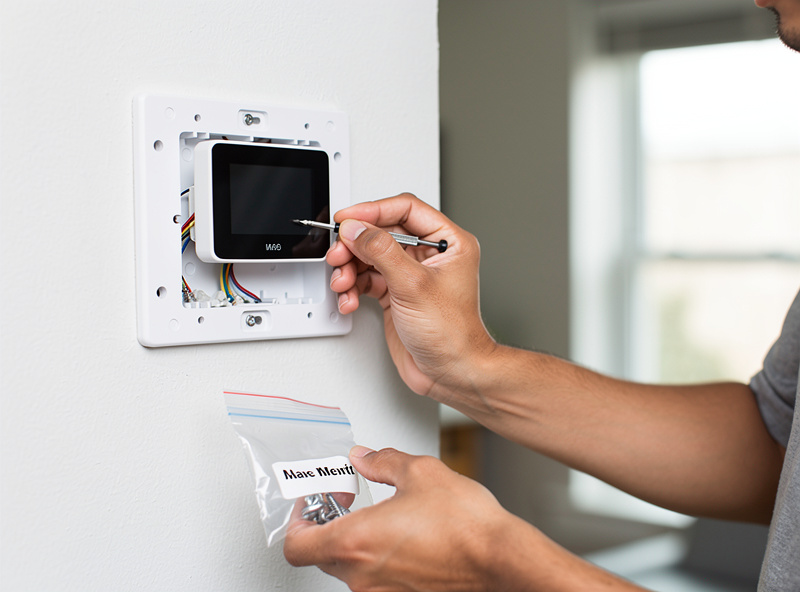
- Photograph Everything: Take detailed photos of original wiring before disconnecting
- Save Original Thermostat: Store safely in original packaging—you will need to reinstall when moving
- Check Breakers: Turn off HVAC power at the breaker before working
- Document Labels: Write down wire colors and terminal letters
Quick Swap Process
- Turn off breaker labeled “HVAC,” “Furnace,” or “Air Handler”
- Remove old thermostat faceplate (usually snaps or has small screws)
- Photograph wire connections
- Disconnect wires from old base
- Mount new base using existing screw holes if possible
- Connect wires to matching terminals (R to R, W to W, etc.)
- Attach faceplate and restore power
- Follow app setup instructions
Time Required: 15-30 minutes
Skill Level: Basic DIY—if you can use a screwdriver, you can do this
When to Ask Permission
Most leases allow thermostat swaps as “normal wear” or “minor improvement.” However, ask your landlord if:
- The building has a centralized/boiler system
- You need to access electrical panels or building utility rooms
- The thermostat is hardwired into building management systems
- You are unsure about your wiring or system type
Saving Money on Apartment Heating/Cooling
Why Apartments Benefit More
Apartment dwellers often pay more per square foot for utilities because:
- Shared walls mean neighbors affect your temperature
- Older buildings have poor insulation
- Electric heat (common in rentals) is expensive
- Less control over building-wide efficiency upgrades
Smart thermostats help by optimizing every degree. A 2°F reduction while sleeping can save 5-10% on heating bills—significant when you are paying $150+/month in winter.
Money-Saving Strategies
- Set Aggressive Schedules: Lower heat 4-6°F when away (apartments heat/cool faster than houses)
- Use Geofencing: Auto-adjust when you leave the neighborhood
- Coordinate with Roommates: Shared schedules maximize efficiency
- Monitor Usage: Check weekly reports to spot waste
- Combine with Behaviors: Close blinds in summer, open them in winter
Moving Out: Restoration Guide
When Your Lease Ends
- Turn off HVAC breaker
- Remove smart thermostat (save for next apartment!)
- Reinstall original thermostat using your photos
- Restore power and test original unit
- Patch any small holes if mounting screws were different sizes
- Touch up paint if needed
Pro Tip: Keep the original thermostat and all documentation in labeled storage. Future you will thank present you.
Related: How Much Do Smart Thermostats Save? | Smart Thermostats Without C Wire | Nest vs Ecobee Comparison
My Renter Thermostat Pick
If I were renting today and could not change the wiring, I would buy a Sensibo Sky or a smart AC controller that sits on the wall and sends IR commands to the existing unit. No electrician, no C-wire debate, no landlord approval needed — and the scheduling and geofencing work through Home Assistant just like a wired thermostat.
Frequently Asked Questions
Will my landlord allow a smart thermostat?
Most landlords allow smart thermostat installation as it is considered a minor upgrade that improves the property. However, always check your lease. Some leases require written permission for any modifications. The key is reversible installation—save the original thermostat and reinstall it when moving out.
Can I take my smart thermostat when I move?
Yes, smart thermostats are portable. Simply uninstall your smart thermostat, reinstall the original, and take your device to your next home. The Google Nest Thermostat is especially renter-friendly with its quick-snap design that uninstalls in under 2 minutes.
What if my apartment has baseboard heating?
Standard low-voltage smart thermostats will NOT work with high-voltage baseboard heaters and could be dangerous. You need a line-voltage thermostat like the Mysa Smart Thermostat, specifically designed for 120V/240V electric heating systems common in apartments.
Do I need tools to install a smart thermostat in an apartment?
Basic installation requires only a screwdriver. For most apartments with central HVAC, simply remove the old thermostat faceplate, photograph the wiring, disconnect and reconnect to the new base. No drilling or wall modifications needed for standard installations.
Will installing a smart thermostat affect my security deposit?
No, if you reinstall the original thermostat before moving out and leave no damage. Smart thermostats are designed for reversible installation. Document the original wiring with photos before starting, and restore everything when moving. Most renters successfully claim full deposits.
Which smart thermostat is best for small apartments?
The Google Nest Thermostat ($130) is ideal for small apartments. It works without C-wire, installs in 15 minutes, has a compact design, and provides all essential smart features without complexity. For studios with window AC, consider the Sensibo Sky for IR control.