Are Smart Plugs Worth It? Complete Value Analysis (2026)
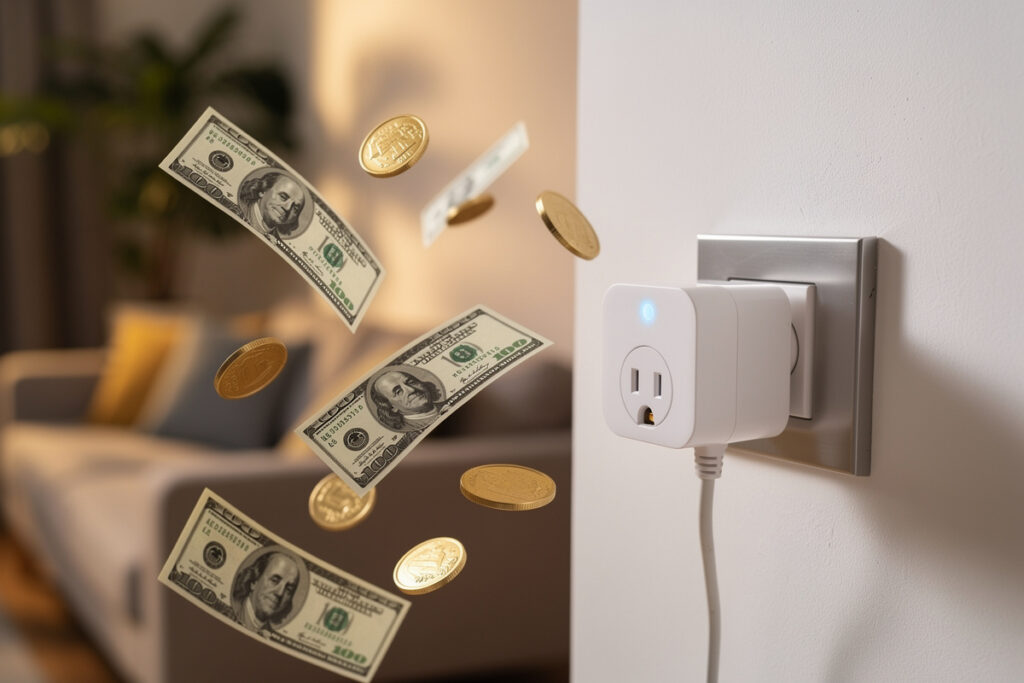
Yes, smart plugs are worth it for most households. At $10-25 each, they pay for themselves through energy savings, convenience, and security benefits within 6-12 months for active users. If you only need to control one lamp occasionally, a mechanical timer costs less and works fine.
I run eleven smart plugs across the workshop and house — grow lights, curing-chamber compressor, space heater, and the usual lamps and coffee maker — and the honest answer requires examining your specific situation. Smart plugs deliver measurable value in three categories: electricity savings, daily convenience, and home security. Understanding each helps you decide if they justify the investment for your home.
As an Amazon Associate I earn from qualifying purchases.
The Financial Case: Do Smart Plugs Save Energy?
Smart plugs with energy monitoring can chip away at the 5-10% of residential electricity that Berkeley Lab’s Standby Power research attributes to phantom/standby loads, plus whatever you save from better scheduling. For the average home spending $150 monthly on electricity, eliminating standby draw alone is worth roughly $75-180 yearly. Here is the math:
- Standby power elimination: Electronics in “off” mode still draw 5-10 watts continuously. A smart plug cutting power to six devices (TV, sound system, gaming console, computer monitor, printer, coffee maker) saves approximately $5-8 monthly in electricity costs.
- Optimized scheduling: Running a space heater or AC unit only when actually needed prevents waste. Pre-cooling your home 30 minutes before arrival costs less than cooling an empty house all day.
- Phantom load reduction: The average household wastes 5-10% of electricity on devices that draw power even when “off.” Smart plugs with energy monitoring identify these energy hogs and eliminate the waste automatically.
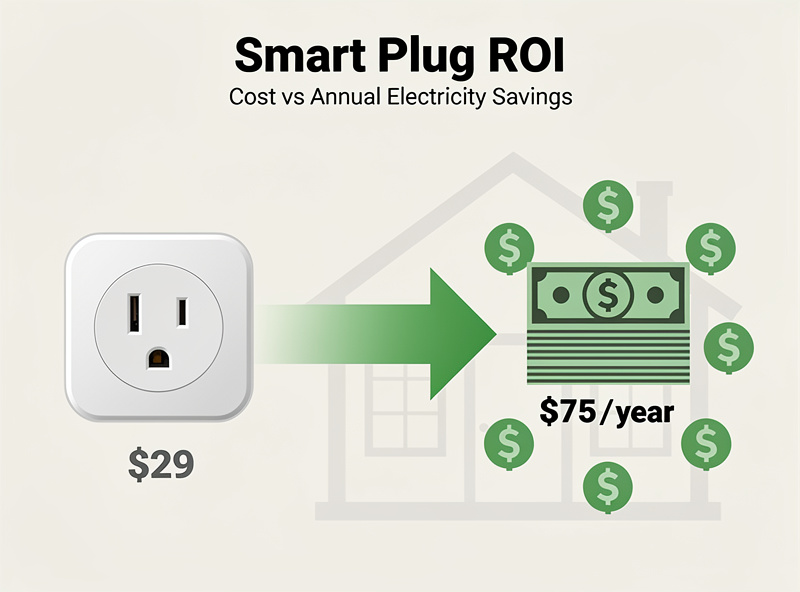
- Payback period: At $15 per smart plug, eliminating phantom load from six devices saves enough electricity to recover the $90 investment in 11-18 months. Learn more in the smart plug energy savings guide. After that, it is pure savings.
Without energy monitoring features, calculating exact savings becomes harder, but the convenience benefits often justify the cost anyway.
How Smart Plugs Save Energy: Real Numbers
Energy-monitoring smart plugs provide real-time data showing exactly which devices waste the most power. Here is what typical households discover:
Standby Power Consumption by Device
| Device | Standby Watts | Yearly Cost | Savings with Smart Plug |
|---|---|---|---|
| Gaming Console | 12-15W | $12-18 | $10-15 |
| TV + Sound System | 8-12W | $9-14 | $7-12 |
| Desktop Computer | 3-5W | $4-6 | $3-5 |
| Coffee Maker | 2-3W | $3-4 | $2-3 |
| Phone Charger | 1-2W | $1-2 | $1-2 |
These numbers add up quickly. A typical living room entertainment center with a TV, sound system, gaming console, and cable box draws 30-45 watts continuously in standby mode — costing $35-55 yearly for devices you are not even using.
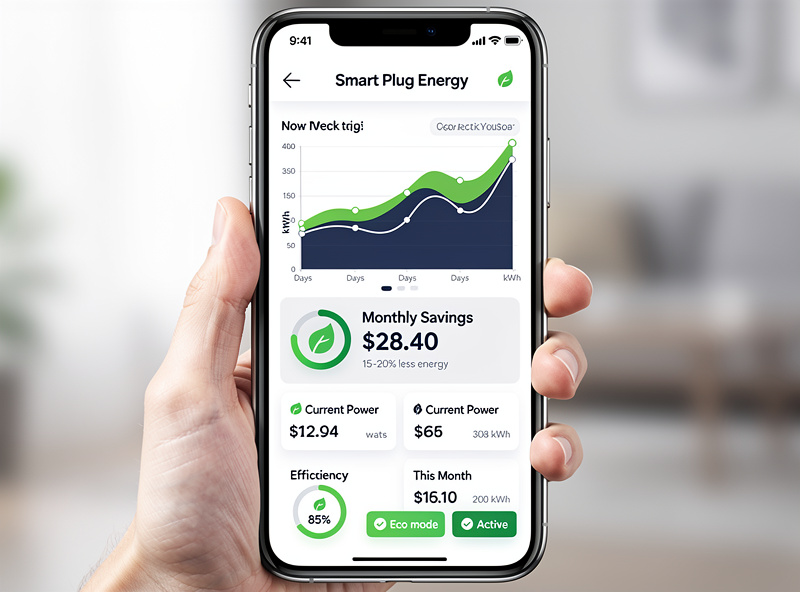
Technical ROI Analysis
I learned the hard way that the cheapest plug is rarely the best deal. The first three-pack I bought lost WiFi every time the microwave ran — I spent more hours re-pairing them than I ever saved in electricity. Let us break down the return on investment calculation for different usage scenarios:
High-Value Applications
Entertainment Center (4-6 devices):
- Initial investment: $60-90 for 4-6 smart plugs
- Monthly savings: $8-12 in eliminated standby power
- Payback period: 8-12 months
- 10-year savings: $960-1,440 (minus $60-90 investment = $870-1,350 net)
Home Office Setup:
- Initial investment: $30-45 for 2-3 smart plugs
- Monthly savings: $4-6 from monitors, printer, chargers, and accessories
- Payback period: 8-12 months
- Additional benefit: Schedule ensures devices off overnight and weekends
Moderate-Value Applications
Bedroom Lamps:
- Initial investment: $15-30 for 1-2 smart plugs
- Monthly savings: Minimal electricity savings (lamps draw little standby power)
- Value proposition: Convenience and accessibility features
- Best for: Voice control enthusiasts, elderly users, or those with mobility challenges
Holiday Decorations:
- Initial investment: $15-25 per outdoor outlet
- Monthly savings: None during off-season
- Value proposition: Convenience of app control and scheduling beats mechanical timers
- Seasonal ROI: High during use period (6-8 weeks), zero otherwise
Low-Value Applications
Single Infrequently-Used Device:
- Initial investment: $15 for one smart plug
- Monthly savings: $0.50-1.00
- Payback period: 15-30 months
- Alternative: a $3 mechanical timer gets you most of the scheduling benefit for a fraction of the cost, with no app or Wi-Fi dependency
The Convenience Factor: Time and Frustration Saved
Smart plugs save time and reduce daily friction. Consider these scenarios:
- Morning routine: Your coffee maker starts brewing automatically five minutes before your alarm. Value: 5 minutes daily = 30 hours yearly.
- Bedtime: Turn off the living room lamp from your phone without walking downstairs when you realize you forgot.
- Travel: Simulate occupancy by randomly cycling lights while away, reducing break-in risk without asking neighbors to visit.
- Accessibility: Voice control helps elderly users or those with mobility challenges operate hard-to-reach outlets.
These convenience benefits resist precise financial calculation but significantly improve daily life quality.
Smart Plug Use Cases That Deliver Real Value
Automated Coffee Maker
Yes, you can use a smart plug with most coffee makers to automate your morning routine, but success depends on your machine’s startup behavior.
Works perfectly: Drip coffee makers that start brewing immediately when receiving power. Simply fill the reservoir and add grounds the night before, then schedule the smart plug to turn on at your desired wake-up time.
Does NOT work: Machines requiring button presses after plugging in. Many modern coffee makers have digital displays and require you to press “brew” after powering on. These will receive electricity from a smart plug but will not actually start brewing.
How to test your coffee maker: Unplug it, wait 30 seconds, then plug it back in. If it starts brewing automatically, a smart plug will work. If it sits idle waiting for a button press, you need a different approach.
Best coffee maker types for smart plugs:
- Basic drip coffee makers with mechanical on/off switches
- Mr. Coffee and similar budget brands (most models work)
- Percolators and French press warmers
Pro tip: Use a smart plug with energy monitoring to see exactly how much power your coffee maker draws during brewing versus keep-warm mode. Most coffee makers use 800-1200 watts while brewing but only 50-100 watts to keep coffee hot.
Space Heater Control
Yes, you can use a smart plug with a space heater, but only with heavy-duty smart plugs rated for 15+ amps and 1500+ watts. Standard smart plugs cannot handle the high current draw of space heaters and pose fire hazards.
Safety requirements for space heater smart plugs:
- Minimum 15A rating: Most space heaters draw 1500 watts (12.5 amps at 120V). Your smart plug must handle this continuously
- UL or ETL certified: Only use plugs with recognized safety certifications
- Direct wall connection: Never plug a smart plug into an extension cord or power strip when running a space heater
- Ventilation: Ensure the smart plug has adequate airflow — do not cover it with fabric or place it in enclosed spaces
Smart heater scheduling strategies:
- Pre-heat before arrival: Turn on 30 minutes before you get home. Costs less than running all day.
- Bedtime shutoff: Automatically turn off after 2 hours. Prevents overnight fire risk and saves energy.
- Room-by-room heating: Heat only occupied rooms instead of the entire house. Smart plugs make this easy to automate.
Recommended: Look for smart plugs specifically marketed as “heavy-duty” or “high-wattage.” The TP-Link Kasa EP25 and Wemo Smart Plug both handle 15A loads safely.
Where Smart Plugs Actually Pay Off
Home Office Setup
A home office with dual monitors, a desk lamp, and a space heater is a good candidate: schedule three plugs to power on shortly before the workday starts, off at the end of it, and fully off on weekends. You recover the standby draw of every device on that circuit automatically, and you stop the daily “did I leave the space heater on” check. A three-plug setup like this runs $45-55 and typically pays for itself within a year from eliminated standby load alone — the bigger win is not re-litigating the same on/off routine every single day.
Away-From-Home Security
For anyone traveling regularly, a handful of smart plugs running randomized lamp schedules is a cheap way to simulate occupancy — a one-time $60-80 hardware cost against a recurring $15+/month professional monitoring subscription. The security value is inherently unmeasurable (you can’t prove the burglary that didn’t happen), but the cost comparison against a subscription service is straightforward math in the plugs’ favor over any multi-month stretch.
Gaming Console / Entertainment Standby
Game consoles are a legitimate standby-power target: each one left plugged in typically draws enough in “off” mode to add up over a year (see the standby table above). Scheduling smart plugs to cut power to consoles during school or work hours and after bedtime recovers that phantom load automatically — and as a side effect, imposes a hard cutoff on usage windows without anyone having to enforce it manually.
Security and Peace of Mind
Smart plugs enhance home security in measurable ways:
Occupancy simulation: Randomly scheduled lights deter burglars scouting for empty homes. Professional thieves often watch target houses for days; unpredictable lighting patterns suggest someone is home even when you are across the country.
Remote verification: Check and control devices from anywhere. Did you actually turn off the curling iron? Verify through the app and switch it off remotely if needed.
Device protection: Smart plugs with scheduling prevent devices from running unnecessarily. Never worry about leaving the space heater on overnight again.
Product Comparison: Value-Optimized Smart Plugs
| Product | Price | Value Proposition | Best Use Case |
|---|---|---|---|
| Wyze Plug | $11.99 | Lowest cost, solid reliability | Budget-conscious buyers |
| TP-Link Kasa EP25 | $16.99 | Energy monitoring justifies cost | ROI-focused buyers |
| Amazon Smart Plug 4-Pack | $54.99 ($13.75 each) | Bulk pricing, Alexa integration | Multi-room setups |
| Kasa Smart Plug Mini | $14.99 | Compact size, reliable app | Space-constrained outlets |
| Emporia Smart Plug | $24.99 | Advanced energy monitoring | Detailed consumption tracking |
When Smart Plugs Are NOT Worth It
Smart plugs make poor financial sense in these situations:
- Single-device control: One $15 smart plug controlling one rarely-used lamp saves minimal electricity. Use a $3 mechanical timer instead.
- Devices needing always-on power: Refrigerators, routers, and modems should never use smart plugs. The interruption causes problems and saves nothing.
- Complex automation: If you need scenes involving multiple device types (lights, locks, thermostats), invest in a dedicated smart home hub rather than multiple individual plugs.
Safety Considerations and Best Practices
Electrical Safety
- Never overload: Calculate total wattage of connected devices. A 1500W space heater plus a 300W TV exceeds most smart plug ratings.
- Direct connection: Always plug smart plugs directly into wall outlets, never into extension cords or power strips.
- Heat monitoring: During first week, periodically check if smart plugs feel warm. Quality units run cool; heat indicates potential problems.
Network Security
- Separate network: Put smart plugs on guest WiFi to isolate from main devices
- Strong passwords: Use unique passwords for smart home apps
- Regular updates: Enable automatic firmware updates
Bottom Line Recommendation
Start with one smart plug for your highest-use device — typically a lamp, coffee maker, or entertainment system. Use it actively for a month. If you find yourself checking the app daily or appreciating the automation, expand gradually. For most homes, a starter pack of 4-6 smart plugs delivers the best value without over-investing.
Start with the one device you use every single day — your coffee maker, a living room lamp, or the entertainment center. Get the schedule right on that one plug first, and when you catch yourself checking the app to confirm it fired, you will know it is time to add the next one.
Related Articles
- Best Smart Plugs 2026: Complete Buyer Guide
- Smart Plug Explained: How They Work and Setup Guide
- Smart Plug vs Smart Switch: Which to Choose?
- Best Smart Plugs for Alexa Voice Control
- Smart Plug for Space Heater: What to Know
Do smart plugs really save electricity?
Yes. Berkeley Lab’s Standby Power research attributes roughly 5-10% of residential electricity use to phantom/standby loads, and smart plugs with energy monitoring can eliminate most of that for the devices they control, plus whatever you save from better scheduling. For the average home spending $150 monthly on electricity, that’s roughly $75-180 yearly from standby elimination alone.
Can I use a smart plug with my coffee maker?
Yes, if your coffee maker starts brewing automatically when receiving power. Most basic drip coffee makers work perfectly. Machines requiring button presses after plugging in will not fully automate. Test by unplugging and replugging — if it starts brewing, a smart plug will work.
Is it safe to use a smart plug with a space heater?
Yes, but only with heavy-duty smart plugs rated for 15+ amps and 1500+ watts. Standard smart plugs cannot handle the high current draw of space heaters and pose fire hazards. Always use UL or ETL certified plugs and never plug them into extension cords.
How long does it take for smart plugs to pay for themselves?
For energy-saving applications, break-even typically occurs in 8-18 months. Entertainment centers with multiple devices pay back fastest (8-12 months). For convenience-only applications, value is subjective but most users report satisfaction when using 3+ devices daily.
Should I buy individual smart plugs or multi-packs?
Multi-packs (4-packs) usually offer 20-30% savings per unit. However, start with a single plug to test compatibility with your devices and workflow before committing to larger quantities. Many retailers allow returns on unopened multi-packs if you decide to expand.
What devices should I NOT plug into a smart plug?
Never plug refrigerators, routers, modems, or medical devices into smart plugs. These require constant power and interruption causes problems. Also avoid devices that draw more than the plug’s rated wattage, and never use standard smart plugs with high-draw appliances like space heaters.