Smart Plug vs Smart Switch: Which Should You Choose?
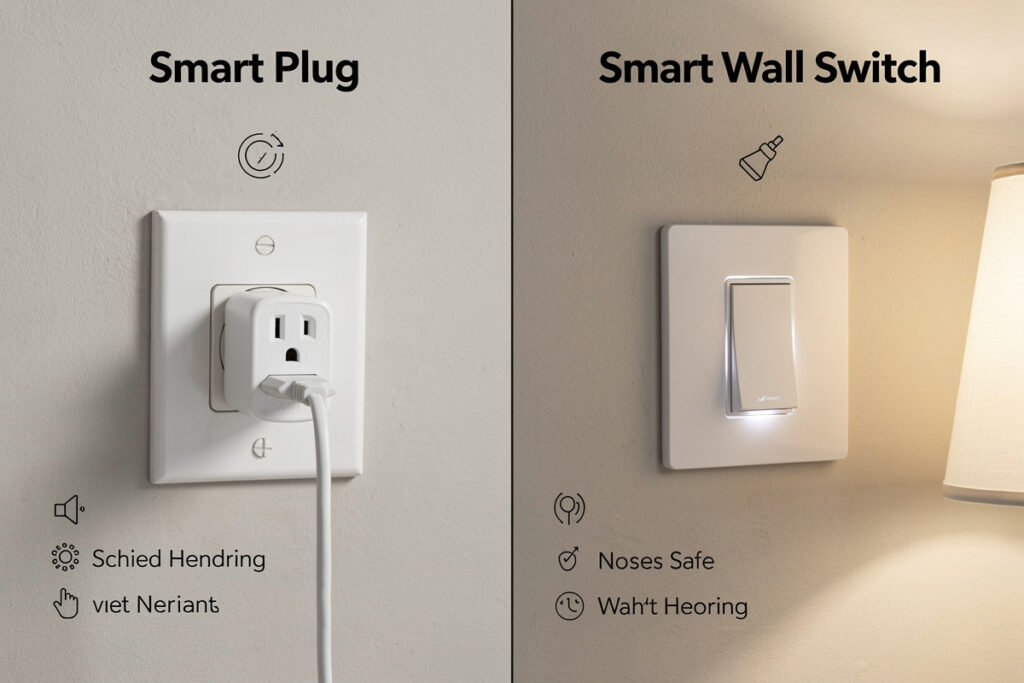
Smart plugs add remote control to existing outlets while smart switches replace wall switches to control hardwired fixtures. Choose smart plugs for lamps and plug-in appliances you want to automate without rewiring. Choose smart switches for ceiling lights and built-in fixtures where you want physical wall control plus smart features.
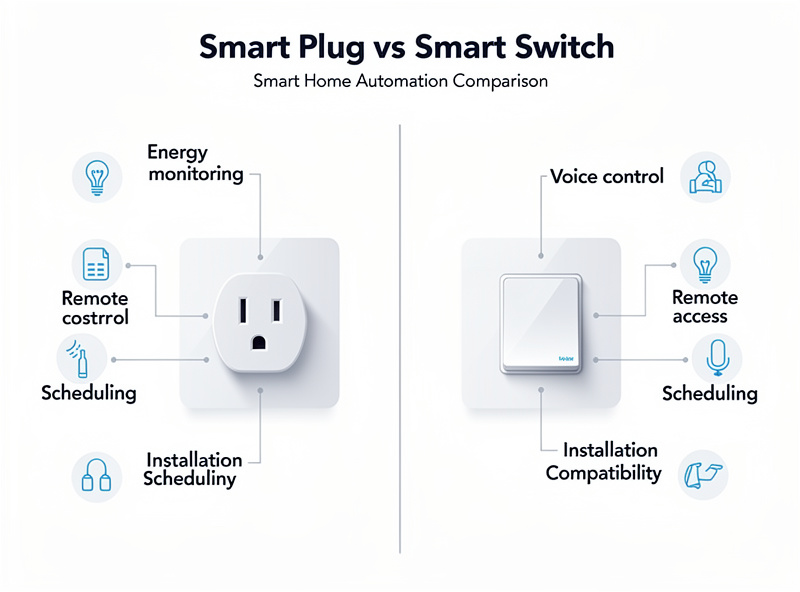
I run both in my home: Kasa EP25 smart plugs on the workshop bench and grow lights, Lutron Caseta switches in the kitchen and hallway. The decision depends on what you are controlling, your DIY comfort level, and whether you need physical switch access. Understanding both options prevents buying the wrong solution for your specific situation.
As an Amazon Associate I earn from qualifying purchases.
Smart Plugs: The Easy Entry Point
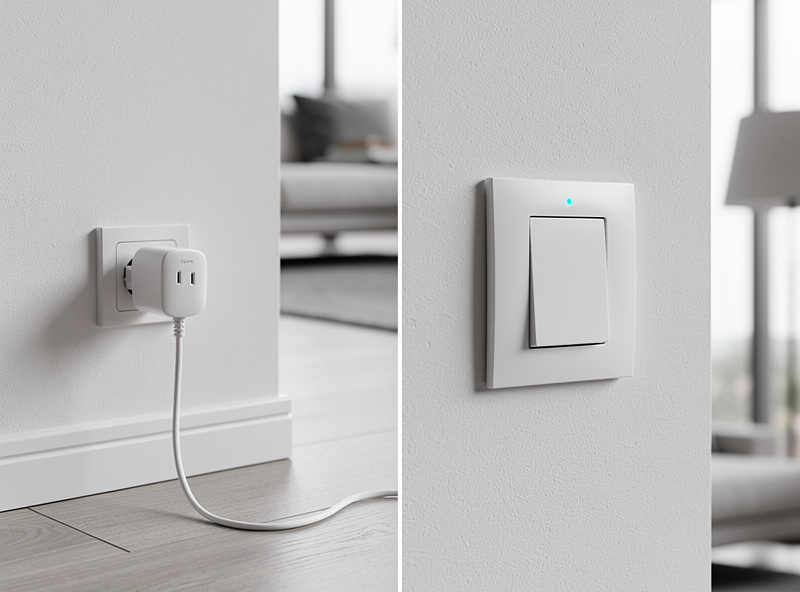
Smart plugs plug into existing outlets, then your device plugs into them. No tools, no wiring, no electrical knowledge required.
Advantages of Smart Plugs
- Zero installation: Plug-and-play setup takes under 5 minutes
- Portable: Move between rooms or take when moving homes
- Affordable: $10-25 per unit versus $40-80 for switches
- Energy monitoring: Many models track electricity consumption
- Flexible: Control any plug-in device—lamps, fans, coffee makers, holiday lights
Limitations of Smart Plugs
- Physical switch interference: If someone turns off the lamp’s physical switch, the smart plug cannot turn it back on remotely
- Wall switch dependency: The outlet itself must remain powered. If someone flips the wall switch off, the smart plug loses power entirely
- Aesthetics: Bulky adapter visible in outlet
- Hardwired fixtures: Cannot control ceiling lights, built-in fans, or wired appliances
Best uses: Lamps, floor fans, plug-in appliances, holiday decorations, and temporary setups. For most of these, a TP-Link Kasa smart plug is my default pick.
Technical Analysis: How They Work Differently
Smart Plug Technology
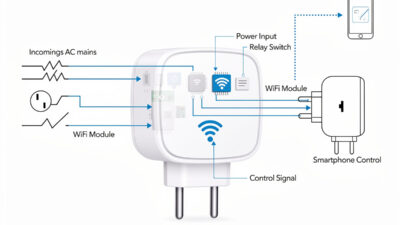
Smart plugs are essentially relay switches with WiFi connectivity:
- Power flow: Your appliance receives electricity through the smart plug’s internal relay
- Control mechanism: WiFi module receives commands, activates relay to open/close circuit
- Limitation: Cannot control devices upstream (wall switches, device power buttons)
- Protocol options: WiFi, Zigbee, Z-Wave, or Bluetooth depending on model
Smart Switch Technology
Smart switches replace existing wall switches and control hardwired circuits:
- Power flow: Switch sits in the wall, interrupting power to hardwired fixtures
- Neutral wire requirement: Most smart switches need a neutral wire to power their internal electronics
- Control mechanism: Can be operated manually at wall or remotely via app/voice
- Advantage: Controls built-in fixtures like ceiling lights and exhaust fans
The Neutral Wire Challenge
The biggest barrier to smart switch installation is the neutral wire requirement. I discovered this the hard way in my own hallway — I pulled the old switch out, found no neutral in the box, and had to put everything back and order a no-neutral Caseta switch at twice the price:
- Modern homes (1980s+): Usually have neutral wires in switch boxes
- Older homes: Often lack neutral wires, making most smart switches incompatible
- Workarounds: Some switches work without neutrals (Lutron Caseta, Insteon) but cost more
- Installation: Running new neutral wires requires electrician expertise
Smart Switches: The Permanent Solution
Smart switches replace your existing wall switches, controlling hardwired fixtures like ceiling lights and built-in fans. Installation requires basic electrical knowledge and turning off circuit breakers.
Advantages of Smart Switches
- Controls hardwired fixtures: Ceiling lights, chandeliers, built-in fans, outdoor lighting
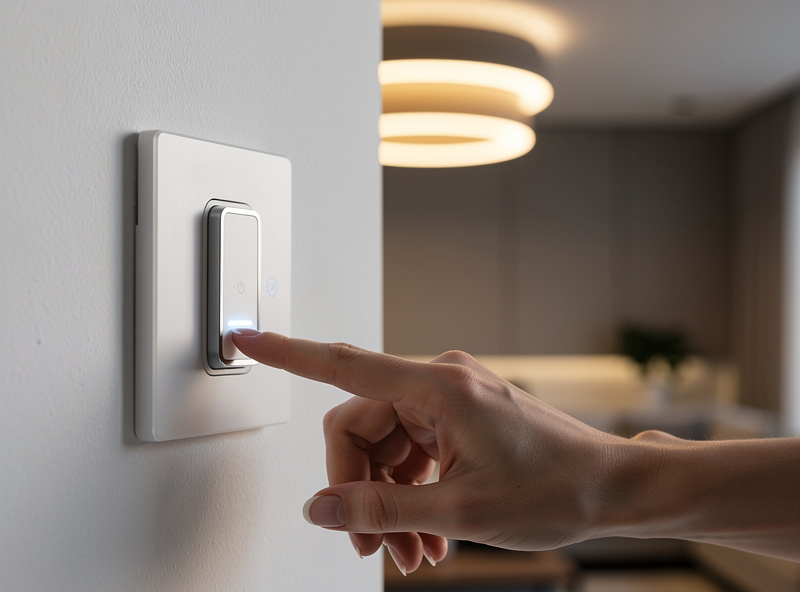
- Physical + smart control: Wall switch still works normally; smart features add convenience
- No interference: Turning the physical switch on/off updates the smart system automatically
- Permanent installation: No visible adapters; looks like a normal switch
- 3-way circuit support: Multiple switches controlling one light (hallways, staircases)
Limitations of Smart Switches
- Installation required: Must turn off power, remove old switch, connect wires, test
- Neutral wire requirement: Most smart switches need a neutral wire (white wires in box). Older homes (pre-1980s) often lack this, making installation impossible without rewiring
- Single fixture control: One switch controls one light or group of lights—you cannot individually control multiple lamps
- Higher cost: $40-80 per switch versus $15 for plugs
- Permanence: Stays with the house when you move
Best uses: Ceiling lights, built-in fixtures, permanent installations, 3-way circuits, and situations where physical wall control is essential. The Lutron Caseta is my go-to switch here.
Decision Matrix: Which Do You Need?
Choose Smart Plugs If:
- You rent and cannot modify electrical fixtures
- You want portability between rooms
- You are controlling plug-in lamps or appliances
- You need energy monitoring
- You want the fastest, cheapest solution
Choose Smart Switches If:
- You own your home and can make permanent modifications
- You need to control ceiling lights or hardwired fixtures
- You want physical wall control that always works
- You have 3-way circuits (multiple switches, one light)
- You prefer clean aesthetics without visible adapters
How This Plays Out in Practice
Renting: Plugs Only
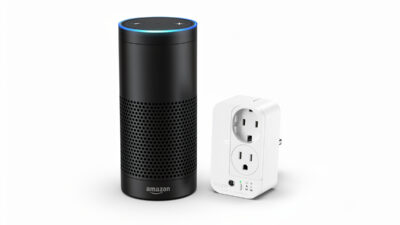
If your lease prohibits electrical modifications, smart plugs are the whole story — living room lamps, a bedroom reading light, office equipment, coffee maker, and an air purifier can all run off plugs, with voice control activating several at once (“Alexa, turn on living room lights” for two lamps together). The one house rule that matters: if anyone uses the lamp’s physical switch, the plug goes unresponsive until it’s flipped back on, so it helps to agree that physical switches stay in the “on” position and control happens through the app or voice instead.
Owning: Mixing Both Deliberately
Once you own the home and can make permanent changes, the split is usually straightforward: smart switches on the fixtures that already have a wall switch and get used constantly — kitchen overhead lights (including 3-way circuits with switches at two entrances), a ceiling fan with light kit, exterior/security lighting, hallway and stairway fixtures — and smart plugs for everything portable: bedroom lamps, office equipment, entertainment center components, holiday decorations. A handful of switches plus several plugs gets you complete coverage of both hardwired and plug-in lighting without overspending on switches for outlets that were never going to need one.
Older Homes: The No-Neutral Workaround
In houses old enough to lack neutral wires at most switch boxes, a standard smart switch simply won’t work reliably there — expect flickering or outright failure if you try to force it. The fix is checking for a neutral wire before buying anything: use a no-neutral-compatible switch (Lutron Caseta or similar) in the switch boxes that matter most, and fall back to smart plugs for lower-priority spots. The no-neutral switches cost more per unit, but it’s a lot cheaper than paying an electrician to run new wiring.
Product Comparison: Smart Plugs vs Smart Switches
| Feature | Smart Plugs | Smart Switches |
|---|---|---|
| Average Price | $10-25 | $40-80 |
| Installation | Plug-and-play (5 minutes) | Electrical wiring (30-60 minutes) |
| Controls | Plug-in devices only | Hardwired fixtures only |
| Physical Control | Limited (device switch interference) | Full wall switch functionality |
| Portability | Move anywhere | Fixed in wall |
| Energy Monitoring | Often included | Rarely included |
| Neutral Wire Required | No | Usually yes (except Caseta) |
| Best For | Renters, plug-in devices, testing | Homeowners, ceiling lights, permanence |
Hybrid Approach: Using Both
Many smart homes use both devices strategically:
- Smart switches: Ceiling lights in main rooms, hallway fixtures, outdoor lighting
- Smart plugs: Lamps, floor fans, holiday decorations, coffee maker, bedroom reading lights
This combination gives you complete control over both hardwired and plug-in lighting without compromise.
Safety Considerations and Best Practices
Smart Switch Installation Safety
- Turn off breaker: Always cut power at the circuit breaker before working on switches
- Verify power off: Use a non-contact voltage tester to confirm wires are dead
- Photo before disconnecting: Take pictures of existing wiring for reference
- Wire nuts secure: Ensure all wire connections are tight and properly capped
- Ground connection: Never omit the ground wire—it’s critical for safety
Smart Plug Safety
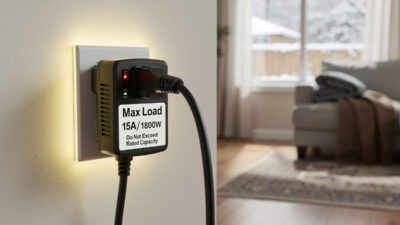
- Rating compliance: Never exceed amp/wattage ratings
- Direct connection: Never use with extension cords or power strips
- Physical switch awareness: Train household members not to use device switches if you want smart control
How I Decide Between Plug and Switch
The rule I use is simple: if the device already has a wall switch, I replace the switch. If it does not, I add a smart plug. Lamps, space heaters, and coffee makers get plugs because they have their own physical power buttons. Overhead lights and bathroom fans get switches because that is where the control already lives. The one exception is color-changing bulbs — those need to stay as bulbs because no switch can do color temperature shifts.
Frequently Asked Questions
Can I use smart plug with smart switch?
Yes, but turning off the wall switch cuts power to the smart plug, making it unresponsive until the switch turns back on.
Do smart switches work with LED lights?
Most modern smart switches work with LEDs, but verify compatibility. Some LED bulbs require specific dimming protocols.
Is it hard to install a smart switch?
Basic installation takes 15-30 minutes with neutral wire. Three-way circuits add complexity. Hire an electrician if you lack experience.
Can renters use smart switches?
Technically yes, but not recommended. Installing smart switches involves electrical modifications that leases often prohibit. Smart plugs are renter-friendly alternatives.
Do smart switches work in 3-way circuits?
Yes, but you need compatible hardware. Most brands require a special companion switch for secondary locations.
If you are renting or just starting, buy one smart plug today. If you own your home and have neutral wires in the boxes, put a smart switch on the kitchen ceiling light — it is the highest-traffic fixture in the house and the one you will notice every single day. Once you live with that one switch for a week, you will know exactly which direction to expand.
Related Articles
- Best Smart Plugs 2026: Complete Buyer Guide
- Smart Plug Explained: Complete Technical Guide
- Smart Bulb vs Smart Switch: Complete Comparison Guide
- How to Install a Smart Dimmer Switch: DIY Guide
- Best Smart Lights 2026: Complete Buyer Guide