Best Smart Plugs for Alexa 2026: Top 5 Picks
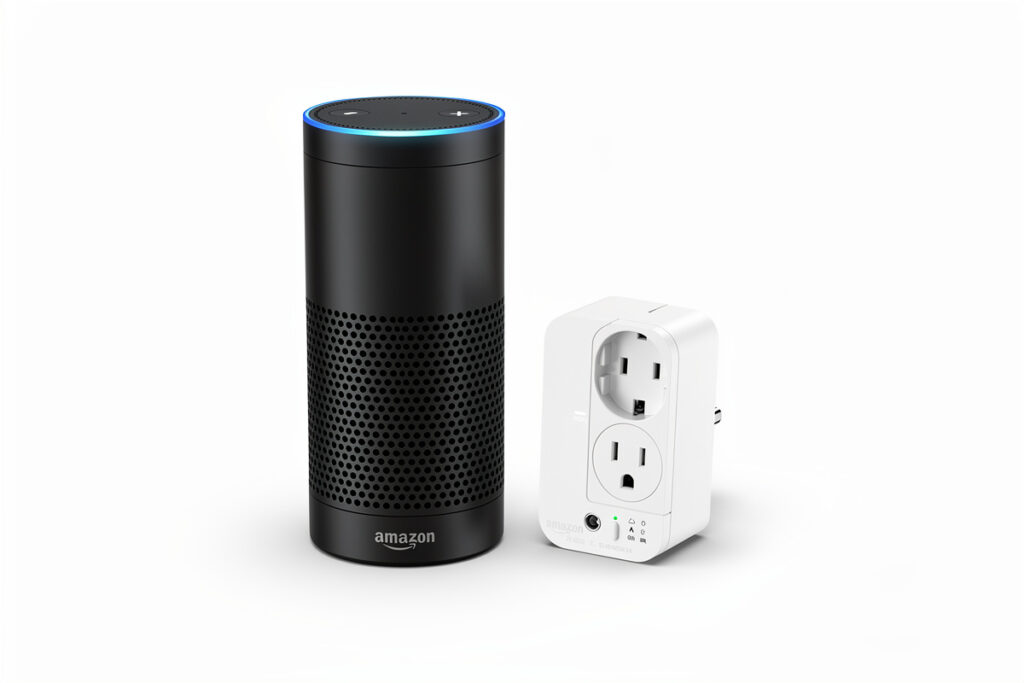
The best smart plugs for Alexa in 2026 combine reliable WiFi connectivity, straightforward setup through the Alexa app, and consistent voice command response. Amazon Smart Plug leads for seamless integration at $25, TP-Link Kasa EP25 offers energy monitoring at $17, and Wyze Plug provides budget reliability at $12.
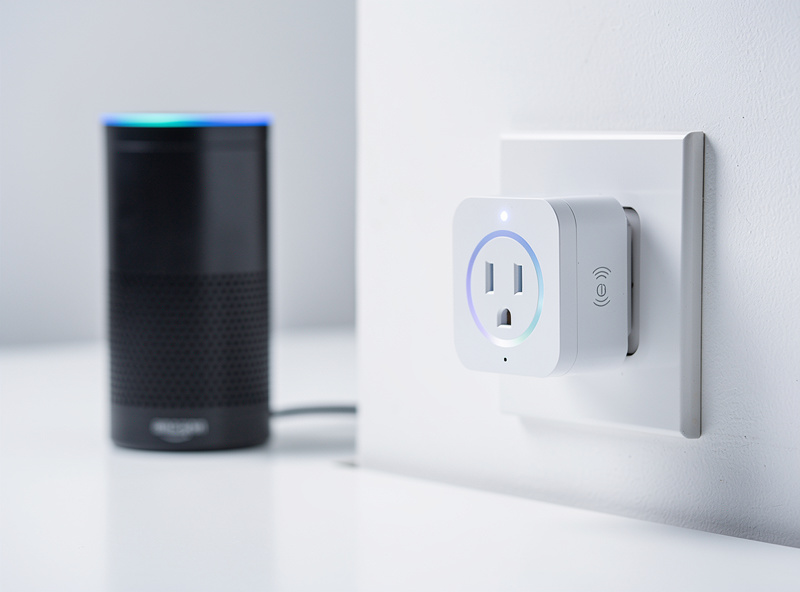
In my setup I have run Amazon plugs for the bedside lamps and Kasa EP25s for the workshop — the Amazon plugs pair in seconds but the Kasa energy data is what actually helped me find the phantom loads. Choosing the right smart plug for Alexa requires evaluating setup complexity, reliability, special features, and price. Voice control should work consistently without repeated “device not responding” errors. The following five options excel in real-world testing with Alexa ecosystems.
As an Amazon Associate I earn from qualifying purchases.
1. Amazon Smart Plug — Best Overall for Alexa
Why it wins: Native integration means zero third-party apps. Plug it in, open the Alexa app, and the plug appears automatically. No separate accounts, no compatibility issues, no troubleshooting.
- Setup time: Under 60 seconds
- Voice commands: “Alexa, turn on the bedroom lamp” works flawlessly
- Scheduling: Full routine integration through Alexa app
- Price: $25 (often on sale for $15-20)
The downside: No energy monitoring and bulkier than competitors. If you need usage data or have limited outlet space, consider alternatives below.
2. TP-Link Kasa EP25 — Best Value with Monitoring
Why it wins: Energy monitoring at half the price of competitors, plus excellent Alexa skill integration. The Kasa app provides detailed consumption graphs, and Alexa routines work reliably.
- Energy monitoring: Real-time wattage and historical data
- Setup: Kasa app required, then enable Alexa skill
- Voice response: Consistent and fast
- Price: $15-18 individually, $45 for 4-pack
Power users appreciate the scheduling flexibility and away-mode randomization for security. The EP25 slightly protrudes from outlets but clears most wall plates.
3. Wyze Plug — Best Budget Option
Why it wins: $12 price point with performance matching premium options. Wyze’s app is clean, Alexa integration works through a simple skill enable, and the hardware proves surprisingly reliable.
- Build quality: Solid feel despite low price
- Scheduling: Sunrise/sunset triggers available
- Vacation mode: Random on/off cycles for security
- Price: $12 individually, $20 for 2-pack
The tradeoff: Wyze requires account creation and pushes optional subscription services (Cam Plus) during setup. Ignore these prompts if you just need smart plug functionality.
4. Kasa EP10 — Best for Tight Spaces
Why it wins: Compact design fits side-by-side in standard outlets without blocking adjacent sockets. Identical software features to the EP25 but in a smaller package.
- Size: 2.6 x 1.5 x 1.4 inches
- Fit: Two EP10s fit in one standard duplex outlet
- Features: Same energy monitoring and scheduling as EP25
- Price: $16-20 individually
Choose this when outlet space matters—behind furniture, in crowded power strips, or when you need dual smart control in a single outlet.
5. Gosund Smart Plug — Best for Beginners
Why it wins: Rock-bottom pricing ($8-10) with acceptable reliability for basic needs. Often sold in 4-packs for $25, making it the cheapest entry into voice-controlled outlets.
- Setup: Smart Life app, then Alexa skill
- Basic functions: On/off, scheduling, voice control
- Reliability: Good for lights and small appliances
- Price: $8-10 individually, $25 for 4-pack
Avoid for high-draw devices (heaters, AC units) or situations requiring absolute reliability. Perfect for lamps, fans, and experimentation.
Technical Integration: How Alexa Smart Plugs Work
The Communication Protocol
I once renamed three plugs mid-routine and spent an afternoon wondering why Alexa kept saying “device not responding” — the routines were still pointed at the old entity names. Run “discover devices” after every rename and check your routine actions afterward.
When you say “Alexa, turn on the living room lamp,” here’s what happens behind the scenes:
- Voice recognition: Your Echo device processes the audio locally, recognizing the wake word and command
- Cloud processing: The command transmits to Amazon’s servers for interpretation
- Device lookup: Alexa identifies “living room lamp” as a smart plug device linked to your account
- Manufacturer API: Amazon sends the command to the smart plug manufacturer’s cloud servers
- Device communication: The manufacturer’s servers relay the command to your smart plug via your home WiFi
- Physical action: The smart plug’s relay switches, completing or breaking the electrical circuit
This entire process typically completes in 1-3 seconds when all systems function properly.
WiFi Requirements
All Alexa-compatible smart plugs require:
- 2.4GHz WiFi network: Most do not support 5GHz (some newer models do)
- Internet connectivity: Both Alexa and the smart plug need internet access
- Sufficient signal strength: At least -70 dBm WiFi signal at the plug’s location
- Open ports: Some enterprise firewalls block smart device communication
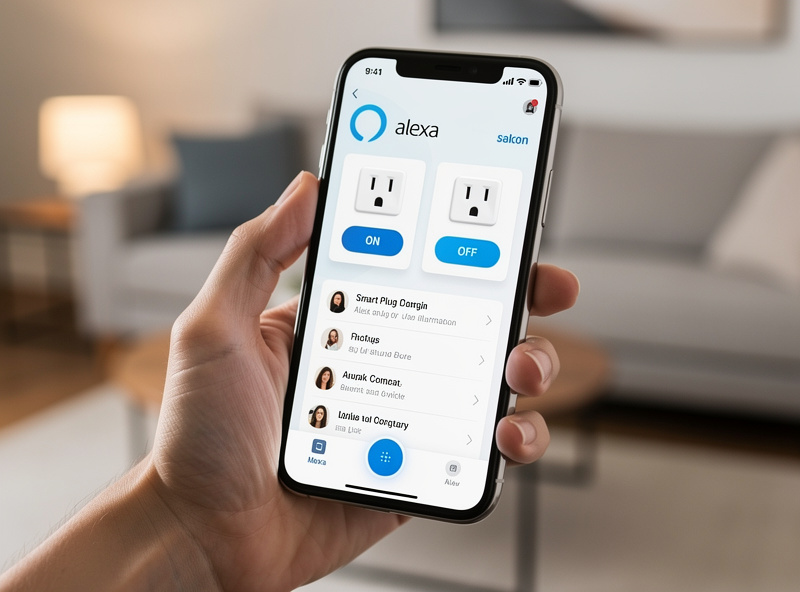
Setup Process for All Options
Regardless of brand, Alexa integration follows similar steps:
- Install the manufacturer’s app and create an account
- Plug in the smart plug and connect to 2.4GHz WiFi
- Name the device clearly (“Living Room Lamp”)
- Open Alexa app → Skills & Games → Search for manufacturer
- Enable the skill and link your account
- Discover devices: “Alexa, discover devices” or use the app
- Test: “Alexa, turn on [device name]”
Common Ways People Actually Use These
Starting Simple
The easiest on-ramp is two Amazon Smart Plugs on a bedroom lamp and a living-room floor lamp — setup for both takes only a few minutes since there’s no separate app or account to configure. Once “Alexa, turn on bedroom light” is a habit rather than a novelty, most people expand from there — a coffee maker and patio lights are common next additions.
Tracking Down Phantom Load
Energy-monitoring plugs like the Kasa EP25 earn their keep in multi-device setups: entertainment centers, home office equipment, and kitchen appliances are the classic phantom-load culprits (see the standby-power table in our are smart plugs worth it guide). Six plugs monitoring those clusters typically pay for themselves within a year purely from eliminated standby draw, and “Alexa, turn off entertainment center” cutting power to everything at once is the daily convenience that actually gets used.
Voice as Primary Control
For anyone who relies on voice control more heavily — limited mobility, or just preferring not to reach for a phone — a house-wide mix of plug types (Amazon for primary lights, smaller form-factor plugs like the Kasa EP10 for tight duplex outlets) lets a single “Alexa, good morning” or “Alexa, goodnight” routine handle everything at once. The reliability of this setup depends heavily on Wi-Fi signal strength at each plug — see the troubleshooting section below if commands start failing intermittently.
Product Comparison: Alexa Smart Plugs at a Glance
| Product | Price | Setup Difficulty | Reliability | Best For |
|---|---|---|---|---|
| Amazon Smart Plug | $24.99 | Easiest (native) | Excellent | Simplicity seekers |
| TP-Link Kasa EP25 | $16.99 | Easy (skill required) | Excellent | Value + monitoring |
| Wyze Plug | $11.99 | Easy (skill required) | Very Good | Budget buyers |
| TP-Link Kasa EP10 | $19.99 | Easy (skill required) | Excellent | Tight spaces |
| Gosund Smart Plug | $8.99 | Moderate | Good | Basic needs |
Safety Considerations and Best Practices
Network Security
- Separate network: Put smart plugs on guest WiFi to isolate from computers and phones
- Strong passwords: Use unique, complex passwords for both WiFi and manufacturer accounts
- Skill permissions: Review what access you grant when enabling Alexa skills
Electrical Safety
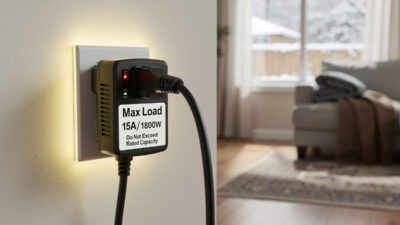
- Rating verification: Never exceed a smart plug’s amp rating (typically 10-15A)
- High-draw appliances: Use 15+ amp rated plugs for space heaters and AC units
- Direct connection: Always plug smart plugs directly into wall outlets, never into power strips
- Heat monitoring: Check plugs feel cool during first week of use; warmth indicates potential problems
Troubleshooting Common Issues
“Device Not Responding”
- Check WiFi signal strength at the plug’s location
- Verify the plug is on 2.4GHz network (not 5GHz)
- Restart the plug by unplugging for 10 seconds
- Re-discover devices: “Alexa, discover devices”
Delayed Response
- Check internet connection speed (smart plugs need minimal bandwidth)
- Move plug closer to router if signal is weak
- Restart your Echo device
Frequently Asked Questions
Do all smart plugs work with Alexa?
Most major brands work, but verify Alexa compatibility before purchasing. Look for a Works with Alexa certification on the packaging. Brands requiring proprietary hubs may not integrate directly.
Can Alexa control smart plugs without internet?
No. Both Alexa and the smart plug require internet connectivity to communicate through cloud servers. If your internet is down, voice commands will not work.
Why does Alexa say device not responding?
Usually indicates WiFi connectivity issues. Check that the plug remains connected to your router. Restarting the plug or asking Alexa to discover devices again often resolves this.
Can I use smart plugs in routines?
Yes, and this is where Alexa smart plugs shine. Create custom routines like Good Morning that turn on multiple devices simultaneously. You can also trigger routines based on time or sunrise/sunset.
Do I need an Echo device to use smart plugs with Alexa?
No, the Alexa app on your smartphone provides full control. However, voice commands require an Echo device, Fire TV, or other Alexa-enabled speaker.
Can multiple people in my household control the same smart plugs?
Yes, through Amazon Household sharing. All adults in your household can control smart plugs from their own Alexa apps once the devices are set up on the main account. Voice commands work from any Echo device linked to the household.
The plug that disappears from your daily thought is the winner. If you catch yourself second-guessing whether a command fired, swap it. The goal is automation that fades into the background so thoroughly you forget which devices are even smart — until the power goes out and you realize just how much is running on those little relays.
Related Articles
- Best Smart Plugs 2026: Complete Buyer Guide
- Smart Plug Explained: Complete Technical Guide
- Are Smart Plugs Worth It? Complete Value Analysis
- Smart Plug vs Smart Switch: Which to Choose?
- Alexa vs Google Home: Which Should You Choose?