When a Home Assistant Update Breaks Things: Roll Back Calmly
When a Home Assistant update breaks your setup, the calm fix is almost always to roll back: restore the full backup you took right before...
Read ArticleCommon smart home problems and solutions
 Explainer
When a Home Assistant update breaks your setup, the calm fix is almost always to roll back: restore the full backup you took right before...
Read Article Explainer
If your Home Assistant database is too large, the fix is to tune the recorder: lower purge_keep_days, exclude the noisy entities you never review, and...
Read Article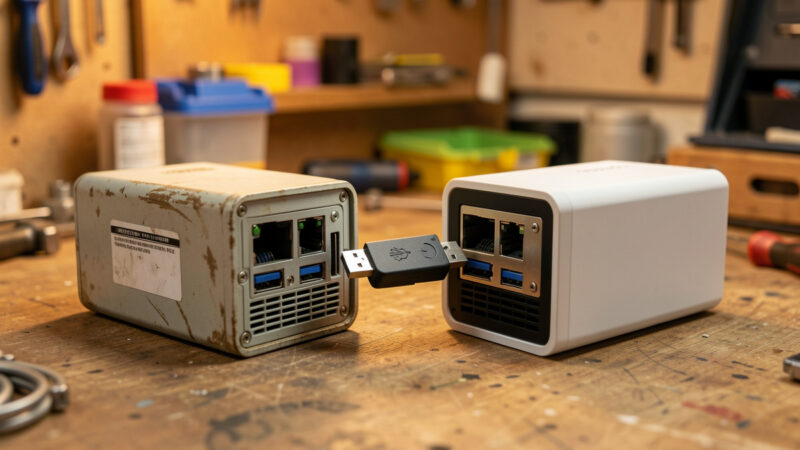 Explainer
You migrate Home Assistant to new hardware by restoring a full backup onto a fresh install and physically moving your radio coordinator sticks — not...
Read Article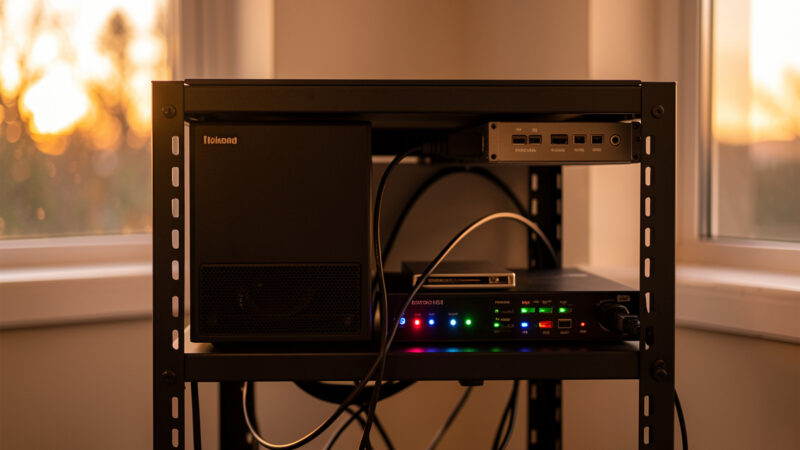 Explainer
Automatic off-site Home Assistant backups mean a full nightly archive that leaves your hub without you touching it — copied to a NAS and synced...
Read Article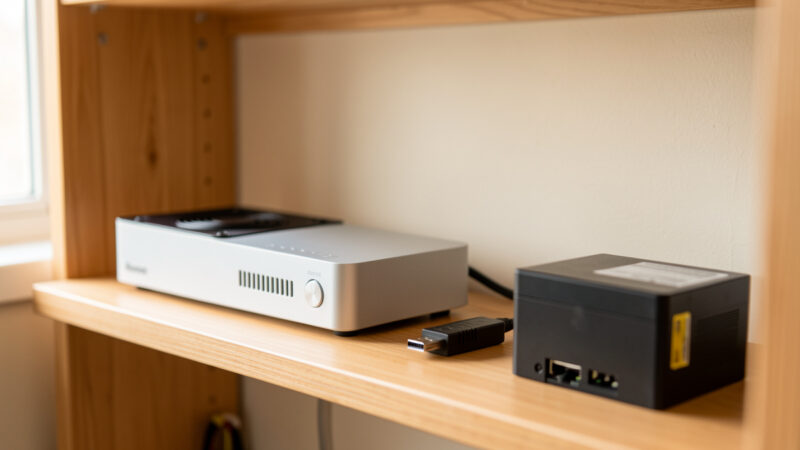 Explainer
A working Home Assistant backup is a full snapshot of your configuration, database, and add-ons that you can restore onto fresh hardware in under an...
Read Article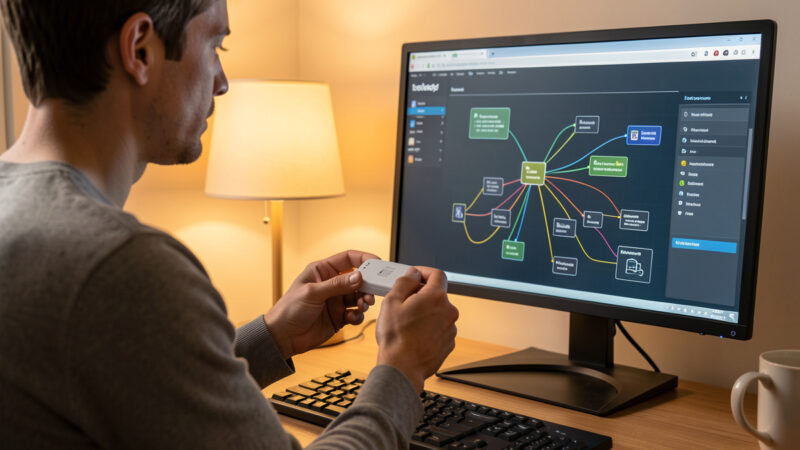 Explainer
When a Zigbee device keeps dropping off the mesh, the instinct is to blame the device — but in my experience the hardware is the...
Read Article Explainer
A WiFi smart device that connects fine and then keeps dropping is a different problem from one that won’t connect at all — and it’s...
Read Article Explainer
A factory reset should be the last step in troubleshooting, not the first — and when you do reset a device, removing it cleanly from...
Read Article Explainer
A firmware update is the one fix that’s also a frequent cause — an out-of-date device can drop connections and lose features, but a fresh...
Read Article Explainer
Most Zigbee and Z-Wave range problems aren’t about distance — they’re about a missing repeater, a coordinator drowning in USB 3.0 interference, or a mesh...
Read Article