How to Factory Reset Smart Home Devices the Right Way (and When Not To)
A factory reset should be the last step in troubleshooting, not the first — and when you do reset a device, removing it cleanly from the hub first is what separates a two-minute fix from a half-hour of ghost entries and failed re-pairs. I treat the reset as a deliberate, ordered procedure, not a panic button, because a careless reset wipes settings you’ll have to rebuild and often doesn’t even fix the problem that sent you reaching for it.
This is the reset process I follow on my own gear, the order that matters, and the traps that turn a simple reset into an evening’s work. As an Amazon Associate I earn from qualifying purchases.
What a Factory Reset Actually Does
A factory reset wipes a device back to its out-of-the-box state: it clears the network bond, the pairing keys, any custom settings, and returns the radio to pairing mode. That’s powerful when a device is genuinely confused — stuck in a bad state, holding a corrupt configuration, or bonded to a network it can no longer reach. But it’s destructive: everything you configured is gone, and you have to onboard the device from scratch. That destructiveness is exactly why it belongs at the bottom of the troubleshooting order, after power, network, mesh, and cloud have all been ruled out.
The crucial thing most guides skip is that a reset clears the device’s memory of the network, but it does not automatically clear the network’s memory of the device. The hub still holds an entry for a device that no longer answers, and that stale entry is the source of a whole category of re-pairing failures. A clean reset is a two-sided operation: reset the device, and remove its entry from the hub.
Always Remove From the Hub First
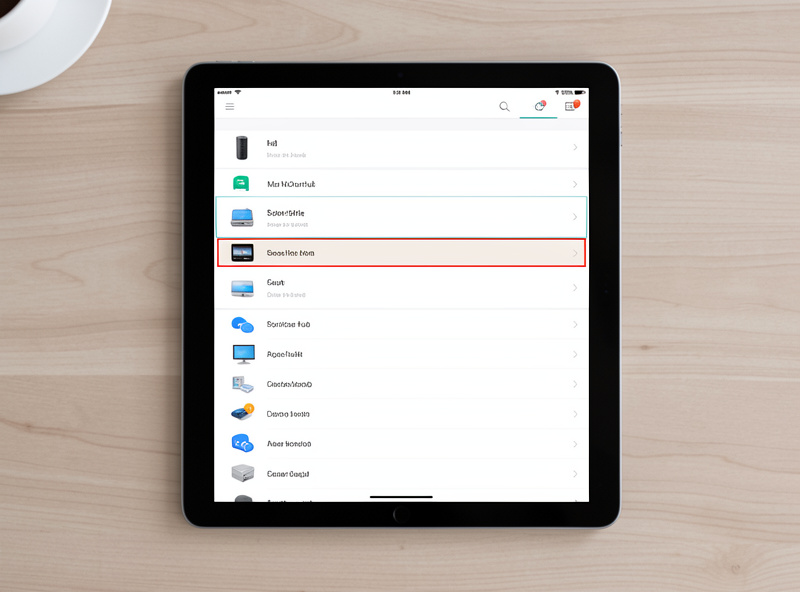
The order that saves the most grief: remove or unpair the device from your hub or app before you factory reset the hardware, when the device is still responding. Doing it in this order lets the hub send a proper “leave the network” instruction, so both sides end up clean and in agreement. If you reset the hardware first, the hub never gets told the device left, and you’re stuck with a ghost entry you have to delete manually afterward — and ghost entries are exactly what block a fresh device from pairing into the same slot.
| Step | Do this | Why it matters |
|---|---|---|
| 1 | Confirm the reset is actually needed | Power, network, mesh, cloud ruled out first |
| 2 | Remove/unpair the device from the hub | Sends a clean “leave network” so no ghost entry remains |
| 3 | Factory reset the device hardware | Clears its bond and returns it to pairing mode |
| 4 | Confirm the reset took (LED/blink pattern) | Proves the device is actually in pairing mode |
| 5 | Pair close to the hub, then relocate | A first join needs more signal margin than daily use |
If the device is already unresponsive and you can’t remove it cleanly, reset the hardware anyway, then go into the hub and manually delete the stale entry before re-pairing. Skipping that manual cleanup is the single most common reason a freshly reset device “won’t pair back” — the hub thinks the old one is still there.
Do the Reset Right
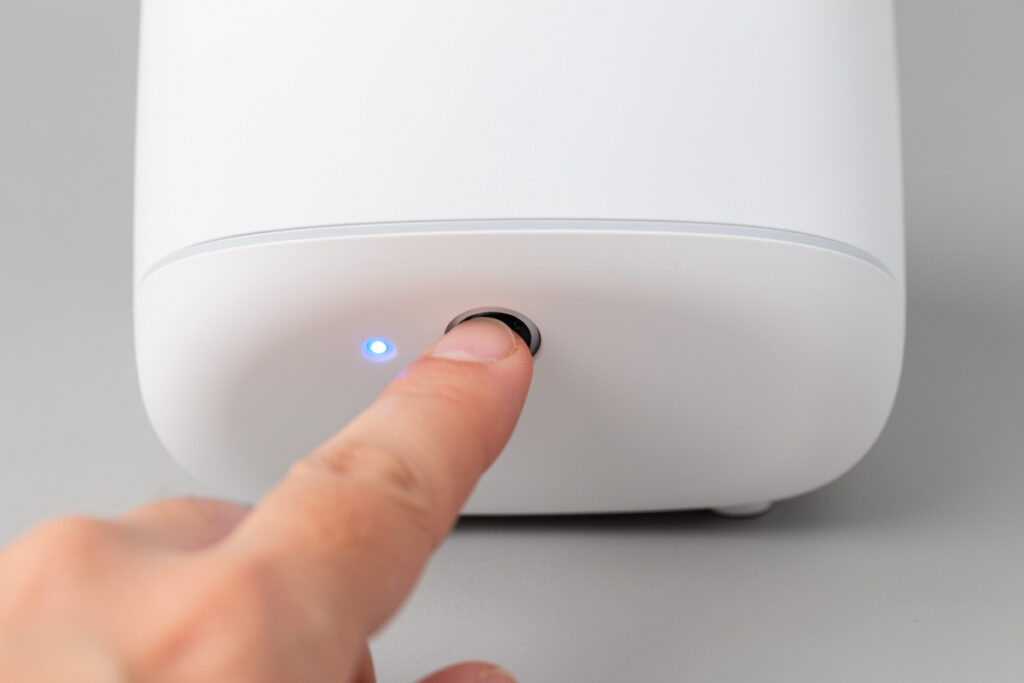
Every device has its own reset procedure, and getting it exactly right matters because a half-done reset leaves the device in a worse state than before. Most resets are a specific button-hold — a set number of seconds, sometimes a sequence of power cycles, sometimes a particular blink pattern that confirms it worked. The confirmation blink is the part people miss: if you don’t see the device acknowledge the reset, assume it didn’t take and do it again. A device that wasn’t actually reset but that you think was reset is a frustrating ten minutes of trying to pair something that isn’t listening.
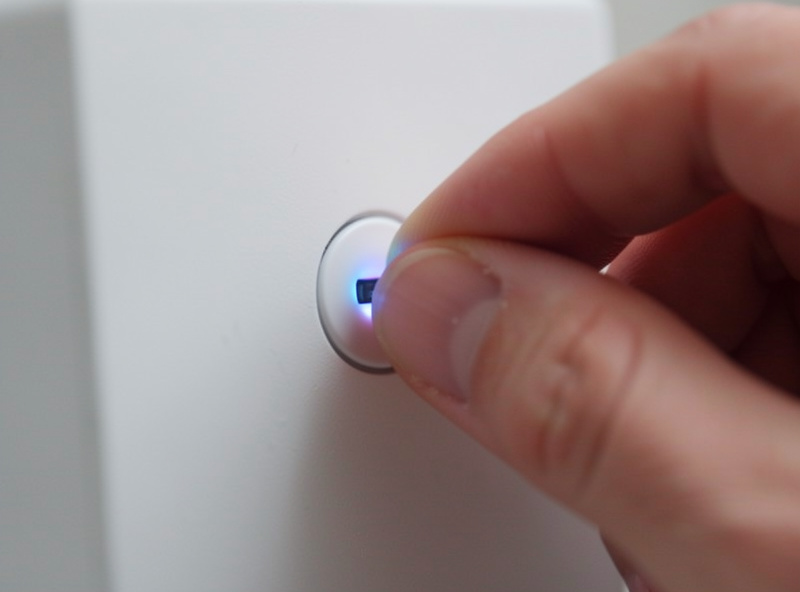
Make sure the device has good power or a fresh battery during the reset and re-pair, too. A reset and onboard is one of the more demanding things a device does, and a marginal battery can cause it to fail halfway. For the devices I reset most often, keeping a stock of the right coin cells on hand means a reset is never derailed by a dying battery — a small thing that prevents a confusing failure mid-process.
When a Reset Won’t Fix It (and What Will)
The hardest lesson is that a reset often doesn’t solve the problem, because the problem was never the device. If you reset a device and it goes right back to misbehaving, the fault is upstream — a network issue, a dead repeater, a cloud outage, or a firmware regression — and resetting it again just wastes more time. This is the trap the whole “reset last” philosophy exists to avoid: a reset feels like doing something, so people reach for it reflexively and then repeat it, treating the symptom on the wrong layer.
The tell is simple. If a device works perfectly right after a reset and re-pair, then degrades again over the following hours or days, the device is fine and something in its environment is the real cause — go diagnose the network, the mesh, or the cloud. A reset only makes sense as a permanent fix when the device itself was genuinely in a bad internal state. Otherwise you’re rebuilding the same configuration over and over while the actual fault sits untouched one layer down.
Secondhand and Reused Devices: Reset Before You Even Start
There’s one situation where a factory reset genuinely is the first step, not the last: any device that has lived on another network before. A secondhand smart plug, a sensor you’re moving from an old hub, a bulb from a house you moved out of — all of them carry the previous owner’s or system’s bond, and they will refuse to join your network until that bond is cleared. With these, reset first, then pair, and you skip an hour of confusion wondering why a perfectly good device won’t connect. The device isn’t faulty; it’s just still loyal to a network that’s gone.
This matters for privacy and security too, in both directions. A device you’re getting rid of should be factory reset so your network details, any stored credentials, and your usage don’t leave with it. And a device coming in should be reset and then updated to current firmware before you trust it in your network, because you don’t know what state a previous owner left it in. Treat the reset as the clean handshake at the boundary of your network — the thing that happens whenever a device crosses into or out of your control.
The Reset Checklist I Run Every Time
Over enough resets I’ve boiled it down to a routine that prevents the usual mistakes. First, confirm a reset is actually warranted — that I’ve ruled out the upstream layers and the device itself is genuinely the problem. Second, remove the device from the hub cleanly while it still responds, so no ghost entry is left behind. Third, perform the device’s exact reset procedure and watch for the confirmation blink before assuming it worked. Fourth, pair close to a well-placed coordinator, on a fresh battery or good power, then relocate the device once it’s joined.
Following that order turns the reset from a gamble into a reliable tool. The mistakes that make resets miserable — ghost entries, half-done resets, pairing at the far end of the house on a dying battery, resetting a device whose real problem was the network — are all prevented by the sequence rather than by skill. A reset done in this order almost always sticks on the first try, and a device that fights a careful reset is telling you the problem was never the device, which sends you back up the stack where the real fault is waiting.
Reset the Hub Itself: The Nuclear Option
Resetting an individual device is routine; resetting the hub or coordinator is a different magnitude entirely, because every device is paired to it. A hub factory reset orphans your entire network — every sensor, plug, lock, and bulb has to be re-paired from scratch, which for a mature setup is hours of work. So a hub reset is genuinely a last resort, reserved for a hub that’s corrupt beyond repair, and even then only after you’ve backed up its configuration if the platform supports it. Many problems that feel like they need a hub reset are actually solved by a hub reboot, which keeps all your pairings intact.
Before ever resetting a hub, make sure you have a current backup of its configuration and a clear picture of what re-onboarding everything will involve. This is one more argument for a platform that lets you back up and restore: it turns the nuclear option from a catastrophe into an inconvenience. If your hub doesn’t support backups, treat its reset with extreme caution, because there’s no undo — and confirm a reboot won’t do the job first, because nine times in ten it will.
Keep Building
- Smart home troubleshooting: the diagnostic order — why the reset belongs at the very bottom.
- Smart device won’t pair with your hub — the ghost-entry problem a clean reset prevents.
- Smart device keeps going offline — the upstream faults a reset can’t fix.
- Smart device firmware update problems — when the real issue is a bad update, not a bad state.
- Do you need a smart home hub? — choosing a hub you can back up and restore.