Coral TPU for Frigate: Object Detection Without Cooking Your CPU
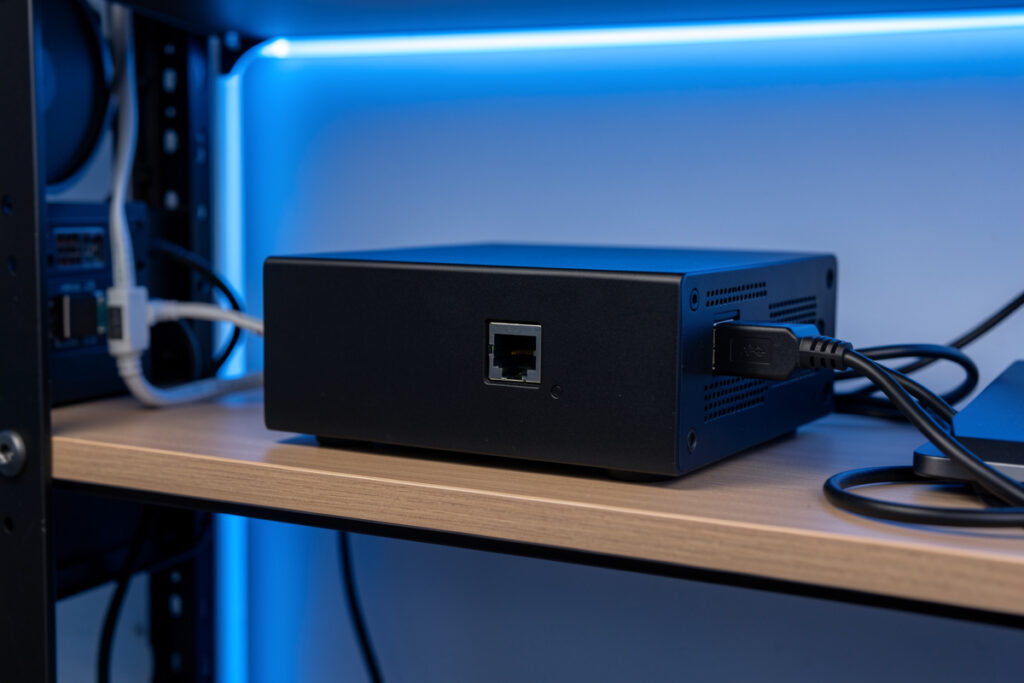
A Google Coral USB accelerator is the cheapest way to make Frigate’s object detection effectively free on your CPU. It runs a neural network over each camera frame in roughly 8–12 milliseconds while drawing about 2 watts, so instead of pinning four cores at 70% the way CPU detection does, your processor goes back to just decoding video. On my Intel N100 hub the day I added the Coral, six-camera inference dropped from the 90–130 ms range to single digits and the fan went quiet.
That “fan went quiet” moment is the whole pitch. Object detection is the most compute-hungry job in a local NVR, and a general-purpose CPU is a bad tool for it — it works, but it burns cores and watts doing something a $60 edge TPU does in a fraction of the time and power. If you’re building the pipeline I lay out in the Frigate NVR guide, the Coral is the single upgrade that changes how many cameras you can run. Here’s how to set it up without hitting the two gotchas that trip up most first-timers.
What Does a Coral TPU Actually Do in Frigate?
The Coral runs object detection — and only that. When Frigate needs to know whether a frame contains a person, car, or animal, it hands the low-resolution detect image to the Coral, which runs a quantized neural network and returns bounding boxes in about 8–12 ms. The Coral does not touch video decoding, recording, or streaming; those stay on your CPU and iGPU.
This division of labor is the part people miss, so let me be blunt about it. A Frigate box has two heavy jobs. The first is decoding — converting each camera’s H.264 or H.265 stream into raw frames — and that belongs on your Intel iGPU via hardware acceleration. The second is detection — running the AI over those frames — and that’s the Coral’s job. Two jobs, two different pieces of silicon. The Coral is a Google Edge TPU rated at 4 TOPS (trillion operations per second) built specifically to run TensorFlow Lite models, per the Coral USB Accelerator datasheet. It is genuinely fast at exactly one thing.
The single most common Coral complaint is “I plugged in the Coral and my CPU is still maxed.” That person offloaded detection but never moved decoding off the CPU, so of course the box is still busy. The Coral fixed the AI cost; the video-decode cost was always separate. Understand that split before you buy, and you’ll size and configure the whole thing correctly.
USB, M.2, or PCIe Coral: Which Version Should You Buy?
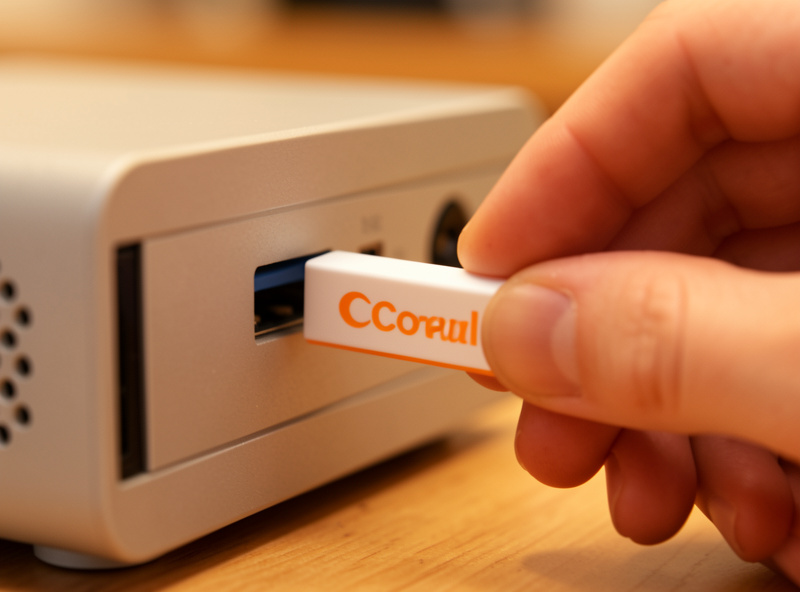
For almost every home build, buy the Coral USB Accelerator. It works in any machine with a USB port, needs no internal slot, and delivers the same 4 TOPS as the other form factors. The M.2 and mini-PCIe versions exist for machines with the right slot and a driver you’re willing to install, and dual-TPU cards exist for very large camera counts — but for a six-to-eight-camera house, the USB stick is the right call.
The form factors differ only in how they connect, not in detection performance. The USB version plugs into a USB 3.0 port and uses the libedgetpu runtime, which Frigate’s container bundles — on most systems you just pass the device through and go. The M.2 A+E or B+M and mini-PCIe versions need the Apex/Gasket kernel driver installed on the host, which is a bit more work and occasionally fussy across kernel versions. Unless you specifically want the TPU inside the case with no dangling stick, the USB model saves you a driver headache. Google’s Get Started guide covers the runtime install for each.
One buying note from experience: the Coral has been supply-constrained for long stretches, and that scarcity breeds counterfeits. Buy from a reputable seller, and if you’re shopping, a quick search filtered to the genuine Coral USB Accelerator saves you from a fake that won’t enumerate. Genuine Coral USB accelerators on Amazon are the ones marked as the Coral-branded 4 TOPS stick.
As an Amazon Associate I earn from qualifying purchases.
How Do You Configure the Coral in Frigate’s Config?
Configuration is short: pass the USB device into the Frigate container, then tell Frigate to use the edgetpu detector. In the container run, that’s mapping the Coral device through; in config.yml, it’s a detectors block naming the edgetpu with the usb device. Frigate does the rest, downloading and running the appropriate model on first start.
The detector block itself is only a few lines — you declare a detector of type edgetpu and point it at usb. The subtlety is on the container side: the Coral enumerates on the USB bus, and after its first inference it re-enumerates from Google’s initial device ID to the runtime device ID, which is why passing through the whole USB bus (rather than a single fixed device path) is the reliable pattern. If you’re running Frigate as a Home Assistant add-on this is handled for you; if you’re running the Docker container, mapping /dev/bus/usb is the approach that survives that re-enumeration. The exact YAML lives in the Frigate object detectors documentation, which I’d keep open while you edit.
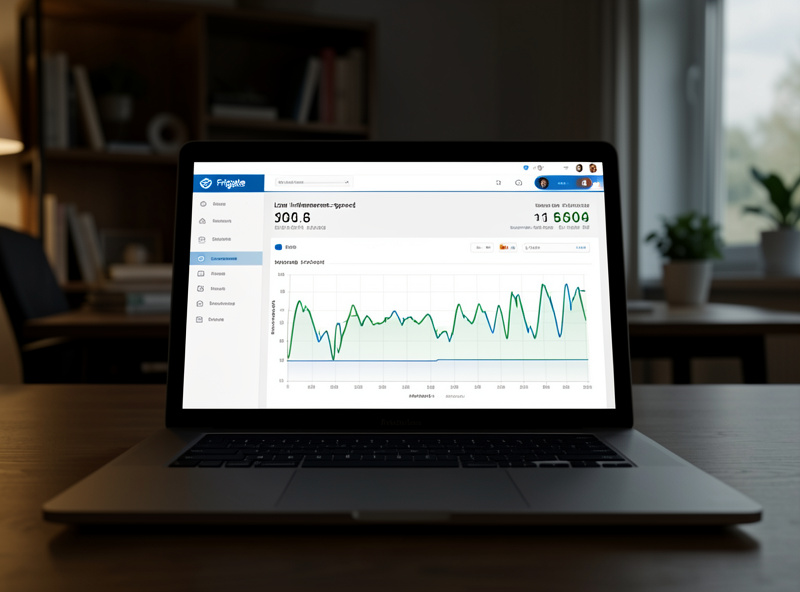
Once it’s running, confirm it’s actually the Coral doing the work, not a silent CPU fallback. Frigate’s System page shows an inference speed per detector; a healthy Coral sits in the single-digit-to-low-teens milliseconds. If you see 80–130 ms there, detection quietly fell back to the CPU and your config didn’t take — a distinction that’s easy to miss because everything still works, it just works badly. I check that number every time I touch the config, the same way I sanity-check inference after any change.
The USB 3.0 Interference Gotcha (and How I Learned It)
Plug the Coral into a USB 3.0 port for full speed, but be aware that USB 3.0 ports are notorious sources of 2.4 GHz radio noise — the same noise that wrecks a nearby Zigbee coordinator. On my hub the Coral and a Zigbee stick sit inches apart, and cramming both into adjacent USB 3.0 ports on the back of the mini-PC quietly degraded my Zigbee mesh until I moved the coordinator onto a short extension cable.
This is the same physics I’ve fought elsewhere: USB 3.0 signaling leaks broadband interference right in the 2.4 GHz band, a phenomenon Intel documented years ago and every self-hoster eventually rediscovers. The Coral genuinely wants a USB 3.0 port — on USB 2.0 it throttles and inference speeds climb — so you can’t just downgrade the port. The fix is separation: get the Zigbee or Thread coordinator onto a USB extension cable and a hand’s width away from the Coral and any other USB 3.0 device. I go deeper on the radio side of this in Zigbee channel and Wi-Fi interference, because the symptom — devices dropping off for no obvious reason — sends people chasing the wrong problem for days.
The mistake I actually made: I blamed my Zigbee mesh. I spent an evening re-pairing sensors and moving repeaters, convinced a router node had died, when the real culprit was the Coral I’d added that same afternoon three centimeters from the coordinator. The tell, in hindsight, was that the drops started the day the Coral went in. Now the rule on my bench is simple — any new USB 3.0 device gets physical distance from the radios, no exceptions.
Coral vs Onboard iGPU Detection: Do You Still Need One?
Frigate now ships an OpenVINO detector that runs on Intel integrated graphics, and for one or two cameras it’s genuinely good enough that you may not need a Coral at all. Past a couple of cameras, though, the Coral’s dedicated silicon gives you headroom the shared iGPU doesn’t — and it leaves the iGPU free to do the decoding it’s best at.
Here’s how I’d decide. If you’re running a modern Intel box with Quick Sync and just two cameras, try OpenVINO first — it costs nothing and its inference on recent iGPUs is respectable. If you’re building for six or eight cameras, or running on a Raspberry Pi (whose GPU can’t do heavy detection), the Coral is the right tool: it isolates detection onto hardware that does nothing else, so decode and detect never contend for the same silicon. The Coral also sips power, which matters on a box that runs 24/7 — the same reason I obsess over idle draw and put the database on an SSD, as I explain in Home Assistant SD card vs SSD.
My own hub runs both: OpenVINO decoding acceleration on the N100’s iGPU and detection on the Coral. That combination is what lets a fanless 10–15-watt box calmly handle six cameras. If you’re settling on hardware, size the whole thing the way I outline in the main Frigate build guide rather than guessing — the wrong box is an expensive thing to discover after you’ve mounted the cameras. And the box only earns its keep if the cameras feed it clean streams, which is its own decision I work through in best RTSP cameras for Frigate.
Frequently Asked Questions
How fast is a Coral TPU compared to CPU detection in Frigate?
A Coral USB accelerator runs inference in roughly 8 to 12 milliseconds per frame, versus about 80 to 130 milliseconds on a typical CPU. That is roughly a ten-times speedup, and just as importantly it moves the work off your CPU cores so they are free to decode video instead of being pinned by the AI.
Do I need to install drivers for the Coral USB in Frigate?
For the Coral USB version, Frigate’s container bundles the libedgetpu runtime, so you mostly just pass the USB device through and set the edgetpu detector. The M.2 and mini-PCIe versions need the Apex kernel driver installed on the host, which is more involved. The USB stick is the low-friction choice for that reason.
Why is my Coral inference speed still high?
A high inference number, around 80 to 130 milliseconds, usually means detection silently fell back to the CPU because the Coral was not passed through correctly or re-enumerated after its first inference. Map the whole USB bus rather than a single fixed device path, restart Frigate, and check the System page shows single-digit inference speed.
Can the Coral interfere with my Zigbee network?
Not the Coral directly, but the USB 3.0 port it needs is a strong source of 2.4 gigahertz radio noise that can degrade a nearby Zigbee or Thread coordinator. Keep the coordinator on a short USB extension cable and a hand’s width away from the Coral and any other USB 3.0 device to avoid mysterious device drop-offs.
Is a Coral TPU still worth it with Frigate’s OpenVINO detector?
For one or two cameras on a modern Intel iGPU, OpenVINO may be all you need. For six or more cameras, or on a Raspberry Pi, the Coral gives you dedicated detection hardware that does not compete with video decoding for the iGPU, plus very low power draw on a box that runs around the clock.
Related Reading
- Frigate NVR on Home Assistant: The Complete Local Camera AI Guide
- Frigate Hardware Acceleration: Cut CPU Load on Every Camera
- Best RTSP Cameras for Frigate: Streams That Don’t Stutter
- Zigbee Channel and Wi-Fi Interference
- Home Assistant: SD Card vs SSD