Best RTSP Cameras for Frigate: Streams That Don’t Stutter
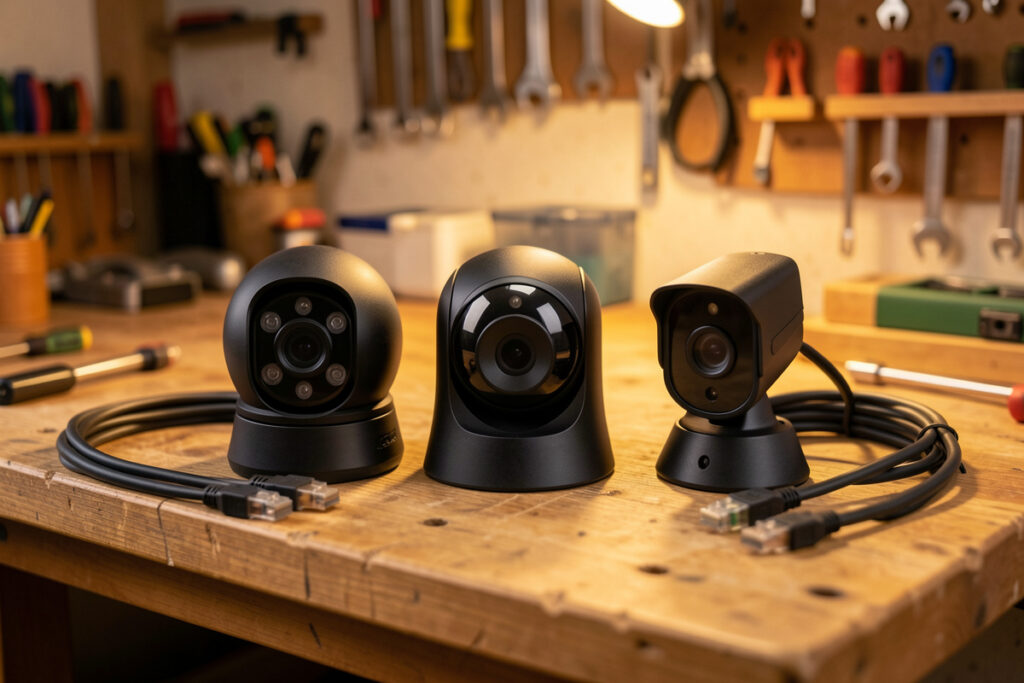
The best camera for Frigate isn’t the one with the flashiest “AI” box art — it’s the one that hands you a clean, dual-stream RTSP feed and gets out of the way. Frigate does the object detection itself, so what you actually want is a camera with a full-resolution main stream for recording, a low-resolution substream (640–720p) for detection, H.265 support to save disk, and ideally PoE so power and data share one cable. Every camera on my hub was chosen against that list, not a marketing spec sheet.
This trips people up because the camera industry sells features Frigate makes irrelevant. On-camera person detection, cloud smart alerts, subscription clips — you’re paying for none of that once Frigate is doing the thinking. What you’re buying is a reliable video pump. Pick wrong and you get a camera that stutters, hides its substream settings, or refuses to give you a raw RTSP URL without an app login. If you’re following the Frigate NVR build guide, the camera is the sensor at the front of the whole pipeline — get it right and everything downstream is easier.
What Makes a Camera Good for Frigate?
A good Frigate camera exposes a standard RTSP stream, supports two independently configurable streams, encodes in H.265, and connects over PoE. Those four traits — not resolution alone, not on-camera AI — determine whether it behaves. RTSP is the open protocol Frigate speaks; a dual-stream camera lets you record in high-res while detecting in low-res; H.265 roughly halves storage versus H.264; and PoE removes the reliability lottery of Wi-Fi.
Dual streaming is the non-negotiable one. Frigate’s whole efficiency model, described in the hardware acceleration guide, depends on feeding detection a small substream while recording the big one. A camera that only offers a single 4K stream forces you to decode and detect on 4K, which wastes CPU and gains you nothing — the detector doesn’t need those pixels to find a person. So the first question I ask of any camera is: can I set a second, low-resolution substream? If the answer is no, it’s off the list regardless of image quality.
RTSP itself is a decades-old open standard (defined in RFC 2326), and support for it — plus the ONVIF profiles that standardize discovery and PTZ — is what keeps you out of any single vendor’s walled garden. A camera that makes you use its cloud app to see video, with no local RTSP URL, is a camera that breaks the moment that cloud service has a bad day. That’s a hard no on a local-first build.
Which Camera Brands Play Nicely With Frigate?
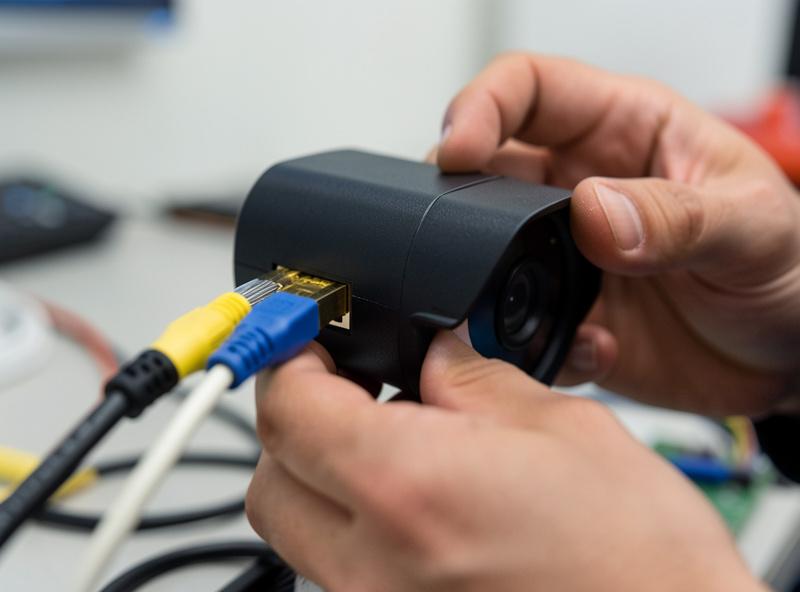
The brands the Frigate community leans on most are Amcrest, Dahua, Hikvision, and their OEM lines (like Empire Tech/Loryta), because they expose proper RTSP, reliable dual streams, and ONVIF. Reolink cameras are popular and affordable but vary model to model — some restrict substream settings or handle RTSP awkwardly — so they need a per-model check before you buy.
Let me be concrete about the trade-offs I’ve seen. The Dahua/Amcrest family (and OEM rebrands) tend to give you granular stream control: main and sub resolutions, bitrate, framerate, codec, all configurable in the web UI, all served over clean RTSP. That control is exactly what a Frigate build wants. Reolink swings the other way — genuinely good value and easy to live with, but historically some models limited substream resolution or framerate, and a few older ones were fussy over RTSP versus their own protocol. None of this makes Reolink bad; it makes “check the specific model’s substream options” a required step. Whatever brand you land on, buy the model, not the badge. A quick filtered search for PoE RTSP dual-stream cameras gets you to the field worth comparing.
As an Amazon Associate I earn from qualifying purchases.
One thing I’d steer you away from: battery-powered Wi-Fi cameras (the doorbell-style ones) as core NVR cameras. They sleep to save battery, wake on motion, and often won’t hold a continuous RTSP stream at all — which is the opposite of what a 24/7 recorder needs. They have their place, but not as the backbone of a Frigate system.
How Do You Compare RTSP Cameras Side by Side?
Judge cameras on the traits that affect Frigate, not the marketing. The five that matter: dual-stream RTSP, substream flexibility, codec (H.265 preferred), connection (PoE preferred), and whether it works fully local with no cloud dependency. Here’s how the common categories stack up on those axes.
| Camera type | Dual-stream RTSP | Substream control | Codec | Connection | Local-only? |
|---|---|---|---|---|---|
| Dahua/Amcrest PoE (& OEM) | Yes | Granular | H.264/H.265 | PoE | Yes |
| Hikvision PoE (& OEM) | Yes | Granular | H.264/H.265 | PoE | Yes |
| Reolink PoE (varies) | Usually | Limited on some models | H.264/H.265 | PoE | Mostly |
| Reolink Wi-Fi | Usually | Limited on some models | H.264/H.265 | Wi-Fi | Mostly |
| Battery Wi-Fi (doorbell-style) | Often no continuous stream | Minimal | H.264/H.265 | Wi-Fi | Often cloud-tied |
| Cloud-only cameras | Frequently none | None | N/A | Wi-Fi | No |
Read that table top to bottom and the pattern is obvious: the further you get from wired, locally-controlled cameras with real stream settings, the more Frigate has to fight the hardware. I run wired PoE cameras from the top rows for anything that matters — front door, driveway, back gate — precisely because they never make me guess whether the stream will be there.
What Substream Settings Should You Use?
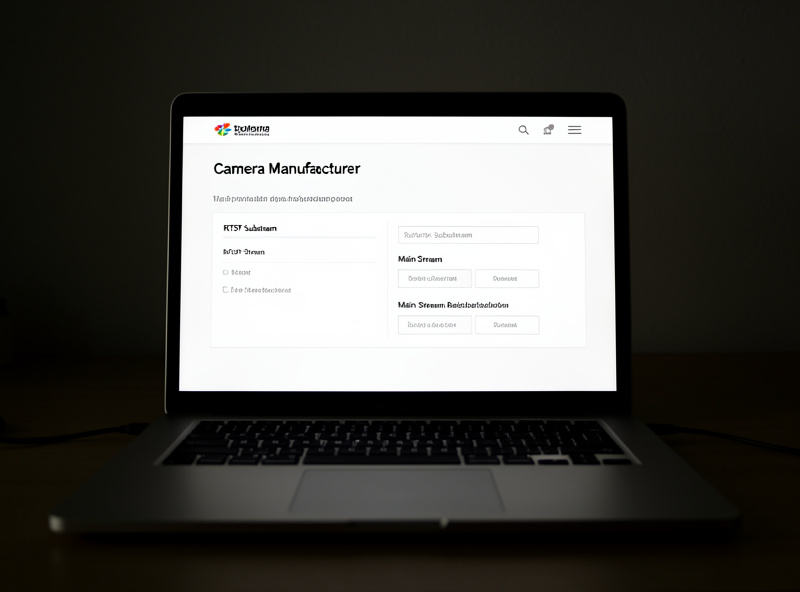
Set the main (record) stream to full resolution — 1080p to 4K — at a moderate bitrate on H.265, and set the substream to roughly 640×480 up to 1280×720 at a low bitrate for detection. The detect stream just needs to be clear enough for the model to recognize shapes; more resolution there costs CPU and decode work without improving detection.
My working numbers: record stream at the camera’s native resolution, H.265, framerate around 15 fps (higher just makes bigger files without helping you identify anyone), and a substream at 640×480 or 704×480 for detection at a low bitrate. Frigate’s detect role points at that substream; the record role points at the main stream. The camera’s own web UI is where you set both, and it’s worth logging in to confirm the substream is actually at the low resolution you think it is — the factory default is sometimes higher than you’d want. The Frigate camera configuration docs show how to map each stream to its role.
There’s a subtlety with H.265 and live viewing: some browsers won’t play H.265 in the Frigate live view directly, which is why Frigate uses go2rtc to restream. Record and detect in H.265 for the storage savings; let go2rtc handle making live view playable. It’s the kind of detail that makes people think H.265 “doesn’t work” when really it’s just a live-view transcode concern, not a recording one.
The Camera Mistake That Cost Me an Afternoon
The dumbest hour I’ve spent on this system was chasing a camera that kept “dropping” in Frigate — the feed would freeze, recover, freeze again. I re-flashed nothing, blamed the network, swapped a cable. The actual cause: I’d left that camera’s substream at a high resolution and framerate, so the detect stream was far heavier than it should have been, and the box was struggling to decode it alongside the others. Dropping the substream to 640×480 fixed it instantly.
The lesson stuck: when a camera misbehaves in Frigate, check its stream settings before you touch anything else. Nine times out of ten it’s a substream that’s too big, a framerate cranked too high, or a codec mismatch — not a hardware fault. I now set every new camera’s streams deliberately the day it goes in, the same way I don’t trust a package-detection camera’s defaults in garage camera package detection. And once the camera is behaving, the next decision is how it’s wired — which is a bigger reliability lever than most people expect.
Frequently Asked Questions
Does Frigate work with any RTSP camera?
Almost any camera that outputs a standard RTSP stream will work with Frigate, regardless of brand. The important requirements are a configurable low-resolution substream for detection and, ideally, a wired PoE connection for reliability. The camera’s own AI or smart features do not matter, because Frigate does the object detection itself.
Are Reolink cameras good for Frigate?
They can be, and they are popular for their value, but it depends on the model. Some Reolink cameras limit substream resolution or framerate, and a few older ones handle RTSP awkwardly. Check the specific model’s substream options and RTSP support before buying rather than assuming the whole brand behaves the same.
Do I need a 4K camera for Frigate?
Not for detection. Frigate detects on a low-resolution substream around 640 by 480 to 720p, so a 4K sensor does nothing for accuracy there. Higher resolution only helps the recorded main stream, giving you crisper footage to identify details after the fact, at the cost of more storage. Many people run 1080p or 4MP main streams happily.
Why does my camera keep dropping in Frigate?
The most common cause is a substream set too high in resolution or framerate, making the detect stream heavier than it should be and overloading decode. Log into the camera’s web interface and set the substream to around 640 by 480 at a low bitrate. Codec mismatches and network issues are the next things to check.
Should I use H.265 or H.264 cameras with Frigate?
H.265 is preferred because it roughly halves storage compared with H.264 at similar quality, which matters a lot over weeks of recording. The one caveat is live viewing: some browsers cannot play H.265 directly, so Frigate uses go2rtc to restream it. Record in H.265 for the disk savings and let go2rtc handle playback.
Further Reading
- Frigate NVR on Home Assistant: The Complete Local Camera AI Guide
- Coral TPU for Frigate: Object Detection Without Cooking Your CPU
- Frigate Hardware Acceleration: Cut CPU Load on Every Camera
- Garage Camera Package Detection