TTS Announcements: Make Your Speakers Say What Happened
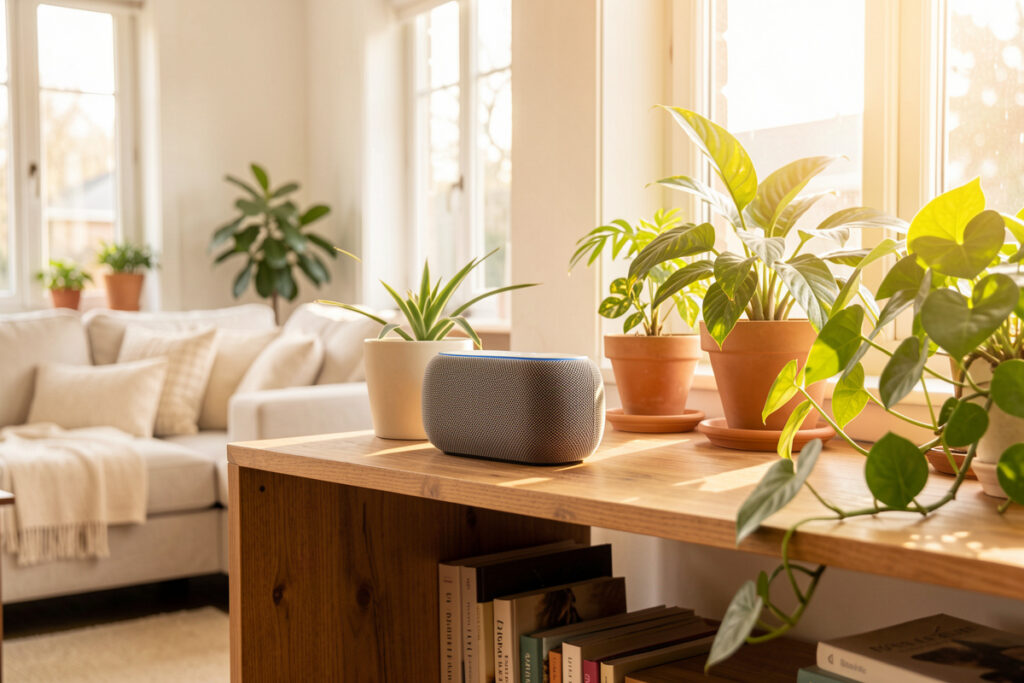
A TTS announcement in Home Assistant is a tts.speak call that sends synthesized speech to any media player the hub controls — a smart speaker, a repurposed tablet, a Chromecast. “The washing machine finished” or “someone is at the front door” is spoken aloud in the room instead of buried on a phone. With a local speech engine it works with the internet down, and in my setup it is the channel that changed how the whole household experiences automations, because nobody has to look at a screen to know what just happened.
It is also the channel people get wrong fastest. A speaker that blurts “garage door closed” over a dinner conversation, at whatever volume it was last playing music, is exactly the kind of gimmick that gets a smart home quietly unplugged. The gap between a delightful spoken assistant and an infuriating one is entirely in the details — which room, what volume, and whether it has the sense to stay quiet during a film or after bedtime. Get those right and TTS becomes the most human channel you have.
What Is a TTS Announcement, and What Do I Need?
You need three things: a text-to-speech engine, at least one media player Home Assistant can see, and a tts.speak service call. The engine turns your string into audio, HA hands that audio to the media player, and the speaker plays it. Everything sophisticated — room targeting, volume control, quiet hours — is a wrapper around that one call.
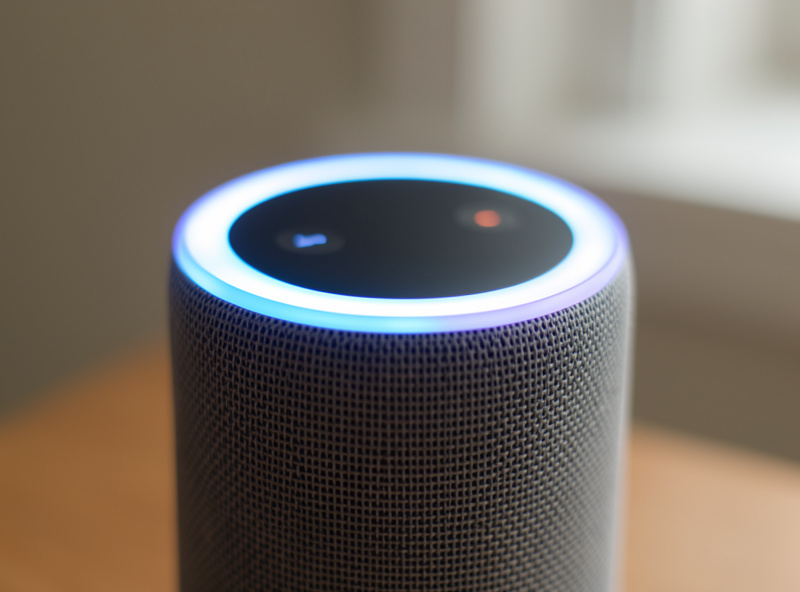
Home Assistant supports several TTS engines, from cloud voices to fully local ones. The official TTS integration documentation lists the options and the exact service fields. I run a local engine so no announcement text ever leaves the house — the same local-first conviction I apply to cameras and automations. A cloud voice sounds marginally more natural, but I would rather my speakers keep announcing the laundry when the internet is down than have a slightly smoother accent, and a self-hosted engine gives me both privacy and an announcement path that survives an outage.
Almost any media player works as the output. I have spoken announcements come out of proper smart speakers, an old tablet mounted in the hallway, and a Chromecast behind the TV. If Home Assistant can see it as a media_player entity and it can play a URL, it can be an announcer — which means you probably already own more announcement surfaces than you realise.
How Do I Make a Speaker Say Something?
Call tts.speak with your engine, a target media player, and the message string. Trigger it from any automation and the speaker reads your text within a second or two. That is the entire minimum viable announcement, and it is worth wiring one up before you build any of the polish, just to feel how it changes a room.
service: tts.speak
target:
  entity_id: tts.piper
data:
  media_player_entity_id: media_player.kitchen_speaker
  message: "The washing machine has finished."
The moment that works, the temptation is to announce everything, everywhere. Resist it exactly as hard as you resist over-notifying a phone. An announcement is an interruption of the physical room, which is more intrusive than a silent buzz, so the bar for “worth speaking aloud” is higher, not lower. My rule: if I would not want a housemate to walk in and say it out loud, the speaker should not either.
Note that I trigger TTS through the same central dispatcher that handles push notifications. When an alert comes in, the wrapper decides whether it is phone-only, speaker-only, or both, and picks the room — the announcement is just one more output channel in the overall notification system, not a separate pile of automations. That single choke point is what keeps the spoken layer coherent instead of a scattering of one-off speak calls.
How Do I Target the Right Room?
Speak to the room a person is actually in, not the whole house. Combine presence sensors with your media-player list so the announcement plays where someone can hear it and stays silent in empty rooms. A whole-house broadcast for a one-person message is noise pollution; targeted TTS feels like the house is talking to you.

In my hub, mmWave presence sensors tell me which room is occupied, and a template picks the nearest speaker to that room. If the kitchen is occupied, the laundry announcement plays on the kitchen speaker; if nobody is home, it does not play at all and falls back to a phone notification instead. This is the same presence-plus-room-logic thinking that drives the rest of my automations — a smart home is state and rules, not a pile of gadgets, and knowing which room holds a person is the state that makes TTS worth having.
You can layer this with per-person routing too. If an announcement is genuinely for one individual, target the speaker in their room rather than broadcasting; if the phone is the better channel because they are out, the dispatcher sends a per-person push instead. The decision of speaker-here versus phone-there is exactly the kind of policy that belongs in one wrapper, decided per alert.
How Do I Keep TTS Announcements From Being Annoying?
Three guards: volume control, media ducking, and quiet hours. Set the announcement volume explicitly so it never plays at whatever level music was left at, pause or lower any active media while it speaks, and suppress non-urgent announcements entirely overnight. Skip these and TTS goes from helpful to hated within a week.
The volume one bites everyone first. Without setting it, an announcement inherits the media player’s current volume — so a speaker left at party level will shout your quiet reminder across the house, and one left near-muted will whisper an alert nobody hears. My announcement script always sets a sensible level first, speaks, then restores the previous volume and resumes whatever was playing. It is a few extra lines and it is the difference between a system people tolerate and one they trust.
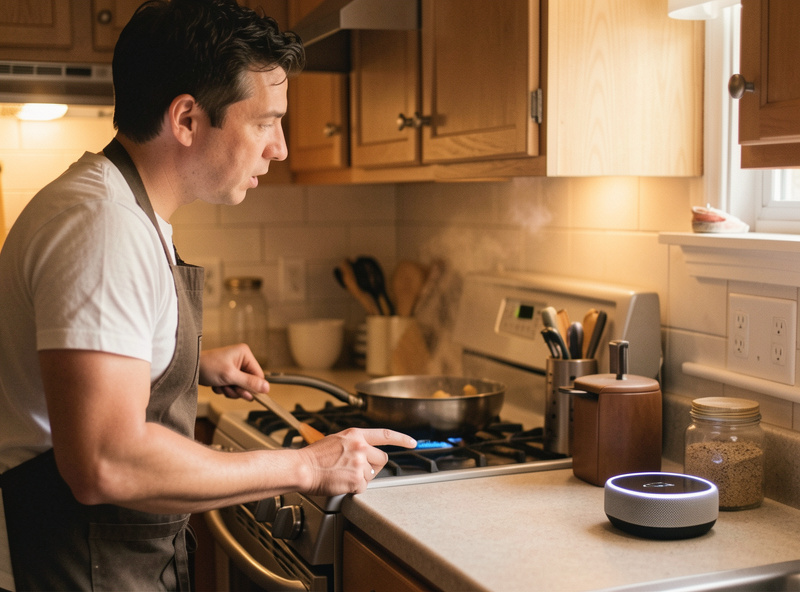
Quiet hours matter just as much. Between bedtime and morning, non-urgent announcements route to a phone or a dashboard instead of a speaker — the last thing anyone wants is the house announcing a finished dishwasher at 1 a.m. The genuine emergencies still speak, because a spoken “leak detected in the kitchen” at 3 a.m. is precisely when you want the room to shout. Deciding which announcements pierce quiet hours is the same whitelist discipline behind critical phone alerts: reserve the interruption for things that earn it.
Should I Use Cloud or Local TTS?
Local, if you value reliability and privacy over a marginally smoother voice. A local engine keeps every announcement string inside your house and keeps the speakers working during an internet outage. Cloud engines sound a touch more natural and need no setup, but they add a dependency to a channel whose whole appeal is that it just works.
I run a local engine on the same mini-PC that hosts my hub, and the voice quality is more than good enough for “the back door is open” — nobody is asking their laundry reminder to sound like a radio presenter. The privacy angle is not paranoia either: a cloud TTS means every announcement, including ones that reveal when the house is empty or who is home, is a string sent to a third party. Keeping it local closes that off entirely. If you are choosing hardware, note that many wall displays double as capable announcement surfaces — I cover the display side in the comparison of Echo Show versus Nest Hub and the Echo Show 15 as a wall dashboard.
What Are the Best TTS Announcement Recipes?
The best announcements are the ones a glance at a phone cannot beat: hands-full moments, whole-room information, and time-sensitive nudges. If someone would have to stop what they are doing and find a screen, speaking it is a genuine upgrade rather than a novelty.
These earn their place in my house:
- “Someone is at the front door” — spoken in the occupied room the instant the doorbell or a person-detection camera fires, so you know before the second knock.
- “The dryer has finished” — in whatever room I am in, because I will otherwise forget and find creased laundry hours later.
- “Garage door still open, it’s getting dark” — a spoken nudge that catches the thing a phone push would have been swiped past.
- “Leak detected in the kitchen” — the emergency case, spoken at full volume, overriding quiet hours, in every occupied room at once.
- “Everyone has left, the house is arming” — a spoken confirmation on the way out that you did not forget anything.
Notice the pattern: each is either hands-free-useful or genuinely urgent, and none of them fire constantly. The first time the house told me the front door was open while my arms were full of groceries, I was sold — that is a moment no phone notification could have served. Build a handful of those, guard them with volume and quiet hours, and TTS becomes the channel your household actually thanks you for.
Frequently Asked Questions
How do I make a Home Assistant speaker say something?
Call the tts.speak service with your text-to-speech engine, the target media player entity, and the message string. Trigger it from any automation and the chosen speaker reads the text aloud within a second or two. Everything else, like room targeting and volume, wraps around that single call.
Can Home Assistant TTS work without the internet?
Yes, if you use a local text-to-speech engine running on your own hardware. A local engine keeps every announcement inside the house and continues to work during an internet outage, unlike a cloud voice that depends on an external service and connectivity to speak.
How do I stop announcements from playing at the wrong volume?
Set the announcement volume explicitly in your script before speaking, then restore the previous level afterward. Without this the announcement inherits whatever level the media player was last at, so a speaker left loud will shout and one left quiet will whisper the alert nobody hears.
How do I only announce in the room someone is in?
Combine presence sensors with your media-player list so a template picks the speaker in the occupied room. The announcement plays where a person can hear it and stays silent in empty rooms, and if nobody is home it can fall back to a phone notification instead.
How do I keep the house quiet at night but still get emergencies?
Add a quiet-hours guard that routes non-urgent announcements to a phone or dashboard overnight, while a small whitelist of genuine emergencies like a leak still speaks aloud at full volume. This mirrors the discipline of reserving critical phone alerts for things that truly warrant an interruption.