Critical Alerts on iPhone: Wake Me for Leaks, Not Lights
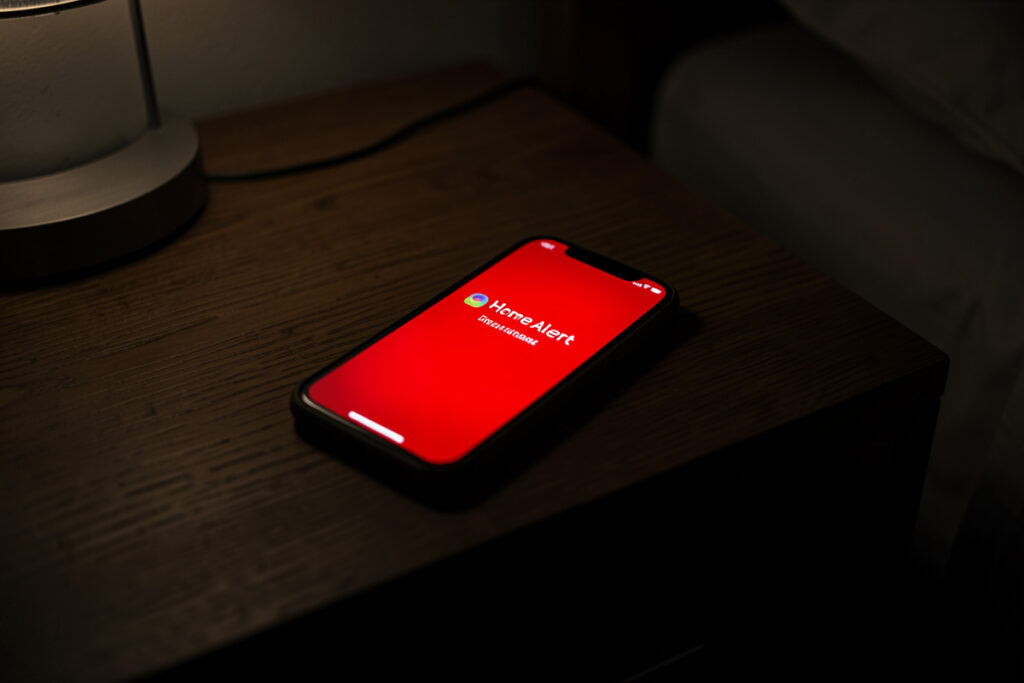
A critical alert on iPhone is a notification that bypasses the ring/silent switch, Do Not Disturb, and any Focus mode, plays at a volume you set in the payload, and requires a one-time permission the user must grant. In Home Assistant you trigger it by adding a critical flag to the mobile push. In my setup exactly three events are allowed to send one: a leak sensor going wet, the smoke/CO integration tripping, and a door opening while the house is armed-away and empty.
That short list is the whole point. A critical alert is the only notification that can wake a sleeping person, so the moment you let more than a few events use it, you have taught yourself to silence the one channel that was supposed to be unsilenceable. I learned that the hard way: a “freezer door ajar” alert I had set to critical woke the entire house at 4 a.m. over a sensor that had simply drifted out of calibration. The lesson stuck. Non-emergencies now physically cannot reach critical priority in my hub, because the wrapper strips the flag unless the event is on the whitelist.
What Makes an Alert “Critical” on iPhone?
Interruption level. iOS sorts notifications into passive, active, time-sensitive, and critical tiers, and only the critical tier overrides the hardware mute switch and Do Not Disturb. Everything else respects the phone’s quiet settings, which is exactly why a normal push stays silent overnight and a critical one does not.
Apple treats this as a privilege, not a default. Critical alerts require an entitlement that the Home Assistant companion app already carries, plus an explicit user grant on the device, and they were designed for genuinely urgent categories — home safety, security, health monitoring. Apple’s own UserNotifications documentation describes the interruption levels and the deliberately high bar for the critical tier. The takeaway for a self-hoster: iOS is on your side here, guarding the channel so that when a critical alert does fire, it still means something.
The practical effect in the house is stark. A standard “back door opened” push at midnight does nothing audible — correct behavior. A leak sensor going wet fires a critical alert that rings at full volume through silent mode and Do Not Disturb, and I am awake and moving before I have finished reading it. Same hub, same phone, wildly different urgency, and the difference is one flag.
How Do I Send a Critical Alert from Home Assistant?
Add a push block with sound set to critical and a volume between 0 and 1. The flag lives inside the notification’s data payload, so the same notify.mobile_app_* service you use for everything else carries it — you are just telling iOS this one is allowed to break through.
service: notify.mobile_app_kenny_phone
data:
  title: "LEAK DETECTED"
  message: "Water under the kitchen sink."
  data:
    push:
      sound:
        name: "default"
        critical: 1
        volume: 1.0
That critical: 1 is the entire trick, and volume: 1.0 forces full loudness regardless of the phone’s current level. Set volume to something like 0.6 for a “loud but not heart-attack” alert; I keep leaks and smoke at 1.0 because there is no such thing as too loud when there is water spreading across the floor. The official critical-notifications documentation is the reference for every field, and I keep it open the rare times I add a new critical trigger.
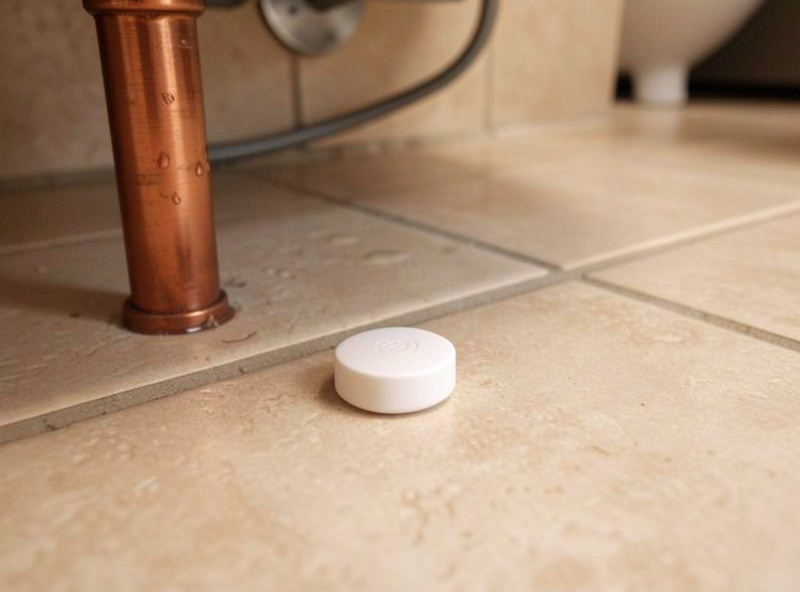
Route this through your notification wrapper, not a bare service call. In my hub the critical flag is only ever added by the dispatcher when the incoming priority is emergency, and that priority is only assignable by the handful of automations on the whitelist. That single choke point is what stopped me from ever repeating the 4 a.m. freezer incident — an automation cannot accidentally send a critical alert, because it does not have the power to set that priority.
Which Events Actually Deserve a Critical Alert?
Water, fire, and genuine security — full stop. The test I apply: would I want to be woken from deep sleep for this, every time, no exceptions? If the honest answer is anything short of yes, it is a standard notification. Almost nothing passes that test, and that is healthy.
Here is my entire critical whitelist, unchanged for over a year:
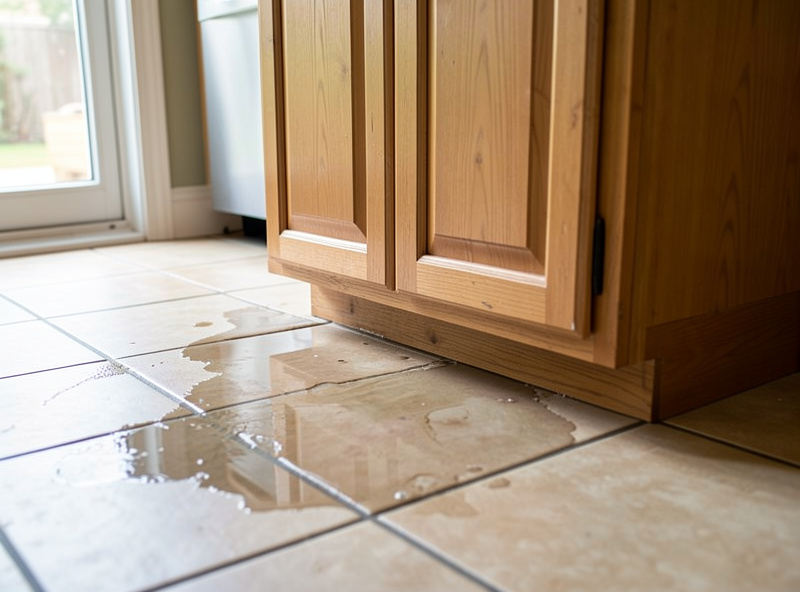
- Leak detected — any water sensor going wet. These pair naturally with a smart shutoff valve so the alert and the automatic response fire together.
- Smoke or CO — the safety integration tripping. Life-safety, non-negotiable.
- Intrusion while armed-away — a door or motion sensor firing when presence says the house is empty.
Notice what is not on the list: garage doors, low batteries, the dishwasher, arrivals and departures, anything to do with lights or climate. Those are all real notifications I still want — they just do not get to wake me. If you are choosing your own whitelist, start by picking the leak case; it is the highest-value critical alert most homes can add, and it is why I run leak sensors in every wet zone feeding a whole-home water monitor.
Why Does My Critical Alert Permission Keep Resetting?
Because the grant is per-app and can be knocked out by an app reinstall, a major iOS update, or the companion app being rebuilt from scratch. If your critical alerts suddenly go quiet, the first thing to check is whether iOS still lists the permission as enabled for the Home Assistant app — not your YAML.
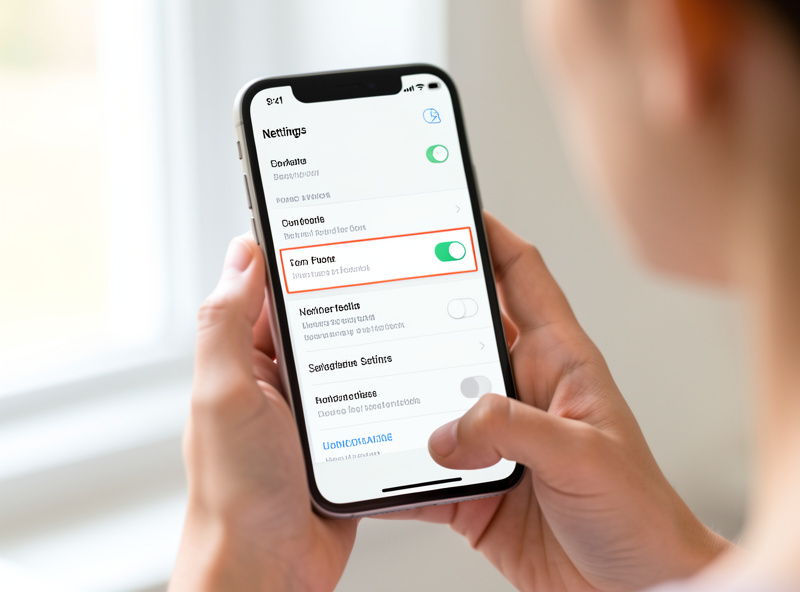
This one genuinely caught me. After migrating my phone, my leak alerts stopped bypassing silent mode and I assumed I had broken the automation. I hadn’t — the permission simply had not been re-granted on the new device, so iOS was quietly downgrading every critical push to a normal one. The fix took ten seconds once I looked in the right place, but I had spent twenty minutes staring at working YAML first. Now, whenever I set up a new phone or after a big iOS update, re-granting the critical permission is step one, before I trust any life-safety alert.
Build a self-test to catch this. Once a month my hub sends a single low-volume critical alert labelled “monthly critical test” at a civilised hour; if I do not feel it buzz through Do Not Disturb, I know the permission has lapsed before a real emergency finds out for me. A silent safety channel is worse than no safety channel, because you are trusting a thing that is not working.
What Is the Equivalent on Android?
Android has no single “critical” flag — it routes urgency through notification channels. You set a channel with maximum importance and the “override Do Not Disturb” permission, then send the notification tagged to that channel. The effect is the same: a full-volume alert that pierces silent mode, configured once per channel instead of per message.
The payload difference is small. On Android you add channel and importance: high to the push data, then grant that channel the DND override in the system settings. Because the behaviour is channel-based, I keep a single “Emergencies” channel on the Android phones in the house and every life-safety alert targets it — the same one-choke-point discipline as the iOS whitelist. If you run a mixed-platform household, design the wrapper to emit the right shape per device from the same emergency priority, so the automations never have to know which phone they are talking to. That cross-platform routing is the same principle behind actionable notifications: decide on the hub, render per device.
How Do I Test Critical Alerts Without Waking the House?
Send them to yourself at a sensible hour with the volume turned down. A critical alert at volume: 0.3 still proves the flag and permission work without blasting the room, so you can confirm the whole chain — automation to wrapper to phone — before you rely on it for an actual leak.
My test routine is deliberate. I trigger the leak automation manually with a fake sensor state, confirm the critical alert lands and overrides Do Not Disturb, then check that the paired shutoff and any wrapper logging fired too. Testing the alert in isolation is not enough; you want to know the whole response chain works, because in a real leak you will not be debugging — you will be grabbing towels. Build the test, run it monthly, and trust the channel only because you keep proving it works. The same debug-the-whole-chain discipline applies to the debounce and throttle rules on your standard alerts — a critical channel that never fires falsely only matters if the ordinary channel isn’t crying wolf either.
Frequently Asked Questions
Do critical alerts work with the iPhone on silent or Do Not Disturb?
Yes, that is their entire purpose. A critical alert bypasses the ring/silent switch, Do Not Disturb, and Focus modes, and plays at the volume set in the payload. It is the only Home Assistant notification tier that can make a silenced iPhone audible, which is why it should be reserved for emergencies.
How do I send a critical alert from Home Assistant?
Call your mobile_app notify service and add a push sound block with critical set to 1 and a volume between 0 and 1. The critical flag tells iOS the notification may override silent mode and Do Not Disturb. Route it through a wrapper so only whitelisted emergency events can set that flag.
Why did my critical alerts stop overriding silent mode?
Almost always the per-app critical permission was lost after an app reinstall or a major iOS update, so iOS silently downgrades the alert to a normal push. Re-grant the critical alert permission for the Home Assistant app in the phone settings, and add a monthly self-test so a lapsed permission is caught before a real emergency.
What events should be allowed to send a critical alert?
Only genuine emergencies: water leaks, smoke or carbon monoxide, and intrusion while the house is armed and empty. The test is whether you would want to be woken from deep sleep for it every single time. Garage doors, low batteries, and appliance alerts should stay as standard notifications.
Is there a critical alert equivalent on Android?
Yes, through notification channels. Create a channel with maximum importance and the override Do Not Disturb permission, then send notifications tagged to that channel. It achieves the same full-volume, silence-piercing behaviour as an iOS critical alert, configured once per channel rather than per message.
Can I set the volume of a critical alert?
Yes. The volume field in the push sound block takes a value from 0 to 1, where 1 is full volume regardless of the phone’s current level. Use a high value for leaks and smoke, and a lower value like 0.3 when testing so you can confirm the alert works without waking the house.