Per-Person Notifications: Route Alerts to the Right Phone
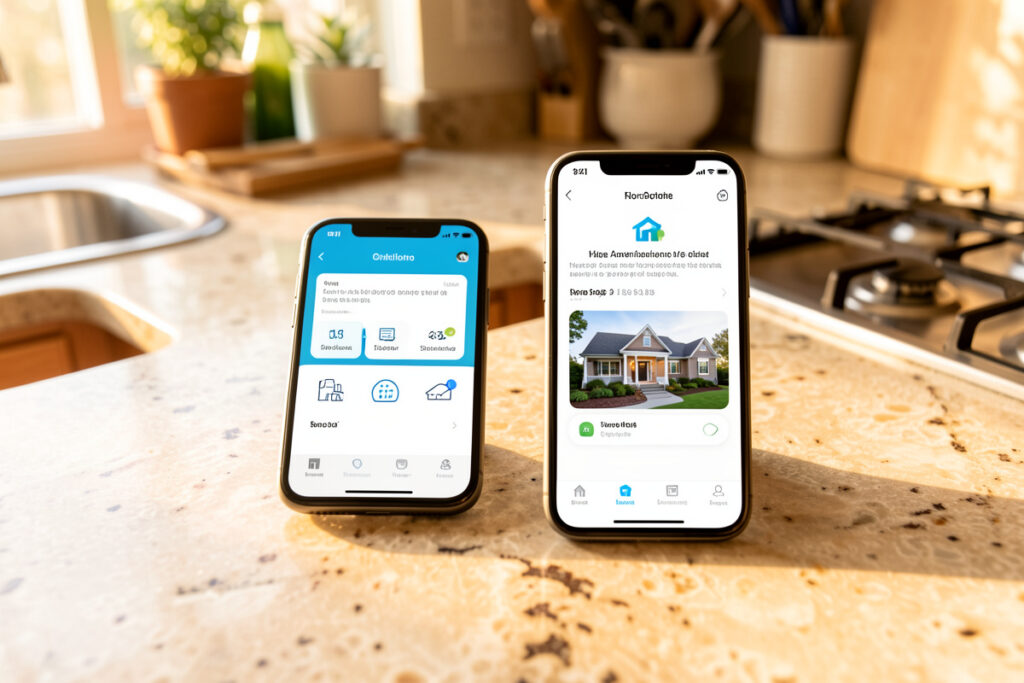
Per-person notifications in Home Assistant mean addressing a human, not a phone. You build a script that takes a person entity, looks up that person’s mobile-app notify service, and sends the message there — so an automation says “tell whoever is home about the back gate” instead of hardcoding notify.mobile_app_kenny_phone. In my setup one notify_person script backs every alert, and swapping a phone is a one-line change instead of a find-and-replace across forty automations.
This is the upgrade that turns a noisy household smart home into a considerate one. When both adult phones buzz for an alert that only concerns one of us, sitting in the same room, the notifications feel like spam even when each one is legitimate. Route by person and layered on presence, and the back gate opening reaches the person who can do something about it — not the one on a plane, and not both of us at dinner. The building block is small; the payoff in household goodwill is not.
What Does “Routing by Person” Actually Mean?
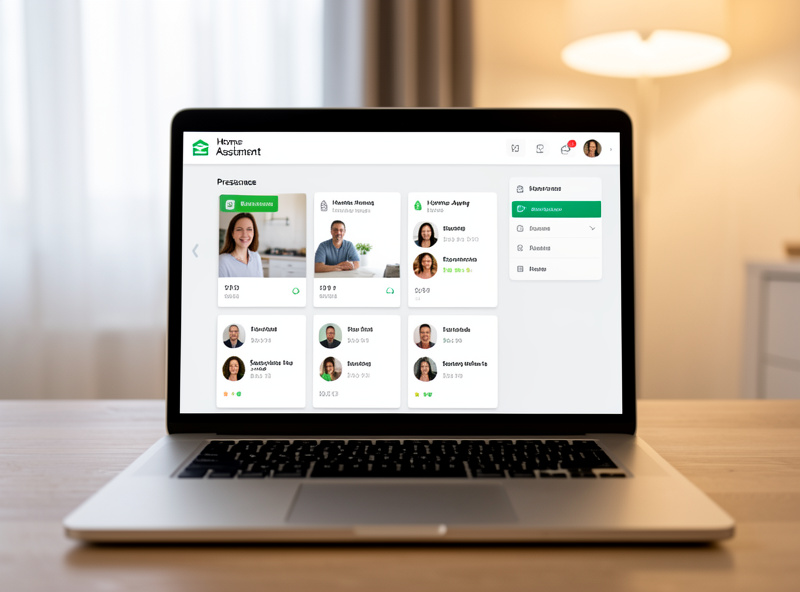
It means using Home Assistant’s person entities as the addressing layer. A person entity ties together someone’s device trackers — their phone’s GPS, its Wi-Fi presence, a Bluetooth beacon — into one home/away state, and through the phone it maps to a notify.mobile_app_* service. Address the person and HA resolves the right device.
The distinction matters because devices are not people. Phones get replaced, renamed, and carried out of the house; a person is stable. The Home Assistant person integration documentation covers how to build these entities and attach trackers. Once you have person.kenny and person.partner defined, every automation can reason about humans — who is home, who owns which alert — and the messy device details live in exactly one place.
I name mine deliberately, the same way I name every entity. A person’s notify service gets an alias that never changes even when the underlying phone does, so my automations reference a stable target. It is the same consistent-naming discipline that keeps a large rule engine maintainable rather than a tangle you are afraid to touch.
How Do I Build a notify_person Script?
Create a script that accepts a person and a message, maps the person to their notify service, and calls it. The mapping is a small template or a lookup, and once it exists every automation calls script.notify_person with a name instead of wiring the mobile app directly. One script, every alert routed correctly.
script:
  notify_person:
    fields:
      target_person:
        description: "person entity, e.g. person.kenny"
      message:
        description: "the notification text"
    sequence:
      - variables:
          service_map:
            person.kenny: "notify.mobile_app_kenny_phone"
            person.partner: "notify.mobile_app_partner_phone"
      - service: "{{ service_map[target_person] }}"
        data:
          message: "{{ message }}"
That service_map is the whole idea: one dictionary that translates a person into a device service. Add a new household member by adding a line, not by rewriting automations. Call it from anywhere:
action:
  - service: script.notify_person
    data:
      target_person: person.partner
      message: "Back gate opened."
How Do I Send Only to Whoever Is Home?
Loop over your person entities, keep the ones whose state is home, and fire the notify script for each. Combined with reliable presence, a “someone’s at the door” alert reaches every person currently in the house and nobody who has left — the notification follows people, not floors.
The template that builds the “currently home” list is short:
sequence:
  - repeat:
      for_each: >
        {{ states.person
           | selectattr('state','eq','home')
           | map(attribute='entity_id') | list }}
      sequence:
        - service: script.notify_person
          data:
            target_person: "{{ repeat.item }}"
            message: "Someone is at the front door."
The quality of this depends entirely on the quality of your presence signal. If home/away is decided by “phone joined the Wi-Fi,” you will get missed and phantom alerts as radios sleep and roam. That is why I decide presence with device trackers plus room sensors rather than Wi-Fi alone — the reliable version is covered across the notifications guide, and it is the difference between “route to whoever is home” working and quietly failing.
What Happens When the Target Phone Is Unreachable?
Always build a fallback. A phone can be dead, out of signal, or have notifications muted, so a per-person notification that matters should degrade gracefully — I fall back to a whole-house spoken announcement or a persistent dashboard entry so the information is not simply lost when a single device does not answer.
The pattern is a small conditional in the script: try the person’s device, and if the alert is important enough, also drop it on a shared channel. In practice my notify_person script takes an optional fallback flag; when set, an unanswered or high-priority alert also speaks through the nearest speaker and logs to the dashboard. I added this after a genuinely useful alert — a washing machine finished while I was out and my phone was in a dead-signal basement — never reached me, and the laundry sat wet overnight. A single delivery path is a single point of failure.
The important nuance: not every alert deserves a fallback. A trivial nudge should die quietly if the phone does not see it; only alerts that genuinely matter get the belt-and-braces treatment. Deciding that per alert is exactly the kind of policy that belongs in one wrapper rather than copied into every automation, so the rule is written once and applied consistently.
Which Per-Person Alerts Are Actually Worth Building?
The ones where the recipient changes the outcome. If an alert is equally useful to everyone or to no one in particular, broadcast it or drop it on a dashboard. Per-person routing earns its complexity when the right human getting the message — and the wrong ones not being bothered — is the entire point.
These are the ones running in my house, and why each is addressed rather than broadcast:
- “Your laundry is done” — goes to whoever started the wash, tracked by which person was home when the machine drew power. Nobody else needs to know, and the person who loaded it does.
- “The kids’ bedtime routine finished” — parents only. A house guest does not need a bedtime report, and routing it per person keeps household business inside the household.
- “Back gate opened” — to whoever is currently home, because it is an action item for the person who can walk over and check, not for the one at the office.
- “Your phone is the last one home, arming is paused” — a single-recipient nudge that only makes sense addressed to one person, since it is literally about that person being the last presence in the house.
- “Medicine cabinet / cleaning supplies low” — to the person who manages that, not a group blast that everyone ignores assuming someone else will handle it.
Notice the anti-pattern each one avoids: the group blast that trains a household to ignore notifications because “it’s probably not for me.” Diffusion of responsibility is real, and a smart home that buzzes everyone for everything produces exactly that shrug. Addressing an alert to one accountable person is not just tidier — it makes the alert more likely to be acted on.
Should I Route to Devices or to People?
To people, almost always. Routing directly to a device notify service works and is one line shorter, but it bakes a phone’s name into every automation, so the day you replace the phone you are editing dozens of files. A person-based layer costs one script and pays for itself the first hardware swap.
There is a narrow exception: a device that belongs to the house rather than a person — a wall-mounted hallway tablet, a kitchen display — is legitimately addressed as a device, because there is no human to attach it to. I treat those as broadcast surfaces for ambient, glanceable information, and keep the person layer for anything that follows a human around. Mixing the two deliberately — people for personal alerts, fixed displays for shared status — is how the notification system stays legible as it grows. The rule I hold to: if a human should be accountable for acting on it, address the human; if it is ambient status anyone might glance at, address the place.
How Does Per-Person Routing Work With Actionable and Critical Alerts?
It composes cleanly, because routing decides where and the other features decide how. A per-person actionable notification sends buttons to one human’s phone, and the tap event carries which action fired; a per-person critical alert wakes one specific person for an emergency they own.
The one thing to get right is context in the payload. When you send actionable buttons per person, include the target person in the notification data so the handling automation knows who tapped — otherwise a shared action string cannot tell whether Kenny or the partner pressed “close it.” I carry the person through as a tag, and the handler reads it back. It is the same tagging discipline that keeps action buttons from running the wrong thing, applied to the routing layer.
Because the decision happens on the hub, not the phone, the whole system keeps working when hardware changes — a new phone just needs one line in the service map, and every per-person automation, actionable or critical, keeps functioning. That is the local-first payoff again: the brain stays on your hardware, so you own the addressing logic outright.
Frequently Asked Questions
How do I send a Home Assistant notification to one specific person?
Build a small script that maps each person entity to their mobile-app notify service, then call the script with the person and message. This addresses a human rather than a hardcoded phone, so replacing a device is a one-line change instead of an edit across every automation.
How do I notify only the people who are home?
Loop over your person entities, filter to the ones whose state is home, and call the per-person notify script for each. The result is that an alert reaches everyone currently in the house and nobody who has left, provided your presence detection is reliable rather than based on Wi-Fi alone.
What happens if the target person’s phone is off or unreachable?
Build a fallback into the notify script. For alerts that matter, if the phone does not answer, also send a whole-house spoken announcement or a persistent dashboard entry so the information is not lost. Trivial nudges can be allowed to die quietly with no fallback.
Can I send actionable buttons to a specific person?
Yes. Per-person routing decides which phone receives the notification, and the actionable buttons ride along in the same payload. Include the target person as a tag in the notification data so the handling automation knows who tapped when several people can receive the same action.
Do I need the person integration for per-person notifications?
It is the cleanest way. Person entities tie a human’s device trackers into one home/away state and link to their phone’s notify service, giving you a stable addressing layer. You can map phones directly, but person entities survive device changes and enable who-is-home routing.