Local vs Cloud Smart Home Control: Which Wins?
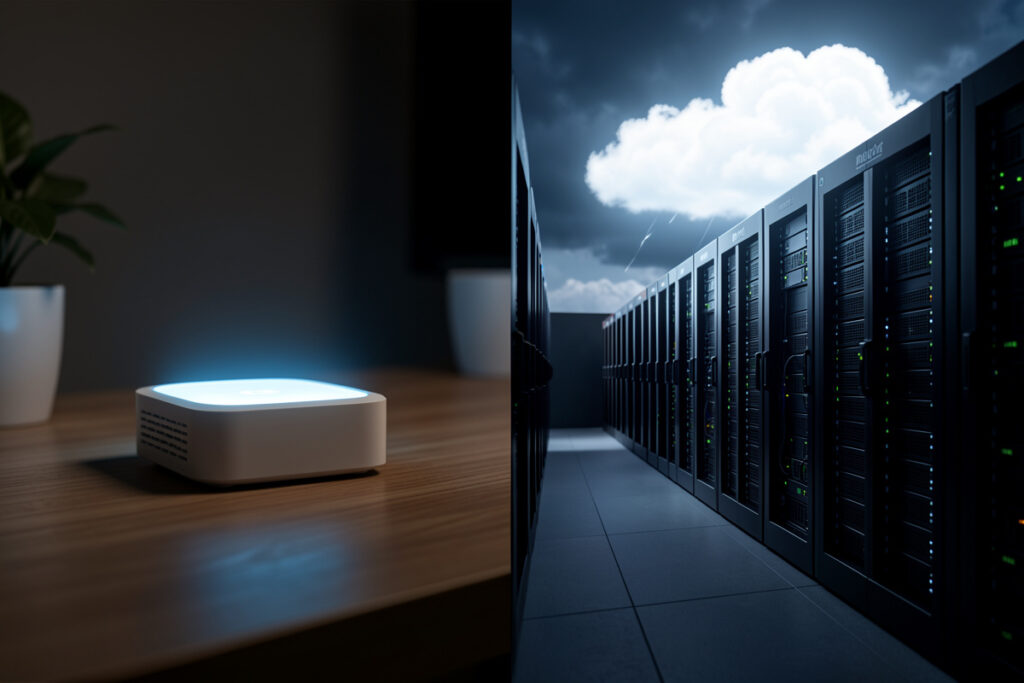
Local control means the brain of your smart home — the hub that decides when things happen — lives in your house and keeps working without the internet. Cloud control means that brain lives on a company’s servers, so your lights, locks, and routines depend on someone else’s uptime and goodwill. In my setup local wins on the three things that actually matter day to day: reliability, latency, and privacy.
This is the single most consequential choice you make when building a smart home, and most people make it by accident — they buy a device, install its app, and inherit whatever architecture the manufacturer chose. It’s worth making it on purpose. I run a local-first Home Assistant install precisely because I got tired of automations that broke when an unrelated service had a bad night. Here’s the honest comparison, including where cloud genuinely earns its place.
What Local Control Actually Means
Local control means the decision-making happens on hardware you own, and the device-to-hub communication uses a local protocol rather than a round trip to the internet. When a motion sensor on my Zigbee mesh trips and a light comes on, the entire chain — sensor, coordinator, hub, automation, relay — happens inside my house in well under a second. No packet leaves the building.
Cloud control inverts that. The sensor reports to the vendor’s server, the server evaluates the rule, and the server tells the light to turn on. Even when it works, you’ve added a round trip to a data center and back, and you’ve made the whole routine dependent on your internet connection, the vendor’s servers, and the path between them. The capability looks identical in a demo. The reliability and privacy underneath are completely different.
Reliability: Does It Work When the Internet Doesn’t?
This is the test I run every recommendation through, and it’s the clearest dividing line. A local automation survives an internet outage, an ISP problem, a DNS hiccup, or the vendor quietly retiring a server. A cloud automation fails on all of them — and worse, it can fail silently, so you don’t find out your “smart” lock or lights stopped responding until you’re standing in front of them.
The failure mode that sells people on local control is the boring one: not a dramatic hack, just an ordinary outage where the broadband drops for an hour and suddenly nothing in the house responds. With local control, the lights, the schedules, and the presence routines keep running because the logic never needed the internet in the first place. I treat “does this still work when the cloud is down?” as the first question for any device, and it’s the backbone of my whole smart home privacy approach.
Latency: Local Is Just Faster
Latency is the lag between a trigger and the response. Locally, that’s the time for a Zigbee or Z-Wave message to cross your mesh — typically a fraction of a second, fast enough that a light feels like it responds to the switch you just pressed. Through the cloud, you’re waiting on a round trip to a data center, which on a good day is still noticeably slower and on a bad day turns a motion-activated light into a frustrating “did it work?” pause.
It sounds minor until you live with it. A presence-lighting routine that lags by a second or two feels broken in a way that erodes trust in the whole system. The automations I’m proudest of are the ones nobody notices, and you only get that invisibility with local-speed responses.
Privacy: Where the Data Goes
With local control, the data your devices generate — motion, occupancy, lock events, energy use — has no path off your network unless you deliberately create one. With cloud control, that data is on the vendor’s servers by design, which means it’s subject to their policies, their breaches, and their business decisions. This is the part people underestimate, because the privacy cost is invisible until something goes wrong.
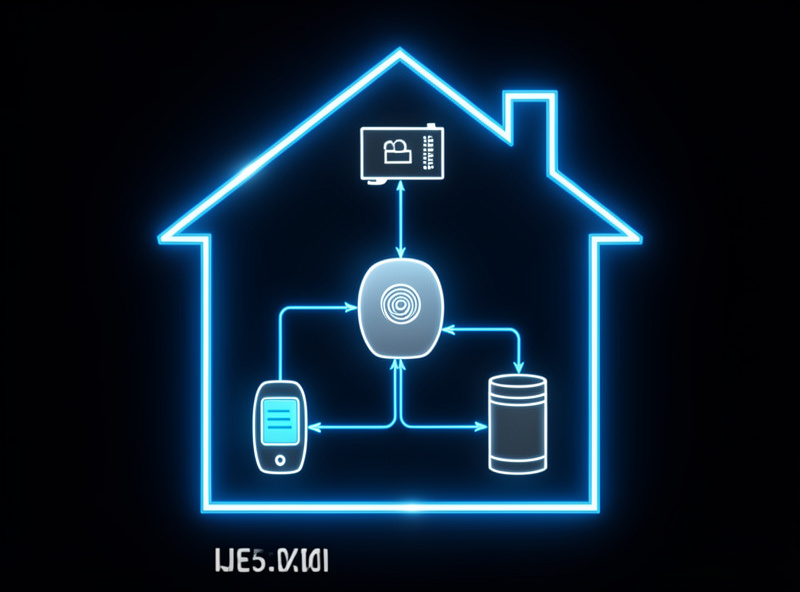
Local control is what makes every other privacy measure possible. You can’t meaningfully cut device telemetry or lock down IoT privacy if the device’s core function already routes through someone else’s cloud — the leak is built into how it works. Keep the brain local and you’ve closed the main door before you start worrying about the windows.
The Comparison at a Glance
| Factor | Local control | Cloud control |
|---|---|---|
| Works during internet outage | Yes | No |
| Response latency | Sub-second, on-network | Round trip to data center |
| Where your data lives | In your house | On the vendor’s servers |
| Long-term lifespan | Independent of vendor | Ends when servers do |
| Remote access | Needs your own setup | Built in, easy |
| Initial setup effort | Higher | Lower |
Where Cloud Genuinely Earns Its Place
I’m a local-control evangelist, but I won’t pretend cloud has no use. Effortless remote access is the honest win — checking a camera or unlocking a door from across the country is trivial with a cloud service and takes deliberate setup to do locally and securely. Cloud is also simpler to start with: download an app, scan a QR code, done. For someone with three devices and no interest in running a hub, that convenience is real.
The way I square it is to keep cloud as an option layered on top of a local core, never as the core itself. My automations run locally; if I want remote access I add my own secure remote path to the local hub rather than depending on a vendor’s cloud to make the basics work. That way the convenience is mine to add or remove, and the failure of any cloud service degrades a feature instead of breaking the house. Even renters can run this model — I cover the constraints in the local-control guide for renters.
Which Devices Should Be Local, and Which Can Be Cloud
Not every device carries the same stakes, so I don’t apply the rule with equal force everywhere. The things that need to be reliable and private get held to a strict local standard. The things where a cloud dependency is low-risk get more slack. Sorting devices this way is what makes a real home practical instead of dogmatic.
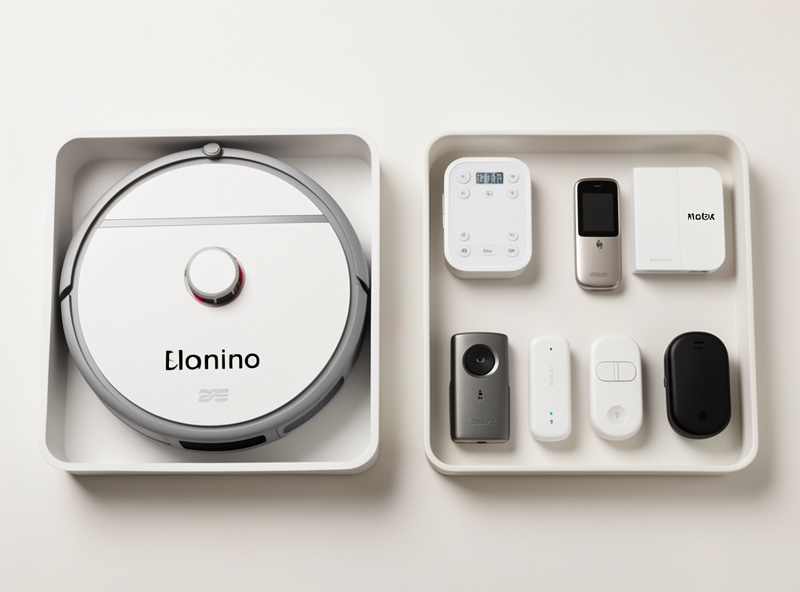
Anything load-bearing goes local without exception: lighting tied to presence, locks, climate, anything I’d be annoyed to lose during an outage, and anything that generates sensitive data like cameras and occupancy sensors. These run on local protocols through my hub, full stop. The middle ground is convenience gear — a robot vacuum, a media device — where I prefer local but won’t reject a device purely for needing the cloud to set up, as long as I can isolate it. And the genuinely low-stakes stuff, like a single decorative light I rarely automate, simply doesn’t matter enough to fight over. The trick is being deliberate about which bucket each device falls in, rather than letting the manufacturer decide for you by default.
This sorting also makes outages a non-event. When the broadband drops, the cloud convenience devices go quiet for a while and nobody cares, because nothing essential was routed through them. The lights, locks, and routines — the parts you’d actually miss — never noticed, because they were local all along. That’s the whole point: put the cloud where its failure is a shrug, never where its failure is a problem.
How to Move Toward Local Without Starting Over
You don’t rip out everything cloud overnight. Stand up a local hub, move your most-used automations onto it, and on each new purchase choose a local-protocol device over a cloud-only one. For the cloud gadgets you already own, many can be reflashed with local firmware to cut the cord entirely. The goal is a steady drift toward a home where the cloud is a guest, not the landlord — and the same drift is what hardens your device security and lets you eventually isolate IoT on its own network.
As an Amazon Associate I earn from qualifying purchases.
The migration is easier than people fear because you’re not chasing perfection — you’re chasing a trend line. Every local-protocol device you add and every cloud account you retire moves the balance. After a year of buying through this filter, my house crossed the point where an outage genuinely doesn’t change anything that matters, and I didn’t reach it by replacing everything in a weekend. I reached it one purchase at a time, asking the same question at the checkout each time: when the servers go away, does this still work? Build the habit and the local-first home assembles itself around you.
Frequently Asked Questions
Is local smart home control better than cloud?
For reliability, latency, and privacy, yes. Local control keeps working during an internet outage, responds in a fraction of a second, and keeps your data in your house. Cloud’s main advantage is easier remote access and simpler setup.
Do local smart home devices work without internet?
Yes. With a local hub like Home Assistant and devices on Zigbee, Z-Wave, or Thread, automations run entirely inside your house and keep firing during an internet outage. Only remote access from outside the home needs a connection.
Can I have both local control and remote access?
Yes. Run automations on a local hub and add your own secure remote path to that hub for access from outside. This keeps the core working offline while giving you remote control, without depending on a vendor’s cloud for the basics.
Why is cloud control a privacy risk?
Cloud control routes your device data through the vendor’s servers by design, so motion, occupancy, and lock events leave your network. That data is then subject to the company’s policies, potential breaches, and business decisions, regardless of how good their intentions are.
What hub should I use for local control?
Home Assistant is the most capable local-first option and what I run, with Hubitat and openHAB as alternatives. The key trait is that the automation logic and device communication stay on hardware you own rather than the vendor’s cloud.