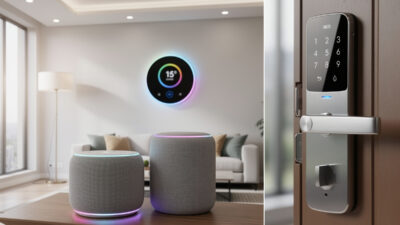
DIY Smart Home on a Budget: Build a Connected Home for Under $200
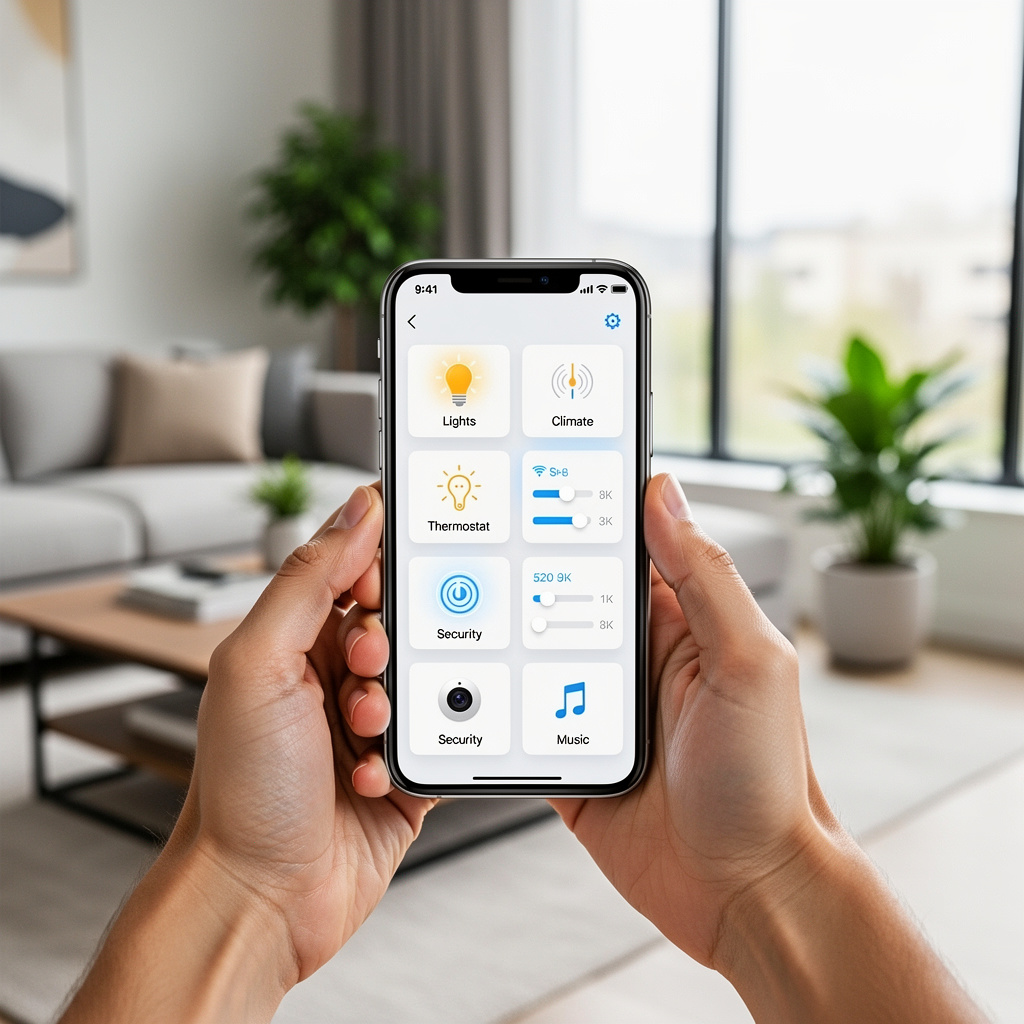
Think you need thousands of dollars to build a smart home? Think again. While premium devices and whole-home systems can cost a fortune, you can automate your home effectively for under $200 – sometimes under $100. The key is knowing where to spend, where to save, and which DIY approaches deliver real value.
This guide shows you how to build a functional, useful smart home on a tight budget. No compromises on core functionality, just smart choices that maximize value per dollar spent.
Note: Prices listed are approximate and subject to change. Check current pricing before purchasing. Some items may require additional costs like subscriptions or installation.
As an Amazon Associate I earn from qualifying purchases.
The Budget Smart Home Mindset
Expensive does not always mean better. Many budget smart home devices perform nearly identically to premium options for everyday use. The differences often come down to:
- Build quality: Premium devices may feel nicer but function the same
- Extra features: Features you may never use
- Brand reputation: You pay for the name
- Ecosystem lock-in: Premium ecosystems want you buying more premium products
A $15 smart plug turns a lamp on and off exactly like a $40 smart plug. A $35 camera shows you video just like a $200 camera. Focus on function over flash, and your budget stretches dramatically.
Prioritize High-Impact Devices First
Not all smart home categories deliver equal value. Prioritize devices that:
- Save money: Smart thermostats pay for themselves through energy savings
- Get used daily: Smart lighting impacts every evening
- Solve real problems: A video doorbell if packages get stolen, leak sensors if you have had water damage
Skip devices that sound cool but you will rarely use. A smart coffee maker seems fun until you realize you still have to add water and grounds manually.
Budget Device Recommendations
Here are the best values in each category, with prices that deliver real functionality without premium costs.
Smart Speaker: Your Command Center ($20-50)
Best budget pick: Amazon Echo Dot (5th Gen) – $50 ($20-30 on sale)
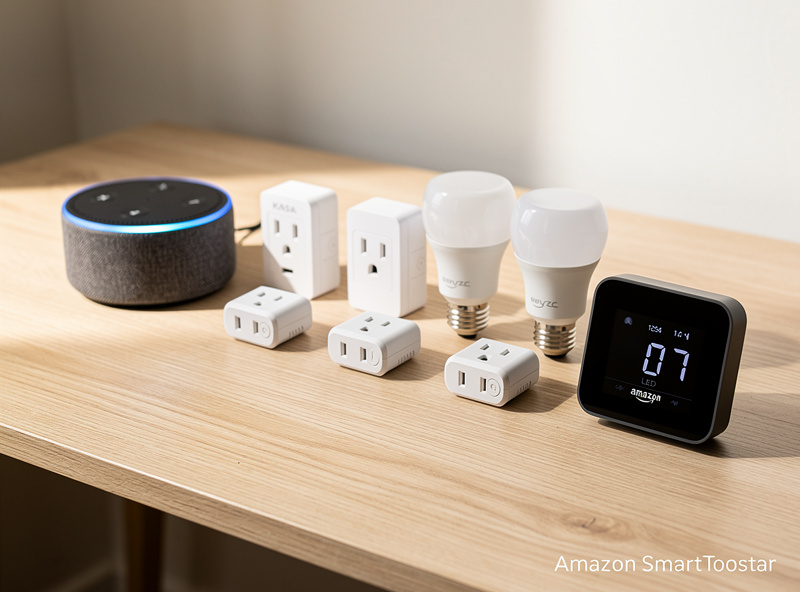
The Echo Dot delivers full Alexa functionality at the lowest price point. Wait for sales during Prime Day, Black Friday, or random promotions – it regularly drops to $20-30. One Echo Dot gives you voice control for your entire smart home.
Even cheaper: Look for refurbished Echo Dots directly from Amazon for $20-25 with full warranty.
Smart Lighting: The Gateway Upgrade ($15-60)
Best budget bulbs: Wyze Bulb Color – $12 each
Wyze bulbs cost a fraction of Philips Hue while delivering similar functionality. Full color, tunable white temperature, and reliable app control. They connect directly to Wi-Fi with no hub required. Start with 2-4 bulbs in your most-used rooms.
Best budget plugs for lamps: Kasa Smart Plug Mini – $8-10 each
For table and floor lamps, smart plugs are even cheaper than smart bulbs. A 4-pack of Kasa plugs costs around $25-30 and turns any lamp into a smart lamp. You lose dimming capability but gain simplicity.
DIY tip: Start with plugs for lamps you only turn on and off. Reserve smart bulbs for fixtures where dimming or color matters.
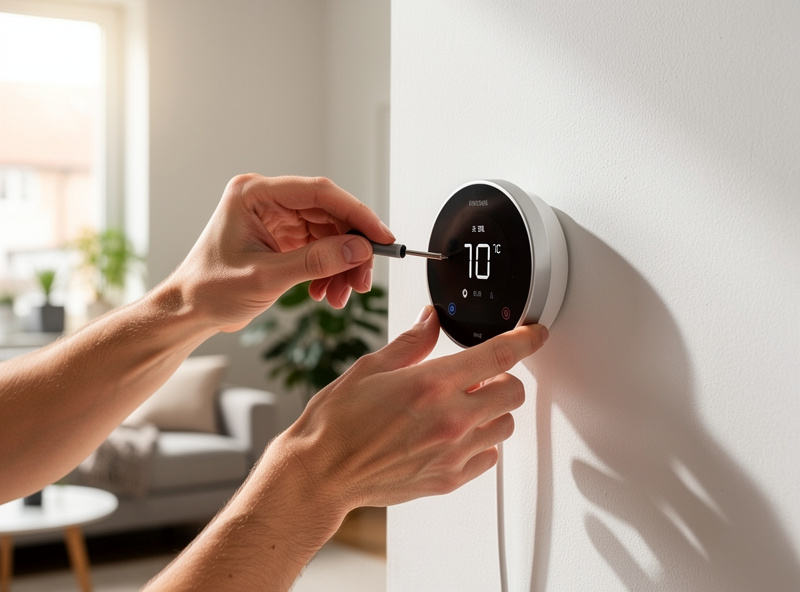
Smart Thermostat: The Money Saver ($50-80)
Best budget pick: Amazon Smart Thermostat – $80 ($60 on sale)
This thermostat lacks the learning features of Nest or Ecobee but handles core smart thermostat functions well: remote control, scheduling, Alexa integration, and energy reports. It works with most HVAC systems and installs in under 30 minutes.
Even cheaper: Look for utility company rebates. Many power companies offer $50-100 rebates on smart thermostats, potentially making it free or nearly free.
ROI calculation: At $80 with typical 15% energy savings, the thermostat pays for itself within one year for most households.
Smart Plugs: The Versatile Workhorses ($6-10 each)
Best budget pick: Kasa Smart Plug Mini (EP10) – $8-10 each
Kasa plugs are reliable, compact, and cheap. Buy them in multi-packs for better per-unit pricing. Use them for:
- Lamps and lighting
- Fans and space heaters (check wattage ratings)
- Coffee makers and small appliances
- Holiday and seasonal decorations
- Phone chargers to prevent overcharging
With energy monitoring: The Kasa KP125 adds power monitoring for about $5 more per plug. Worth it for identifying energy vampires.
Security Camera: Indoor Monitoring ($25-35)
Best budget pick: Wyze Cam v3 – $35 ($25 refurbished)
The Wyze Cam v3 delivers 1080p video, color night vision, two-way audio, and weather resistance at an unbeatable price. Free cloud storage includes 14-day event recordings. Optional Cam Plus subscription adds more features but the free tier is functional.
Budget tip: Skip Wyze Cam Plus subscription initially. The free tier provides motion alerts and 14-day event clips – enough for most users. Add the subscription later if you need continuous recording.
Video Doorbell: Budget Security ($50-100)
Best budget pick: Wyze Video Doorbell – $50
Wyze continues the value theme with their doorbell. It requires existing doorbell wiring but delivers 1080p video, two-way audio, and motion detection at half the price of Ring. Works with Alexa and Google Assistant.
Alternative: Blink Video Doorbell – $50
Blink offers similar value with tighter Alexa integration since Amazon owns both brands.
Smart Sensors: Automation Triggers ($10-20 each)
Best budget door/window sensors: Aqara sensors – $15 each (requires hub)
Aqara sensors are tiny, reliable, and affordable. The catch: they require an Aqara hub ($30). But once you have the hub, sensors are cheap enough to put on every door and window.
No-hub option: Wyze Entry Sensor – $20 for 2-pack (with Wyze subscription)
Best budget water leak sensor: Govee WiFi Water Sensor – $15
Govee leak sensors connect directly to Wi-Fi with no hub required. Place them under sinks, near water heaters, and behind washing machines. Cheap insurance against expensive water damage.
DIY Projects That Save Money
Some smart home upgrades cost almost nothing if you are willing to do a little work.
Convert Old Phones to Security Cameras (Free)
Apps like Alfred Camera and IP Webcam turn old smartphones into functional security cameras. Features include:
- Live video streaming
- Motion detection alerts
- Two-way audio
- Cloud recording (with free tier limits)
Dig out that drawer of old phones, download an app, and position them around your home. Not as polished as dedicated cameras but functional and free.
Raspberry Pi Smart Home Hub ($35-50)
A Raspberry Pi running Home Assistant creates a powerful smart home hub for under $50. Benefits include:
- Local control without cloud dependency
- Works with almost any smart device
- No subscriptions ever
- Extremely powerful automation capabilities
This option requires technical comfort with Linux and configuration files. But if you have the skills, it provides capabilities that rival systems costing hundreds more.
Smart Switch Installation (Save $50-100 per switch)
Electricians charge $50-100 per smart switch installation. With basic electrical knowledge and YouTube tutorials, you can install switches yourself for just the device cost. Safety rules:
- Always turn off the breaker and verify power is off
- Take photos before disconnecting anything
- Follow instructions exactly
- When in doubt, hire a professional
⚠️ SAFETY WARNING: Working with electrical wiring can be dangerous and may violate building codes or insurance requirements. If you are not completely confident in your electrical skills, hire a licensed electrician. Always check local regulations and your homeowner’s insurance policy before performing DIY electrical work. When in doubt, professional installation is always the safer choice.
If comfortable with DIY electrical work, self-installation cuts smart switch costs in half.
Finding Deals and Discounts
Smart home devices go on sale frequently. Patience and timing save significant money.
Best Times to Buy
- Amazon Prime Day (July): Echo devices and Ring products drop 40-50%
- Black Friday/Cyber Monday: Best deals of the year across all brands
- Post-holiday (January): Retailers clear inventory
- New product releases: Previous generation devices get discounted
Where to Find Deals
- Amazon Warehouse: Open-box and returned items at 20-30% off
- Woot.com: Amazon-owned deal site with frequent smart home sales
- Slickdeals.net: Community-curated deals often catch smart home discounts
- Manufacturer refurbished: Direct from Wyze, Ring, and others with warranty
Utility Company Rebates
Check with your electric and gas utility for rebates on:
- Smart thermostats (often $50-100 off)
- Smart plugs and power strips
- LED smart bulbs
Some utilities even provide free smart thermostats or heavily subsidized devices. A quick website check or phone call could save you hundreds.
Budget Smart Home Packages
Here are complete starter packages at different price points.
The $100 Starter
- Echo Dot 5th Gen (on sale): $25
- Kasa Smart Plug 4-pack: $30
- Wyze Bulb Color 2-pack: $25
- Govee Water Sensor 2-pack: $20
What you get: Voice control, smart lighting in two rooms, smart plugs for lamps and appliances, and water leak protection. A functional foundation to build on.
The $250 Value Builder
- Echo Dot 5th Gen: $30
- Amazon Smart Thermostat: $70
- Wyze Bulb Color 4-pack: $45
- Kasa Smart Plug 4-pack: $30
- Wyze Cam v3: $35
- Govee Water Sensors 3-pack: $30
What you get: Everything above plus energy-saving thermostat control, indoor camera monitoring, and expanded lighting control. This package will save money through energy efficiency while providing genuine daily convenience.
The $400 Complete Budget Home
- Echo Show 5: $50
- Amazon Smart Thermostat: $70
- Wyze Bulb Color 6-pack: $65
- Kasa Smart Plug 6-pack: $45
- Wyze Cam v3 2-pack: $60
- Wyze Video Doorbell: $50
- Govee Water Sensors 4-pack: $35
- Aqara Hub + 4 door sensors: $75
What you get: A comprehensive smart home with display control, climate management, whole-home lighting, indoor and entry cameras, and automation sensors. This rivals premium setups costing twice as much.
What to Avoid on a Budget
Some budget choices cost more in the long run. Avoid:
Unknown brand devices: Random brands on Amazon may seem cheap but often have security vulnerabilities, poor app support, and no update path. Stick with Wyze, Kasa, Govee, and other established budget brands.
Devices requiring expensive subscriptions: A cheap device with a mandatory $10 monthly subscription costs more over two years than a pricier device with free cloud storage.
Incompatible ecosystems: Buying devices that do not work with your chosen voice assistant means frustration and eventual replacement. Check compatibility before purchasing.
Overly complex systems: That $40 DIY relay might save money but requires hours of setup and troubleshooting. Sometimes paying a bit more for plug-and-play reliability is the better value.
Growing Your Budget Smart Home
Start with the $100 starter package and expand strategically:
- Month 1-2: Install starter package and learn the system
- Month 3: Add smart thermostat (biggest energy ROI)
- Month 4-5: Expand lighting to more rooms
- Month 6: Add security camera or video doorbell based on needs
- Ongoing: Watch for sales and add devices that solve specific problems
This gradual approach spreads costs, lets you learn as you go, and ensures you only buy devices you actually use.
Frequently Asked Questions
How much does a budget smart home cost?
A functional budget smart home costs $100-200 including a voice assistant, smart plugs, bulbs, and a water sensor. The $250 package adds a smart thermostat and camera for energy savings and security. Premium budget setups reach $400 with video doorbells and sensors.
What are the best budget smart home brands?
Wyze offers the best value for cameras and bulbs at 25% of premium brand prices. TP-Link Kasa makes reliable smart plugs for $8-10 each. Govee provides affordable water sensors and LED strips. Amazon Echo Dot is the best budget voice assistant, often on sale for $20-30.
Do cheap smart home devices work as well as expensive ones?
Budget devices deliver 80-90% of premium functionality for 25-40% of the cost. A $12 Wyze bulb and $50 Philips Hue bulb both change colors and respond to voice commands. The differences are in build quality, app polish, and long-term software support, not core functionality.
When is the best time to buy smart home devices?
Amazon Prime Day in July and Black Friday in November offer 40-50% discounts on Echo devices and smart home products. January post-holiday sales clear inventory at 20-30% off. Amazon Warehouse and manufacturer refurbished options save 20-30% year-round.
Can I get smart home devices for free?
Many utility companies offer $50-100 rebates on smart thermostats, sometimes making them free. Some providers give away free smart thermostats entirely. Check your electric and gas utility websites. Amazon occasionally offers free Echo Dots with promotional purchases.
How do I start a smart home on a tight budget?
Start with the $100 package: Echo Dot on sale ($25), Kasa smart plug 4-pack ($30), Wyze Bulb Color 2-pack ($25), and Govee water sensors ($20). This gives voice control, smart lighting, and leak protection. Add a smart thermostat next for the biggest energy ROI.
The Bottom Line
A budget smart home is not a compromised smart home. By choosing value-focused brands, timing purchases around sales, and prioritizing high-impact devices, you can build a fully functional connected home for $200-400. That is less than many people spend on a single premium smart speaker system.
Start small, focus on function over flash, and expand based on what you actually use. The goal is a home that works better for you, not an impressive spec sheet.
Ready to get started? Check the quick start guide for a simple weekend project, or read the complete beginner guide for a full overview. For specific product comparisons, see the best smart home devices guide.
Related Articles
- Smart Home for Beginners: Complete 2026 Setup Guide
- Smart Home Ecosystems Explained: Alexa vs Google vs Apple
- Best Smart Home Devices 2026: Top Picks
- Smart Home vs Traditional Home: Is the Upgrade Worth It?
- 7 Smart Home Mistakes That Waste Money