No-Drill Smart Lock Options for Renters (2026)
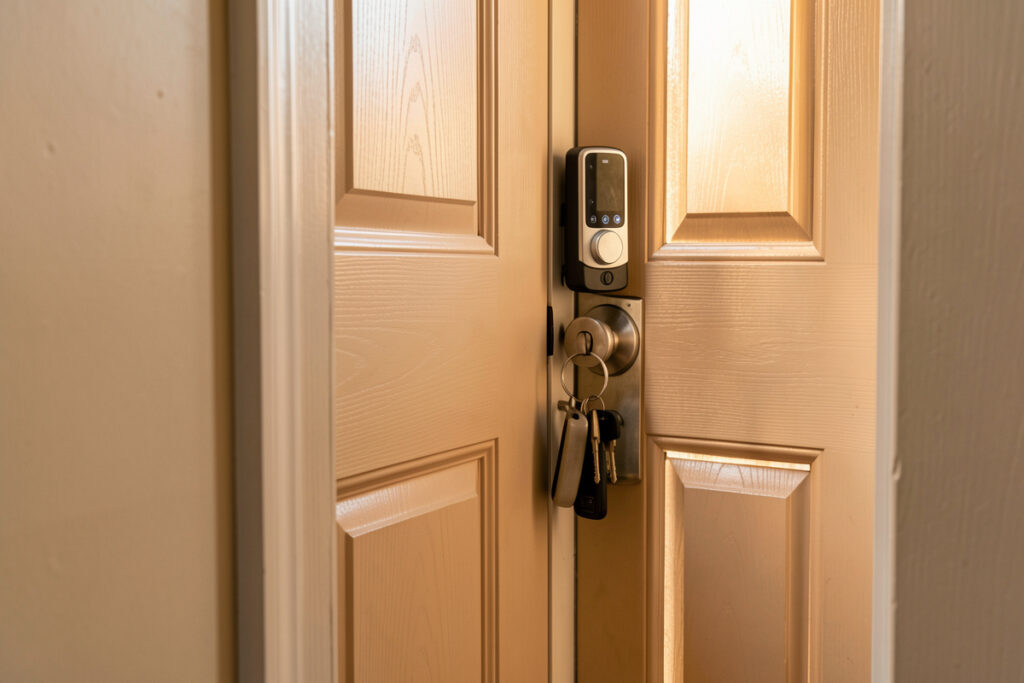
Most smart locks renters want need exactly zero drilling. The popular renter smart lock design replaces only the interior thumb-turn of your existing deadbolt — the exterior keyway, the bolt, and the hole in the door all stay as they were, so the landlord’s key still works and the install reverses in about ten minutes with one screwdriver.
The fear that a smart lock means a contractor tearing the door apart comes from picturing the wrong product. There are three no-drill paths, and I’ll walk through each, how it mounts, and which one fits which door. My own lock runs on Z-Wave with codes stored and logged locally on my hub, because a lock that only answers to a vendor cloud is a lock that can fail you on the vendor’s bad day. For the bigger renter picture, this sits inside the smart home for renters guide.
Why drilling isn’t required
A standard deadbolt has two halves joined through the door: an exterior cylinder with the keyway, and an interior thumb-turn you twist by hand. A retrofit smart lock leaves the exterior half completely alone and motorizes the thumb-turn instead. Because the existing bolt and door holes are reused, nothing new is cut — and that’s exactly why this design exploded in popularity with renters.
That single fact resolves most of the worry. You are not modifying the door; you are putting a motor where your fingers used to go. When you move out, you unscrew the smart half, screw the original thumb-turn back on, and the door looks untouched. Keep the original parts in a labeled bag — that’s the whole “reversal kit.”
Option 1: Retrofit-over-the-deadbolt locks
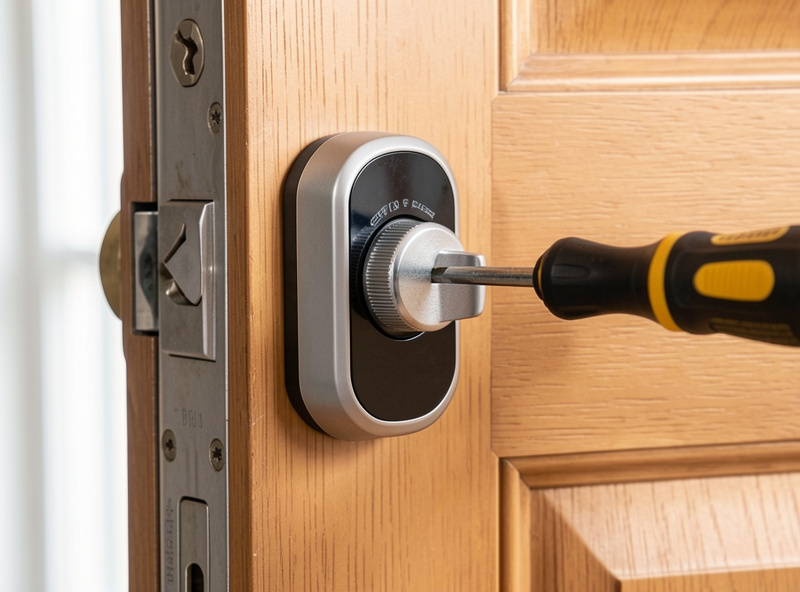
This is the renter default and the one I recommend first. The unit clamps over the inside of your current deadbolt and turns it for you; the outside is unchanged. Installation is a screwdriver job with an adhesive or set-screw mount and an adapter to grip your specific thumb-turn, and it comes off without a trace.
The advantages stack up for a rental: the landlord’s key keeps working, you add app and code control, and you can hand a guest a temporary code instead of a key. The trade-off is that you’re driving an existing bolt, so a stiff or misaligned deadbolt will fight the motor — fix the alignment first. For specific models that fit this pattern, our best smart locks for renters roundup is the buying companion to this install guide, and the broader best smart locks guide covers the full field.
Option 2: Adhesive keypads and no-lock access
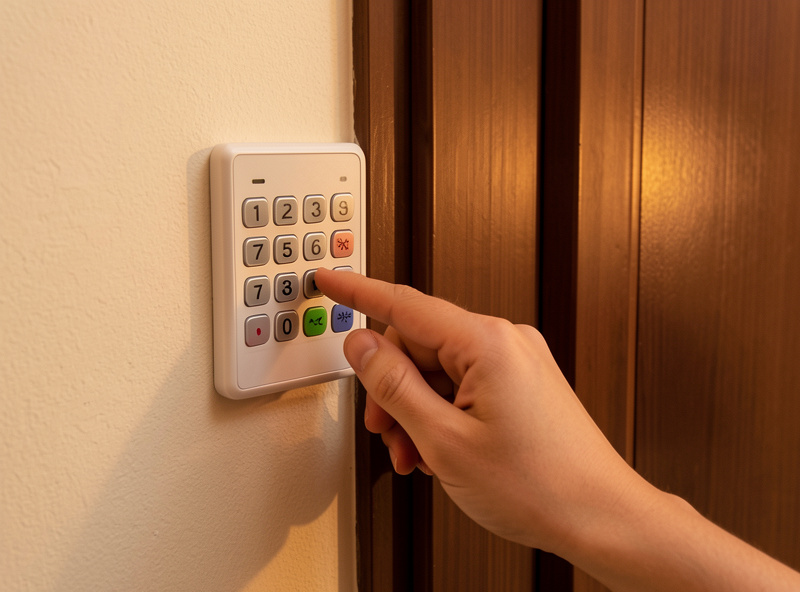
If you don’t want to touch the deadbolt at all, an adhesive smart keypad mounted beside the door — or a Bluetooth lockbox holding a key — gives you keyless entry with literally nothing altered. These stick on with the same removable adhesive as a sensor and peel off clean.
The catch is that a standalone keypad without a motorized lock just stores or dispenses a key; it doesn’t throw the bolt. Pair an adhesive keypad with a retrofit lock and you get the best renter combo: no drilling, code entry from outside, and the original key as backup. I treat keypads as an input to the lock, the same way I treat voice — a convenient way to trigger the thing, not the thing itself.
Option 3: The reversible full-deadbolt swap
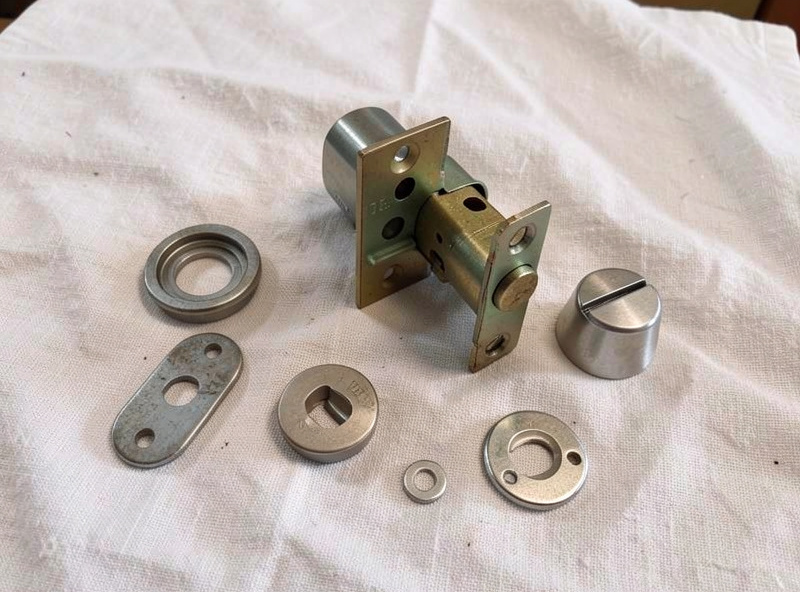
Some locks replace the whole deadbolt assembly but reuse the existing bolt hole and strike plate — so there’s still no new drilling, you’re just swapping the cylinder into the holes already there. This gets you a built-in exterior keypad or fingerprint reader in one tidy unit instead of two pieces.
For a renter this only works if you keep the original deadbolt and reinstall it before you leave — store it in the same labeled bag as everything else. It’s more work than a retrofit but no more invasive, since you’re reusing the holes. I’d reach for this on a door where I wanted a clean integrated keypad and was confident I’d swap it back at move-out.
Local control beats cloud control on a lock
Of every device in a rental, the lock is where local control matters most. A lock bound to a local hub over Z-Wave, Matter, or a Thread border router stores its codes locally and keeps unlocking through an internet outage, because it answers to your hub, not a distant server. A cloud-keyed lock that needs the manufacturer’s servers to verify a code can leave you standing at your own door when those servers hiccup.
So when you choose, weight the protocol. I run a Z-Wave lock with local codes and every lock/unlock event logged to my hub, which also means I have a record of who came and went without any subscription. Whatever you pick, confirm it can operate offline before you trust it on your only door, and keep the physical key as the ultimate fallback.
No-drill lock options compared
The three approaches differ mostly in how much of the door they touch and what they leave you with. Here’s the quick comparison I’d use to pick.
| Approach | What it touches | Drilling? | Landlord key still works? | Best for |
|---|---|---|---|---|
| Retrofit over thumb-turn | Interior thumb-turn only | None | Yes | Most renters |
| Adhesive keypad / lockbox | Nothing (sticks on) | None | Yes | Code access, no lock change |
| Reversible deadbolt swap | Whole deadbolt (reuses holes) | None (existing holes) | No (swap back at move-out) | Integrated keypad/fingerprint |
Will it fit your door? The compatibility check
The one thing that derails a retrofit install is fit, not drilling, so check three measurements before you buy. First, the thumb-turn: retrofit locks ship with a set of adapters to grip your specific deadbolt brand, so identify your deadbolt maker (it is usually stamped on the bolt edge) and confirm it is on the lock’s compatibility list. Second, the deadbolt must throw smoothly by hand — if you have to lift or jiggle the door to turn it, a small motor will struggle, so fix the strike-plate alignment first.
Third, mind the clearance around the interior thumb-turn: retrofit units need a few centimeters of flat space and no door chain or handle set crowding them. Single-cylinder deadbolts (key outside, thumb-turn inside) are the easy, supported case; a double-cylinder deadbolt with a keyway on both sides is not what these retrofit motors are built for. Sort those three out and the actual mounting is the ten-minute screwdriver job everyone promises.
Guest codes and access logs, stored locally
The payoff of a hub-bound lock is access control you actually own. With the lock on Z-Wave or Matter through your hub, you can issue a dated guest code for a visitor, a recurring code for a cleaner, and a one-time code for a delivery — then revoke any of them without re-keying anything. Because the codes live on your hub rather than a vendor account, they keep working when the internet does not.
The same local binding gives you a clean access log: every lock and unlock event, with which code was used, recorded on your hub with no subscription. In my setup that log feeds the same automations as everything else — the front door unlocking after dark can bring the entry lights up, and an unexpected unlock while the presence sensors say nobody is home is exactly the kind of event worth a phone alert. That is the difference between a lock that is merely app-controlled and one that is genuinely part of the home.
As an Amazon Associate I earn from qualifying purchases.
Frequently Asked Questions
Can you install a smart lock in a rental without drilling?
Yes. A retrofit smart lock replaces only the interior thumb-turn of your existing deadbolt and reuses the bolt and door holes, so no new drilling is needed. It mounts with a set screw or adhesive and reverses in about ten minutes, leaving the door untouched at move-out.
Will a retrofit smart lock still let my landlord use their key?
Yes. Retrofit locks leave the exterior keyway and cylinder completely unchanged, so any existing key still works from outside. You are only motorizing the inside thumb-turn, which is why this design is the renter default.
Do I need permission to install a no-drill smart lock?
Because nothing is altered or drilled, retrofit and adhesive locks typically do not require permission, though it is courteous to mention it. Anything that replaces the deadbolt entirely is worth clearing with the landlord first, even when it reuses the existing holes.
What happens to a smart lock if the WiFi or internet goes down?
A lock bound to a local hub over Z-Wave, Matter, or Thread keeps working offline because codes are stored and verified locally. A cloud-keyed lock that needs the manufacturer’s servers can fail to verify codes during an outage, so always confirm offline operation and keep a physical key.
Can renters take a smart lock with them when they move?
Yes. Unscrew the retrofit unit, reinstall the original thumb-turn or deadbolt you saved, and the lock moves to the next place. Keep the original parts in a labeled bag from day one so the reversal takes minutes.