Smart Lock Keypad vs Fingerprint — Which Is Safer? (2026)
The Quick Answer
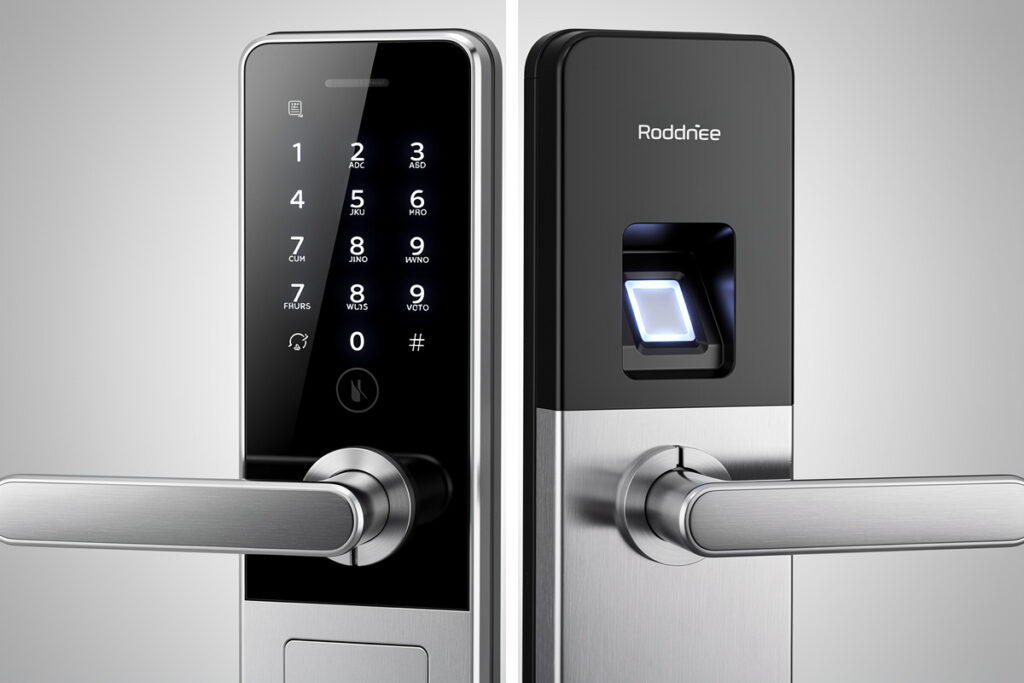
Fingerprint smart locks offer superior convenience and slightly better security against observation attacks, while keypad locks provide better reliability and work reliably for all users including those with worn fingerprints. For most homes, fingerprint locks win on daily usability, but keypads offer better backup options and wider compatibility. For a broader overview of all lock types, see the complete smart locks guide.
As an Amazon Associate I earn from qualifying purchases.
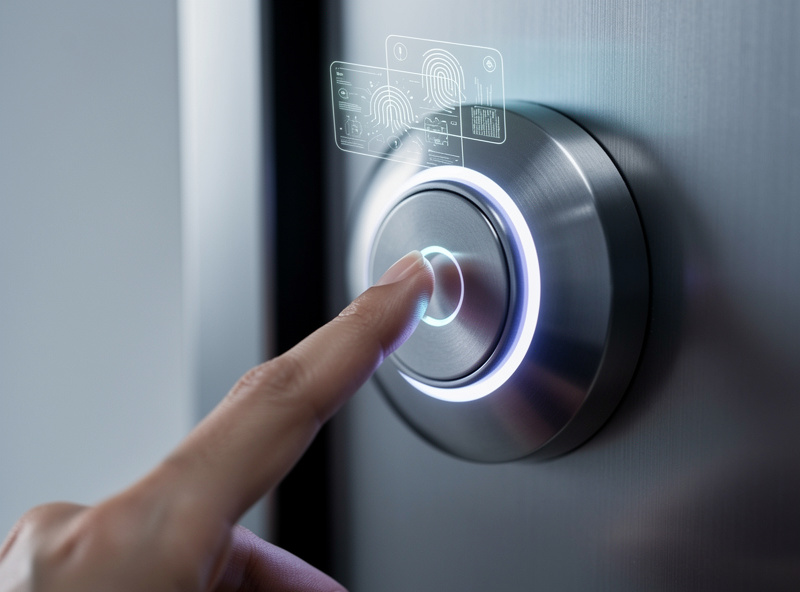
How Biometric Smart Locks Work
Modern fingerprint smart locks use capacitive sensors—the same technology found in smartphones. These sensors create a 3D map of your fingerprint by measuring tiny electrical differences between the ridges and valleys of your skin. This is significantly harder to fool than older optical sensors that simply photographed the finger.
High-quality locks store encrypted fingerprint templates locally (never in the cloud) and can recognize prints in under 0.5 seconds. Most handle up to 100-200 fingerprint enrollments, enough for large families with frequent guests.
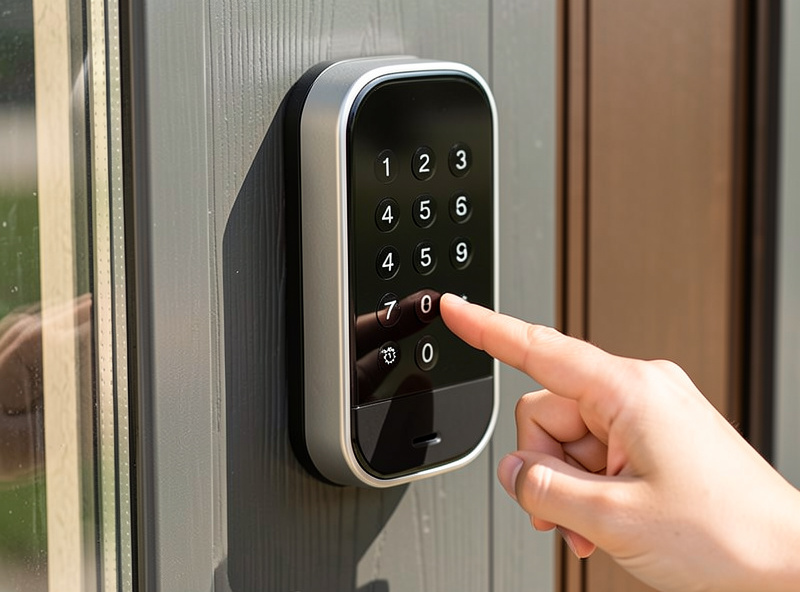
How Keypad Smart Locks Work
Keypad locks present a button interface (physical or touchscreen) for entering PIN codes. Entry-level models offer single codes, while advanced versions support multiple user codes, temporary codes with expiration dates, and scrambled code entry (entering extra digits before/after the real code to prevent observation).
Physical buttons withstand weather better than touchscreens, though they show wear patterns over time that observant attackers might notice. Rubber buttons also provide tactile feedback that touchscreens lack—useful in dark conditions.
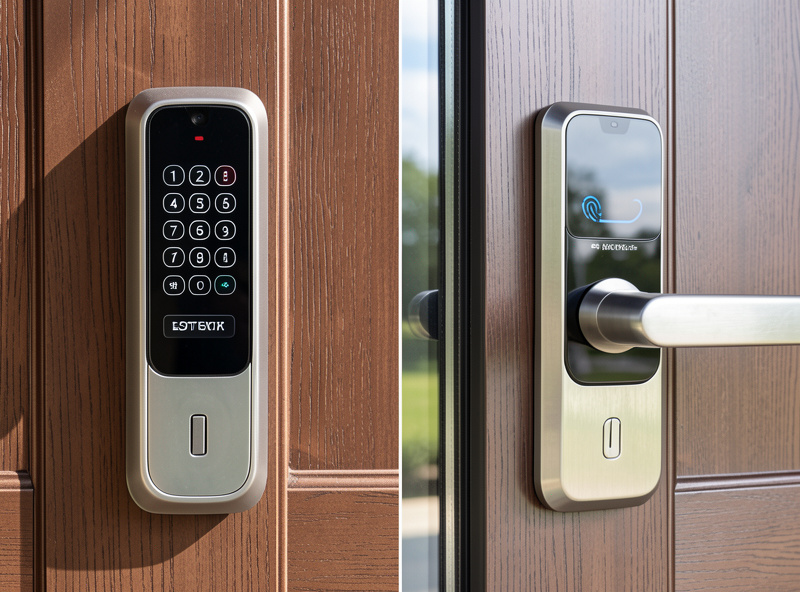
Security Comparison
| Feature | Fingerprint Lock | Keypad Lock |
|---|---|---|
| Entry Speed | Under 0.5 seconds | 3-5 seconds (code entry) |
| Observation Risk | None (biometric) | Moderate (shoulder surfing) |
| Weather Reliability | Poor in cold/wet | Excellent all conditions |
| Guest Access | Requires enrollment | Share code instantly |
| User Capacity | 50-200 fingerprints | 100-250 codes |
| Battery Life | 4-6 months (sensor draws standby power) | 8-12 months |
| Best For | Family-only households | Frequent guests, rentals |
Fingerprint Lock Strengths
- Unique Biometric: Cannot be shared, copied, or forgotten at home
- Observation Immunity: No code to watch or remember
- No Shared Codes: Each user has distinct access that can be individually revoked
- Fast Entry: Touch and enter in under one second
- Anti-Spoofing: Modern sensors detect fake fingers (latent prints, molds)
Fingerprint Lock Weaknesses
- Physical Changes: Cuts, abrasions, or wet fingers may cause rejection
- Age Considerations: Elderly users with worn prints may struggle with recognition
- Environmental Factors: Water, dirt, or gloves block fingerprint reading
- No Override: If the sensor fails, you need backup entry method (key/app)
Keypad Lock Strengths
- Universal Access: Works for everyone regardless of physical condition
- Reliable in All Weather: Buttons work wet, dry, or dirty
- Multiple Codes: Assign unique codes to family, guests, service workers
- No Enrollment: Simply tell someone the code—no setup required
- Easy Revocation: Change codes instantly without re-enrolling users
Keypad Lock Weaknesses
- Observation Risk: Codes can be watched or shoulder-surfed
- Code Sharing: Users may share codes inappropriately
- Wear Patterns: Frequently used buttons may show wear, hinting at code digits
- Brute Force: Keypads can theoretically be attacked by trying combinations
Top Fingerprint Smart Locks
Ultraloq U-Bolt Pro (Best Overall)
6-in-1 entry: fingerprint, keypad, app, auto-unlock, voice control, and mechanical key. Per Ultraloq’s own spec sheet: 0.3-second fingerprint recognition with anti-spoofing technology, up to 100 fingerprint enrollments, and an IP65 rating for outdoor use. Works with Alexa and Google Assistant.
Lockly Secure Pro
Unique PIN Genie keypad displays numbers in different positions each time, preventing observation attacks. Fingerprint sensor on the side. 3D biometric scanner with anti-peep technology. Excellent for security-conscious users.
Philips Smart Lock 3000 Series
Minimalist design with reliable fingerprint sensor. Works in temperatures from -4°F to 140°F. 100 fingerprint capacity. Simple app with decent features. Good mid-range option.
Top Keypad Smart Locks
Schlage Encode Plus (Best Premium Keypad)
Built-in WiFi eliminates need for hub. Works with Apple Home Key (tap iPhone/Watch to unlock). Physical keypad with wear-resistant coating. Up to 100 access codes. Grade 1 security rating (highest ANSI standard).
August Wi-Fi Smart Lock + Keypad
Add the August keypad accessory to the popular Wi-Fi lock. Simple code entry with auto-lock. Pairs seamlessly with the retrofit lock design. Good for renters who cannot replace the entire deadbolt.
Wyze Lock Bolt
Budget-friendly with fingerprint and keypad. Local storage of up to 50 fingerprints—no cloud required. Backlit keypad with anti-peep feature. Auto-lock configurable from 1-30 minutes.
Hybrid Solutions: Best of Both Worlds
Most modern smart locks combine both technologies. Renters should also check the renter-friendly smart lock picks. The Ultraloq U-Bolt Pro above is a good example — it offers fingerprint, keypad, app, auto-unlock, and physical key options in one lock. This redundancy ensures you can always enter, even if one method fails.
When choosing, prioritize:
- Primary Users: Young, tech-savvy users prefer fingerprints; elderly users may prefer keypads
- Climate: Cold/wet climates favor keypads; mild climates work well with fingerprints
- Access Patterns: Frequent guests favor keypads; family-only access favors fingerprints
My Keypad vs Fingerprint Verdict
I use a keypad lock on the front door and a fingerprint lock on the garage side door. The keypad is faster for daily use: punch 6 digits, the door opens. The fingerprint reader is slower: place finger, wait for the scan, the door opens. That half-second delay sounds trivial until you are standing in the rain with groceries. Keypads also work for anyone you give the code to without enrolling their fingerprint first.
Where fingerprint wins is the garage, where my hands are usually dirty or holding tools. Pressing a keypad with greasy fingers leaves residue that eventually jams the buttons. The fingerprint sensor on the garage door has been reliable for two years and handles wet, dirty, and cold fingers without issue. The one drawback: cold weather below -10C sometimes requires two attempts because cold fingers have reduced surface moisture for capacitive sensors.
Frequently Asked Questions
Is fingerprint or keypad entry more secure for smart locks?
Both are secure when implemented properly. Keypads are vulnerable to code observation and wear patterns on frequently pressed numbers. Fingerprint scanners can be fooled by high-quality replicas but modern capacitive sensors with liveness detection make this extremely difficult. For most homes, both methods provide adequate security.
Can fingerprint scanners work with wet or dirty fingers?
Quality capacitive fingerprint scanners work with slightly damp fingers but struggle with wet, dirty, or damaged skin. If you work with your hands, have eczema, or live in a humid climate, keypad entry may be more reliable. Some locks offer both methods as backup.
How many fingerprints can a smart lock store?
Most fingerprint-enabled smart locks store 50 to 100 fingerprints. This accommodates large families, regular guests, and service providers. Each fingerprint is stored as an encrypted mathematical template, not an actual image, protecting biometric privacy.
Do fingerprint smart locks work in cold weather?
Capacitive fingerprint sensors can struggle in very cold temperatures when fingers are dry or numb. If you live in a cold climate, choose a lock with both fingerprint and keypad entry so you have a reliable backup method during winter months.
Which is better for families with children?
Keypad entry is generally better for families with young children. Children under 8 may have fingerprints that change as they grow, requiring frequent re-enrollment. Keypad codes are easier for children to remember and can be changed instantly if shared inappropriately.
Do hybrid locks with both fingerprint and keypad cost more?
Hybrid smart locks typically cost $150 to $250, compared to $80 to $150 for keypad-only models. The Ultraloq U-Bolt Pro at around $180 offers fingerprint, keypad, app, auto-unlock, and physical key access. The added cost provides entry redundancy so you always have a backup method if one fails.
For the security tradeoff: fingerprint data on a smart lock is stored locally on the lock itself, not in the cloud. If the lock is physically removed, the fingerprint database goes with it, but the prints are encrypted and cannot be reverse-engineered into a usable image. The more realistic risk is not data theft but false rejects: if the sensor gets dirty or icy, you need the PIN code as a fallback. Every fingerprint lock I have used also has a keypad, and I have used the keypad more than the fingerprint on all of them. The fingerprint is a convenience feature, not a replacement for the code.
Battery life differs between the two approaches. Keypad-only locks run 8-12 months on 4 AA batteries. Fingerprint locks add a capacitive sensor that draws standby power, cutting battery life to 4-6 months on the same cells. The difference is not deal-breaking, but it means you will replace batteries twice as often. I use rechargeable lithium AAs in both, which halves the effective cost and eliminates the midnight dead-battery lockout scenario.
In summary, the choice between keypad and fingerprint comes down to convenience versus universality. Keypads work for everyone: family, guests, delivery drivers with a temporary code. Fingerprint works only for enrolled users but eliminates the need to remember or share a code. Most locks offer both, and the question is not which to choose but which to use as your primary daily method.
Related Articles
- Best Smart Locks 2026: Complete Security Guide
- Can Smart Locks Be Hacked? Security Facts
- Best Smart Locks That Work with Alexa
- Best Smart Locks for Renters: No Drilling Required
- Smart Lock vs Regular Deadbolt: Security Comparison