Smart Lock vs Regular Deadbolt — Security Comparison (2026)
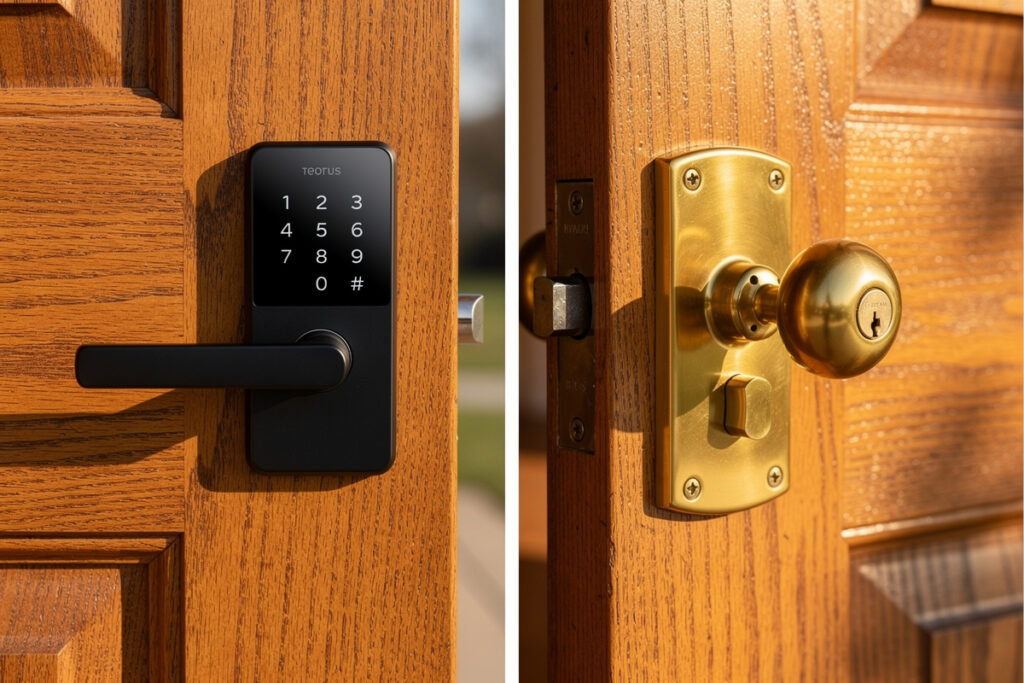
A smart lock replaces your entire lock mechanism with keyless, connected entry, while a smart deadbolt upgrades only the locking portion of your existing door hardware. Full smart locks cost $150-400 and offer complete entry control with app access, voice commands, and advanced automation. Smart deadbolts run $80-250, providing keyless convenience while preserving your existing door handle and aesthetic at roughly half the price.
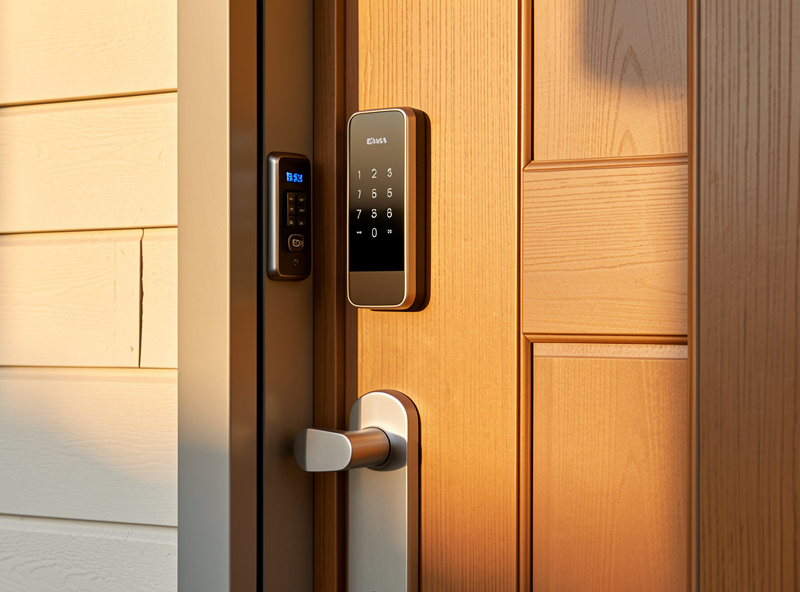
Choosing between a smart lock and smart deadbolt depends on your door setup, desired features, and budget. For a complete overview of all smart lock options, see the best smart locks buyer guide. If you are renting, read the best smart locks for renters guide for non-destructive options. Both offer keyless entry, but differ in installation complexity, feature sets, and integration capabilities. Understanding these differences helps you select the right smart entry solution for your home.
As an Amazon Associate I earn from qualifying purchases.
What Is a Smart Lock?
Smart locks are complete door entry systems that replace both your exterior handle and deadbolt with a unified electronic unit. They provide keyless entry through multiple methods while connecting to your smart home ecosystem.
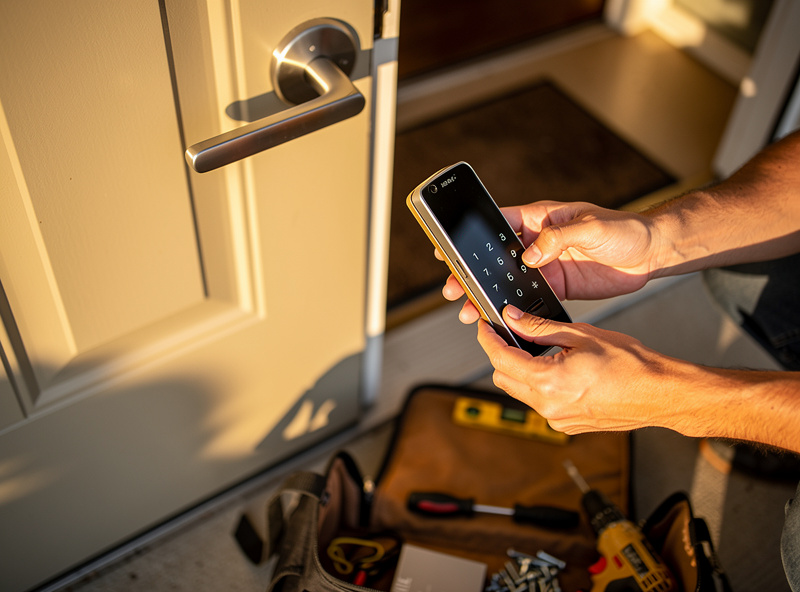
Key Features of Smart Locks
- Keyless entry options: PIN codes, smartphone apps, fingerprint scanning, RFID cards, or voice commands
- Remote access: Lock or unlock from anywhere via internet connection
- Auto-lock: Automatically secures door after a set time (usually 30 seconds)
- Access logs: Track who enters and when with detailed timestamps
- Temporary codes: Create time-limited access for guests, service workers, or Airbnb guests
- Integration: Works with Alexa, Google Home, Apple HomeKit, and smart home hubs — see the best Alexa-compatible smart locks for voice-command setups
- Alternative entry: Physical key override for emergencies or dead batteries
Popular Smart Lock Models
Top picks include the August Wi-Fi Smart Lock, Yale Assure Lock SL, and Schlage Encode, each detailed below.
- August Wi-Fi Smart Lock: Retrofit design keeps existing deadbolt, adds smart features
- Yale Assure Lock SL: Key-free design with touchscreen PIN entry
- Schlage Encode: Built-in WiFi, no hub required, works with Alexa
- Ultraloq U-Bolt Pro: 6-in-1 entry with fingerprint, app, code, and more
- Level Lock: Invisible smart lock that maintains traditional appearance
What Is a Smart Deadbolt?
Smart deadbolts replace only the locking bolt portion of your door hardware while preserving your existing exterior handle and interior thumb turn. They provide keyless deadbolt control without changing your door’s overall appearance or handle operation. For a side-by-side breakdown of authentication methods, see the smart lock keypad vs fingerprint comparison.
Key Features of Smart Deadbolts
- Deadbolt-only replacement: Keeps existing door handle and exterior aesthetic
- Keyless deadbolt control: App, PIN, or fingerprint control of locking mechanism
- Simpler installation: Usually replaces existing deadbolt only
- Lower cost: Generally $50-150 less than full smart locks
- Manual override: Interior thumb turn always works regardless of battery status
- Basic automation: Limited smart home integration compared to full smart locks
Popular Smart Deadbolt Models
Leading deadbolt options are the Kwikset SmartCode 914 and the budget-friendly Wyze Lock Bolt, covered in the list below.
- Kwikset SmartCode 914: Traditional keypad with smart features
- Wyze Lock Bolt: Budget-friendly fingerprint and app control
- Ultraloq U-Bolt: Fingerprint smart deadbolt with WiFi bridge
- Schlage Connect: Z-Wave smart deadbolt for hub-based systems
Technical Comparison
Power and Battery Systems
Understanding power requirements helps with maintenance planning:
Smart Locks:
- Battery life: 6-12 months with 4 AA batteries typical
- Power management: WiFi, Bluetooth, and motor operation consume more power
- Low battery alerts: App notifications and audible warnings at 20% remaining
- Emergency power: Most have 9V terminal or micro-USB for emergency jump-start
Smart Deadbolts:
- Battery life: 12-18 months with 4 AA batteries typical
- Power efficiency: Fewer features and less frequent communication extend battery life
- Manual fallback: Interior thumb turn always works mechanically
Connectivity Protocols
| Protocol | Smart Locks | Smart Deadbolts | Best For |
|---|---|---|---|
| WiFi | Common (Schlage Encode, August) | Less common | Direct remote access |
| Bluetooth | Universal | Common | Phone proximity unlocking |
| Z-Wave | Common (Yale, Schlage) | Common | Smart home hub integration |
| Zigbee | Some models | Rare | Low-power mesh networks |
| Thread/Matter | Emerging (2024+) | Emerging | Future-proof ecosystems |
Real User Scenarios
Scenario 1: The Rental Property Owner
Sarah manages three Airbnb properties and needed flexible access control:
- Choice: Schlage Encode Plus smart locks with Apple Home Key
- Features used:
- Temporary PIN codes for each guest stay (auto-expires at checkout)
- Remote lock/unlock for cleaning service coordination
- Access logs to verify cleaning completion
- Auto-lock after 30 seconds ensures guests don’t leave unlocked
- Result: “I can manage all three properties from my phone. Guest codes activate at check-in time and delete automatically. No more key exchanges or lockbox combinations.”
- ROI: Eliminated $200/month key exchange service; locks paid for themselves in 8 months
Scenario 2: The Tech-Forward Homeowner
Michael wanted complete smart home integration:
- Choice: Yale Assure Lock 2 with Matter support
- Integration setup:
- Apple HomeKit: Unlock with Apple Watch and Siri
- Alexa: “Alexa, is the door locked?”
- SmartThings: Auto-unlock when phone approaches, auto-lock when leaving geofence
- IFTTT: Flash lights when door unlocks after dark
- Result: “My door is part of my entire home ecosystem. When I unlock it, the hallway lights turn on, thermostat adjusts, and security system disarms. It’s seamless.”
- Challenge: Setup complexity required several hours of configuration
Scenario 3: The Budget-Conscious Security Upgrade
The Rodriguez family wanted keyless entry without major expense:
- Choice: Wyze Lock Bolt smart deadbolt ($79.99)
- Features:
- Fingerprint scanner (stores 50 prints)
- Keypad PIN entry
- App control via Bluetooth
- Kept existing exterior handle
- Installation: 20 minutes, replaced existing deadbolt only
- Use case: Kids no longer need keys, parents can check if door is locked remotely
- Limitation: No WiFi (requires Wyze Lock WiFi bridge, $35 extra for remote access)
- Verdict: “For under $100, we got everything we needed. Maybe we’ll add WiFi later.”
Installation Comparison
Smart Lock Installation
Difficulty: Moderate (30-60 minutes)
Tools needed: Screwdriver, drill (for new holes), tape measure
Steps:
- Remove existing handle and deadbolt
- Check door bore hole dimensions (2-1/8″ standard)
- Drill additional holes if needed for new lock
- Install smart lock mounting plate
- Connect interior and exterior components
- Install batteries and test all functions
- Download app and pair with WiFi/Bluetooth
- Configure settings and user codes
Smart Deadbolt Installation
Difficulty: Easy (15-30 minutes)
Tools needed: Screwdriver only
Steps:
- Remove existing deadbolt
- Verify backset (2-3/8″ or 2-3/4″)
- Install new smart deadbolt bolt
- Connect keypad/exterior housing
- Install interior battery pack
- Test and configure via app
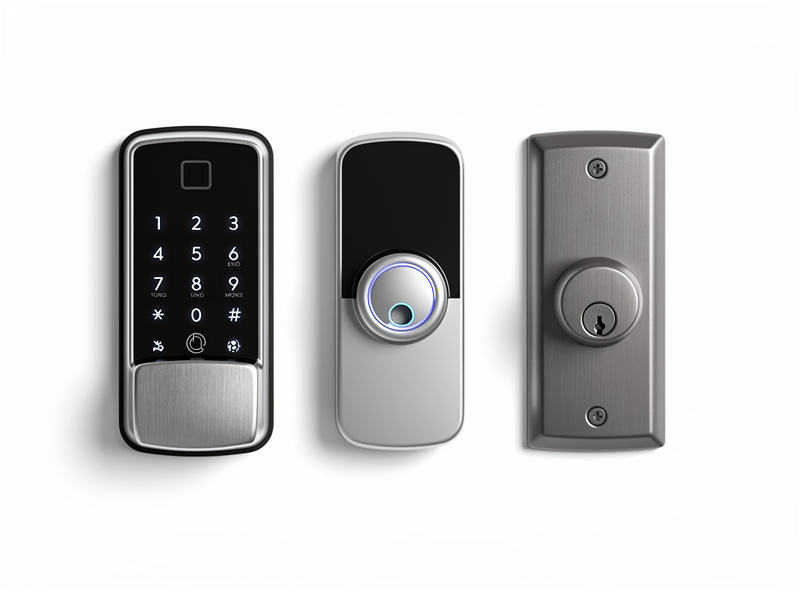
Product Comparison: Smart Locks vs Smart Deadbolts
| Feature | Smart Locks | Smart Deadbolts |
|---|---|---|
| Price Range | $150-400 | $80-250 |
| Installation | Moderate (new holes often needed) | Easy (replaces deadbolt only) |
| Entry Methods | 6-8 options (app, PIN, fingerprint, card, voice, key) | 3-5 options (app, PIN, fingerprint, key) |
| Remote Access | Usually built-in WiFi or hub | Often requires WiFi bridge |
| Access Logs | Detailed with cloud storage | Basic, local or limited cloud |
| Aesthetic Change | Complete door hardware change | Minimal (deadbolt only) |
| Best For | Full smart home integration, rentals, advanced features | Budget upgrade, simple keyless entry |
Safety and Security Considerations
Physical Security Ratings
Per the ANSI/BHMA A156.36 auxiliary deadbolt standard:
- ANSI Grade 1: Highest security (commercial grade), 250,000 open/close cycles, withstands a 1,350 lb force test against the bolt
- ANSI Grade 2: High security (residential heavy-duty), 150,000 cycles, withstands a 1,125 lb force test
- ANSI Grade 3: Basic residential security, 100,000 cycles, withstands a 675 lb force test
Always choose Grade 2 or higher for exterior doors. For a deeper look at digital attack surfaces, read the can smart locks be hacked guide covering Bluetooth relay, firmware exploits, and credential sniffing.
Cybersecurity Best Practices
- Unique passwords: Never reuse smart lock passwords for other accounts
- Two-factor authentication: Enable 2FA on smart lock apps
- Regular updates: Keep firmware updated for security patches
- Guest codes: Use temporary codes, not your master code
- Disable remote access: Turn off when not needed for extended periods
Physical Backup Plans
- Physical key override: Keep traditional key accessible outside (lockbox, with neighbor)
- 9V emergency power: Know location of 9V terminal for battery failures
- Manual interior operation: Ensure interior always opens regardless of battery status
- Backup entry: Garage door keypad, side door, or hidden key as fallback
Frequently Asked Questions
What is the difference between a smart lock and a smart deadbolt?
Smart locks replace your entire entry hardware including the handle and deadbolt, offering complete keyless entry control. Smart deadbolts replace only the deadbolt portion while preserving your existing door handle. Smart locks cost more but offer more features; smart deadbolts are simpler and cheaper.
Can I convert my existing deadbolt to a smart deadbolt?
Most standard single-cylinder deadbolts can be replaced with smart deadbolts. Measure your door thickness, backset distance, and existing deadbolt size before purchasing. Most smart deadbolts fit standard preparations with minor adjustments.
Which is better for renters: smart lock or smart deadbolt?
Smart deadbolts are generally better for renters because they preserve the existing door handle and are easier to reverse when moving out. Simply reinstall the original deadbolt before your final walkthrough. Full smart locks require replacing more hardware.
Do smart deadbolts have the same security as smart locks?
Both use the same deadbolt mechanism for physical security. The difference is in features: smart locks typically offer more authentication methods, better smart home integration, and activity logging. For basic keyless entry, smart deadbolts provide equivalent physical security.
How much does a smart deadbolt cost compared to a smart lock?
Smart deadbolts typically cost $50-150 less than full smart locks. Budget smart deadbolts start around $80-100 while quality smart locks start around $150-200. Premium models of both types reach $250-300.
Related Articles
- Best Smart Locks 2026: Complete Security Guide
- Can Smart Locks Be Hacked? Security Facts
- Smart Lock Keypad vs Fingerprint: Which Is Safer?
- Best Smart Locks for Renters: No Drilling Required
- Best Smart Locks That Work with Alexa