Best Smart Locks That Work with Alexa (2026)
The Quick Answer
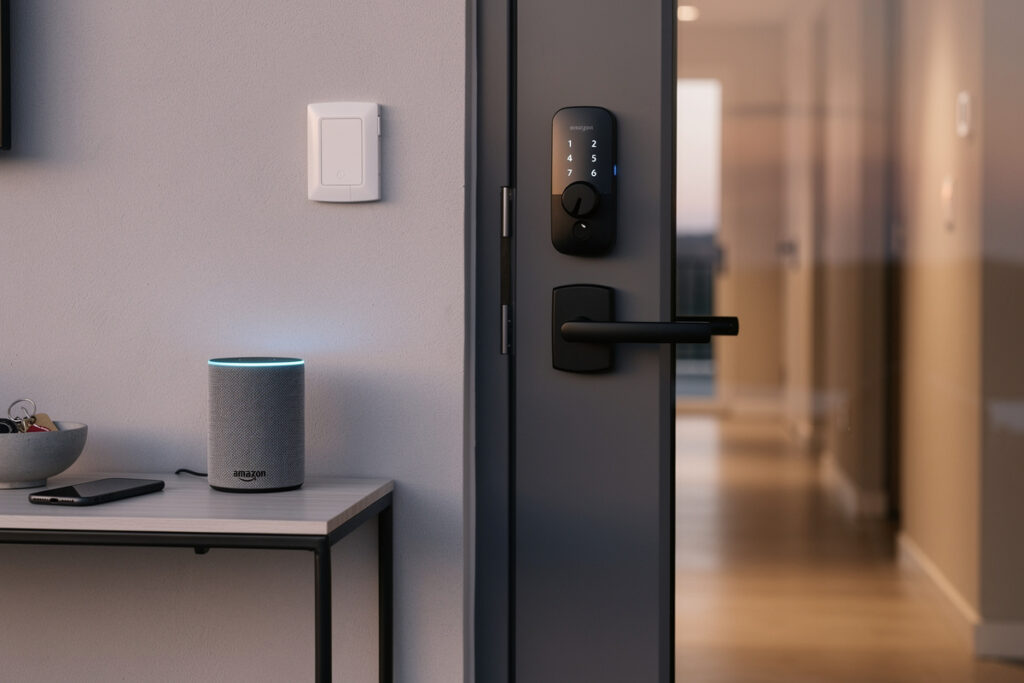
The best Alexa-compatible smart locks include the August Wi-Fi Smart Lock (4th Gen), Schlage Encode Plus, and Yale Assure Lock 2 with Wi-Fi. These locks respond to voice commands like “Alexa, lock the front door,” integrate with Alexa routines for automated locking, and work with Amazon Key for in-home delivery. All require WiFi connectivity—either built-in or via an Alexa-compatible hub. For a full comparison across all brands, see the complete smart locks guide.
As an Amazon Associate I earn from qualifying purchases.
How Alexa Smart Lock Integration Works
Alexa connects to smart locks through the Alexa Smart Home API, enabling voice control, status queries, and automation routines. When you say “Alexa, is the front door locked?” your Echo device sends the request to Amazon’s servers, which communicate with the lock manufacturer’s cloud service, which then pings your lock via WiFi or Bluetooth.
This chain requires internet connectivity for both your Echo and the lock (or its hub). Local control via Bluetooth (without internet) works for some locks when your phone is nearby, but Alexa voice commands always need the cloud.
What You Can Do with Alexa + Smart Locks
Voice Commands
- “Alexa, lock the front door” – Secures the deadbolt instantly
- “Alexa, is my door locked?” – Reports current lock status
- “Alexa, lock all doors” – If you have multiple smart locks, secures them all
Important: For security reasons, Alexa cannot UNLOCK doors via voice command by default. This prevents someone outside your window from shouting “Alexa, unlock the door.” You can enable unlock by voice in settings, but it requires a spoken voice PIN every time and is generally discouraged.
Alexa Routines
Create automated behaviors triggered by time, location, or other smart home events:
- Bedtime Routine: “Alexa, goodnight” locks doors, turns off lights, arms security
- Leaving Home: Auto-lock when your phone leaves a geofenced area
- Good Morning: Unlock at 7 AM on weekdays (with confirmation)
- Security Mode: Lock all doors when you say “Alexa, I am leaving”
Amazon Key Integration
Compatible locks work with Amazon Key, allowing delivery drivers to unlock your door and place packages inside—avoiding porch piracy. You receive notifications, can watch live or recorded video of the delivery, and the driver cannot re-enter after closing the door. Available with Yale, Schlage, and Kwikset smart locks (confirm current compatibility on Amazon’s Key page before buying, since supported models change).
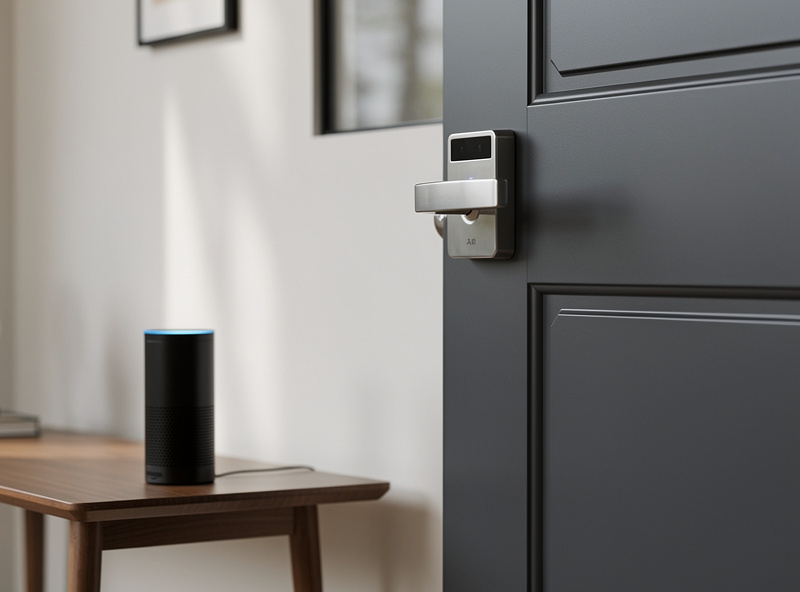
Top Alexa-Compatible Smart Locks
| Smart Lock | Price | WiFi Built-in | Amazon Key | ANSI Grade | Best For |
|---|---|---|---|---|---|
| August Wi-Fi (4th Gen) | $200-230 | Yes | Yes | Grade 2 | Renters, easy install |
| Schlage Encode Plus | $280-310 | Yes | Yes | Grade 1 | Maximum security |
| Yale Assure Lock 2 | $220-260 | Yes (module) | Yes | Grade 2 | Design flexibility |
| Kwikset Halo | $130-160 | Yes | No | Grade 2 | Budget WiFi option |
| Lockly Secure Pro | $250-290 | Hub included | No | Grade 2 | Anti-observation keypad |
1. August Wi-Fi Smart Lock (4th Gen) — Best Overall
Installs over your existing deadbolt in 10 minutes—perfect for renters. WiFi built-in (no separate hub needed). DoorSense confirms the door is actually closed before auto-locking. Works with Alexa, Google Assistant, and Apple HomeKit. Guest access via app. The most versatile smart lock for Alexa households.
Alexa Features: Voice locking, status queries, routine triggers, auto-lock scheduling
2. Schlage Encode Plus — Best Security
Grade 1 deadbolt (highest ANSI rating) with built-in WiFi. Apple Home Key support (tap iPhone/Apple Watch to unlock). keypad + app control. Works with Alexa, Google, and Apple. The Encode Plus offers the strongest physical security of any smart lock while maintaining excellent smart features.
Alexa Features: Voice locking, up to 100 access codes, Amazon Key compatible, routine integration
3. Yale Assure Lock 2 with Wi-Fi — Best Flexibility
Modular design—choose keypad, touchscreen, or key-free exterior. WiFi module included (also available with Matter, Z-Wave, or Bluetooth modules). Sleek modern design. Auto-unlock via phone proximity. Excellent app with detailed access logs.
Alexa Features: Full voice control (locking only by default), routine triggers, shared access management
4. Kwikset Halo — Best Budget WiFi
Under $150 with built-in WiFi—no hub required. Keypad + traditional key option. Simple app with guest access. Limited third-party integrations compared to August or Yale, but excellent Alexa support for basic needs. Good entry-level option.
Alexa Features: Voice locking and status, up to 250 user codes, simple routine integration
5. Lockly Secure Pro — Best Keypad Innovation
Unique PIN Genie display randomizes number positions each time, preventing code observation. Fingerprint sensor + keypad + app + physical key. WiFi hub included. The most secure keypad design available, though bulkier than competitors.
Alexa Features: Voice locking and status, offline access codes, fingerprint enrollment via app
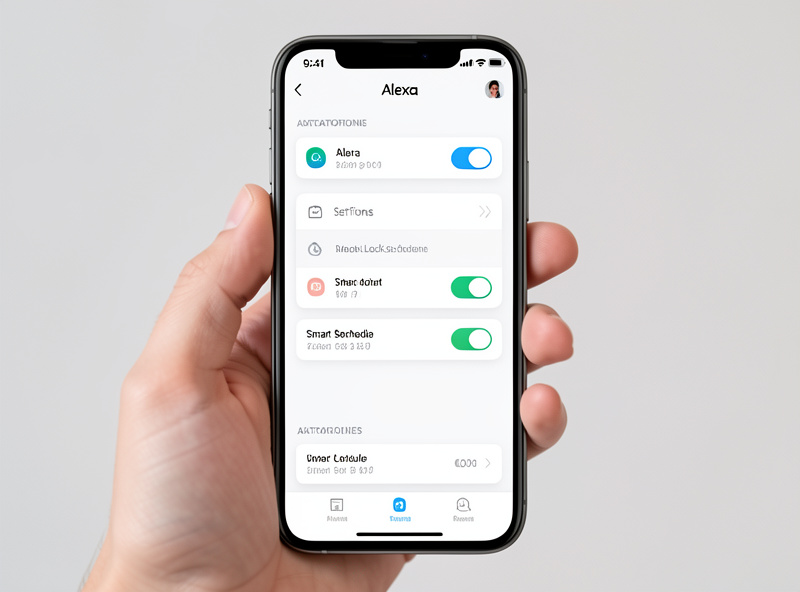
Setup Requirements
WiFi Connectivity
Locks need reliable 2.4GHz WiFi at the door location. If your signal is weak:
- Move your router closer or add a WiFi extender
- Use a smart home hub (SmartThings, Hubitat) with stronger radio
- Choose Bluetooth-only locks and control via phone when home
Alexa App Setup
- Install the lock and pair it with the manufacturer’s app first
- In Alexa app, go to Devices → Add Device → Search for your lock brand
- Link your lock account credentials when prompted
- Discover devices—your lock should appear
- Assign to a room (e.g., “Front Door”)
- Test voice commands: “Alexa, lock the front door”
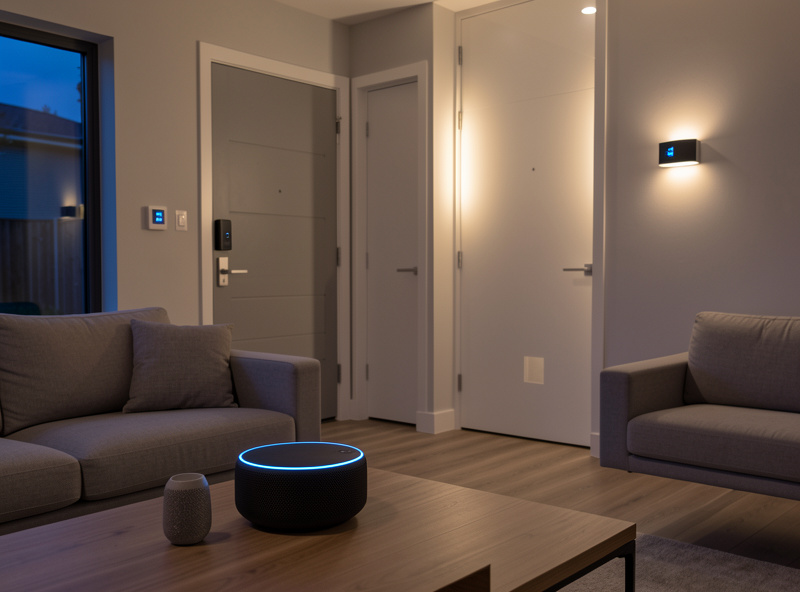
Alexa Routine Examples
Leaving Home Routine
Trigger: Voice command “Alexa, I am leaving”
Actions:
- Lock all smart locks
- Turn off all lights
- Set thermostat to away mode
- Arm security system
Bedtime Security Routine
Trigger: Scheduled at 10:30 PM
Actions:
- Lock all doors
- Turn on porch light
- Arm security to “Home” mode
- Set bedroom lights to 10% for navigation
Welcome Home Auto-Unlock
Trigger: Phone arrives home (geofencing)
Actions:
- Unlock front door (requires confirmation in most regions)
- Turn on entryway lights
- Play welcome announcement
Security Considerations
Understanding smart lock security is critical before enabling voice control. Read the detailed analysis on whether smart locks can be hacked for the full picture.
Voice Unlock Risks
While convenient, enabling “Alexa, unlock the door” creates vulnerabilities:
- Someone outside could shout the command through an open window
- TV or radio might accidentally trigger unlock
- Voice recordings could theoretically be replayed
If you enable voice unlock, require a voice PIN (4-digit code spoken after the command). Better yet, use auto-unlock via phone proximity or physical keypad codes.
Connection Security
All recommended locks use encrypted communication. However, your overall security depends on:
- Strong, unique passwords for lock and Alexa accounts
- Two-factor authentication enabled
- Regular app and firmware updates
- Secure WiFi network (WPA3 or WPA2)
My Alexa Lock Setup
I run a Z-Wave smart lock through a Home Assistant Z-Wave stick, exposed to Alexa through the HA Alexa skill. Voice control works for locking and status checks (“Alexa, is the front door locked?”) but I disabled voice unlocking for security: anyone outside shouting through a window could unlock the door. Alexa routines that lock the door at bedtime are the real value, not ad-hoc voice commands.
Frequently Asked Questions
Do all smart locks work with Alexa?
Most major smart lock brands work with Alexa including Schlage, Yale, August, Kwikset, and Ultraloq. Verify Works with Alexa certification before purchasing. Some budget brands or Z-Wave-only locks may require a compatible hub like SmartThings for Alexa integration.
Can I lock my door with Alexa voice command?
Yes, and locking needs no PIN — just say Alexa, lock the front door. Unlocking is the one that is protected: it is disabled by default, and if you turn it on, Alexa requires a spoken 4-digit voice PIN every time before it will unlock, specifically to stop someone outside from unlocking your door by shouting a command.
What Alexa routines work with smart locks?
Smart locks trigger and respond to Alexa routines. Create a Good Night routine that locks all doors, turns off lights, and arms your security system. Set up an Away routine that locks doors when the last person leaves based on phone geofencing.
Do I need an Echo device to use smart locks with Alexa?
No, the Alexa app on your smartphone provides full smart lock control. However, voice commands and automation triggers require an Echo device, Echo Show, or Fire TV with Alexa built in.
Can multiple Alexa users control the same smart lock?
Yes, through Amazon Household sharing. All adults in your household can control smart locks from their own Alexa apps. Voice commands work from any Echo device linked to the household, and each user can have their own access codes.
Does Alexa work with smart locks when the internet is down?
No. Alexa voice commands require an active internet connection to communicate with Amazon servers and then relay instructions to your lock. During outages, use the physical keypad, fingerprint scanner, or traditional key to access your home. The lock itself continues to function normally without internet.
If you want the simplest path to Alexa-controlled locks without a hub, the August WiFi Smart Lock pairs directly via WiFi and needs no Z-Wave stick or HA intermediary. The tradeoff is cloud dependency: if your internet is down, Alexa cannot control the lock. For me that tradeoff is unacceptable on a security device, which is why I run Z-Wave through HA instead. But for most users who just want “Alexa, lock the door” without a weekend of Home Assistant setup, the August WiFi is the right answer.
Related Articles
- Best Smart Locks 2026: Complete Security Guide
- Can Smart Locks Be Hacked? Security Facts
- Smart Lock Keypad vs Fingerprint: Which Is Safer?
- Best Smart Plugs for Alexa Voice Control
- Alexa vs Google Home: Which Should You Choose?