Best Mesh WiFi for a Smart Home: 2026 Picks
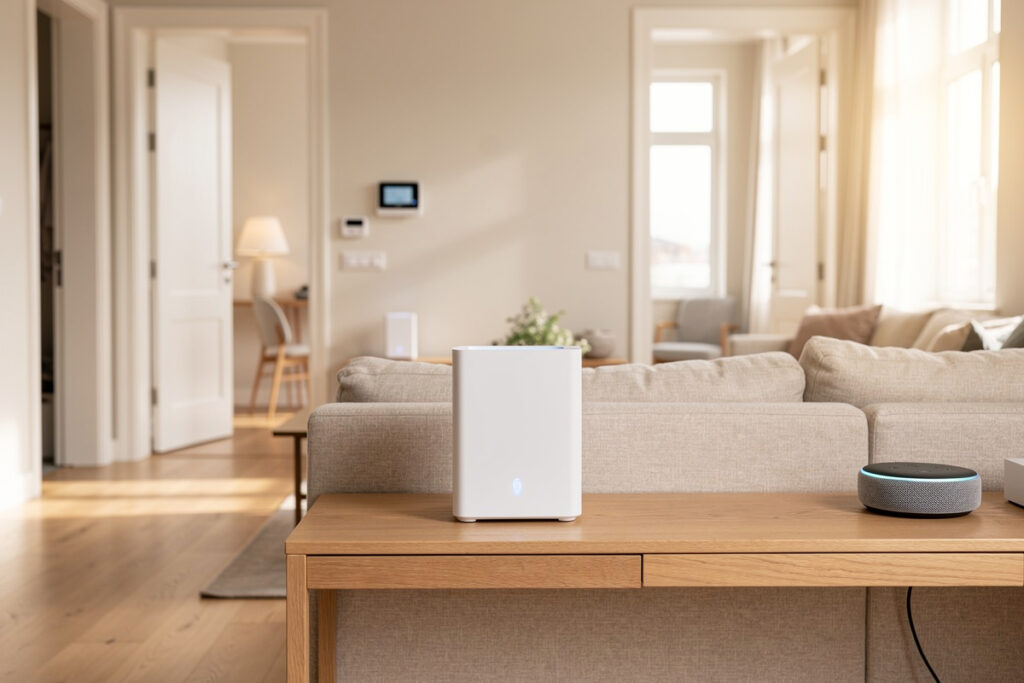
The best mesh WiFi for a smart home is a tri-band Wi-Fi 6 system with three nodes and wired-backhaul support — that combination gives you the whole-home 2.4 GHz coverage and high client-count ceiling that dozens of IoT devices actually need. Speed tiers barely matter; coverage and capacity are everything.
I have run single routers, cheap dual-band mesh kits, and a wired-backhaul tri-band system across the same house, and the difference in how my automations behave is night and day. This is what I look for in a mesh system when the job is running a smart home, not just streaming Netflix in the bedroom.
Disclosure: HomeAutoCentral is reader-supported. As an Amazon Associate I earn from qualifying purchases made through links in this article, at no extra cost to you. I only point to gear I actually use or would buy for my own smart home.
What Actually Matters in Mesh WiFi for a Smart Home
For a smart home, the three specs that matter are tri-band radios, a high client-count rating, and wired-backhaul support. Megabit speed tiers are nearly irrelevant — a forty-device sensor swarm needs broad low-band coverage and airtime efficiency, not 6 Gbps headline numbers you will never use.
Tri-band matters because the third radio gives the nodes a dedicated lane to talk to each other, so your devices are not competing with backhaul traffic for airtime. A high client-count rating matters because cheap systems start evicting idle IoT clients around 30 to 40 devices, which is exactly when your automations get flaky. And wired-backhaul support matters because running an Ethernet cable to even one node removes the single biggest weakness of wireless mesh. I judge every system against these three before I look at the price. The full reasoning behind why coverage beats speed is in my complete smart home WiFi setup guide.
Mesh Tiers: From Budget to Endgame
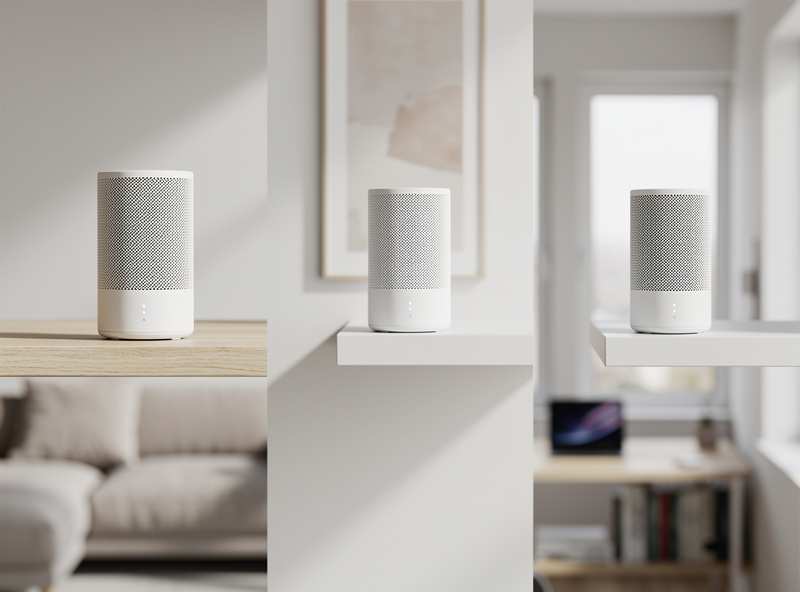
Mesh systems fall into three useful tiers for a smart home: budget dual-band kits for small apartments, mainstream tri-band Wi-Fi 6 systems for most houses, and prosumer systems with full wired backhaul and segmentation for device-dense or larger homes. Match the tier to your house, not the marketing.
A budget dual-band kit like an entry TP-Link Deco system is genuinely fine for a one-bedroom flat with twenty devices. Step up to a tri-band Wi-Fi 6 mesh WiFi system the moment you cross two floors or forty devices — the dedicated backhaul radio is what keeps automations snappy under load. And if you are wiring a house or already past sixty devices, a tri-band Netgear Orbi or Asus ZenWiFi with Ethernet backhaul and a separate IoT SSID is the endgame. The point is to buy for your device count and square footage, not the box’s biggest number.
| Tier | Radio | Best for | Device ceiling | Backhaul | IoT SSID |
|---|---|---|---|---|---|
| Budget dual-band | Wi-Fi 6 dual-band | Small apartment | ~25-35 | Wireless only | Guest network |
| Mainstream tri-band | Wi-Fi 6 tri-band | Most homes | ~60-80 | Wireless + optional wired | Yes |
| Prosumer tri-band | Wi-Fi 6/6E tri-band | Large or dense homes | ~90+ | Wired backhaul | Yes, with VLAN |
| Access points + switch | Wi-Fi 6 APs | Wired house, power users | 100+ | Full wired | Multiple VLANs |
| Router + extender | Dual-band repeat | Stopgap only | ~25-35 | Halved wireless | Separate SSID |
How Many Nodes Do You Actually Need?
Most homes need two or three nodes, not the giant kit the box pushes. Plan one node per 1,000 to 1,500 square feet of real coverage, accounting for walls and floors, plus one extra if you have a detached garage, basement, or outdoor cameras at the property edge.
More nodes is not automatically better. Past three or four wireless nodes, each hop back to the router adds latency and the backhaul itself starts eating airtime — this is exactly when wired backhaul stops being optional. In my setup, three tri-band nodes with one of them on Ethernet covers a two-story house plus the garage cameras with every device connecting at a healthy rate. If you still have weak spots after placing nodes sensibly, the problem is placement or construction, and my walkthrough on fixing WiFi dead zones covers the diagnosis.
The Smart-Home Features That Separate Good Mesh From Great
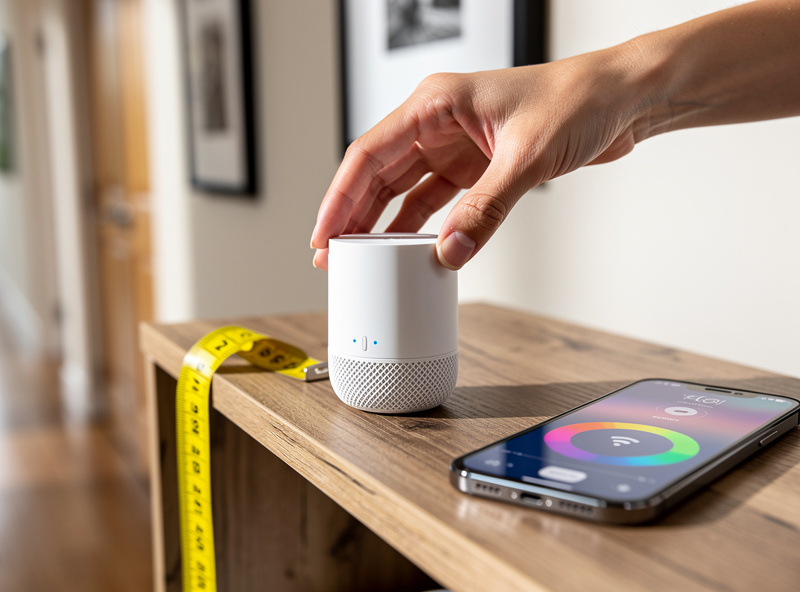
Beyond coverage, the mesh features that matter for a smart home are a separate IoT or guest SSID, a 2.4 GHz-only band option, and wired-backhaul ports. These let you segment chatty devices and keep them on the band they need, which is what turns a good network into a reliable smart-home backbone.
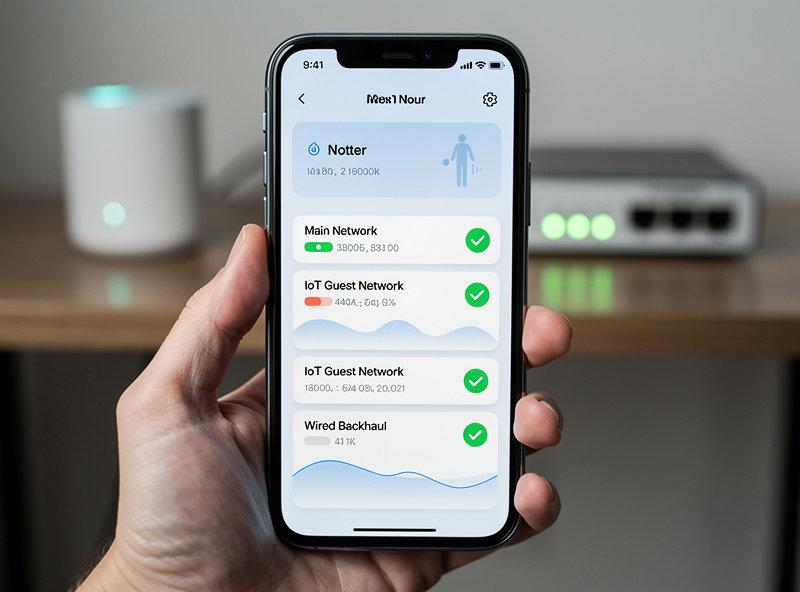
A dedicated IoT SSID isolates poorly-patched gadgets from your laptops and stops their broadcast chatter from degrading your main devices — the easy first step toward segmentation that I cover fully in my guide to a separate WiFi network for IoT. A 2.4 GHz-only band option stops cheap devices from being band-steered onto a 5 GHz radio they cannot hold, the single most common cause of dropouts; the band trade-offs are detailed in 2.4 GHz vs 5 GHz for IoT. And if a system supports an add-on WiFi 6 access point over Ethernet, you can extend full-speed coverage to a far room or outbuilding without sacrificing a backhaul radio.
Mesh Mistakes That Sabotage a Smart Home
The two mesh mistakes I see most are buying a dual-band kit for a device-dense home and daisy-chaining nodes too far apart over wireless. Both starve your IoT devices of the consistent low-band coverage they depend on, producing automations that work only some of the time.
Dual-band kits share one radio between your devices and the node-to-node backhaul, so as the device count climbs, everything slows together. And placing a node at the very edge of the previous node’s range means it only has a weak signal to relay, halving effective throughput for everything downstream. Buy tri-band if you have real device density, place nodes where they still see a strong link back, and wire the backhaul wherever your walls allow. Get those right and the mesh disappears into the background, which is exactly what you want. For the broader list of avoidable setup errors, see my smart home mistakes roundup.
Frequently Asked Questions
What is the best mesh WiFi for a smart home?
A tri-band Wi-Fi 6 mesh system with three nodes and wired-backhaul support is the best fit for most smart homes. It delivers whole-home 2.4 GHz coverage and a 60 to 90 device ceiling. Match the node count to your square footage and device count rather than buying the biggest kit.
Is mesh WiFi good for smart home devices?
Yes. Mesh WiFi gives whole-home coverage under one SSID with seamless roaming, so weak IoT antennas always have a strong access point nearby. That coverage and the higher client ceiling are exactly what a device-dense smart home needs, far more than a single router can provide.
How many mesh nodes do I need for a smart home?
Plan one node per 1,000 to 1,500 square feet of real coverage, plus one extra for a garage, basement, or outdoor cameras. Most homes need two or three nodes. Past four wireless nodes, switch to wired backhaul to avoid latency and airtime loss.
Do I need tri-band mesh for a smart home?
If you have more than about forty devices or two floors, yes. Tri-band adds a dedicated radio for node-to-node backhaul, so your devices are not fighting backhaul traffic for airtime. Dual-band kits are fine only for small apartments with light device counts.
Should mesh WiFi have a separate network for IoT?
Yes. A separate IoT or guest SSID isolates poorly-patched smart devices from your personal data and stops their chatter from degrading your main devices. Most mesh systems can broadcast one in minutes, and prosumer models add full VLAN segmentation.
Is mesh WiFi better than a WiFi extender for smart homes?
Far better. Extenders halve throughput and create a separate SSID that IoT devices roam between badly, causing drops. Mesh gives whole-home coverage under one SSID with seamless roaming, and wired backhaul makes it nearly bulletproof for automations.