WiFi vs Zigbee for Smart Home Devices
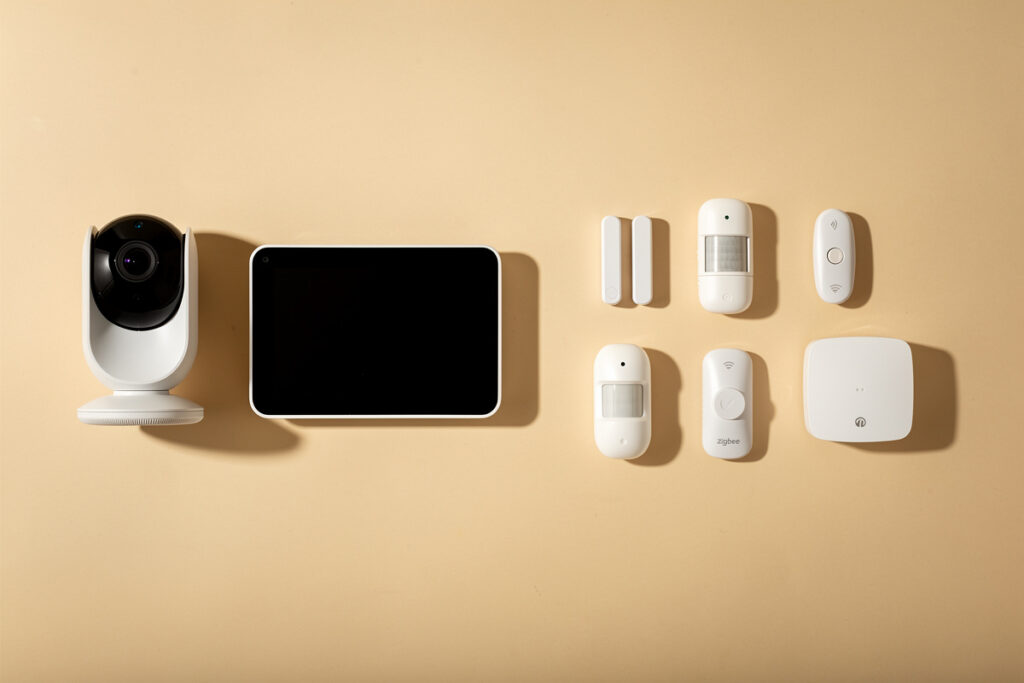
The WiFi vs Zigbee for smart home decision comes down to one rule: use WiFi for a handful of high-bandwidth devices like cameras and displays, and Zigbee for the dozens of low-power sensors and switches. Zigbee forms its own self-healing mesh, sips battery for years, and never touches your WiFi airtime — which is why a serious smart home leans on it.
I run both deliberately. My cameras and hub sit on WiFi, and most of my switches, contact sensors, and motion detectors run on Zigbee where they belong. This is the focused two-way decision; if you also want Z-Wave in the mix, my full Zigbee vs Z-Wave vs WiFi comparison covers all three radios side by side.
Disclosure: HomeAutoCentral is reader-supported. As an Amazon Associate I earn from qualifying purchases made through links in this article, at no extra cost to you. I only point to gear I actually use or would buy for my own smart home.
WiFi vs Zigbee: The Core Difference
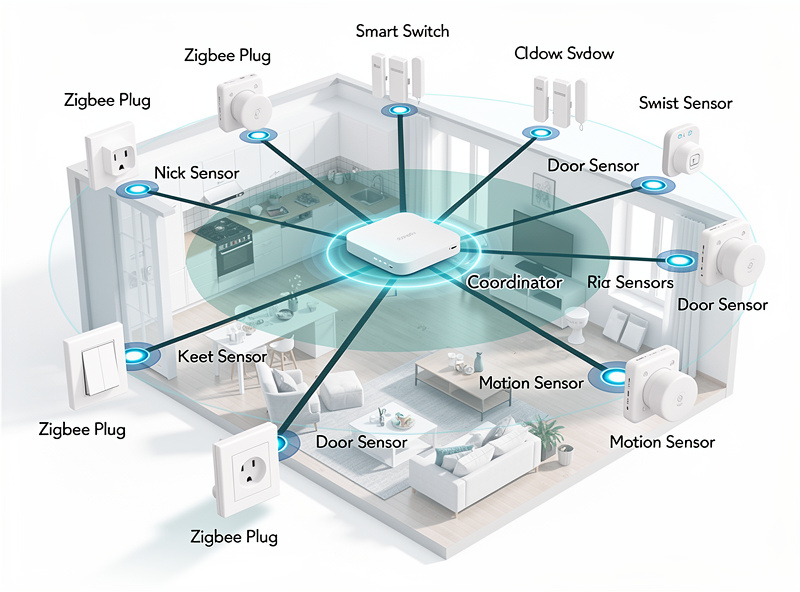
WiFi connects each device straight to your router with high bandwidth but high power draw and limited device counts. Zigbee is a low-power mesh where each mains-powered device repeats the signal, so range and reliability grow as you add devices — the opposite of how WiFi behaves under load.
This inversion is the whole story. On WiFi, every device you add is another client competing for airtime and another load on your router; past 30 to 40 devices, things get flaky. On Zigbee, every mains-powered device — a smart plug, an in-wall switch — acts as a repeater, so the mesh gets stronger and reaches farther the more you add. Zigbee devices also draw a fraction of the power, which is why a Zigbee door sensor runs for two years on a coin cell while a WiFi sensor needs recharging or mains power. The trade-off is bandwidth: Zigbee moves tiny amounts of data, perfect for sensors, useless for video. That single distinction tells you which device belongs on which radio. The broader architecture is in my smart home WiFi setup guide.
Zigbee Needs a Hub, WiFi Does Not
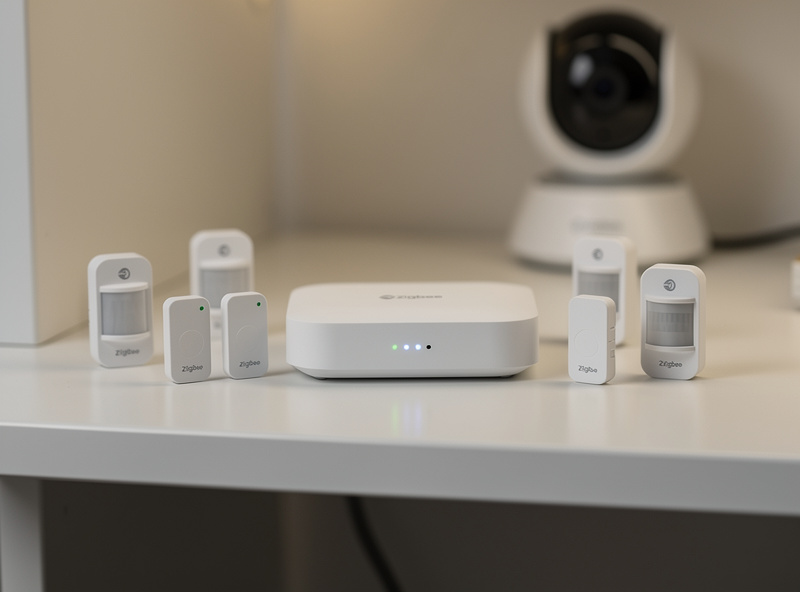
The one real cost of Zigbee is that it needs a hub or coordinator to bridge it to your network — a dedicated bridge or a USB coordinator on a local controller. WiFi devices connect directly with no hub. That hub requirement is also Zigbee’s hidden strength: it keeps everything local and off the cloud.
A WiFi smart plug works the moment it joins your network; a Zigbee plug needs something to translate Zigbee into your home network, whether that is a vendor bridge or a coordinator stick on a local hub. People treat this as a downside, but the hub is what makes a Zigbee smart home robust: the devices talk to a local controller, so automations keep running even when your internet is down. WiFi devices that depend on a manufacturer’s cloud simply stop when that cloud does. If you are weighing whether you need a central controller at all, I cover it in do you need a smart home hub, and the standard tying the radios together is explained in what Matter actually is.
| Factor | WiFi | Zigbee | Winner |
|---|---|---|---|
| Bandwidth | High | Very low | WiFi (for video) |
| Power draw | High | Very low | Zigbee |
| Battery life | Months or mains | 1-2+ years | Zigbee |
| Device ceiling | ~30-40 before strain | Hundreds (mesh) | Zigbee |
| Needs a hub | No | Yes | WiFi |
| Works offline | Often cloud-dependent | Local via hub | Zigbee |
| Best for | Cameras, displays | Sensors, switches | Use both |
Why Zigbee Is More Reliable for Sensors
Zigbee is more reliable for the sensor swarm because it does not compete for crowded WiFi airtime and its mesh routes around weak spots automatically. A Zigbee network with several mains-powered repeaters self-heals, so a single distant sensor that would drop on WiFi stays solid on Zigbee.
On WiFi, a distant motion sensor clinging to one bar transmits at the slowest legacy rate and hogs airtime for everyone — the airtime problem I cover in 2.4 GHz vs 5 GHz for IoT. Zigbee sidesteps this entirely: it runs on its own low-power radio, and each plug or switch you add extends the mesh. In my setup, moving the bulk of my sensors and switches off WiFi and onto Zigbee was the single biggest reliability jump I made, and it freed up my WiFi for the cameras and the hub that actually need the bandwidth. It also means I am not stacking dozens of cloud dependencies — a point that pairs with putting any remaining WiFi IoT on its own network, covered in separate WiFi network for IoT.
How to Choose for Each Device
Pick the radio by the device’s job. If it streams video or needs high bandwidth, use WiFi. If it is a sensor, switch, plug, or anything battery-powered, choose Zigbee. For a beginner buying a few gadgets, WiFi is simpler; for anyone scaling past a dozen devices, Zigbee plus a hub is the path that stays reliable.
The practical buying rule I follow: cameras, video doorbells, and smart displays go on WiFi because they move real data. Everything else — contact sensors, motion sensors, temperature and leak sensors, light switches, plugs — goes on Zigbee through a Zigbee smart home hub. If you only own a handful of devices and do not want a hub yet, WiFi plugs and bulbs are a fine starting point, and a solid mesh WiFi system will carry them — see my best mesh WiFi for a smart home picks. But plan for Zigbee the moment you start scaling, because that is when WiFi-only smart homes start to creak.
Battery Life and Interference: The Two Realities That Decide It
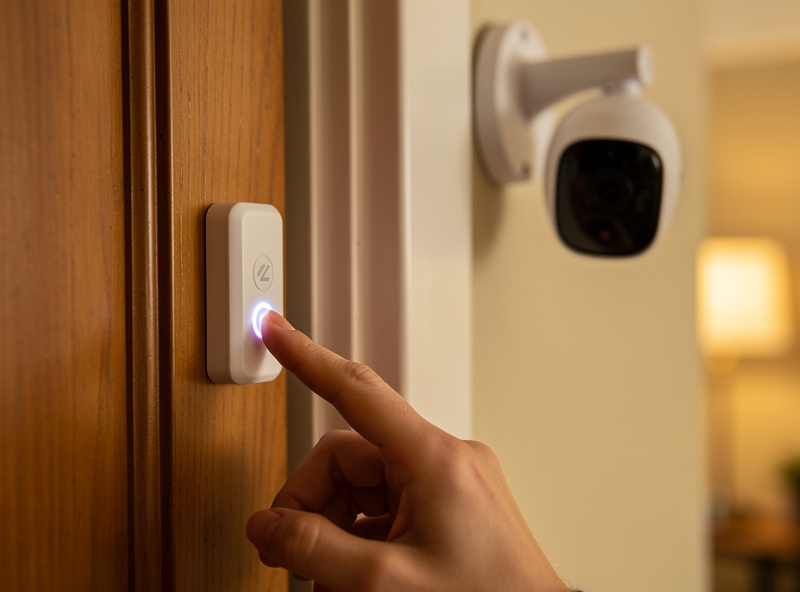
Beyond bandwidth, two practical realities push sensors onto Zigbee: battery life and radio interference. A Zigbee contact or motion sensor runs one to two years on a single coin cell, while the same kind of sensor on WiFi often drains in weeks to a few months because a WiFi radio is power-hungry and never truly sleeps between reports.
That gap compounds fast across a real house. Once you are running twenty or thirty battery sensors — door contacts, motion, temperature, leak — Zigbee turns battery changes into a once-a-year sweep instead of a constant game of chasing whichever WiFi sensor died this week. It is the single most underrated reason I keep saying “anything battery-powered goes Zigbee”: it is not just reliability, it is not wanting to babysit thirty batteries. The handful of devices that genuinely earn a WiFi slot — cameras, doorbells, displays — are usually mains-powered anyway, so the battery question never comes up for them.
Interference is the other reality, and it is the one beginners miss. Zigbee and 2.4 GHz WiFi share the same band, so a congested WiFi channel can step on your Zigbee mesh and cause sensors to drop intermittently. The fix is channel planning: set your Zigbee coordinator to a channel that sits in the gaps between the busy WiFi channels. In practice, Zigbee channels 15, 20, and 25 avoid the most crowded WiFi channels 1, 6, and 11, and moving the coordinator to one of them is the first thing I check when a sensor goes flaky — long before I start blaming range or the device itself.
Frequently Asked Questions
Is WiFi or Zigbee better for a smart home?
Use both. WiFi suits a few high-bandwidth devices like cameras and displays, while Zigbee is better for the dozens of low-power sensors and switches. Zigbee forms a self-healing mesh, lasts years on a battery, and never touches your WiFi airtime.
Does Zigbee need a hub?
Yes. Zigbee needs a hub or USB coordinator to bridge it to your network, unlike WiFi devices that connect directly. That hub is also a strength, because it keeps automations running locally even when your internet is down.
Why is Zigbee more reliable than WiFi for sensors?
Zigbee runs on its own low-power radio, so it does not compete for crowded WiFi airtime, and each mains-powered device repeats the signal to form a self-healing mesh. A distant sensor that would drop on WiFi stays solid on Zigbee.
How many devices can Zigbee handle versus WiFi?
A typical router strains past 30 to 40 active WiFi smart devices, while a Zigbee mesh can handle hundreds because every mains-powered device extends it. Zigbee gets stronger as you add devices, the opposite of WiFi under load.
Should I use WiFi or Zigbee for smart plugs?
For one or two plugs, WiFi is simpler with no hub. For many plugs, choose Zigbee, since each mains-powered Zigbee plug also repeats the mesh, improving range and reliability while keeping them off your WiFi airtime.
Do Zigbee devices work without internet?
Yes, through a local hub. Zigbee devices talk to a local controller, so automations keep running during an internet outage. Many WiFi devices depend on a manufacturer cloud and stop working when that cloud is unreachable.