Separate WiFi Network for IoT: Why and How
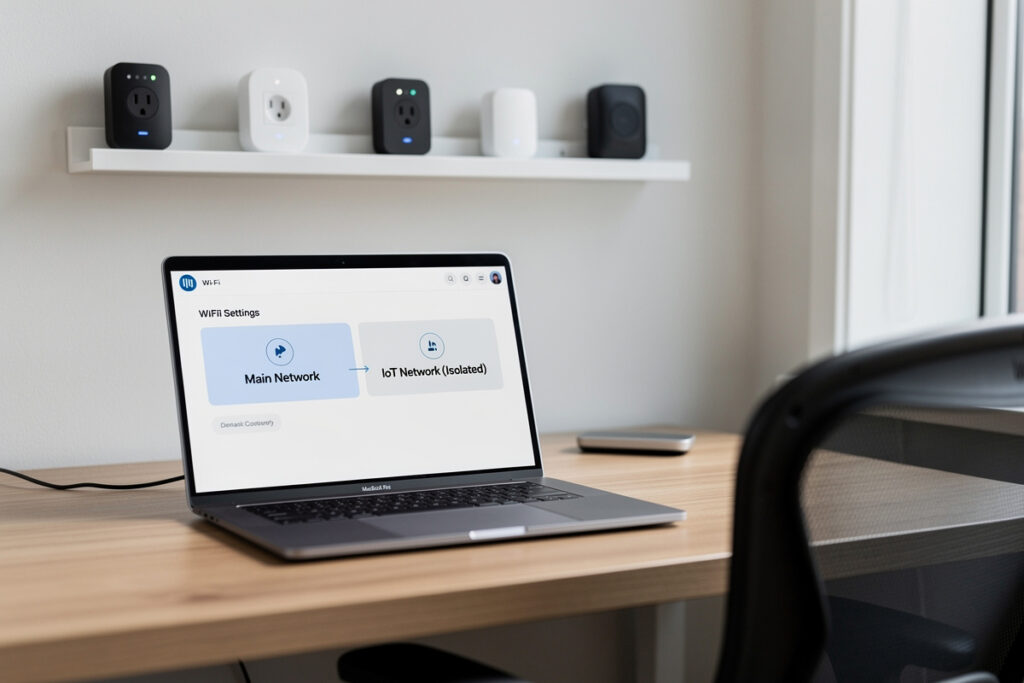
Putting a separate WiFi network for IoT devices is the single highest-value security and reliability upgrade in a smart home. At minimum it is a second SSID — a guest or IoT network — that isolates poorly-patched gadgets from your laptops and phones; at best it is a dedicated VLAN with firewall rules. Most routers can do the easy version in ten minutes.
I segment every smart device in my house off the main network, and it solved two problems at once: a flaky cheap camera could no longer see my work laptop, and forty chatty devices stopped degrading the network my actual computers use. Here is exactly why it matters and how to do it at whatever level your gear supports.
Disclosure: HomeAutoCentral is reader-supported. As an Amazon Associate I earn from qualifying purchases made through links in this article, at no extra cost to you. I only point to gear I actually use or would buy for my own smart home.
Why You Should Put IoT on Its Own Network
A separate IoT network does two things: it contains the security risk of cheap, rarely-updated devices, and it stops their broadcast chatter from degrading your main devices. If a budget plug or camera is ever compromised, network isolation keeps it from reaching the laptop with your banking on it.
Smart devices are the soft underbelly of a home network. Many ship with firmware that never gets patched, hardcoded credentials, or cloud connections you cannot fully audit. On a flat network, a single compromised gadget can scan and reach every other device you own. Isolating IoT onto its own segment means even a compromised device is trapped — it can talk to the internet for its cloud features but cannot pivot to your personal machines. The reliability win comes free: dozens of devices broadcasting discovery packets stay on their own segment instead of flooding the network your computers share. This is the same defense-in-depth thinking behind indoor camera privacy and asking whether smart locks can be hacked.
The Easy Way: A Second SSID in Ten Minutes
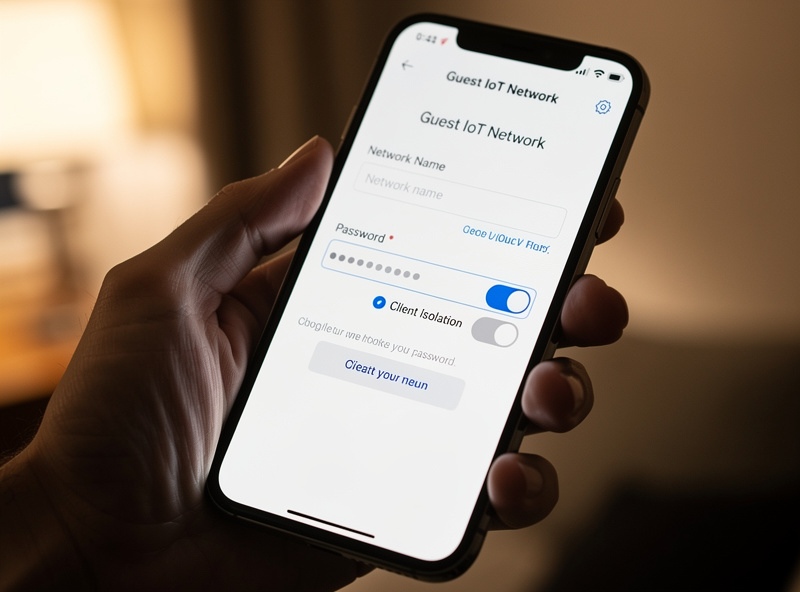
The accessible route is a second SSID — most routers and every mesh system can broadcast a guest or IoT network from the admin app. Name it clearly, set it to 2.4 GHz, enable client isolation if offered, and join every smart device to it. That alone delivers most of the benefit with zero extra hardware.
In practice: open your router or mesh app, create a guest network, label it something like Home-IoT, and where the option exists, turn on AP or client isolation so devices on it cannot see each other or your main LAN. Set it to 2.4 GHz only so your sensors and plugs land on the band they actually need — the reasoning is in my breakdown of 2.4 GHz vs 5 GHz for IoT. Then move every smart device over one at a time. The one gotcha: some app-control and casting features expect your phone and the device on the same subnet, so test those after you migrate. For most homes, this guest-network approach is all the segmentation you will ever need.
The Strong Way: A Dedicated IoT VLAN
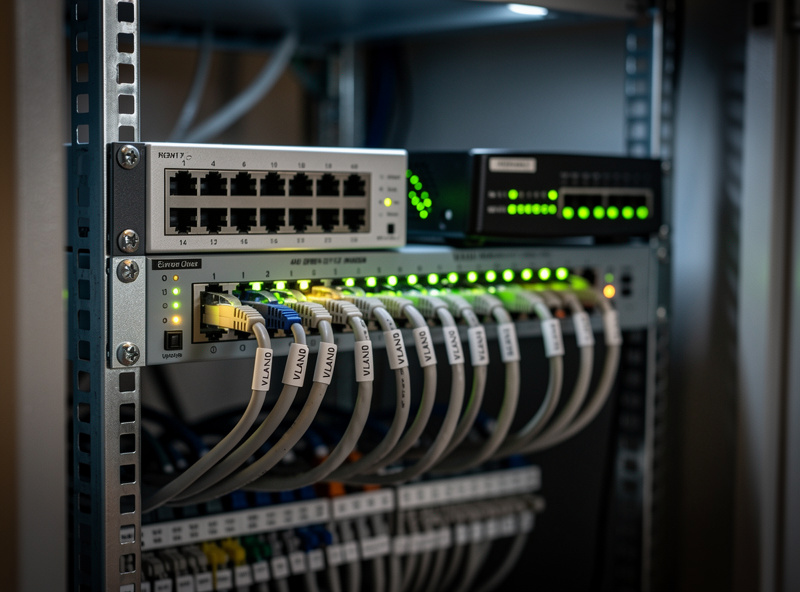
For device-dense or security-conscious homes, a true VLAN beats a guest SSID. A VLAN puts IoT on its own subnet with firewall rules you control — typically allowing your main devices to reach IoT, but blocking IoT from initiating any connection back. This requires a router and switch that support VLANs.
The difference is control. A guest network isolates, but a VLAN lets you write precise policy: your phone can reach the smart speaker, but the speaker can never start a conversation with your NAS. Building this needs VLAN-capable gear — a managed switch and a router or firewall that understands tagged traffic. The full managed walkthrough for a smart home lives in my guide to a smart home VLAN setup, and if you run your own router or pfSense box, the homelab-grade build — firewall rules, inter-VLAN policy, and intrusion detection — is covered in depth at homelabrouter.com’s network hardening guide. You do not need to start here, but it is where the rabbit hole leads once you have more than a handful of devices.
| Method | Isolation level | Extra hardware | Firewall control | Setup time | Best for |
|---|---|---|---|---|---|
| Flat network | None | None | None | 0 minutes | Nobody — avoid |
| Guest SSID | Basic isolation | None | On/off only | ~10 minutes | Most homes |
| Guest SSID + client isolation | Device-to-device blocked | None | Limited | ~15 minutes | Privacy-minded homes |
| Dedicated IoT VLAN | Full subnet isolation | Managed switch + VLAN router | Granular rules | ~1-2 hours | Device-dense homes |
| VLAN + firewall + IDS | Isolation plus monitoring | Firewall box + managed switch | Full policy + alerts | An afternoon | Homelab and power users |
What Hardware You Need for Real Segmentation
For a guest SSID you need nothing extra — your existing router does it. For a VLAN you need a VLAN-aware router or firewall plus a managed network switch, and ideally a separate access point so the IoT SSID maps cleanly to the IoT VLAN.
The clean prosumer setup is a VLAN-capable router or firewall, a managed switch that tags traffic per port, and one or more WiFi 6 access points that broadcast a separate IoT SSID bound to the IoT VLAN. That way every smart device that joins the IoT SSID lands on the isolated subnet automatically. If you are still choosing the network backbone underneath all this, my picks for the best mesh WiFi for a smart home flag which systems support a real IoT SSID versus just a basic guest mode. Buy for the level of control you actually want, not the most expensive rack you can imagine.
Common Gotchas When Segmenting IoT
The usual snags are casting and app control breaking across subnets, and devices that refuse to set up unless the phone is on the same network. Both are solvable with mDNS reflection or a temporary setup step, but they catch people off guard the first time they isolate IoT.
Casting protocols and many setup flows rely on local discovery, which by default does not cross between your main network and the IoT segment. The fixes are well-trodden: enable mDNS or Bonjour reflection between the two networks if your router supports it, or simply join the device during setup from a phone on the IoT network, then switch back. Smart speakers, casting dongles, and some robot vacuums are the usual offenders. None of this is a reason to skip segmentation — it is a ten-minute speed bump for a permanent security and reliability gain. The whole topic fits into the bigger picture in my complete smart home WiFi setup guide.
Frequently Asked Questions
Should I put IoT devices on a separate WiFi network?
Yes. A separate IoT network isolates poorly-patched smart devices from your personal data and stops their broadcast chatter from degrading your main devices. The easy version is a second SSID or guest network most routers can broadcast in about ten minutes with no extra hardware.
Is a guest network good enough for IoT devices?
For most homes, yes. A guest or second SSID with client isolation enabled keeps smart devices from reaching your laptops and phones, which covers the main security risk. A dedicated VLAN adds finer firewall control but is only worth it for device-dense or security-focused setups.
What is the difference between a guest network and an IoT VLAN?
A guest network isolates devices using your existing router with no extra gear. A VLAN puts IoT on its own subnet with firewall rules you control, typically letting your main devices reach IoT while blocking IoT from initiating connections back. A VLAN needs a managed switch and VLAN-aware router.
Will separating IoT break casting or app control?
It can. Casting and some setup flows rely on local discovery that does not cross subnets by default. Fix it by enabling mDNS reflection between the networks, or join the device from a phone on the IoT network during setup, then switch back.
Do I need special hardware to separate IoT devices?
For a second SSID, no, your existing router does it. For a true VLAN you need a VLAN-aware router or firewall, a managed switch, and ideally a separate access point so the IoT SSID maps to the IoT VLAN automatically.
Which band should the IoT network use?
Set the IoT network to 2.4 GHz only. Most smart devices are 2.4 GHz, that band penetrates walls better for distant sensors, and a dedicated 2.4 GHz SSID stops devices from being band-steered onto a 5 GHz radio they cannot reliably hold.