Alexa vs Google Home — Which Should You Choose? (2026)
Why Platform Choice Matters in 2026
Choosing between Alexa and Google Home in 2026 comes down to your ecosystem preference and privacy stance. Both voice assistants excel at smart home control, but differ in integration depth, smart home compatibility, and third-party device support. In my setup, I treat voice as an input only — the real decisions are which Matter-compatible platform ties into local control most cleanly.
As an Amazon Associate I earn from qualifying purchases.
The 2026 Voice Assistant Landscape
Amazon Alexa and Google Assistant have dominated the smart home market for years, with Apple HomePod serving as a privacy-focused third option. In 2026, both platforms offer comparable features for basic smart home control:
- Voice-activated lighting, thermostat, and lock control
- Multi-room audio and speaker grouping
- Routine creation and automation scheduling
- Third-party skill/app integration
- Shopping and information queries
However, subtle differences make one platform better suited for specific use cases. Understanding these nuances helps you make an informed decision that you will not regret six months into your smart home journey.
Alexa Advantages in 2026
Amazon Alexa continues to lead in device compatibility and smart home breadth. With the largest catalog of Works With Alexa certified devices and the widest ecosystem of third-party integrations, Alexa works with virtually every smart home gadget on the market.
Key Alexa strengths:
- Widest device compatibility (Zigbee, Z-Wave, WiFi, Thread/Matter)
- Echo devices function as Zigbee hubs natively
- Routine creation is more granular and flexible
- Better shopping integration with Amazon Prime
- Drop In feature for home intercom
- More affordable Echo device lineup. For renter-friendly smart lights that need no wiring
Alexa excels for users who want maximum device compatibility without worrying about protocol limitations. The built-in Zigbee hub in Echo 4th gen and Echo Studio eliminates the need for separate hubs when using Zigbee devices. This saves $50-100 compared to buying a standalone hub for Zigbee lights and sensors.
The 2026 Alexa lineup includes several standout devices. The Echo Dot ($50) offers improved audio and temperature sensing for under fifty dollars. The Echo Show 8 3rd gen ($150) provides the best balance of screen size and kitchen functionality. For audiophiles, the Echo Studio ($200) delivers room-filling sound with built-in Zigbee and Matter support. The Echo Pop ($40) serves as an ultra-affordable entry point for bedrooms and secondary rooms.
Alexa’s shopping integration deserves special mention. Prime members can reorder household supplies, track packages, and access exclusive Alexa-only deals through voice commands. While this might seem minor, the convenience of saying “Alexa, reorder paper towels” while cooking adds up over time. Alexa also integrates with Amazon’s pharmacy service for prescription reminders and refills.
Google Home Advantages in 2026
Google Assistant leverages Google’s superior AI and natural language processing, making conversations feel more natural. Google Home responds better to complex, multi-part commands and context-aware queries.
Key Google strengths:
- Superior natural language understanding
- Better integration with Google services (Calendar, Maps, Photos)
- Android phone ecosystem synergy
- More accurate voice recognition
- Google Nest cameras and displays offer strong image quality
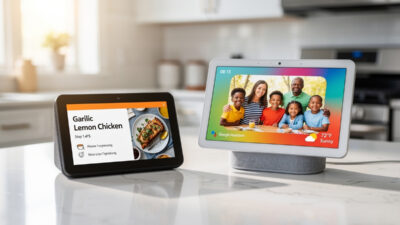
Google Home shines for Android users heavily invested in Google services. The Nest Hub displays integrate seamlessly with Google Photos for digital frame functionality, and Google Calendar integration is unmatched. Ask “Hey Google, what is on my calendar today?” and receive a complete overview of appointments with smart suggestions based on traffic conditions.
The 2026 Google Nest lineup focuses on AI-enhanced experiences. The Nest Mini 2nd gen ($50) includes machine learning for improved voice recognition in noisy environments. The Nest Hub 2nd gen ($100) adds sleep sensing capabilities, tracking your sleep patterns without cameras or wearable devices. The Nest Hub Max ($230) serves as a family communication center with auto-framing video calling and gesture controls.
Google’s recent AI improvements enable more contextual conversations. You can ask follow-up questions without repeating the subject: “Hey Google, who won the World Series?” followed by “When is their next game?” understands the context. Alexa requires you to specify “When is the Astros’ next game?” in the second query.
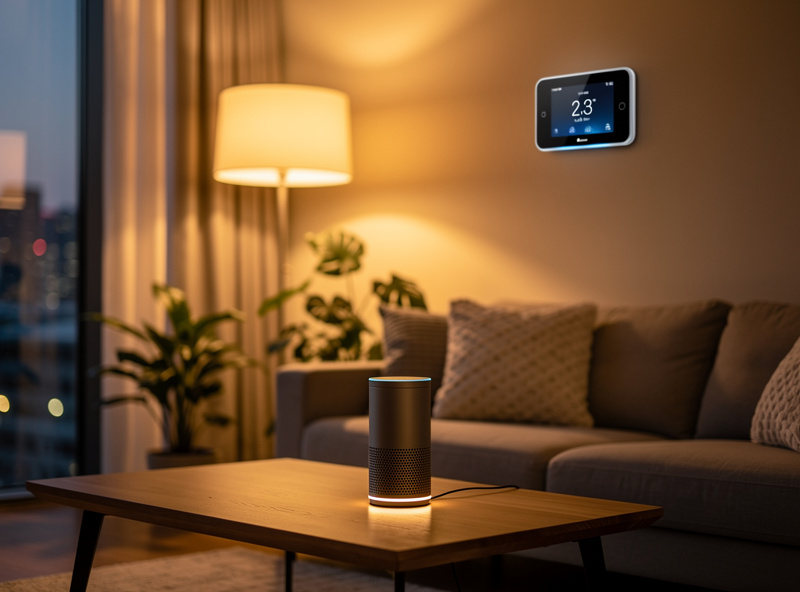
Device Price Comparison 2026
Price differences between ecosystems can impact your overall smart home investment, especially when outfitting multiple rooms:
| Device Type | Amazon Alexa | Google Home | Price Advantage |
|---|---|---|---|
| Entry Speaker | Echo Dot 5th Gen: $50 | Nest Mini 2nd Gen: $50 | Tie |
| Smart Display | Echo Show 8 3rd Gen: $150 | Nest Hub 2nd Gen: $100 | Google (-$50) |
| Premium Audio | Echo Studio: $200 | No direct competitor | Amazon unique |
| Large Display | Echo Show 15: $280 | Nest Hub Max: $230 | Google (-$50) |
| Budget Option | Echo Pop: $40 | No equivalent | Amazon unique |
| 3-Pack Bundle | Echo Dot 3-pack: $120 | Nest Mini 3-pack: $130 | Amazon (-$10) |
Alexa generally offers more aggressive pricing, especially during Prime Day and holiday sales where Echo Dots frequently drop to $25-30. Google maintains consistent pricing but occasionally offers Nest bundles with Nest Thermostat or cameras.
Smart Home Protocol Support 2026
Both platforms now support Matter protocol, eliminating previous compatibility barriers. However, legacy protocol support differs:
| Protocol | Alexa | Google Home |
|---|---|---|
| WiFi | Full support | Full support |
| Zigbee | Built-in hub (Echo 4th gen+) | Requires separate hub |
| Z-Wave | Requires hub | Requires hub |
| Thread/Matter | Full support | Full support |
For Zigbee-heavy setups, Alexa’s built-in hub provides cost savings. Otherwise, protocol support is functionally equivalent. Matter protocol adoption means most new devices work with both platforms regardless of which you choose.
Privacy and Data Handling Comparison
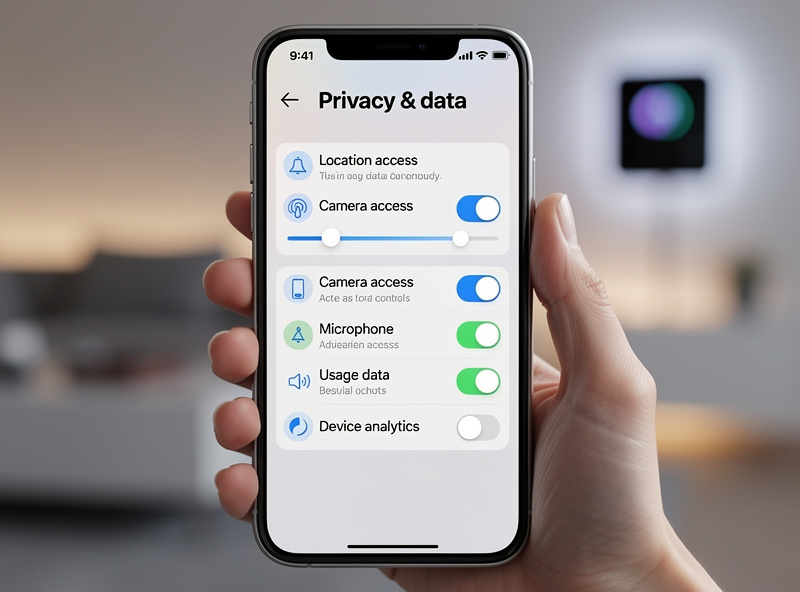
Privacy considerations increasingly influence smart home platform selection. Both platforms offer voice recording deletion and microphone muting, but differ in data handling:
- Alexa: Records stored on Amazon servers, manual deletion required
- Google: Records tied to Google account, auto-delete options available
Neither offers local-only processing for most commands, though both provide hardware mute switches for physical privacy. However, there are important distinctions in how each handles your data.
Alexa Privacy Features:
- Voice recordings stored until manually deleted
- Opt-out available for human review of recordings
- Alexa app shows transcript history
- Drop In feature can be restricted to specific contacts
- No local processing option available
Google Home Privacy Features:
- Auto-delete options: 3 months, 18 months, or 36 months
- Minimal recording storage compared to Alexa
- Google Account activity controls for granular management
- No human review by default (opt-in)
- Guest Mode for temporary non-personal queries
For privacy-conscious users, Google’s auto-delete and minimal data retention policies provide better privacy protection. Amazon retains recordings indefinitely unless manually deleted, creating a larger historical data footprint. Google’s privacy policy documents the auto-delete options; Amazon’s Alexa privacy help page covers manual deletion and recording review opt-out.
Music and Entertainment Comparison
Both platforms stream music from major services, but integration quality varies:
Alexa Music Support:
- Amazon Music (best integration, exclusive voice features)
- Spotify (full support)
- Apple Music (available but limited features)
- Audible (audiobooks with sleep timers)
- Multi-room audio with synchronized playback
Google Home Music Support:
- YouTube Music (best integration, video on displays)
- Spotify (full support)
- Apple Music (available)
- Pandora, iHeartRadio, Deezer
- Cast protocol for app-based control
Alexa’s multi-room audio setup is simpler for beginners. Google’s Cast protocol provides better fidelity and app-based control for advanced users. If you subscribe to Amazon Music Unlimited or YouTube Music Premium, choose the matching ecosystem for best experience.
Real User Scenarios: Making the Decision
Understanding how different users benefit from each platform helps you identify with your own needs:
Scenario 1: Sarah’s Android-Centric Smart Home
Sarah uses a Pixel phone, Google Workspace for work, and subscribes to YouTube Premium. Her family shares Google Calendars for scheduling. For Sarah, Google Home was the obvious choice. The Nest Hub in her kitchen displays Google Photos albums, her morning routine includes “Hey Google, tell me about my day” which reads calendar events and weather, and she controls Nest cameras through the same interface.
Scenario 2: Mike’s Prime-Powered Household
Mike is an Amazon Prime power user with Subscribe & Save deliveries, Kindle books, and Fire TV devices throughout his home. He chose Alexa for the shopping integration and found the Echo Show invaluable for package tracking and reordering household supplies. His Echo Studio fills his living room with music while the built-in Zigbee hub eliminated the need for a separate smart home hub.
Scenario 3: The Privacy-Focused Minimalist
Jordan wanted voice control but distrusts big tech data collection. After researching, they chose Google Home with auto-delete set to 3 months and microphone mute switches for all bedroom devices. They use minimal third-party skills and review recording history monthly. The auto-delete feature provided peace of mind Alexa couldn’t match.
My 2026 Recommendation
Choose Alexa if: You want maximum device compatibility, use Amazon Prime heavily, or prefer granular routine control. The built-in Zigbee hub in newer Echo devices simplifies multi-protocol setups. Alexa’s aggressive pricing and frequent sales make expanding your smart home more affordable.
Choose Google Home if: You use Android and Google services extensively, prioritize natural conversation, or want superior Nest camera integration. Google’s privacy features and auto-delete options provide better data protection for concerned users.
Both platforms work well for beginners starting their smart home journey. Start with one ecosystem and expand gradually. For a complete overview of voice assistants, protocols, and automation strategies, see the voice assistants and smart home protocols guide. Remember that Matter protocol adoption means your devices will likely work with either platform if you decide to switch later.
Related Articles
Learn more about building your smart home:
- Best Smart Home Ecosystem Comparison
- Smart Home Protocols Explained
- 15 Automation Ideas for Your Home
- Smart Home for Beginners Guide
- Matter Protocol Explained
Can I use both Alexa and Google Home in the same house?
Yes, but it is not recommended for beginners. Managing two ecosystems creates complexity, though advanced users sometimes use both for specific device compatibility. Automations will not work across platforms without complex bridging solutions like Home Assistant.
Which is better for controlling smart lights?
Both work identically with WiFi smart bulbs and switches. Alexa has a slight edge with Zigbee bulb compatibility through Echo hub features. An Echo 4th gen or Studio eliminates the need for a separate hub for Zigbee lights.
Do I need a hub with either platform?
Not necessarily. Many modern smart home devices connect directly via WiFi or Matter protocol. Only Zigbee and Z-Wave devices require hubs. Alexa’s Echo 4th gen and Echo Studio include built-in Zigbee hubs, while Google Home requires a separate hub like SmartThings or Hubitat.
Which has better music streaming support?
Both support Spotify, Apple Music, and Amazon Music. Alexa offers better Amazon Music integration with voice-exclusive features. Google offers superior YouTube Music integration, especially on Nest Hub displays where you can watch music videos.
Can I switch from one ecosystem to the other easily?
Switching requires unpairing all devices from the old platform and reconnecting to the new one. WiFi devices reconnect easily, but you will lose routines and automations which must be recreated. Budget 2-3 hours for a complete ecosystem switch in a 10-device home.