Best Smart Lights for Apartment Renters: No Wiring Required (2026)
The best smart lights for apartment renters include Wi-Fi connected bulbs like Wyze Bulb Color, TP-Link Kasa, and Philips Hue Bluetooth that install without tools, require no wiring changes, and move with you when you relocate. Look for options offering app control, voice assistant integration, and scheduling features without hardwired switches or permanent fixtures. These portable smart lighting solutions let you enjoy automated lighting, color options, and energy savings while maintaining your security deposit and avoiding landlord conflicts.
Renting doesn’t mean sacrificing smart home convenience. Modern smart bulbs and plug-in lighting solutions provide full automation capabilities while remaining completely removable and transferable between apartments.
As an Amazon Associate I earn from qualifying purchases.
Why Renters Need Different Smart Lighting Solutions
Apartment living presents unique challenges for smart home installations:
- Lease restrictions: Most leases prohibit permanent modifications like switch replacement or fixture changes
- Security deposits: Landlords can withhold deposits for unauthorized electrical work or damaged fixtures
- Temporary living: Renters need portable solutions that transfer to new apartments easily
- Shared infrastructure: Many apartments have shared electrical systems limiting advanced installations
- Installation barriers: No tools, no electrical knowledge, and no permission to modify wiring
Smart bulbs and plug-in solutions bypass all these restrictions while delivering most of the day-to-day functionality that wired smart switches provide — you give up physical-switch reliability and instant-on for anyone in the household, but keep app control, scheduling, and voice integration.
Best Smart Lighting Options for Renters
Wyze Bulb Color
Wyze Bulb Color offers the best value for renters at $15 per bulb with no hub required. Simply screw into existing fixtures and connect to Wi-Fi through the Wyze app.
Pros: Very affordable, no hub needed, easy installation, color-changing capabilities, scheduling features, works with Alexa and Google Assistant
Cons: Requires 2.4GHz Wi-Fi, no HomeKit support, app occasionally has connectivity issues
Ideal for: First-time smart home users wanting maximum features at minimum cost.
TP-Link Kasa Smart Bulbs
TP-Link Kasa offers reliable Wi-Fi bulbs in both white and color options starting at $10-12. The Kasa app provides excellent scheduling and energy monitoring without subscription requirements.
Pros: Budget-friendly, reliable connectivity, intuitive app, good dimming range, no hub required
Cons: Limited third-party integrations, no native circadian rhythm features
Ideal for: Renters prioritizing reliability and ease of use over advanced features.
Philips Hue Bluetooth
Philips Hue now offers Bluetooth-enabled bulbs that work without the Hue Bridge, though adding the Bridge later unlocks full functionality. Prices start at $15 for white bulbs and $25 for color options.
Pros: Premium color quality, expandable to full Hue ecosystem later, excellent app, Bluetooth control works without Wi-Fi
Cons: Limited range without Bridge, fewer automation options than bridged Hue, more expensive than competitors
Ideal for: Renters who may want to expand to a full Hue system later or prefer Bluetooth reliability.
LIFX Smart Bulbs
LIFX produces premium Wi-Fi bulbs with exceptional brightness and color quality. No hub required, and bulbs connect directly to your router for robust control.
Pros: Outstanding color saturation and brightness, no hub needed, excellent app with scheduling, works with all major platforms
Cons: Expensive at $35-50 per bulb, high standby power consumption, can run warm
Ideal for: Renters prioritizing lighting quality and color accuracy over budget considerations.
Nanoleaf Essentials
Nanoleaf Essentials uses Thread connectivity for fast response times when paired with Apple border routers (Apple TV, HomePod mini). Also works over Bluetooth, making it versatile for renters.
Pros: Thread support for fast response, excellent white spectrum, Matter-compatible for future-proofing, compact design
Cons: Requires Thread border router for full features, limited color options, $20-25 per bulb
Ideal for: Apple ecosystem users wanting cutting-edge connectivity.
Smart Lights That Work Without a Hub
Hub-free operation simplifies renter setups and eliminates the need for additional hardware:
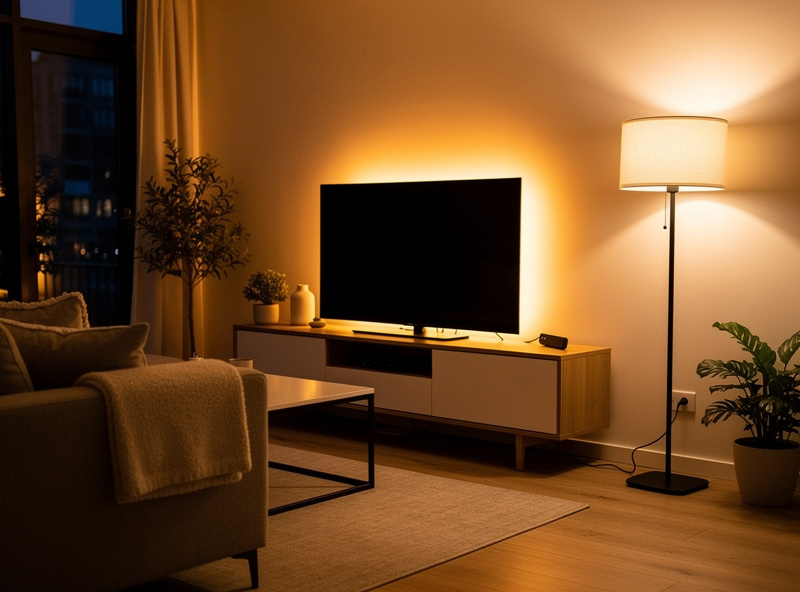
Wi-Fi Smart Bulbs (No Hub Required)
These bulbs connect directly to your home Wi-Fi network:
- Wyze Bulb Color: $15, full color control, Alexa and Google compatible
- TP-Link Kasa: $10-12, reliable connectivity, excellent scheduling
- LIFX: $35-50, premium brightness and color, no hub needed
- GE Cync: $12-20, dual Bluetooth + Wi-Fi connectivity
Bluetooth Smart Bulbs
Bluetooth bulbs work without any network connection — perfect for renters with unreliable Wi-Fi:
- Philips Hue Bluetooth: Works within 30 feet of your phone, no internet needed for basic control
- GE Cync Bluetooth: Backup control when Wi-Fi is down
- Nanoleaf Essentials: Bluetooth for basic control, Thread for advanced features
Hub-free advantages for renters:
- No additional hardware to purchase, configure, or move
- Connect directly to apartment Wi-Fi
- Easy to add or remove bulbs without system reconfiguration
- Works in any apartment with internet access
Smart Bulbs for Better Sleep
Your bedroom lighting directly impacts sleep quality. Smart bulbs let you optimize light for each phase of your evening routine.
Evening Wind-Down Lighting
Research shows that warm, dim lighting in the 2-3 hours before bed promotes melatonin production and improves sleep onset. Smart bulbs make this automatic:
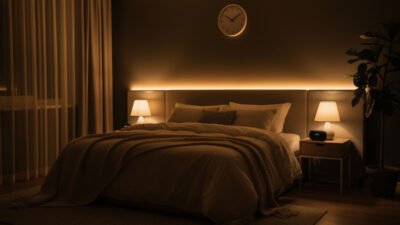
- 8:00 PM: Shift to 2700K warm white at 40% brightness
- 9:30 PM: Dim to 2200K amber at 20% brightness
- 10:30 PM: Fade to off over 15 minutes
Smart Sunrise Simulation
Setting smart lights to simulate sunrise creates a natural, gradual wake-up experience that is gentler and more effective than jarring alarm clocks:
How sunrise simulation works:
- Set your smart bulb to begin at 1% warm amber (2200K) 30 minutes before your alarm
- The bulb gradually increases brightness over 20-30 minutes
- Color temperature shifts from warm amber to soft white (3000K) as brightness reaches 80%
- Your body responds to the increasing light by reducing melatonin and increasing cortisol naturally
Setup instructions for sunrise simulation:
- Wyze app: Create a schedule with gradual brightness increase from 1% to 80% over 30 minutes
- Philips Hue: Use the “Wake Up” routine in the Hue app with customizable duration and color
- LIFX: Create a “Sunrise” theme with gradual color and brightness transitions
- Google Home: Build a morning routine that gradually increases smart bulb brightness
Best bulbs for sunrise simulation: Choose bulbs with wide dimming ranges (1-100%) and tunable white (2200K-6500K). Wyze Bulb Color, Philips Hue, and LIFX all excel at gradual transitions.
Renter-Friendly Installation Options
Smart Bulbs in Existing Fixtures
The simplest smart lighting solution for renters: unscrew old bulb, screw in smart bulb, download app, connect to Wi-Fi. No tools, no permission required, fully reversible.
Works in:
- Overhead ceiling fixtures
- Table and floor lamps
- Bathroom vanity lights
- Kitchen recessed lighting
- Closet lights
Keep original bulbs stored safely to reinstall when you move out, ensuring you take your smart bulbs with you.
Smart Plug-In Solutions
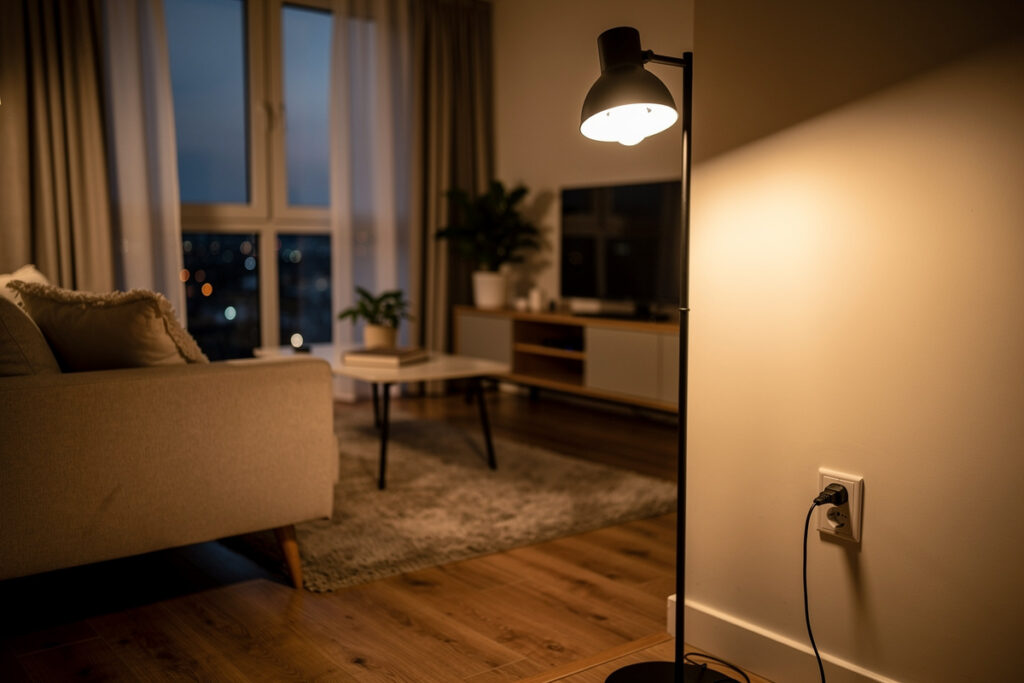
For floor lamps and accent lighting without smart bulbs, use smart plugs to add control:
- Smart plug adapters: Plug into existing outlets, then plug lamp into adapter
- Smart power strips: Control multiple lamps and devices from one strip
Smart plugs from Wyze, TP-Link Kasa, and Amazon offer affordable control ($10-15 each) without modifying fixtures.
Plug-In Smart Light Strips
LED light strips add accent lighting without permanent installation:
- Peel-and-stick adhesive backing attaches temporarily to walls, under cabinets, or behind furniture
- Plug into any outlet for instant smart lighting
- Remove easily when moving without wall damage
- Use removable adhesive hooks or command strips for damage-free mounting
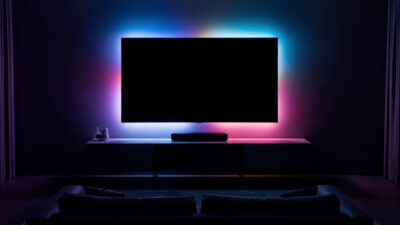
Popular options include Govee, Philips Hue Lightstrip, and Wyze Light Strip, ranging from $20-80 depending on length and features.
Battery-Powered Smart Lights
For locations without outlets or fixtures, battery-powered smart lights provide flexible solutions:
- Motion-activated closet lights: Smart battery lights for wardrobes and pantries
- Under-cabinet lighting: Battery-powered LED strips for kitchen task lighting
- Portable accent lights: Tabletop smart lamps with rechargeable batteries
- Smart candles: LED candles with app control and scheduling
These install anywhere with adhesive strips or simply sit on surfaces, making them the most flexible renter options.
Smart Features That Matter for Renters
No-Contract Portability
The best smart lights for renters prioritize easy removal and transfer:
- Simple screw-in bulbs transfer to any standard fixture
- No permanent modifications means no landlord conflicts
- Take your entire smart lighting system with you when moving
- Reinstall original bulbs and take smart bulbs to your next apartment
Compare this to smart switches that require rewiring and stay with the property.
Voice Assistant Integration
Control lights without getting up or finding your phone:
- “Alexa, turn off bedroom lights” before sleep
- “Hey Google, dim living room to 30%” for movie time
- “Siri, set desk lamp to reading mode” for focused work
Most Wi-Fi smart bulbs work with Alexa and Google Assistant. HomeKit support is less common but available from Nanoleaf and certain Philips Hue models.
Scheduling and Automation
Create automatic lighting that makes your apartment feel occupied and welcoming:
- Sunset activation: Lights turn on automatically when it gets dark
- Wake-up routines: Gradual brightening mimics sunrise in bedrooms
- Bedtime schedules: Automatic dimming or shut-off at designated times
- Vacation mode: Random on/off patterns simulate presence when traveling
- Geofencing: Lights activate when you arrive home
These features provide security benefits and energy savings without requiring permission or permanent installation.
Cost Comparison: Renter Smart Lighting Solutions
| Solution | Entry Cost | Per Unit Cost | Best For |
|---|---|---|---|
| Wyze Bulb Color | $15 | $15 | Budget-conscious renters |
| TP-Link Kasa White | $10 | $10-12 | Basic smart lighting |
| Philips Hue Bluetooth | $15-25 | $15-50 | Future ecosystem expansion |
| Smart Plugs | $10 | $10-15 | Controlling existing lamps |
| LED Light Strips | $20 | $20-80 | Accent and mood lighting |
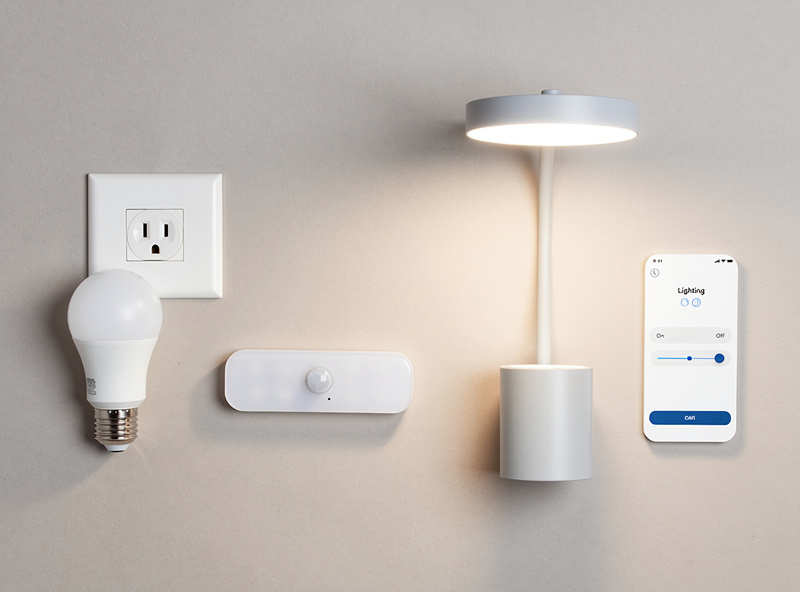
For a typical one-bedroom apartment with 8-10 light fixtures, expect to spend $120-200 for a complete smart lighting system using budget-friendly options.
Strategic Placement for Maximum Impact
Priority 1: Bedroom and Living Room
Start with the rooms where you spend the most time:
- Bedside lamps: Voice control for lights without getting up, wake-up routines with sunrise simulation
- Living room lamps: Scene control for entertaining, relaxing, and movie watching
- Overhead fixtures: If accessible, smart bulbs provide whole-room control
Priority 2: Entry and Security
Smart lighting at entry points provides safety and convenience:
- Entryway/hallway: Automatic illumination when arriving home after dark
- Porch/balcony: If you have outdoor access, smart lighting deters intruders
- Closets: Motion-activated smart lights eliminate fumbling in dark storage spaces
Priority 3: Kitchen and Bathroom
Task lighting improves functionality in work areas:
- Kitchen counters: Under-cabinet smart strips for food preparation
- Bathroom vanity: Bright, dimmable lighting for grooming
- Shower/tub area: Only if moisture-rated fixtures allow safe installation
Avoiding Landlord Issues
What Renters CAN Do
Generally permitted smart lighting modifications:
- Replace standard bulbs with smart bulbs (fully reversible)
- Use plug-in smart outlets and power strips
- Install peel-and-stick LED strips (remove carefully to avoid paint damage)
- Use battery-powered smart lights with adhesive mounting
- Place freestanding smart lamps and fixtures
What Renters SHOULD NOT Do
Avoid these modifications without explicit landlord permission:
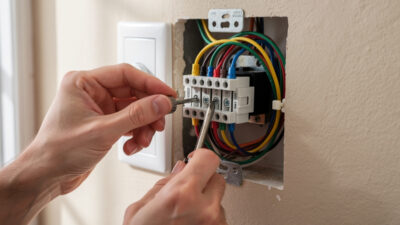
- Replace wall switches with smart switches (requires rewiring)
- Change hardwired light fixtures
- Install recessed lighting or ceiling modifications
- Replace electrical outlets with smart outlets
- Run new wiring or electrical circuits
When in doubt, check your lease agreement or ask your landlord. Most will approve bulb changes but prohibit switch replacement.
Protecting Your Security Deposit
Document everything to avoid deposit disputes:
- Photograph original bulbs before replacing them
- Store original bulbs safely to reinstall when moving
- Take photos of any adhesive installations to prove no wall damage
- Keep packaging and receipts for smart lights you plan to take
Smart bulbs are considered personal property like furniture, not fixtures. You have the right to take them when you move, provided you restore original lighting.
Moving With Your Smart Lights
One major advantage of renter-friendly smart lighting is complete portability:
When Moving Out
- Unpair all smart bulbs from your current Wi-Fi network through their apps
- Unscrew smart bulbs and reinstall original bulbs in each fixture
- Remove LED strips, smart plugs, and portable fixtures
- Pack smart lighting equipment securely for transport
- Reset devices to factory settings (check manufacturer instructions)
When Moving In
- Unpack and inventory all smart lighting components
- Install bulbs in new apartment fixtures
- Set up smart plugs and portable lighting
- Download apps and connect devices to new Wi-Fi network
- Recreate your preferred schedules and scenes
Your entire smart lighting investment travels with you, unlike permanent installations that stay with the property.
Related Articles
- Smart Bulb vs Smart Switch: Complete Comparison
- Smart Light Strip Behind TV — Setup Guide
- Best Smart Outdoor Lights for Home Security
- Smart Home for Beginners: Complete Setup Guide
- Smart Lights That Work Without a Hub
Can my landlord stop me from using smart bulbs?
Generally no — swapping in a smart bulb is functionally the same as using a different wattage or style of bulb, since it doesn’t modify the property and is fully reversible. Keep original bulbs to reinstall when moving out, and check your specific lease if you’re unsure, since terms vary. Smart bulbs are considered personal property, not fixtures.
Do smart bulbs work in any apartment?
Smart bulbs work in any apartment with standard light fixtures (E26 base in North America) and Wi-Fi access. The only requirements are compatible fixture types and reliable internet connectivity. Some very old buildings may have non-standard fixtures, but these are rare.
What if my apartment Wi-Fi is shared or unreliable?
Choose Bluetooth-enabled smart bulbs like Philips Hue Bluetooth that work without Wi-Fi for basic control. Alternatively, upgrade your internet plan or add a personal router for better connectivity. Some smart plugs offer cellular backup options, though these require subscriptions.
Can I take smart bulbs with me when I move?
Yes, smart bulbs are your personal property. Simply unscrew them, reinstall the original bulbs, and pack your smart bulbs for the move. Document the reinstallation with photos to protect your security deposit. Your smart lighting investment transfers completely to your next apartment.
Do I need a hub for smart bulbs?
No. Most modern smart bulbs connect directly via Wi-Fi or Bluetooth without requiring a hub. Wi-Fi bulbs (Wyze, Kasa, LIFX) connect to your router. Bluetooth bulbs (Philips Hue Bluetooth) work within 30 feet of your phone. Hubs are only needed for advanced features or large installations.
How do I set up sunrise simulation with smart bulbs?
Create a schedule in your smart bulb app that gradually increases brightness from 1% to 80% over 20-30 minutes before your alarm time. Shift the color temperature from warm amber (2200K) to soft white (3000K) as brightness increases. Most smart bulb apps have built-in wake-up routines.