Smart Water Shutoff Valve Guide: Automatic Main Control
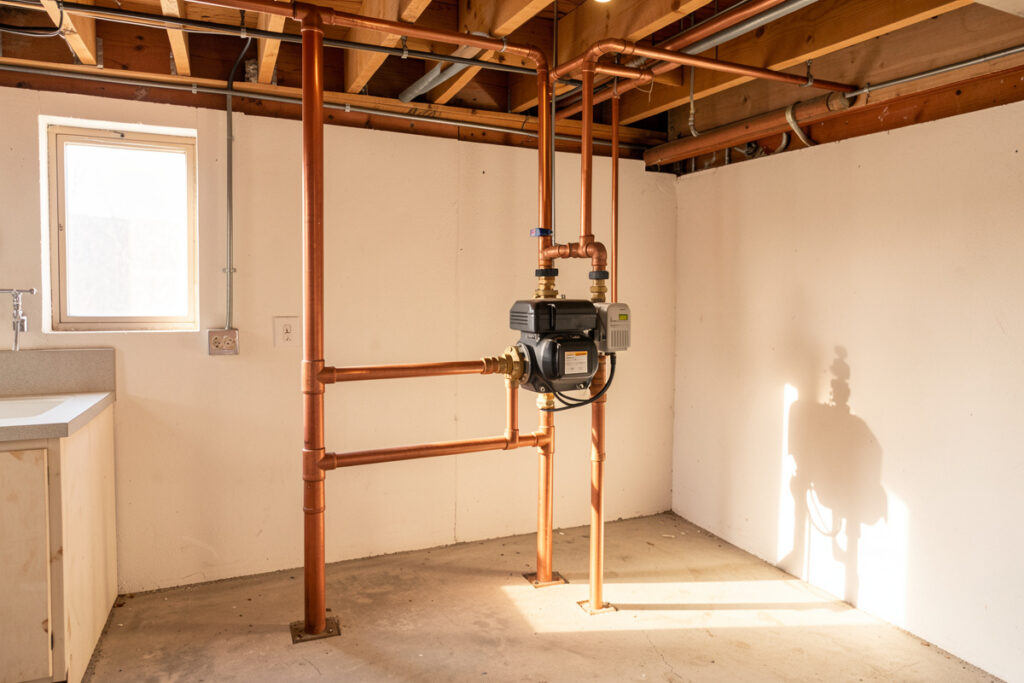
A smart water shutoff valve is the one device that turns a leak alert into a non-event: when a sensor goes wet, the valve closes the main and the flood simply stops. For the home, you have two routes — a motorized ball valve plumbed inline, or a clamp-on actuator that physically turns your existing quarter-turn valve. A clamp-on costs around $150 and installs in ten minutes with no plumber; an inline motorized valve runs $200 to $600 installed but is cleaner and more reliable long-term.
I run a motorized valve on my main, wired into the same local hub as my leak sensors, so a wet puck closes the water in seconds without me touching anything. This is the “muscle” layer of my smart water leak management system — detection is useless if nothing acts on it, and a phone notification you read three hours later does not save a floor. Water damage is consistently among the most frequent and costly home insurance claims, per the Insurance Information Institute — exactly the loss an automatic shutoff exists to prevent.
The Two Types of Smart Shutoff Valve
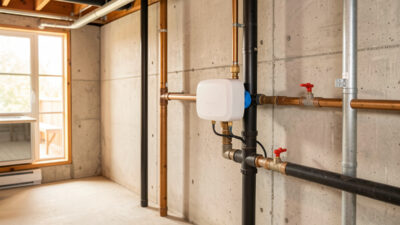
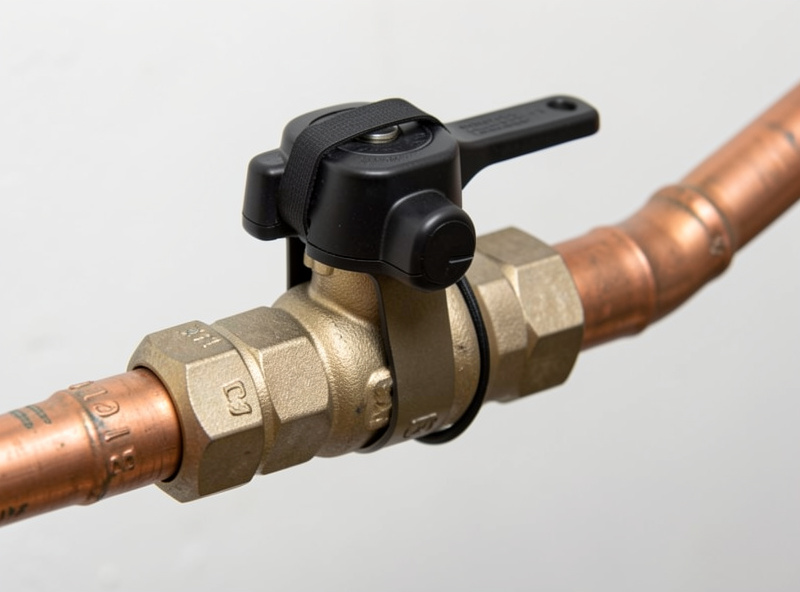
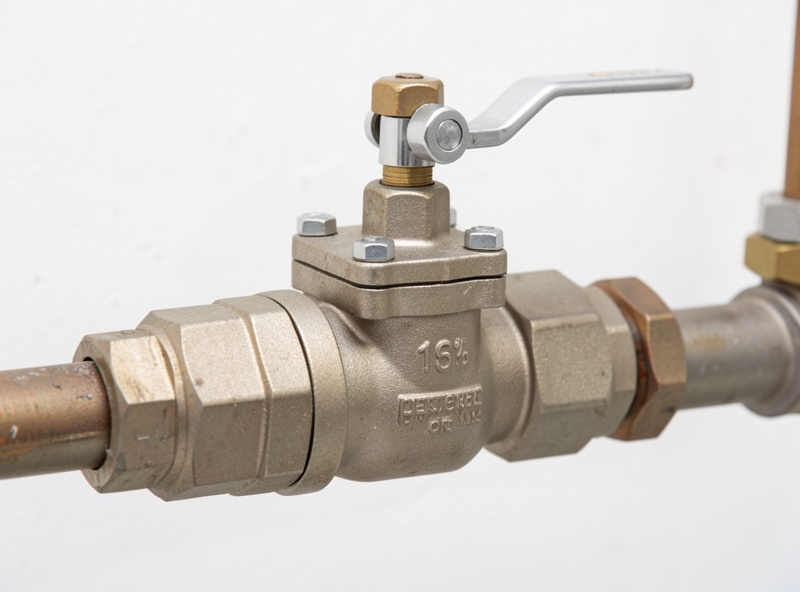
Every smart shutoff valve is one of two designs. A motorized ball valve replaces or splices into a section of your main supply line — it is a real valve with a motor, fully sealed, and it is what most whole-home leak systems ship. A clamp-on actuator straps over your existing manual ball valve and turns the handle for you with a geared motor. The clamp-on is the renter-and-DIY-friendly option because it touches no plumbing; the inline valve is the permanent, lower-profile choice if you are comfortable cutting into the line or hiring a plumber for an hour.
Both close the water. The difference is install effort, reliability, and looks. A clamp-on has more moving parts exposed and depends on your existing valve turning freely; if that handle is stiff with age, the actuator strains. An inline motorized valve is purpose-built and tends to outlast the clamp-on, but it is a one-way decision once it is soldered in. For most people starting out, I suggest the clamp-on — it is reversible, cheap, and proves the concept before you commit to plumbing.
Local Control Is Non-Negotiable Here
Of every device in a smart home, the shutoff valve is the one I least want on the cloud. This is a safety actuator: its entire value is closing the water at the worst moment, and the worst moment is exactly when you do not want to discover that the manufacturer’s server is down or your subscription lapsed. A valve I command locally, from my own hub, closes whether or not the internet is up. A cloud-keyed valve that needs an app round-trip — or worse, a paid plan to enable auto-shutoff — is a safety device with a single point of failure outside your house.
So when I evaluate a valve, the first question is: can my hub control it locally? Z-Wave and Matter valves answer yes. Some Wi-Fi valves expose a local API or work through a local integration; many do not. Before buying, confirm the valve can be triggered by a local automation and has a physical manual override so you can always open or close it by hand. If you do not run a hub yet, my guide on whether you need a smart home hub covers the decision — for an automatic shutoff, the answer is effectively yes.
Shutoff Valve Options Compared
| Valve type | Install | Typical cost | Reliability | Best for |
|---|---|---|---|---|
| Clamp-on actuator | DIY, 10 min, no plumbing | $130–$200 | Good; depends on existing valve | Renters, first-timers, reversible installs |
| Inline motorized ball valve | Plumber or confident DIY | $200–$600 installed | Excellent; purpose-built | Permanent whole-home protection |
| Cloud-keyed Wi-Fi valve | Varies | $150–$500 | Risky for safety use | Avoid if shutoff is subscription-gated |
Wiring the Valve Into an Automation
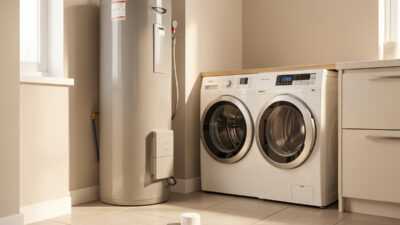
A valve that only closes from an app is half a system. The point is to connect it to your leak detection so the response is automatic. The rule I run: if any leak sensor in a “shutoff zone” reports wet, close the main valve, fire a critical push to every phone, and log the event. I keep two zones — high-consequence spots (water heater, washer, under sinks) that trigger an immediate shutoff, and nuisance-prone spots (near AC drip pans) that only notify, so condensation never slams my water off at 3 a.m.
Build the recovery path the same day. When the valve closes, you need an obvious, app-free way to reopen it — a labelled dashboard button and the physical manual override on the valve itself. I also run a quarterly self-test automation that cycles the valve a quarter-turn and back and logs that it completed, because a motor that has not moved in a year can seize exactly when you need it. If you are new to writing this logic, my Home Assistant setup guide walks through getting the hub running first. Pair the valve with good leak detectors and ideally a whole-home water monitor, so the valve has both spot sensors and flow data to act on.
Auto-Shutoff Valves vs Flow-Sensing Valves
Some valves are dumb actuators that wait for your sensors to tell them to close. Others bundle a flow meter and can shut the water on their own logic — for example, if flow runs continuously past a threshold you set, suggesting a burst pipe nobody is home to catch. The flow-sensing valves cost more but add a layer that does not depend on a floor puck being in the right spot. If you want that capability without buying an all-in-one unit, you can pair a standalone whole-home water monitor with a separate valve and let your hub join them — more flexible, and you are not locked to one vendor’s ecosystem.
Whichever you choose, insist on local control and a manual override. A flow-sensing valve that only “thinks” in the cloud inherits every cloud risk, just with a bigger price tag.
As an Amazon Associate I earn from qualifying purchases. If you want to test the concept before committing to plumbing, a clamp-on actuator is the low-risk way in — browse smart water shutoff valves on Amazon and confirm it offers local or hub control before you buy.
Frequently Asked Questions
Can I install a smart water shutoff valve without a plumber?
Yes, if you choose a clamp-on actuator. It straps over your existing quarter-turn valve and turns the handle for you, installing in about ten minutes with no cutting or soldering. An inline motorized ball valve, which splices into the main line, usually needs a plumber or confident DIY skills.
Will the valve still work if the internet goes down?
It will if you run it on a local hub. A Z-Wave or Matter valve controlled by a local automation closes the water whether or not the internet is up. Avoid valves that gate auto-shutoff behind a cloud subscription, since a safety actuator should never depend on a server you do not control.
How does the valve know when to close?
It does not on its own unless it has a built-in flow meter. Normally your leak sensors detect water and your hub runs an automation that commands the valve to close. You group sensors into shutoff zones and notify-only zones so harmless condensation never triggers an automatic shutoff.
What is the difference between a clamp-on and an inline valve?
A clamp-on actuator turns your existing manual valve and touches no plumbing, making it reversible and renter-friendly. An inline motorized ball valve replaces a section of pipe, so it is permanent, lower-profile, and generally more reliable long-term. Most first-timers start with a clamp-on.
Do I still need leak sensors if I have a smart valve?
Yes. A shutoff valve is only the muscle; it needs something to tell it when to act. Spot leak sensors and a whole-home flow monitor are the detection layer. The valve closes the water, but the sensors are what notice the leak in the first place, so the two work as a pair.
Related Guides
- Smart Water Leak Management — how the valve fits the full system
- Best Smart Water Leak Detectors — the sensors that trigger the valve
- Whole-Home Water Monitor Guide — add flow-based detection
- Do You Need a Smart Home Hub? — the brain that runs the shutoff
- Home Assistant Setup — build the local hub first