Why Your Zigbee Sensor Batteries Die Fast And How to Fix Reporting
If your Zigbee sensor batteries die in weeks instead of the year or two you expected, the battery is almost never the real problem. The usual culprits are an over-aggressive reporting configuration making the device transmit far too often, or a weak mesh link forcing it to retry every message. Fix the reporting and fix the link, and a contact or motion sensor that was eating a coin cell monthly will comfortably run for many months to a couple of years on one cell.
Fast battery drain is one of the most common Zigbee frustrations, and one of the most fixable once you know where to look. Replacing batteries forever treats the symptom; this guide treats the cause, as part of my Zigbee2MQTT setup guide cluster. If a sensor is dropping off entirely as well as draining, pair this with my diagnostic order in Zigbee device keeps dropping off — the two problems share roots.
Why Zigbee sensors should last a long time
Zigbee was designed for low-power battery devices. A well-behaved sensor sleeps almost all the time, waking for a fraction of a second to send a reading and then going quiet. Because it spends nearly all its life asleep, a small coin cell can power it for a year or more. So when a sensor drains in weeks, that is a sign something is keeping it awake or making it work too hard — not a sign that Zigbee is power-hungry. The expectation should be months to years; anything less is a fault to diagnose.
That framing matters because it changes what you do about it. Instead of stocking up on batteries and resigning yourself to monthly swaps, you go looking for what is robbing the device of its sleep. In my experience it is almost always one of two things: how often it is told to report, or how hard it has to fight to be heard. Both are fixable without buying anything.
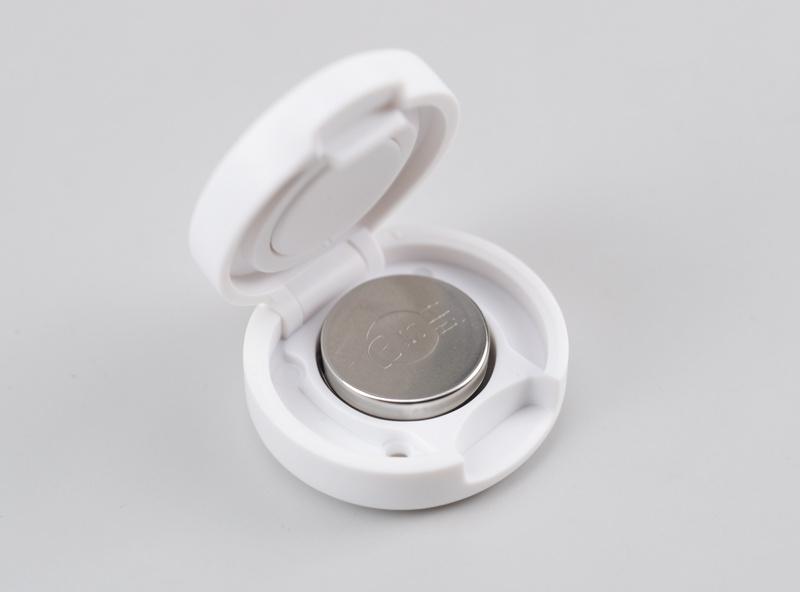
Cause one: reporting too often
Many sensors let you configure how often they report — how frequently a temperature sensor sends a reading, or how small a change triggers an update. Ship a temperature sensor set to report every few seconds or on every hundredth of a degree, and it never gets to sleep properly, so the battery drains fast. The fix is to relax the reporting to something sensible for what you actually use the data for: a room temperature sensor reporting every few minutes, or on a change of half a degree, is plenty for climate automations and sips power.
In Zigbee2MQTT you can adjust these reporting parameters per device — the official Zigbee2MQTT documentation covers the per-device reporting settings — and it is one of the highest-leverage tweaks available. Think about what the reading is for: a thermostat-style automation does not need second-by-second data, and a humidity sensor watching for a slow trend certainly does not. Dial the reporting to match the real need and you often multiply battery life several times over with a single configuration change. This per-device control is one of the reasons I run Zigbee2MQTT, as covered in Zigbee2MQTT vs ZHA.
| Reporting behavior | Effect on battery | When it makes sense |
|---|---|---|
| Every few seconds / tiny change | Drains fast — weeks | Almost never for home sensors |
| Every few minutes / sensible threshold | Long — months to years | Most temperature, humidity, climate use |
| On event only (contact, motion) | Longest | Door/window and motion sensors |
Cause two: a weak mesh link
The second big drain is a poor connection. When a sensor has a weak link to a distant parent router, its messages fail and have to be retried, and every retry is extra radio time awake — the most power-hungry thing a battery device does. A sensor straining across the house can burn through a cell many times faster than the same sensor with a strong, close parent, purely because it is fighting to be heard. So fast drain is often a symptom of the same coverage problem that causes dropouts.
The fix is to improve the path: add or relocate a mains-powered router near the struggling sensor so it has a strong parent it can reach on the first try. This is exactly the routers-and-repeaters work in routers vs end devices and how to add a Zigbee repeater. It is genuinely satisfying to fix a “bad battery” sensor by plugging in a smart plug one room away — the link goes strong, the retries stop, and the battery starts lasting as it should.
Cause three: cold, and cause four: cheap cells
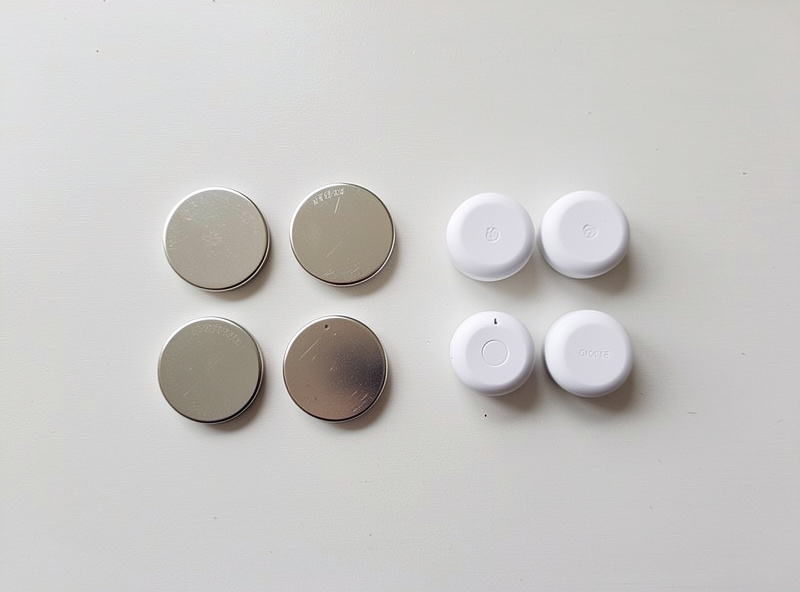
Two smaller factors round out the picture. Cold dramatically reduces coin-cell capacity, so a sensor in an unheated garage, a fridge, or outdoors will report far shorter life than the same sensor indoors — that is chemistry, not a fault, though a fresh quality cell and a strong link help it cope. And battery quality genuinely varies: a no-name bulk coin cell can have a fraction of the real capacity of a reputable one, so the cheapest batteries are often the most expensive to live with once you count the swaps.
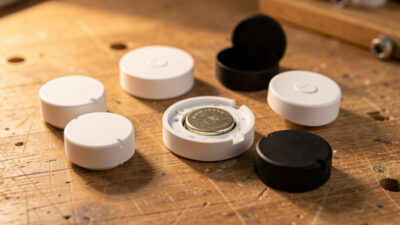
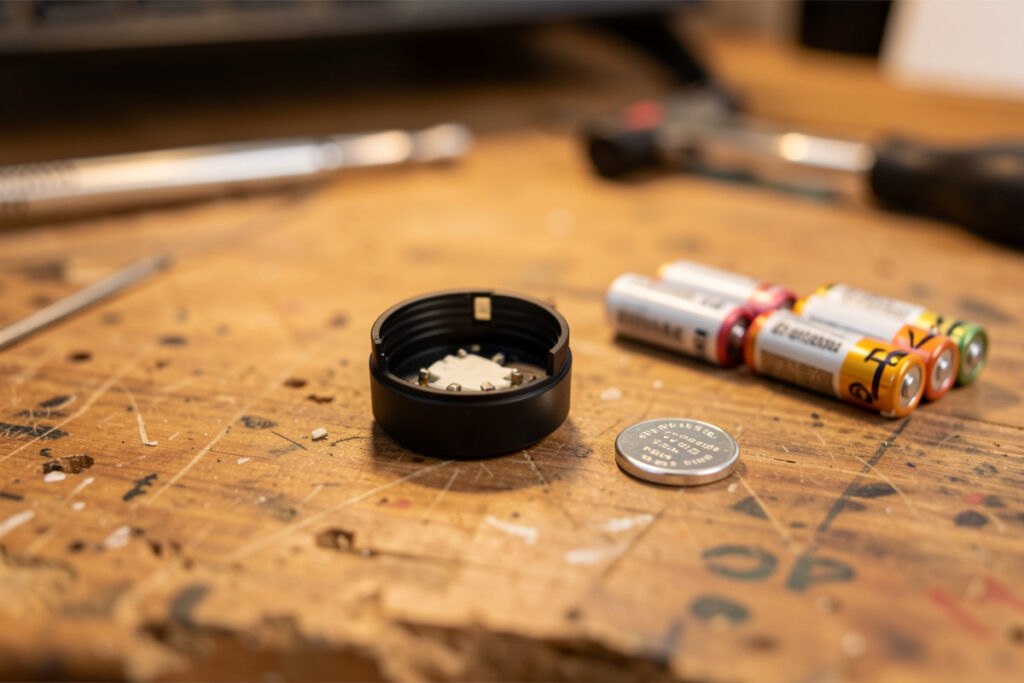
I use good-quality cells from a known brand and keep a few on hand, because the difference in real-world runtime is large enough to matter across a house full of sensors. As an Amazon Associate I earn from qualifying purchases. For most sensors that means a quality CR2032 lithium coin cell — check your specific device, as some use CR2450 or AA cells instead.
How to actually fix a fast-draining sensor
My order is simple. First, check the reporting configuration and relax anything that is reporting too often for its purpose — this alone fixes a large share of cases. Second, look at the sensor’s link quality on the network map; if it is weak, add or move a router to give it a strong parent. Third, if the device lives somewhere cold, factor that in and use a quality cell. Only after all that do I conclude a particular unit is genuinely power-hungry, and even then I check whether a firmware update has improved its power behavior.
Done in that order, you rarely spend money and almost always find the cause. The mistake is to keep buying batteries — that is paying, repeatedly, to avoid a five-minute configuration change or a one-time router placement. A sensor that needs a new battery every few weeks is telling you something about your network or its settings; listen to it rather than feeding it cells.
Choosing sensors that behave well
Some of this starts at purchase. Well-designed sensors from reputable makers tend to ship with sensible defaults and expose useful reporting controls; the cheapest no-name devices sometimes report constantly with no way to tune them, which is a recipe for short battery life you cannot fix. When I am buying sensors, predictable power behavior is part of what I am paying for, alongside accuracy and good Zigbee support. My picks are in best smart home sensors.
It is also worth matching the sensor to the job so you are not over-reporting by design. A door contact that only speaks when the door changes state is inherently frugal; a sensor you have configured to stream a value continuously is not. Choosing event-driven sensors where possible, and tuning the rest, is how you end up with a house full of devices you almost never think about — which, for a battery device, is exactly the goal.
Why the battery percentage lies to you
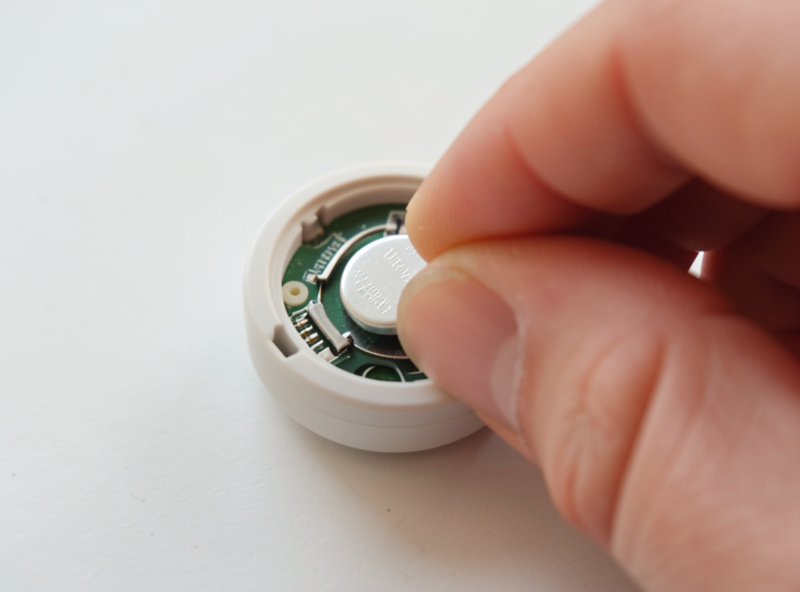
One thing that trips people up: the battery percentage a Zigbee sensor reports is usually estimated from voltage, and coin cells hold a fairly flat voltage until they fall off a cliff near the end. So a sensor can read 100% for most of its life and then drop to 50%, 20%, and dead over a short span. That is not a fault — it is just how coin-cell discharge curves work — but it means the percentage is a rough guide, not a fuel gauge. Do not panic at the first dip, and do not trust a steady 100% as proof all is well.
What I watch instead is the trend and the behavior. A device whose percentage starts falling steadily, or that begins missing reports, is the one to attend to, regardless of the exact number. And a device that suddenly reports a low battery within weeks of a fresh cell is not telling me the battery is bad — it is telling me it is working too hard, which sends me back to reporting settings and link quality rather than the battery drawer. The percentage is a hint to investigate, not an instruction to replace.
Rechargeables and the temptation to over-engineer
People sometimes ask about rechargeable cells or elaborate power mods to chase longer life. I mostly avoid that rabbit hole. Rechargeable coin cells often sit at a slightly lower voltage that can confuse a sensor’s battery reporting, and the gain rarely justifies the fuss when a quality lithium cell already lasts a year or more once the device is tuned. The effort is far better spent on the two things that actually move the needle — sensible reporting and a strong mesh link — than on exotic batteries.
The exception is genuinely high-traffic devices. A motion sensor in a busy hallway that legitimately fires hundreds of times a day will chew through cells faster no matter what, and for those a mains-powered presence sensor can make more sense than fighting battery life — it never sleeps, never needs a cell, and as a bonus it routes traffic for its neighbors. Matching the power source to how hard the device actually works beats trying to squeeze a frugal cell into a demanding job.
The payoff: sensors you forget about
When you get this right, the reward is a house full of sensors you simply stop thinking about. Mine check in quietly, last as long as they should, and the battery drawer barely moves. That is the real goal of tuning battery life — not squeezing out a heroic runtime number, but reaching the point where battery maintenance is a once-a-year afterthought rather than a recurring chore. A smart home that constantly demands new batteries is a smart home that is quietly broken; a tuned one fades into the background and just works.
Frequently Asked Questions
Why do my Zigbee sensor batteries die so fast?
Usually because the sensor reports far too often or has a weak mesh link forcing constant retries, both of which keep it awake and drain the cell. Cold locations and cheap batteries make it worse. Fix the reporting interval and the link first; the battery itself is rarely the real problem.
How long should a Zigbee sensor battery last?
A well-behaved Zigbee sensor on a good link should run for many months to a couple of years on a single coin cell, because it sleeps almost all the time. If yours lasts only weeks, treat that as a fault to diagnose rather than normal, and check reporting settings and signal first.
Can I change how often a Zigbee sensor reports?
Often yes. In Zigbee2MQTT you can adjust reporting parameters per device, such as how frequently it sends readings or how large a change triggers an update. Relaxing an over-aggressive reporting setting to match what you actually use the data for can multiply battery life several times over.
Does a weak Zigbee signal drain the battery?
Yes. A sensor with a weak link to a distant router has to retry failed messages, and each retry is extra power-hungry radio time. Adding or relocating a mains-powered router near the sensor gives it a strong parent, stops the retries, and often fixes both fast drain and dropouts at once.
Do cold temperatures affect Zigbee battery life?
Significantly. Cold reduces the usable capacity of coin cells, so a sensor in a garage, fridge, or outdoors will report shorter life than the same one indoors. That is chemistry rather than a fault, but a fresh quality cell and a strong signal help the device cope with the cold.
What battery do most Zigbee sensors use?
Many small Zigbee sensors use a CR2032 lithium coin cell, though some use CR2450 or AA cells, so check your specific device. Quality matters: reputable lithium cells deliver far more real capacity than cheap bulk batteries, which makes them cheaper over time once you count the swaps.