Best Smart Water Leak Detectors for a Local-First Home
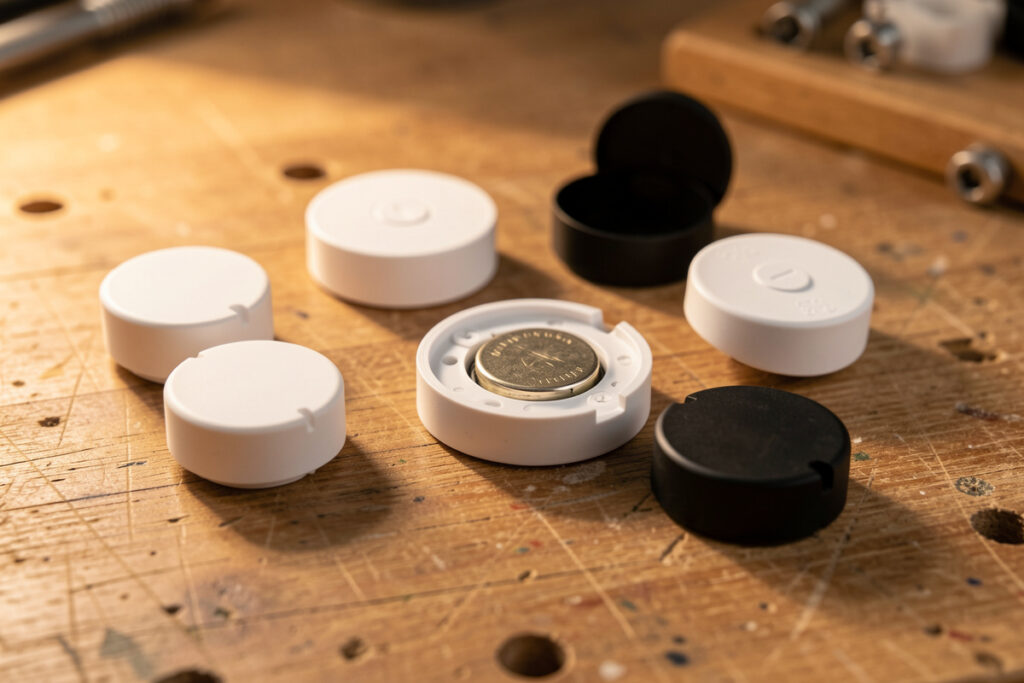
The best smart water leak detector is the one that screams locally the instant it gets wet, runs for years on a coin cell, and reports to your hub without phoning a server first. In my setup that means a battery Zigbee or Z-Wave puck, not a cloud-only Wi-Fi gadget. A good one costs $15 to $30, and a three-pack under your wettest appliances buys more real protection than almost anything else you can add to a house.
I have leak sensors scattered across every wet zone in my place, all joined to the same Zigbee coordinator that runs the rest of my automations. This guide is how I choose them: what actually matters, what is marketing fluff, and where the cheap pucks beat the expensive subscriptions. It is a spoke off my broader smart water leak management guide, so if you want the full detection-to-shutoff system, start there and come back here for the sensor specifics.
What Makes a Leak Detector “Smart” — and Worth Buying
A smart leak detector does three things a dumb one cannot: it alerts you remotely, it logs the event, and it can trigger other devices. The detection itself is trivial physics — two metal contacts that complete a circuit when water bridges them, or a probe on a lead for tight spots. What separates a sensor you trust from one you eventually rip out is the radio, the battery life, the local alarm, and whether it can fire an automation without the cloud.
The single most important spec is local control. A sensor that reports over Zigbee, Z-Wave, or Thread to your own hub alerts in low single-digit seconds and keeps working when the internet is down. A Wi-Fi sensor that routes through a manufacturer’s server adds latency, drains batteries faster, and dies as a safety device the moment that server or your subscription lapses. For a time-critical event like a burst hose, that difference is the whole ballgame.
The Specs That Actually Matter
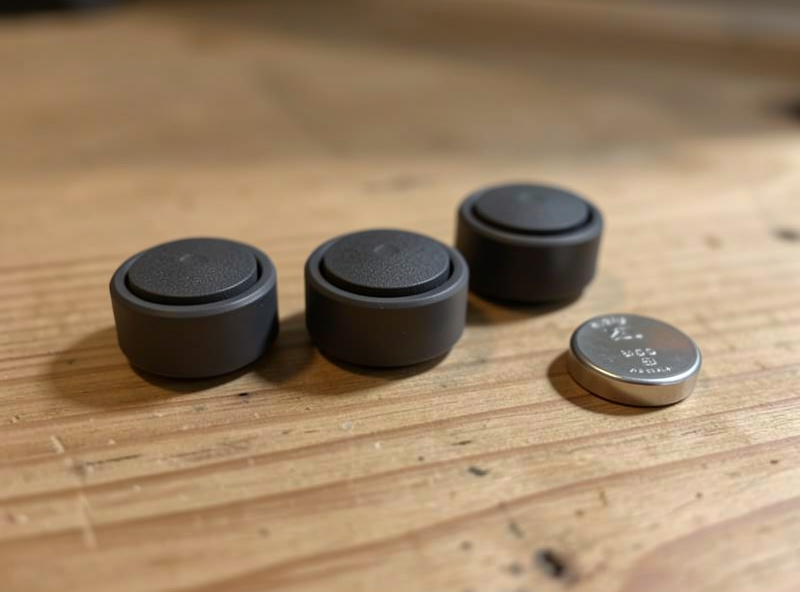
When I size up a leak sensor, I look at six things in order. Radio: Zigbee and Z-Wave first, Thread/Matter where my border router reaches, Wi-Fi last. Local buzzer: a loud onboard alarm matters because a flood often happens when you are home and asleep, and the buzzer wakes you before the push notification does. Battery type and life: a common CR2032 or AAA you can buy anywhere, with multi-year life and a low-battery report. IP rating and probe option: a sealed body and an optional external probe let one sensor cover both the floor and a tight pipe joint. Detection surface: contacts on the underside, not the side, so a thin film of water triggers it. Reporting interval: instant on wet, plus a periodic heartbeat so you know it is alive.
Notice what is not on that list: app polish, color screens, or “AI.” None of that stops water. A boring $18 Zigbee puck with a loud buzzer and a three-year battery beats a slick $50 Wi-Fi unit on every metric that counts. The broader principle — pick the protocol before the brand — is the same one in my Zigbee vs Z-Wave vs Wi-Fi protocol guide.
Sensor Types: Pucks, Probes, and Rope
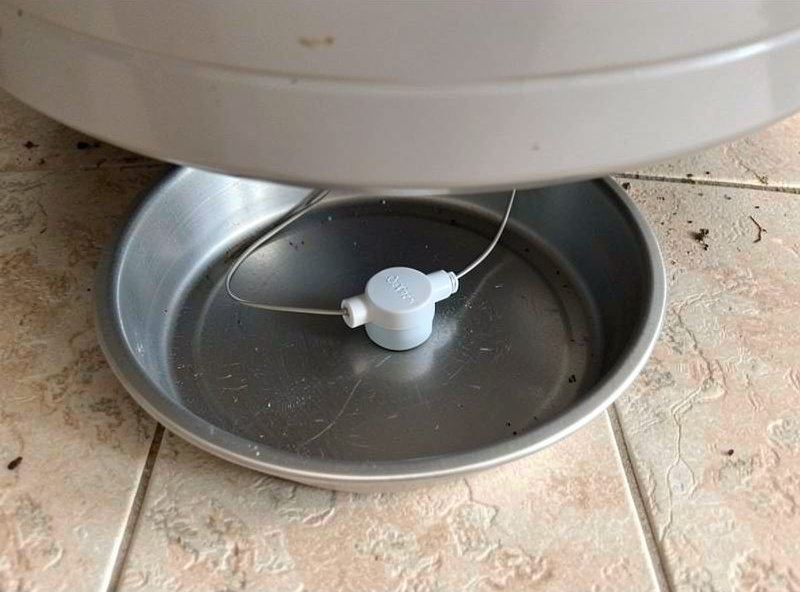
There are three physical formats, and good coverage usually mixes them. The puck is the default: a flat disc with contacts on the bottom you drop on the floor at the lowest point. The probe-on-a-lead sensor keeps the radio and battery up dry while a small probe reaches into a drain pan, a tight cabinet corner, or behind a toilet — handy where a fat puck will not sit flat. Water-sensing rope (a cable that detects water anywhere along its length) is the move for long runs: along the back of a kitchen counter, around a water heater, or the full length of a basement wall. One rope can replace five pucks where a leak could appear anywhere.
In my house, pucks cover the discrete appliances, a probe sensor handles the water heater drain pan, and I use a short rope behind the washing machine where the hose could let go at any point along the wall. Match the format to the geometry of where water will actually go, not to whatever is cheapest per unit.
Leak Detector Types Compared
| Format | Best for | Typical price | Strength | Watch out for |
|---|---|---|---|---|
| Puck (floor disc) | Single appliances, under sinks | $15–$25 | Cheap, easy, multi-year battery | Covers only its own footprint |
| Probe on a lead | Drain pans, tight corners | $20–$30 | Radio stays dry, reaches awkward spots | Probe placement is fiddly |
| Water-sensing rope | Long runs, whole walls | $30–$60 | Detects anywhere along its length | Pricier; needs a compatible sensor head |
| Cloud-only Wi-Fi puck | Renters with no hub | $20–$50 | No hub needed to start | Subscription risk, slower, battery-hungry |
Zigbee, Z-Wave, or Thread for Leak Sensors?
For leak pucks specifically, my order is Zigbee first. Zigbee leak sensors are everywhere, cheap, and sip power, so coin-cell life is genuinely multi-year. Z-Wave is excellent too — slightly better whole-house range on its sub-GHz band and a tidy place if your locks already run Z-Wave — but the sensors cost a little more. Thread/Matter leak sensors exist and are growing, and if you already run a Thread border router they slot in cleanly; just confirm the device exposes leak detection over Matter and not only through its own app.
Whatever radio you pick, keep your leak sensors on the same ecosystem you already run so they land in your existing automations. A leak sensor stranded in a separate vendor app cannot close your valve or trigger your siren. If you are building the mesh from scratch, my best smart home sensors guide covers picking a coordinator and getting the network healthy first.
Where to Put Them (and How Many)
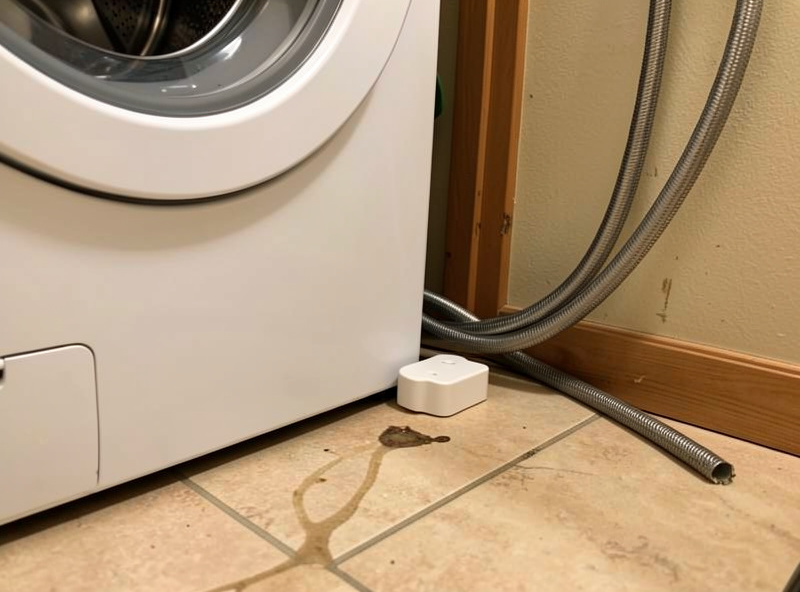
Coverage beats sensor quality. Ten cheap pucks placed well protect a house far better than two premium units in the wrong spots. Start with the high-consequence sources: behind the washing machine (braided supply hoses are the classic catastrophic burst, and water damage ranks among the most common and costly home insurance claims per the Insurance Information Institute), in the water heater drain pan, under the dishwasher, inside sink cabinets, at the base of each toilet, and at the boiler or furnace condensate line. Most homes need five to ten sensors for solid coverage.
Always place the sensor on the floor at the lowest point — water runs downhill and a puck an inch too high catches nothing. Keep contacts clear of condensation-prone cold surfaces, or you will fight false alarms. And once they are placed, the sensors are only useful if they drive an action: pair them with notifications and, ideally, a smart shutoff valve so a detected leak closes the main automatically instead of just pinging a phone you are not looking at.
The Subscription Trap
Plenty of leak detectors are sold cheap and then lean on a monthly plan for the alerts, the history, or — worst of all — the automatic shutoff. I avoid these on principle. A safety device whose core function is gated behind a recurring payment is one missed credit-card renewal away from being useless, and you will not find out until the floor is already wet. Buy sensors that do their whole job locally, with the cloud as an optional convenience and never the dependency. That is the same standard I hold every device on the network to.
As an Amazon Associate I earn from qualifying purchases. When people ask for a single starting point, I point them at a multipack of Zigbee leak pucks so the per-sensor cost drops and you can cover the whole house at once — browse Zigbee leak sensor multipacks on Amazon and match the radio to your hub.
Frequently Asked Questions
What is the best smart water leak detector for most homes?
For most homes it is a battery Zigbee or Z-Wave leak puck with a loud onboard buzzer and a multi-year coin-cell battery. It alerts locally in seconds, works without internet, and joins the same hub that runs your other automations. Buy a multipack to cover every wet appliance at once.
Do leak detectors need Wi-Fi to work?
The best ones do not. Zigbee, Z-Wave, and Thread sensors report to a local hub over a low-power mesh, so they keep alerting even when the internet is down. Only cloud-only Wi-Fi detectors depend on an internet connection, which adds latency and battery drain and is the format I avoid for safety gear.
How many water leak detectors do I need?
Most homes need five to ten. Put one behind the washing machine, in the water heater drain pan, under the dishwasher, inside sink cabinets, at each toilet base, and near the boiler. Coverage matters more than sensor quality, so prioritize placing more cheap pucks over buying fewer premium ones.
What is the difference between a puck and a water rope sensor?
A puck detects water only at its own small footprint, so you place one per appliance. A water-sensing rope detects water anywhere along its length, which suits long runs like the back of a counter or a basement wall. One rope can replace several pucks where a leak could appear at any point.
Will a leak detector turn off my water automatically?
Not by itself. A detector only senses and alerts. To get automatic shutoff you pair it with a motorized smart valve through your hub, so a wet sensor triggers an automation that closes the main. Run that logic locally so the shutoff never depends on a subscription or an internet connection.
Related Guides
- Smart Water Leak Management — the full detection-to-shutoff system
- Smart Water Shutoff Valve Guide — turn detection into automatic action
- Whole-Home Water Monitor Guide — catch the leaks pucks miss
- Best Smart Home Sensors — build the mesh these join
- Zigbee vs Z-Wave vs Wi-Fi — pick the right radio first