Weather-Based Smart Home Automation
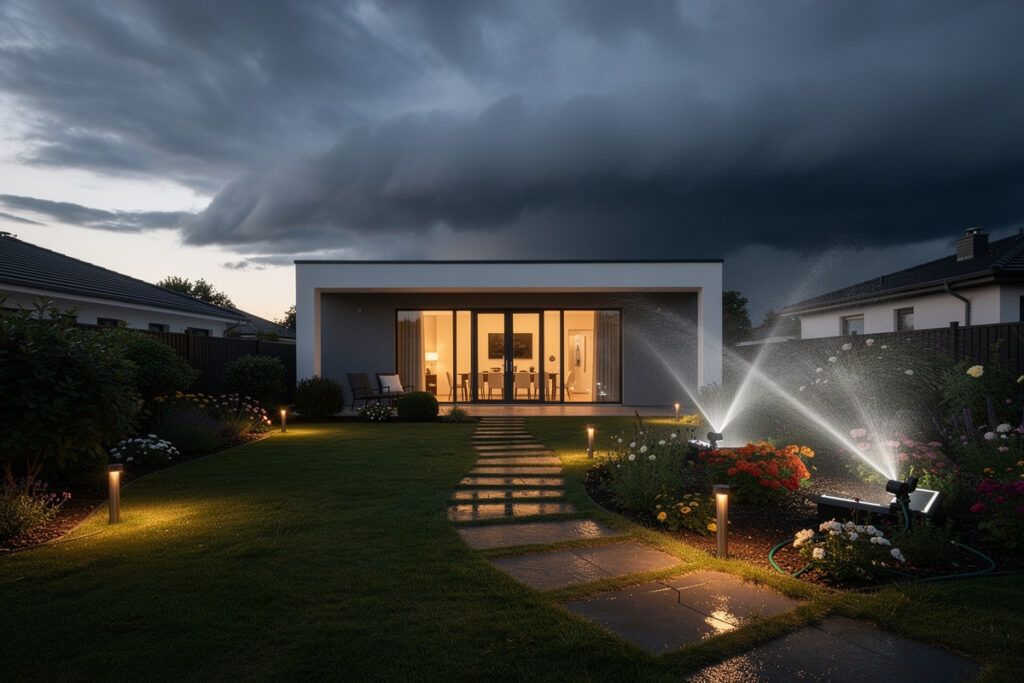
Weather-based smart home automation uses real conditions — rain forecast, temperature, wind, sunrise and sunset, and humidity — as triggers that drive your devices. One weather condition can suppress irrigation, dim landscape scenes, pre-warm a block heater, and close the blinds, all from a single rule. It is the glue layer that turns a pile of outdoor gadgets into a system that reacts to what’s actually happening outside.
The reason this matters is that almost every outdoor automation worth running is really a weather automation in disguise. Watering should skip the rain; freeze protection should fire on a cold forecast; lights should follow the actual sunset, not a clock. In my setup, a single weather integration feeds the hub, and dozens of automations read from it — so I configure the weather logic once and every device benefits. This guide covers which weather triggers are worth wiring, where the data comes from, and how to keep it all local and reliable.
Where the Weather Data Comes From
Weather triggers can run on a free online forecast service, a local personal weather station, or a mix. An online forecast is easiest and covers rain probability, temperature, and wind; a local station measures your actual conditions with no internet dependency. For reliability, combine both: forecast for planning ahead, local sensors for ground truth.
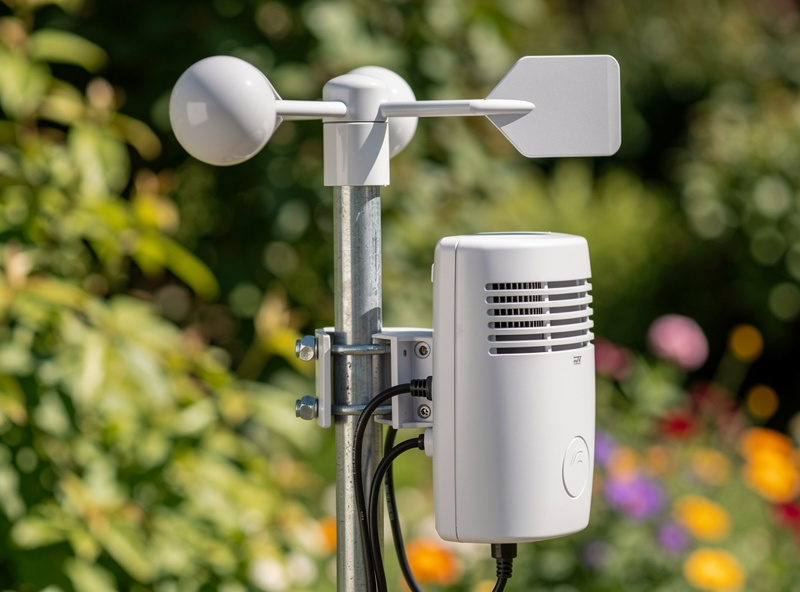
An online weather integration into the hub gives you forecast-based triggers — “rain expected in the next six hours” — which is what powers a good irrigation rain-skip. But a forecast is a regional guess, so I supplement it with local sensors: a rain sensor, an outdoor temperature and humidity probe, and a basic anemometer for wind. The local readings are the ones I trust for anything consequential, because they keep working when the internet doesn’t and they describe my yard rather than the airport ten miles away. Those local readings come from the same kind of sensors covered in my outdoor sensor guide, just measuring climate instead of motion.
The Weather Triggers Worth Wiring
The highest-value weather triggers are rain skip for irrigation, freeze protection for pipes and plants, sunset and sunrise for lighting, wind for awnings and umbrellas, and high-heat triggers for ventilation. Each one is a simple condition that prevents waste or damage. Start with rain and freeze — they pay back immediately.
Rain skip cancels watering the system doesn’t need and is the single biggest water saver, which is why it anchors my smart irrigation setup. Freeze protection switches on a pipe-heat plug or block heater before temperatures bottom out — an automation that has genuinely saved me a burst pipe’s worth of trouble. Sunset and sunrise triggers drive the landscape lighting so it tracks the seasons. Wind triggers retract anything that shouldn’t be out in a gale. And on hot days, a temperature trigger can kick on a fan or vent. All of these are conditions the hub evaluates locally and acts on through outdoor actuators like an outdoor smart plug.
Weather Triggers and What They Drive
Here is how the most useful weather triggers map to the devices they control, the data they need, and their payoff.
| Trigger | Drives | Data Needed | Main Payoff |
|---|---|---|---|
| Rain forecast / rainfall | Irrigation skip | Forecast or rain sensor | Water savings |
| Freeze / low temp | Pipe heat, plant cover | Outdoor temp sensor | Damage prevention |
| Sunset / sunrise | Landscape lighting | Hub sun calculation | Seasonal accuracy |
| High wind | Awnings, umbrellas | Anemometer or forecast | Protect equipment |
| High heat | Fans, vents, shades | Outdoor temp sensor | Comfort, plant health |
Keeping It Local and Reliable
The trap with weather automation is building it on a cloud service that, when it goes down, takes your triggers with it. A resilient design uses local sensors for anything consequential and treats the online forecast as a helpful input, not a single point of failure. Your freeze protection should never depend on a reachable server.
The way I structure it: forecast data is a convenience that lets automations plan ahead, but every safety-relevant trigger — freeze, wind, anything that prevents damage — also has a local-sensor fallback so it fires even if the internet is down. A cached “last known forecast” plus live local readings means the system degrades gracefully rather than failing silently. This local-first discipline is the same one running through the whole outdoor automation build, and it’s why I keep the rule engine on a hub I control rather than scattered across vendor apps.
Real Automations I Run
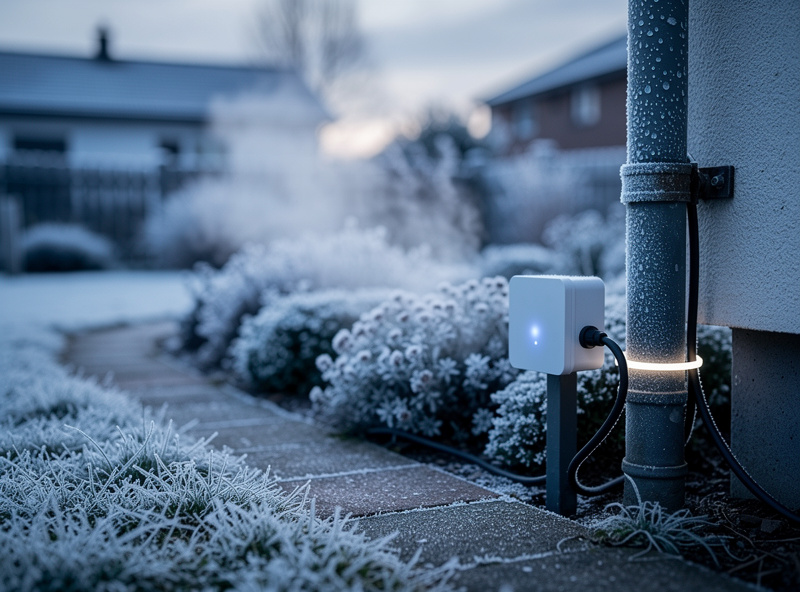
The weather automations that earn their keep are unglamorous: skip the morning watering if rain is likely, run the pipe-heat plug overnight on a freeze warning, fade the garden lights to a sunset offset, and warn me to bring in the umbrella when wind crosses a threshold. None are flashy; all prevent waste or damage. That’s the test for a good automation.
My favorite is a layered one: on a freeze warning, the hub not only switches on pipe heat but also drops a notification reminding me to disconnect the hose bib, because automation can’t physically do that part. Pairing an automatic action with a human reminder for the bits a machine can’t do is, in practice, how the most useful weather rules work. The whole thing reads weather once and acts across irrigation, lighting, power, and alerts — which is exactly the point of one local rule engine instead of five disconnected apps each with their own half-baked weather feature. The motion and presence layer in my outdoor sensor automations stacks on top to make these even more context-aware. When a weather-based rule stops firing, the smart home automation not triggering guide covers trigger, condition, and action faults in diagnostic order.
A Note on Gear
Some links below are affiliate links. If you buy through them I may earn a small commission at no extra cost to you. I only point to gear that fits the local-control approach I run.
For local weather triggers I’d point you toward an outdoor temperature and humidity sensor for freeze and heat triggers, a smart rain sensor for ground-truth rain skip, and for a fuller setup a personal weather station that reports wind and rainfall locally.
Frequently Asked Questions
What is weather-based home automation?
It is using real weather conditions such as rain forecast, temperature, wind, and sunset times as triggers for your smart home. One weather condition can drive many devices at once, like skipping irrigation, running freeze protection, and adjusting lighting from a single rule.
Where does the weather data come from?
From an online forecast service, a local personal weather station, or both. Online forecasts are easiest and cover rain and temperature; local sensors measure your actual conditions without internet dependency. Combining both gives planning ahead plus reliable ground truth.
Which weather triggers are most useful?
Rain skip for irrigation and freeze protection for pipes and plants pay back immediately. Sunset and sunrise triggers keep lighting accurate through the seasons, wind triggers protect awnings and umbrellas, and high-heat triggers can run fans or vents.
Can weather automation work without internet?
Yes, if you use local sensors for consequential triggers. Forecast data needs the internet, but a local temperature, rain, or wind sensor lets freeze and storm protection fire even during an outage. Design safety-relevant triggers with a local fallback.
How does rain skip actually save water?
Rain skip checks the forecast and recent rainfall and cancels watering cycles the garden does not need, which can cut summer irrigation by a third or more. It avoids watering before or after rain, when the soil is already saturated and the cycle would be wasted.
Do I need a personal weather station?
Not to start. An online forecast integration handles most triggers well. A personal weather station adds reliability and local accuracy for serious setups, especially in microclimates where the regional forecast differs noticeably from your actual yard conditions.