Smart Outdoor Home Automation: The Complete Guide
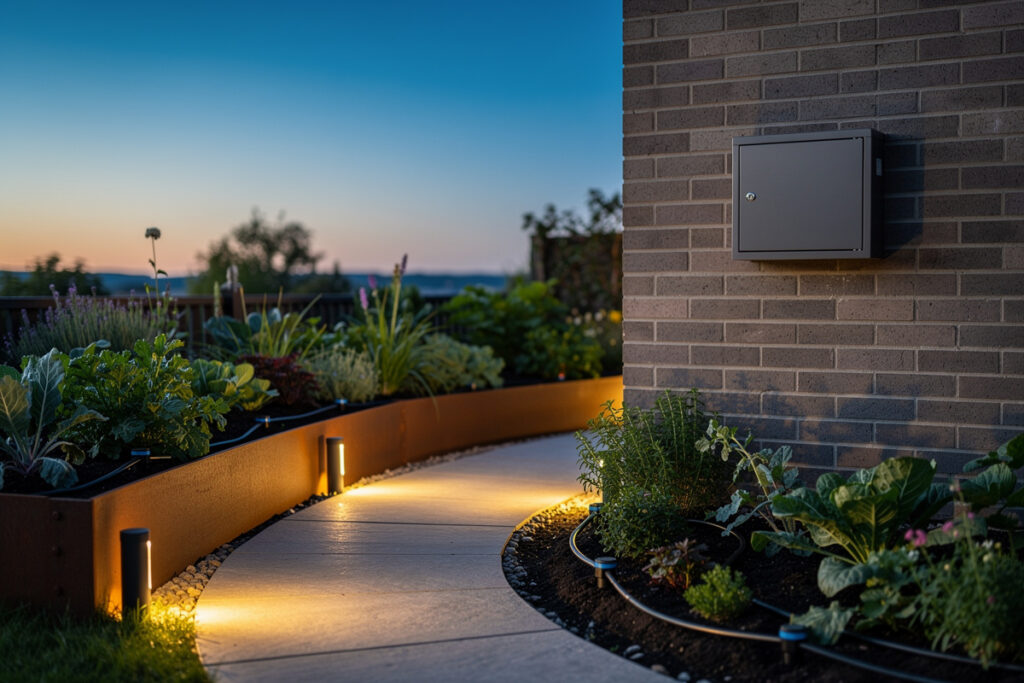
Smart outdoor home automation means extending your hub’s rule engine past the back door: irrigation, lighting, cameras, power, and sensors that run on local schedules and survive an internet outage. In my setup, the same Home Assistant box that runs the indoor automations drives about a dozen outdoor devices, and the design rules out there are genuinely different from indoors.
The yard is where cloud-only gear gets punished hardest. Cold kills batteries, rain finds every ungasketed seam, and a Wi-Fi router that barely reaches the garden means a device that “works” in summer goes dark in February. After years of wiring outdoor zones into one local hub, I’ve learned that the wins come from treating the outdoors as its own reliability problem, not just “indoor automation, but colder.” This guide is the map to the whole cluster: where each piece fits, what the radio and weatherproofing tradeoffs are, and which spoke article goes deep on each subsystem.
Why Outdoor Automation Is a Different Problem
Outdoor automation fails for three reasons indoor gear rarely hits: temperature, water ingress, and range. A device rated for indoor use will brown out below freezing, swell with condensation, or simply sit too far from your access point to hold a connection. Plan for all three before you buy anything.
The biggest mistake I see is buying on features and ignoring the ingress-protection rating. An indoor smart plug in a “weatherproof” project box is not the same as an IP65 outdoor plug — the gasket, the cable gland, and the internal conformal coating are what keep a winter of freeze-thaw cycles from corroding the board. The second mistake is assuming Wi-Fi reaches the garden. It usually doesn’t, which is exactly why my outdoor sensors lean on Zigbee and Z-Wave mesh through mains-powered repeaters near the exterior wall rather than battery devices screaming at a distant router.
And the third: cloud dependence. An outdoor automation that only fires when a manufacturer’s server is reachable is a liability the first time your connection drops during a storm — which is exactly when you want the floodlights and the gate alert working. Everything below is judged by one question: does it still work when the internet is down?
The Core Outdoor Subsystems
A complete outdoor system breaks into five subsystems: watering, lighting, vision, power, and sensing. Each maps to a dedicated guide in this cluster, and each has its own weatherproofing and radio profile. Here is how they fit together and which one to build first.
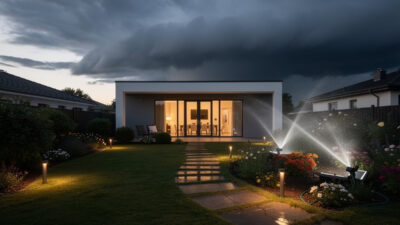
Watering is usually the highest-value automation because it saves real money and real plants. A smart irrigation controller or valve runs schedules locally and skips watering when rain is forecast. I cover the full system in my smart garden irrigation guide, and for picking a controller specifically, the orphaned-but-still-relevant best smart sprinkler controller roundup compares the major units.
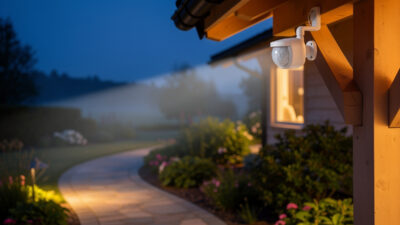
Lighting splits into two jobs that people wrongly merge. Security lighting wants motion triggers and brightness; landscape lighting wants schedules, warm color, and scenes. I keep them separate: see smart outdoor security lighting for the deterrence side and smart landscape lighting for path, accent, and ambiance.
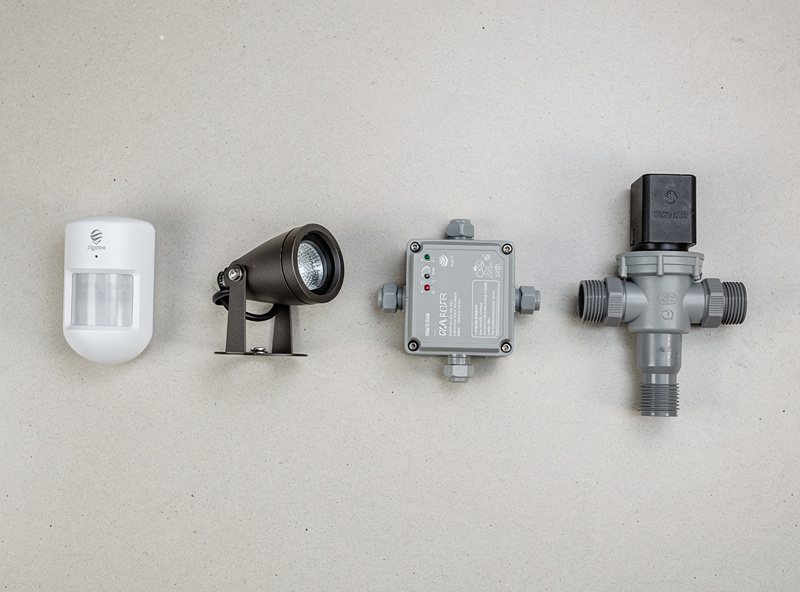
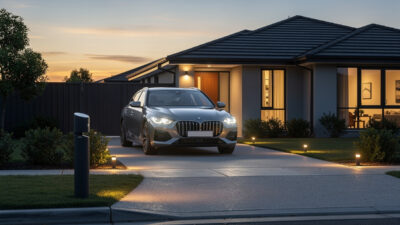
Power underpins everything — string lights, a pond pump, a block heater, holiday displays. An outdoor smart plug with a real IP rating is the cheapest, most flexible outdoor actuator you can buy. Sensing is the engine that makes the rest intelligent: outdoor motion and presence sensors feed the rules, and a smart driveway alert gives you a heads-up before a car or person reaches the house.
Weatherproofing: The IP Rating That Actually Matters
For outdoor electronics, target IP65 or better: dust-tight and protected against water jets from any direction. IP44 is splash-resistant only and belongs under a covered porch, not in open weather. The number is not marketing — it’s the difference between a device that lasts five years and one that fails the first hard rain.
Beyond the headline rating, look at the cable entry. The gland where the wire enters the housing is the most common failure point; a proper compression gland beats a foam plug every time. Mount connections so water drips away, not into the seam, and add a drip loop on every cable so rain runs off the wire before reaching the plug. In my own installs, the devices that died early all died at the cable entry, never at the rated enclosure itself.
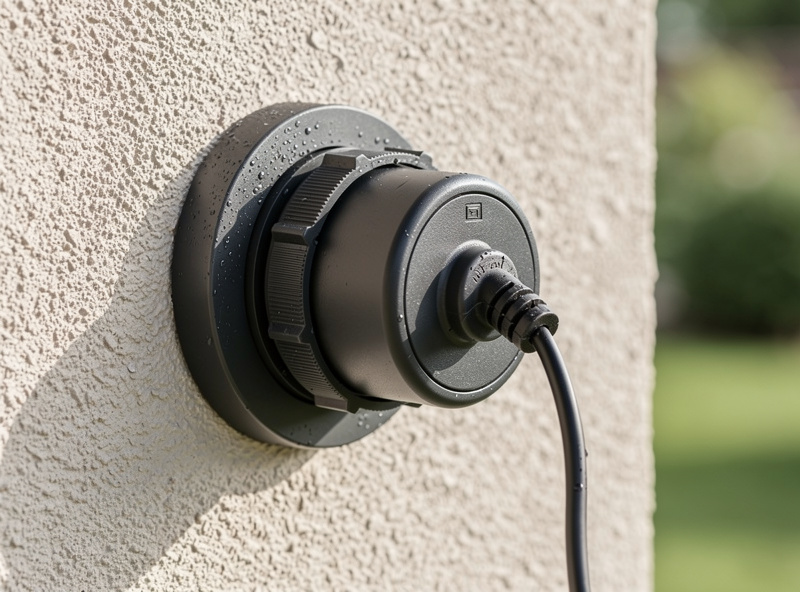
The rated enclosure is rarely the weak point; the seam you added is. I go deeper on speaker and electronics weatherproofing in the outdoor smart speaker and weatherproofing guide.
Choosing a Radio for the Garden
Wi-Fi is the wrong default outdoors. Its range collapses through exterior walls, and battery Wi-Fi sensors drain fast. For anything past the wall, a mesh protocol — Zigbee or Z-Wave — routing through mains-powered repeaters near the perimeter is far more reliable. Thread/Matter is closing the gap but still depends on a well-placed border router.
The way I have it wired: an outdoor smart plug or relay on the exterior wall doubles as a Zigbee repeater, pulling the battery motion sensors and contact sensors in the garden back to the coordinator indoors. That single mains-powered node at the boundary is what makes the whole outdoor mesh stable. Z-Wave’s lower frequency penetrates walls a little better and is my pick for the far corners of a larger property; Wi-Fi I reserve for cameras that need the bandwidth and sit close to an access point. The full radio comparison for the whole house lives in my Zigbee vs Z-Wave vs Wi-Fi breakdown, the Wi-Fi vs Zigbee decision guide covers when to mix them, and getting a separate Wi-Fi network for IoT sorted first makes everything outdoors more stable.
Outdoor Subsystem Comparison
This table summarizes how each outdoor subsystem stacks up on the factors that matter most: typical radio, the weatherproofing target, whether it can run fully local, and its build priority for most homes.
| Subsystem | Typical Radio | Weatherproofing Target | Local-Capable? | Build Priority |
|---|---|---|---|---|
| Smart irrigation | Wi-Fi / Zigbee valve | IP55 (controller in box) | Yes (HA-driven) | High — saves water |
| Security lighting | Zigbee / Wi-Fi | IP65 | Yes | High — deterrence |
| Landscape lighting | Zigbee / low-voltage | IP65 / IP67 | Yes | Medium — ambiance |
| Outdoor smart plug | Wi-Fi / Zigbee | IP44 covered / IP65 open | Yes | High — flexible |
| Motion / presence sensor | Zigbee / Z-Wave | IP65 | Yes | High — the engine |
| Driveway alert | Z-Wave / 900 MHz | IP66 | Yes | Medium — early warning |
| Outdoor speaker | Wi-Fi / Bluetooth | IP55 / IP66 | Partial | Low — comfort |
Making the Whole Yard Weather-Aware
The automation that ties the outdoors together is weather. A single weather trigger — rain forecast, wind speed, temperature, sunset time — can suppress irrigation, retract awnings, dim landscape scenes, and pre-warm a block heater. One condition, many actuators.
In my automations, a rain-forecast sensor cancels the morning watering and a freeze-warning trigger kicks on a pipe-heat plug overnight. None of it depends on a single vendor’s app, because the weather data feeds the hub and the hub drives local devices. I walk through every trigger in the weather-based automation guide — it’s the glue layer that turns a pile of outdoor gadgets into a system that reacts to the actual conditions outside.
Outdoor Vision Without a Subscription
Outdoor cameras are part of the picture, but they deserve their own approach: local recording into an NVR or Frigate-style pipeline so footage never leaves the house and there’s no monthly fee. I keep my outdoor cameras on the local network feeding on-box object detection, with motion events handed to the hub as triggers.
I won’t re-cover camera selection here because the existing library already does it well: see best smart security cameras for hardware and smart cameras without a subscription for the local-recording approach that fits the local-control philosophy this whole cluster runs on.
A Sensible Build Order
If you’re starting from nothing, build in this order: a weatherproof outdoor plug first (your universal actuator), then sensors to feed the rules, then lighting, then irrigation, then the weather layer that coordinates them. Vision sits alongside as a parallel track. This sequence front-loads the pieces every later automation depends on.
The reason power and sensing come first is that lighting and irrigation become dramatically smarter once a presence sensor and a weather trigger exist to drive them. A landscape scene that fades up at dusk and a watering schedule that skips the rain are both just outputs hanging off the sensing and weather layer. Get the foundation in, and the rest is configuration rather than rewiring. For the indoor side that connects to all of this, my smart home Wi-Fi guide and mesh Wi-Fi guide make sure the network underneath actually reaches the yard.
The Garden Crossover
Smart watering is where home automation meets actual gardening, and the timing matters as much as the hardware. If you want the horticultural side — how much and how often a container or raised bed actually needs — a good companion read is this garden watering guide, which pairs naturally with a smart irrigation schedule. The automation handles the “when”; the plant science handles the “how much.”
Outdoor Automation Mistakes I Stopped Making
The fastest way to a reliable outdoor system is learning from the failures. The three that cost me the most time were trusting indoor-rated gear outdoors, putting battery sensors out of mesh range, and building automations that depended on a vendor’s cloud for a safety-relevant trigger.
Indoor-rated gear outdoors is the obvious one, but the subtle version is a device that’s “outdoor” but only IP44 — fine under an eave, dead in open rain within a season. The range mistake is worse because it’s intermittent: a battery motion sensor at the end of the garden connects in summer when foliage is dry and the signal is strong, then drops out in wet winter exactly when you want it. The fix in both cases is the same boring discipline: check the IP rating against where it will actually sit, and add a mains-powered repeater at the perimeter before adding battery devices beyond it. I learned the same lesson indoors with motion-sensor lighting and smart plugs — placement and radio health matter more than the device spec sheet.
The cloud-dependence mistake is the one worth being dogmatic about. A landscape scene that fails to fade up is an annoyance; a gate alert or floodlight that won’t fire because a server is unreachable is a real problem. Build the safety-relevant triggers — alerts, security lighting, freeze protection — to run entirely on the local hub, and treat cloud features as a convenience layer on top that you can lose without the system breaking.
Power and Cabling Outdoors
Most outdoor automation runs on one of three power sources: a weatherproof outdoor outlet, low-voltage transformer wiring, or batteries with solar top-up. Each has a clear best use, and mixing them wrong is where reliability problems start. Match the power source to the device’s duty cycle and location.
A weatherproof GFCI outlet feeding an IP65 outdoor smart plug is the workhorse for anything mains-powered: pumps, string lights, holiday displays, a block heater. Low-voltage (12V or 24V) transformer wiring is the right call for landscape lighting runs — it’s safer to bury, easier to extend, and pairs naturally with smart low-voltage controllers. Batteries with a small solar panel suit sensors and alerts in spots with no mains nearby, but plan for winter, when short days and cold cut both panel output and battery capacity. I keep a couple of energy-reporting plugs on the outdoor circuit so I can see in the hub exactly what the yard is drawing — the same monitoring approach I use on the whole-home energy dashboard. For the watering side specifically, the controller usually lives in a weatherproof enclosure on the wall while the valves sit at the manifold, which is why the sprinkler controller comparison weighs enclosure and valve count heavily.
Seasonal Reality: Winter Is the Test
Any outdoor system that works in July but fails in January isn’t finished. Cold reduces battery capacity sharply, condensation forms inside under-sealed enclosures, and snow blocks PIR and camera fields of view. Design for the worst month, not the easiest one.
In practice that means using lithium primary cells rather than alkaline in winter sensors, choosing enclosures with a breather membrane to vent condensation, and adding a freeze-trigger automation that runs a pipe-heat plug or block heater before temperatures bottom out. A presence sensor that sees snow piling in front of it needs either a sheltered mount or an mmWave unit that’s less fooled by it than a basic PIR. This is exactly the kind of edge the weather-based automation layer handles automatically once it’s wired in — the hub reads the forecast and acts before you’d think to. The same hub that runs my grow lights and sauna pre-heat also runs the winter outdoor protection, which is the whole point of one local rule engine instead of a dozen disconnected apps.
Pulling It Into One Dashboard and Rule Engine
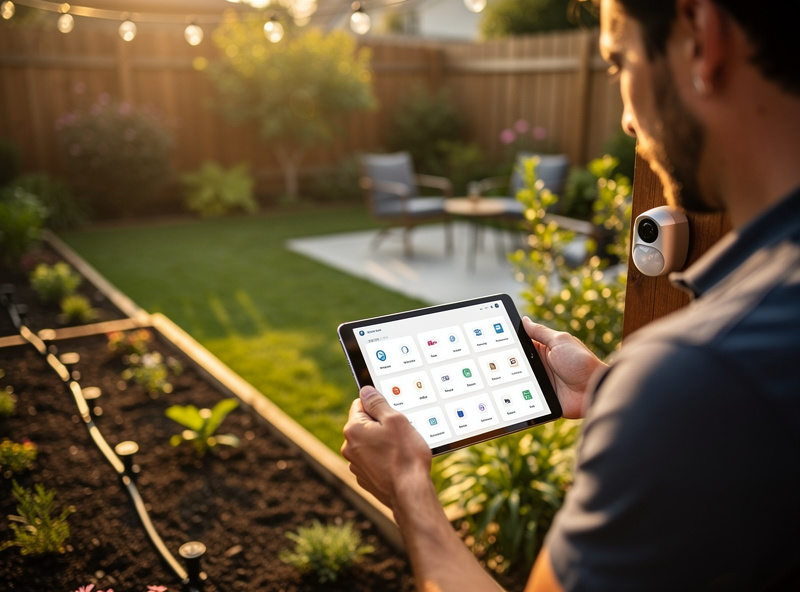
The payoff of building outdoors on a local hub is that every subsystem becomes a tile on one dashboard and a trigger available to every automation. Irrigation status, the last motion event, the driveway alert, the outdoor circuit’s power draw, and tonight’s landscape scene all live in the same place rather than in seven separate vendor apps.
This is where the local-first approach stops being a philosophy and starts paying off practically. When the outdoor motion sensor, the weather forecast, and the landscape lights are all entities on the same hub, an automation like “fade the path lights to full and ping my phone if motion is detected in the side yard after sunset, but only if nobody is already home” is a few lines of config — not an impossible cross-vendor integration. I built mine so that one “everyone’s asleep” routine arms the outdoor sensors, dims the garden scenes, and switches the driveway alert to push-notify-only, then reverses it all at the morning trigger. None of it phones a cloud to decide what to do.
If you’re choosing a hub to anchor all this, the same reasoning that applies indoors applies outdoors: prioritize local control, broad protocol support, and the ability to write rules that span devices from different makers. The outdoor gear in this cluster was all chosen to integrate cleanly into that kind of hub rather than to live in its own walled garden. Start with the network foundation — the Wi-Fi and networking guide is the place to begin — then add the outdoor subsystems in the build order above, and you end up with a yard that behaves like part of the house instead of a collection of disconnected gadgets.
Frequently Asked Questions
What is smart outdoor home automation?
It is extending your smart home hub outdoors to control irrigation, lighting, cameras, power, and sensors on local schedules. A good outdoor system keeps running during an internet outage by using local control rather than depending on a manufacturer’s cloud.
What IP rating do outdoor smart devices need?
Target IP65 or better for open-weather installs: dust-tight and protected against water jets. IP44 is splash-resistant only and suits a covered porch. The cable-entry gland fails before the rated enclosure does, so prioritize a proper compression gland.
Should outdoor devices use Wi-Fi or Zigbee?
Past an exterior wall, Zigbee or Z-Wave mesh through a mains-powered repeater is far more reliable than Wi-Fi, whose range collapses outdoors. Reserve Wi-Fi for cameras near an access point that need bandwidth. A perimeter smart plug doubling as a repeater stabilizes the outdoor mesh.
Which outdoor automation should I build first?
Start with a weatherproof outdoor smart plug as your universal actuator, then add motion and presence sensors to feed the rules. Lighting, irrigation, and a weather-trigger layer build on that foundation and become much smarter once sensing and weather data exist.
Can outdoor automations work without the internet?
Yes, if you build local-first. A hub like Home Assistant runs schedules and reacts to sensors on the local network, so floodlights, gate alerts, and irrigation keep working during an outage. Cloud-only outdoor devices fail exactly when you need them most.