Smart Door Sensors with Phone Notifications (2026)
The Evolution of Door Security in 2026
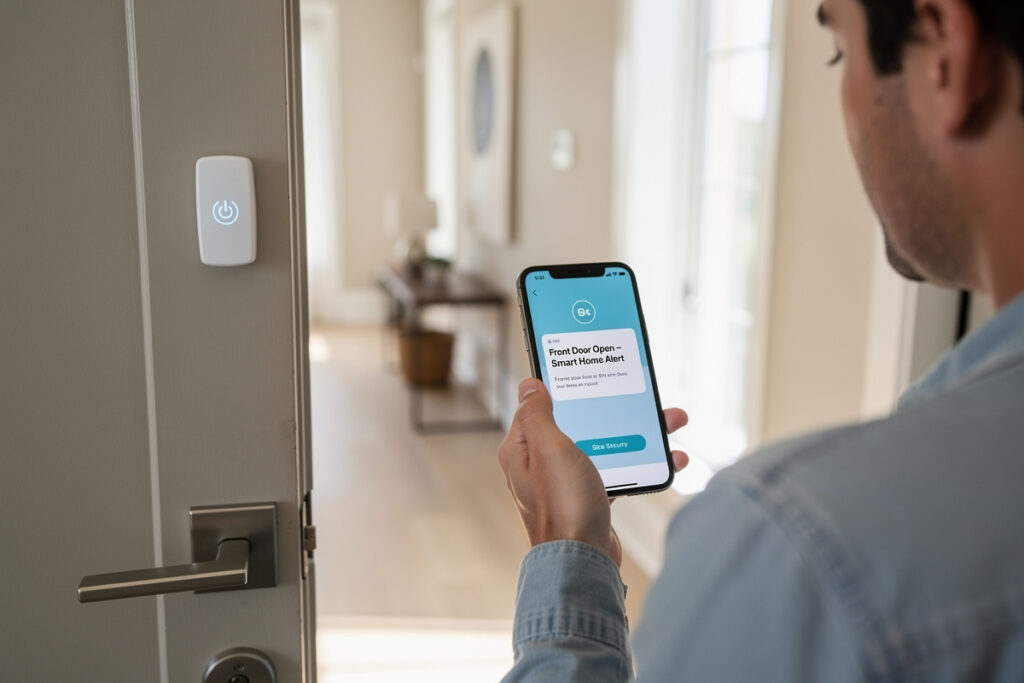
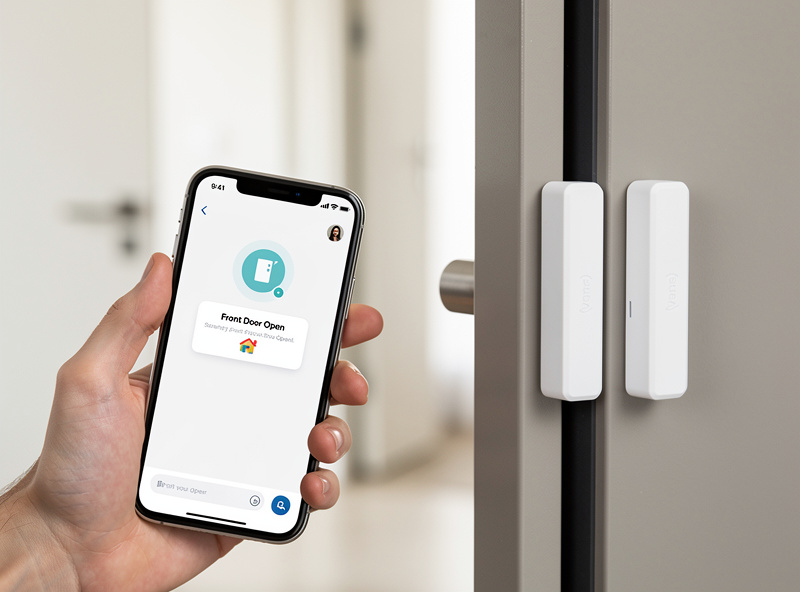
Smart door sensors with phone notifications send instant alerts within 2-5 seconds whenever an entry point opens. The Aeotec Sensor 7 costs $34.99 with Z-Wave 700 for 3-year battery life, while the Sonoff SNZB-04 is $9.99 on Zigbee.
I have Aeotec sensors on my front and back doors and Sonoff units on the interior doors — the Z-Wave units have not missed a single open/close event in 18 months. The one lesson I paid for: do not mount a sensor on a metal door frame without testing the gap first. The magnet alignment shifts by a millimeter with seasonal humidity and you get phantom open alerts at 3 AM. A 1/16-inch shim behind the magnet fixed it permanently.
As an Amazon Associate I earn from qualifying purchases.
Understanding Smart Door Sensor Technology
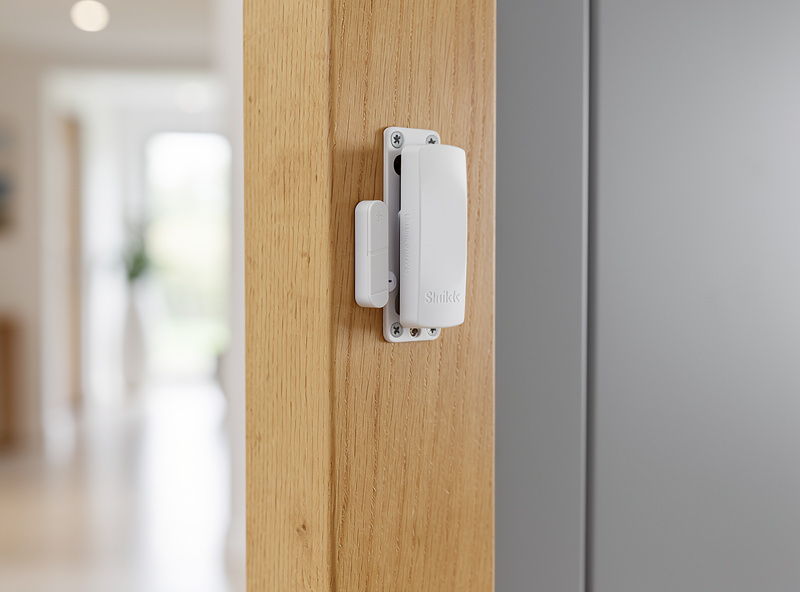
Modern smart door sensors utilize advanced magnetic reed switches that detect when the door opens or closes. The sensor consists of two components: a transmitter mounted on the door frame and a magnet attached to the door itself. When the door opens and the magnet moves beyond the detection range (typically 0.5 to 1 inch), the sensor triggers an alert.
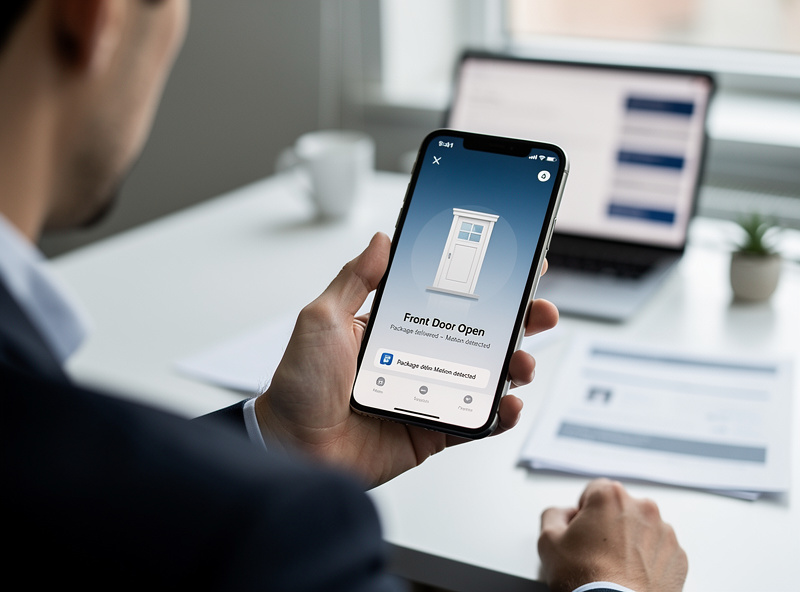
What distinguishes 2026’s sensors from earlier generations is their communication capability. Instead of merely sounding a local alarm, these devices transmit data via Zigbee, Z-Wave, Wi-Fi, or Thread protocols to your smart home hub or directly to cloud servers. This connectivity enables real-time smartphone notifications, detailed logging of entry/exit times, and complex automation workflows that coordinate with other smart devices.
Top Smart Door Sensors with Phone Notifications
Aeotec Door/Window Sensor 7
The Z-Wave 700-series chip delivers exceptional range and battery efficiency. This sensor provides instant notifications through Z-Wave hubs like SmartThings, Hubitat, or Home Assistant. The built-in temperature monitoring adds value, allowing the same device to trigger HVAC adjustments when doors remain open. On my front door — the highest-traffic entry point in the house — the original CR2 battery lasted 26 months before the low-battery warning fired.
Third Reality Smart Door Sensor
Third Reality Smart Door Sensor offers a Wi-Fi-based solution that eliminates the need for a separate hub. Direct cloud connectivity ensures phone notifications arrive within seconds of door activity. The companion app provides detailed history logs and supports Alexa and Google Home integration for voice-controlled status checks.
Sonoff SNZB-04
Sonoff SNZB-04 delivers exceptional value for Zigbee ecosystem users. Compatible with Amazon Echo Plus, SmartThings, and Home Assistant, this budget-friendly sensor provides reliable notifications without breaking the bank. The compact design fits most door frames, and 2-year battery life minimizes maintenance requirements.
Smart Door Sensor Comparison
| Product | Protocol | Hub Required | Notification Speed | Price Range |
|---|---|---|---|---|
| Aeotec Sensor 7 | Z-Wave 700 | Yes | <2 seconds | $34.99 |
| Third Reality Wi-Fi | Wi-Fi | No | <3 seconds | $19.99 |
| Sonoff SNZB-04 | Zigbee | Yes | <2 seconds | $9.99 |
| Ring Alarm Sensor | Zigbee | Ring Base | <2 seconds | $19.99 |
| Philips Hue Secure | Zigbee | Hue Bridge | <3 seconds | $29.99 |
Zigbee vs Z-Wave: Choosing Your Protocol
Selecting the right wireless protocol impacts your smart door sensor experience significantly. Zigbee operates on the 2.4 GHz frequency, offering faster data transmission and wider device compatibility. It creates robust mesh networks where each powered device extends the network range, making it ideal for larger homes with multiple floors.
Z-Wave utilizes the 908.42 MHz frequency (US), providing superior wall penetration and reduced interference from Wi-Fi networks. While device selection is more limited than Zigbee, Z-Wave devices often demonstrate better reliability in homes with dense construction materials. The newer 700-series and 800-series chips deliver extended battery life and improved range.
Wi-Fi sensors offer the simplest setup with direct router connectivity but consume more power and may impact network performance with dozens of devices. Thread represents the emerging standard, providing IP-based mesh networking with excellent reliability and Matter compatibility for seamless cross-platform operation.
Setting Up Phone Notifications
In my Home Assistant setup, the notification automation is a simple trigger-action pair: door state changes to open for more than 5 seconds → push notification to my phone with the door name and timestamp. I add a second condition — only notify if nobody is home, based on presence detection — so daily family traffic does not spam my phone.
Configuring smartphone alerts requires connecting your sensors to compatible hubs or platforms. Most systems offer multiple notification channels including push notifications, SMS messages, email alerts, and even phone calls for critical events.
iPhone Users: HomeKit-enabled sensors provide native iOS notifications through the Home app. Customize alert sounds and notification groups for different doors—perhaps a subtle tone for interior doors and an urgent alert for entry points.
Android Users: SmartThings, Google Home, and manufacturer-specific apps deliver rich notifications with device history. Android’s flexibility allows custom vibration patterns and notification LED colors for quick visual identification.
Advanced notification strategies include geofenced alerts (only notify when you’re away), time-based rules (alert on entry doors after 11 PM), and grouped notifications (summarize all door activity in a single daily report rather than individual alerts).
Smart Automation Ideas That Actually Earn Their Keep
The automation that saved me more money than any other was not the security alert — it was the HVAC pause. If my front door stays open more than 90 seconds during heating season, the thermostat sets back 5 degrees. That one rule knocked $18 off my December bill. Here is everything else worth building:
Door sensors unlock powerful automation possibilities beyond simple security monitoring. See the complete guide to the best smart home sensors of 2026 for a full sensor network comparison. Automation ideas include:
Welcome Home Lighting: Trigger entryway lights when the front door opens after sunset, creating a welcoming path into your home that activates automatically.
Package Delivery Alerts: Monitor side or back doors used by delivery services. Integration with smart cameras captures photos when doors open, creating a visual log of all deliveries.
HVAC Efficiency: Automatically pause heating or cooling when entry doors remain open longer than 2 minutes, preventing energy waste during loading/unloading or greeting guests.
Child Safety Monitoring: Receive immediate alerts when children’s bedroom doors open during nighttime hours, or if exterior doors open while children are home alone.
Pet Management: Track when doggy doors activate or when pet areas are accessed, helping monitor pet routines and ensuring outdoor pets return inside.
Guest Detection: Create temporary notification rules when hosting visitors, distinguishing between family member arrivals (silent logging) and unexpected entries (immediate alerts).
Integration with Security Systems
Door sensors that comply with UL 639 (the standard for intrusion-detection units) integrate reliably with monitored alarm panels and central station services. Most Zigbee and Z-Wave sensors meet this by default — check the listing before buying if professional monitoring is part of your plan.
Smart door sensors excel as standalone devices but reach their full potential when integrated with comprehensive security ecosystems. Professional monitoring services like Ring Protect, ADT, or SimpliSafe treat door sensor triggers as alarm events, dispatching authorities when the system is armed and violations occur.
DIY security setups using Hubitat, Home Assistant, or SmartThings enable sophisticated rules impossible with traditional systems. For example, you might require two different sensors to trigger within 5 minutes before declaring a break-in, reducing false alarms from single sensor malfunctions or accidental openings.
Camera integration provides visual verification of door sensor alerts. When the back door opens unexpectedly, your system can automatically display the feed from the nearest camera on your smartphone, letting you assess the situation immediately without opening the app manually.
Advanced Notification Features
Modern smart door sensors offer notification capabilities far beyond simple open/close alerts:
Left-Open Warnings: Receive escalating notifications if doors remain open—gentle reminder after 5 minutes, urgent alert after 15 minutes, and critical warning after 30 minutes.
Tamper Detection: Advanced sensors detect when someone attempts to remove or disable the device, sending immediate alerts before any entry occurs.
Temperature Correlation: Sensors with built-in thermometers can alert if doors open during extreme weather, preventing frozen pipes or heat damage.
Usage Analytics: Review daily, weekly, or monthly reports showing door usage patterns. Identify which entrances see the most traffic or detect unusual activity that might indicate security concerns.
Family Member Identification: When paired with smart locks or presence sensors, notifications can identify who opened the door—”Front door opened by Sarah’s phone” rather than generic alerts.
Installation and Placement Tips
Proper installation ensures reliable operation and prevents false notifications. Mount the sensor on the stationary door frame and the magnet on the moving door, maintaining parallel alignment. The gap between components when closed should not exceed the manufacturer’s specification—typically 0.5 to 0.75 inches.
Consider these placement factors:
- Metal Doors: May require specialized sensors designed to work with metallic surfaces
- Double Doors: Install sensors on the active leaf that opens first
- Sliding Doors: Use extended-range sensors or specialized mounting brackets
- Glass Doors: Ensure sensors can adhere properly to glass or use alternative mounting methods
- Weather Exposure: Choose weatherproof models for exterior-facing installations
Test notification functionality immediately after installation, verifying alerts reach your phone within acceptable timeframes. Walk through your home testing cellular connectivity in areas with weak signal to ensure notifications transmit reliably.
Battery Life and Maintenance
Smart door sensors typically use CR2032 or AAA lithium batteries lasting 1-3 years depending on usage frequency and environmental conditions. Cold temperatures reduce battery life significantly, so exterior door sensors may require more frequent replacement.
Most sensors provide low-battery warnings weeks before failure, giving ample time for replacement. Enable battery level monitoring in your smart home app to track all devices proactively. Some advanced hubs can automate battery ordering when levels drop below 20%.
Periodic maintenance includes cleaning sensor contacts, checking magnet alignment after door adjustments or seasonal swelling, and updating firmware to ensure optimal performance and security patches.
Cost Considerations
Building a comprehensive door monitoring system requires budgeting for multiple sensors. A typical 3-bedroom home benefits from monitoring the front door, back door, garage entry, and 2-3 interior security doors. Budget $100-200 for quality Zigbee or Z-Wave sensors, or $60-120 for basic Wi-Fi alternatives.
Factor in ongoing costs including battery replacements ($2-5 per sensor annually) and any subscription fees for advanced features. Some platforms require paid plans for phone notifications beyond basic functionality, though many offer free tiers sufficient for most users.
Frequently Asked Questions
Can smart door sensors notify multiple phones?
Yes, most smart home platforms allow unlimited household members to receive notifications. Configure separate accounts or use family sharing features to ensure everyone stays informed of door activity.
Do door sensors work with apartment doors?
Absolutely. Most sensors install easily on standard apartment doors. For rental properties, look for sensors with removable adhesive or mounting options that do not damage surfaces. Always check your lease agreement regarding security device installation.
How fast do phone notifications arrive?
Quality sensors deliver notifications within 2-5 seconds of door activation. Wi-Fi sensors may show slightly higher latency of 3-8 seconds depending on internet speed. Local processing via Z-Wave or Zigbee hubs typically offers the fastest response times.
Can I get notifications when I am not home?
Yes, smartphone notifications work anywhere with cellular or Wi-Fi connectivity. Cloud-based systems require internet access, while local hub systems may need port forwarding or VPN setup for remote access without cloud dependency.
What happens if my internet goes down?
Local hub-based systems using Zigbee or Z-Wave with Home Assistant or Hubitat continue logging door activity during internet outages, syncing data once connectivity returns. Cloud-dependent sensors like Wi-Fi models stop sending remote notifications but typically resume automatically when service restores.
Related Articles
- Smart Window Sensors — Security and Climate Control (2026)
- Best Smart Motion Sensor Lights
- Zigbee vs Z-Wave vs WiFi
- Best Smart Smoke Detectors
- Best Smart Water Leak Detectors
Start with the doors that matter most. The front door, back door, and any door a kid can slip out of are the three that earn sensors first. After that, add sensors to any door you would walk back to check before bed — the notification replaces the anxiety. The same Home Assistant hub that pings my phone when the front door opens also triggers my grow lights and pre-heats the sauna — one rule engine across the whole house and workshop.