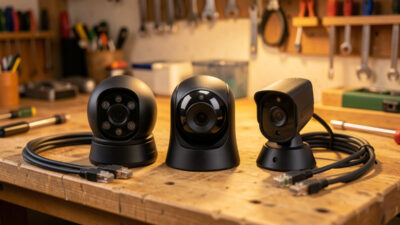
PoE vs WiFi Cameras for a Local NVR: Reliability Over Convenience
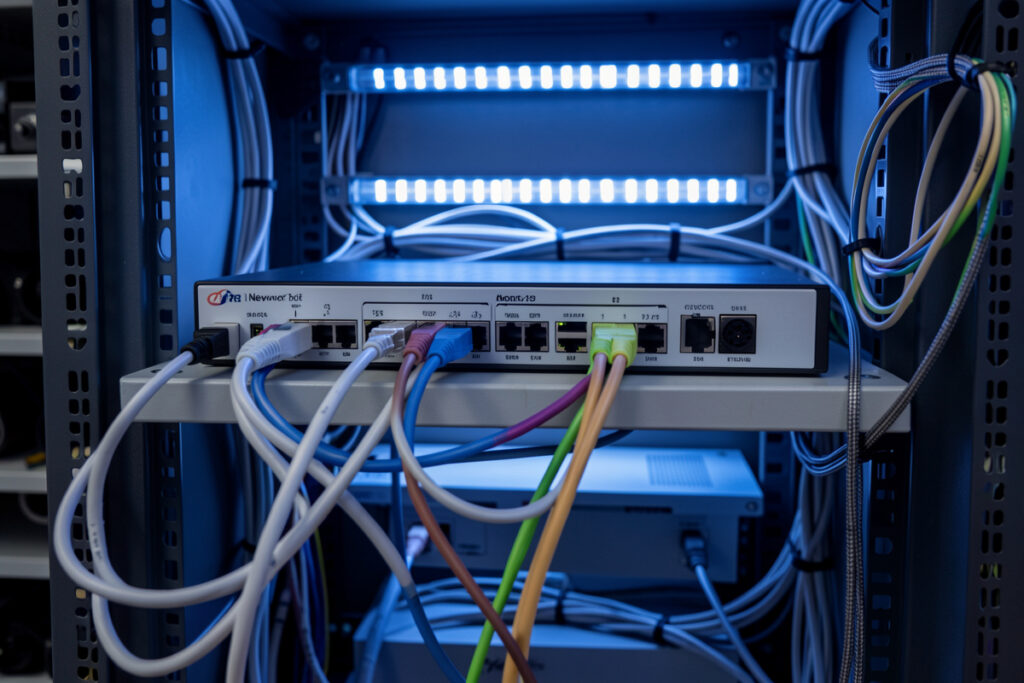
For a local NVR that has to record 24/7, PoE wins over Wi-Fi on the one axis that matters most: reliability. A PoE camera carries power and data on a single ethernet cable, holds a rock-steady RTSP stream, and doesn’t compete for airtime with every phone and laptop in the house. Wi-Fi cameras are easier to mount and fine for a spare-room glance, but dropped frames are missed detections — and a security camera that misses the one moment you needed is worse than no camera at all.
I run wired PoE for everything that matters — front door, driveway, back gate — and I did not arrive there by preference for cable-pulling. I arrived there after watching Wi-Fi cameras stutter, reconnect, and gap their recordings at exactly the wrong times. In a Frigate build, the camera is a continuous sensor, and continuous is the word Wi-Fi struggles with when the network is busy or the signal is marginal. Let me lay out the real trade so you can decide where each type belongs.
Why Does PoE Beat Wi-Fi for a Local NVR?
PoE delivers a wired, interference-free connection that sustains a constant video stream, plus power over the same cable so there’s no separate adapter at the camera. Wi-Fi shares limited airtime with every other wireless device, weakens through walls, and forces the camera to also find a power outlet. For a recorder that ingests every frame all day, wired reliability beats wireless convenience every time.
The core issue is that a Wi-Fi camera is a demanding, always-on uploader competing in a shared medium. Your NVR needs a steady multi-megabit stream from each camera continuously; Wi-Fi gives you bandwidth that fluctuates with distance, walls, and how many other devices are talking — because IEEE 802.11 Wi-Fi is a half-duplex, shared medium where every device takes turns on the same airtime. When contention spikes, the camera drops frames or briefly disconnects, and Frigate logs a gap. A wired PoE link doesn’t fluctuate — it’s a dedicated pipe. And because power rides the same cable, per the IEEE PoE standards (IEEE 802.3af/at/bt), you mount the camera wherever the view is best instead of wherever there’s an outlet. That single-cable freedom is underrated until you’ve tried to power a Wi-Fi camera on a soffit with no socket nearby.
There’s a network-hygiene angle too. Dozens of chatty wireless devices on one flat network is how a smart home turns flaky, which is why I put cameras on their own wired path and segment IoT off the main network entirely. The same congestion that degrades a Wi-Fi camera degrades your 2.4 GHz mesh devices — I dig into that spectrum crowding in Zigbee channel and Wi-Fi interference. Wiring the cameras takes them out of that fight completely.
PoE vs Wi-Fi Cameras: The Honest Comparison
Wi-Fi isn’t useless — it’s a genuine convenience where running cable is impossible. But on the axes an NVR cares about, PoE leads on nearly all of them. Here’s the side-by-side I’d give anyone deciding how to wire a camera.
| Factor | PoE camera | Wi-Fi camera |
|---|---|---|
| Stream reliability | Rock steady, wired | Varies with signal and congestion |
| Power | Over the same ethernet cable | Separate adapter at the camera |
| Continuous 24/7 recording | Ideal | Prone to gaps |
| Install effort | Must run ethernet | Just mount and power |
| Network load impact | Isolated on wired path | Competes for airtime |
| Best use | Core security cameras | Renters, temporary, hard-to-wire spots |
The one row where Wi-Fi genuinely wins is install effort, and that’s not nothing — if you rent, or the camera goes somewhere you can’t fish a cable, Wi-Fi may be the only option. But notice every reliability-related row favors PoE. That’s the trade in one glance: you spend effort once, wiring, to buy reliability forever. For a recorder, that’s the right side of the trade.
What Do You Need to Run PoE Cameras?
You need a PoE switch (or a PoE injector per camera), ethernet cable rated for the run, and cameras that accept PoE. A managed PoE switch adds the ability to put cameras on their own VLAN, which is how I keep them isolated from laptops and phones. Budget for a switch with enough total power headroom for all your cameras at once, not just the port count.
The switch is the piece to get right. Each camera draws a few watts, and PoE switches advertise both a per-port class and a total power budget; a cheap eight-port switch might not sustain eight power-hungry cameras with IR blasting on a cold night. I run a managed PoE switch specifically so I can drop the cameras onto a dedicated VLAN — segmentation is a core part of my local-first setup, keeping the cameras walled off from the rest of the network so a compromised camera can’t see my computers. If you’re buying, a managed PoE switch with VLAN support is worth the small premium over an unmanaged one.
As an Amazon Associate I earn from qualifying purchases.
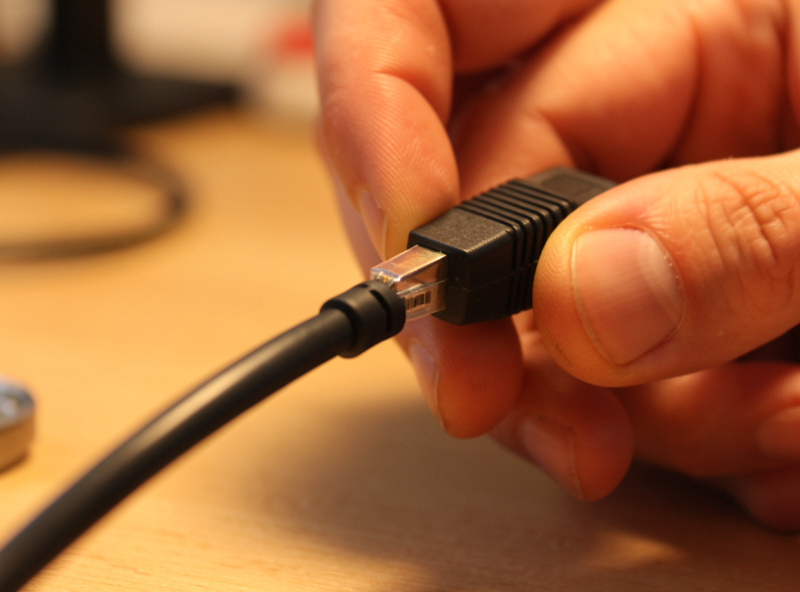
Cable-wise, standard Cat5e is fine for gigabit and PoE at normal residential runs; the practical limit for ethernet is about 100 meters, far beyond any house. The camera end usually has a short pigtail with an RJ45 jack, so a weatherproof coupling or a proper junction box keeps the connection dry outdoors. It’s not hard work, just deliberate work — and it’s the reason the choice of cameras and streams from the best RTSP cameras for Frigate guide matters, since most of the well-behaved options are PoE anyway.
When Is a Wi-Fi Camera Actually the Right Call?
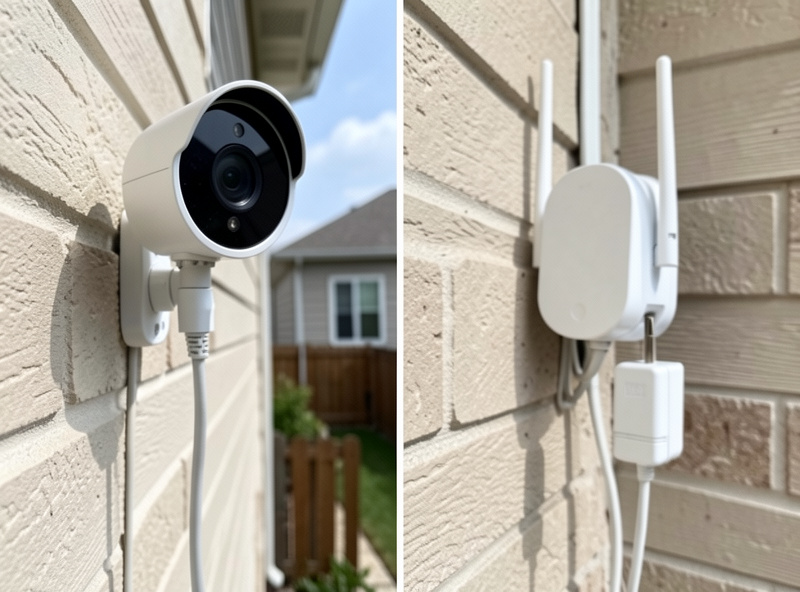
Wi-Fi makes sense when you physically can’t run cable, when you rent and can’t drill, or for a low-stakes camera where an occasional gap doesn’t matter — a garden view, a garage you glance at, a temporary spot. The key is to match the camera’s importance to its reliability: don’t put your one front-door camera on marginal Wi-Fi and then trust it to catch a break-in.
If you do run Wi-Fi cameras, stack the deck in your favor. Put them on 5 GHz if the distance allows (less congested, more bandwidth), keep them close to an access point with a strong signal, and prefer plug-in models over battery ones — battery cameras sleep and often won’t hold a continuous RTSP stream, which breaks 24/7 recording entirely. A well-placed, mains-powered Wi-Fi camera on a strong signal can be perfectly serviceable; a distant battery camera behind two brick walls will frustrate you daily. I still lean on Wi-Fi for a couple of non-critical views, wired into the same automations as everything else, like the motion-triggered routines in outdoor motion sensor automation.
The Reliability Lesson Wi-Fi Taught Me
My conversion to PoE came from a specific, aggravating pattern. I’d set up a Wi-Fi camera watching the driveway, and its recordings had gaps — not constant, just occasional dropouts that always seemed to land when something actually moved. For weeks I assumed the camera was faulty. It wasn’t. The evening network was congested, the signal at that corner was marginal, and under load the camera dropped its stream just long enough to miss the event and leave a hole in the timeline.
I ran a single ethernet cable to that corner, switched it to PoE, and the gaps vanished permanently — the timeline went from Swiss cheese to a solid, unbroken record — the kind of continuous timeline that only earns its keep once you’ve set storage and retention to keep the clips that matter. The lesson I carry now: for anything I actually rely on, I don’t gamble on airtime. Wire it. The quiet confidence of a camera you know is recording, with no reconnect messages and no gaps, is worth every meter of cable I pulled. That reliability-first instinct is the same one behind the whole local NVR build — if it doesn’t work when things get busy or the cloud is down, it doesn’t go in a job that matters.
Frequently Asked Questions
Are PoE cameras better than Wi-Fi for an NVR?
For a local NVR that records continuously, yes. PoE gives a wired, interference-free stream that does not drop frames or compete for airtime, and it carries power on the same cable. Wi-Fi is more convenient to install but its stream fluctuates with signal and congestion, which causes gaps in recordings at the worst moments.
Do I need a special switch for PoE cameras?
You need either a PoE switch or a PoE injector for each camera. A managed PoE switch is ideal because it also lets you put cameras on their own VLAN for isolation. Make sure the switch has enough total power budget for all cameras running at once, not just enough ports, since cameras draw more with night-vision IR active.
How far can I run a PoE camera cable?
Standard ethernet, and therefore PoE, runs reliably up to about 100 meters, which is far more than any house needs. Cat5e is sufficient for gigabit and PoE at residential distances. For outdoor terminations, use a weatherproof coupling or junction box to keep the RJ45 connection dry.
Can I mix PoE and Wi-Fi cameras in Frigate?
Yes. Frigate does not care how a camera connects, only that it provides an RTSP stream. A common approach is wired PoE for critical cameras like the front door and driveway, and Wi-Fi for low-stakes or hard-to-wire spots. Match the connection reliability to how much you rely on each camera.
Why do my Wi-Fi camera recordings have gaps?
Gaps usually come from the Wi-Fi stream dropping under congestion or weak signal, which happens most when the network is busy. Move the camera closer to an access point, use 5 gigahertz if range allows, avoid battery models that sleep, or run ethernet and switch it to PoE for a steady connection.
Related Articles
- Frigate NVR on Home Assistant: The Complete Local Camera AI Guide
- Best RTSP Cameras for Frigate: Streams That Don’t Stutter
- Frigate Storage and Retention: Keep the Clips That Matter
- Zigbee Channel and Wi-Fi Interference
- Outdoor Motion Sensor Automation