Smart Garage Sensor Guide: Door, Presence & Leak
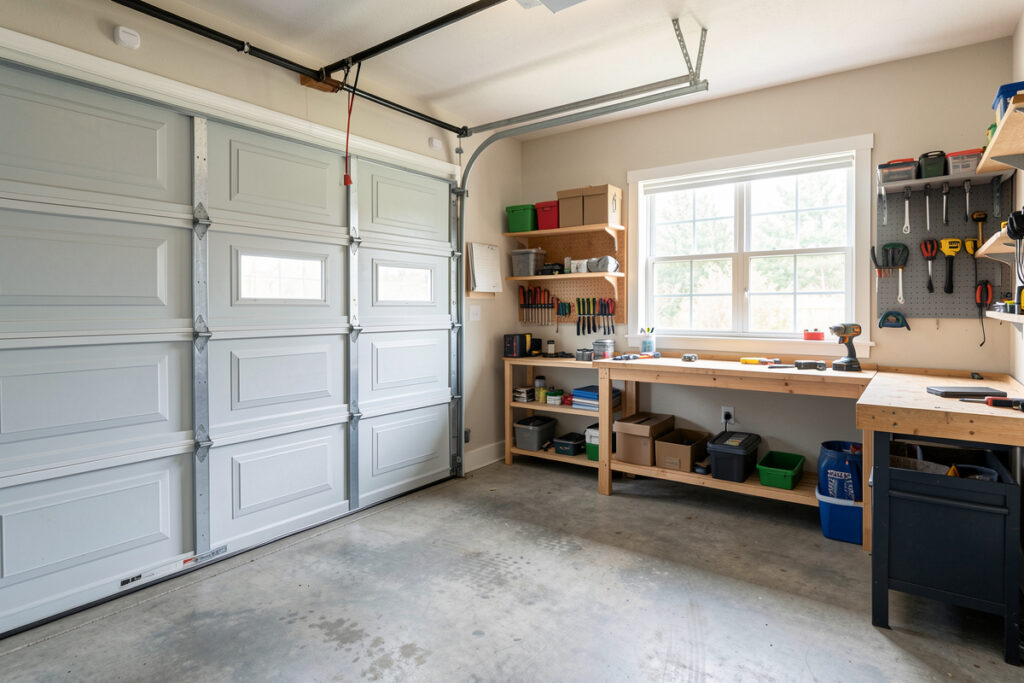
The single most important sensor in a smart garage is a door-position sensor — a tilt sensor on the door panel or a pair of contact sensors at the top and bottom of travel — because it tells your hub the door’s true state in under a second. Everything else (occupancy, temperature, leak detection) is valuable, but the position sensor is the one that turns a remote-control toy into a system you can trust.
I have built more garage automations on sensor data than on the opener itself, because a smart garage is fundamentally about knowing state and acting on it. A relay can move the door; only a sensor can tell you it actually moved. This guide covers the sensors that earn their place in a garage, how to mount and wire them, and which radio to put them on. It is the sensor companion to my broader smart garage guide.
The Position Sensor: Tilt vs. Dual Contact
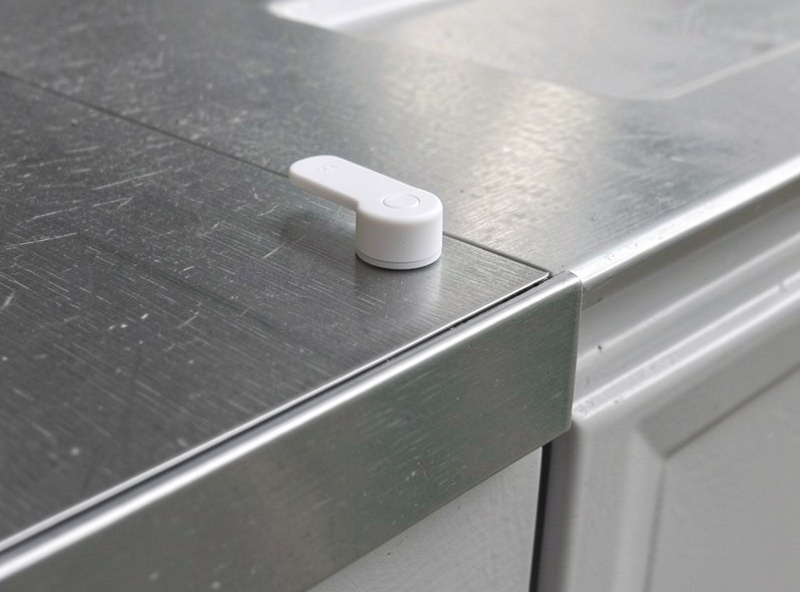
For door position you have two reliable choices: a single tilt sensor mounted on the top panel, or two contact sensors placed at the fully-open and fully-closed points of travel. A tilt sensor reads “open” the instant the door angles up and “closed” only when flat, reporting over Zigbee or Z-Wave. It is the simplest, single-device option and what I run.
Dual contact sensors are more explicit — one confirms fully closed, the other fully open — which lets the hub distinguish “moving” from “stuck partway,” but it is two devices and two batteries to maintain. For most garages a tilt sensor is plenty. Whichever you choose, the rule is the same: never let the relay’s command be your source of truth. A door jammed on the car bumper will report “closed” from the relay’s point of view and “open” from the tilt sensor’s — and only the sensor is right. This is the same lesson behind the myQ-vs-local debate in my myQ alternatives guide.
| Sensor | What it tells the hub | Why it matters in a garage | Radio I run |
|---|---|---|---|
| Tilt sensor | Door open / closed | The source of truth for every door automation | Zigbee |
| Dual contact sensors | Fully open and fully closed | Distinguishes moving vs. stuck partway | Zigbee |
| mmWave presence | Someone is actually in the garage | Lights and safety logic without false “empty” | Matter/Thread |
| Temp / humidity | Climate in the garage | Freeze alerts, ventilation, protecting stored gear | Zigbee |
| Leak sensor | Water on the floor | Catches water-heater and melt-water floods early | Z-Wave |
Occupancy: mmWave vs. PIR
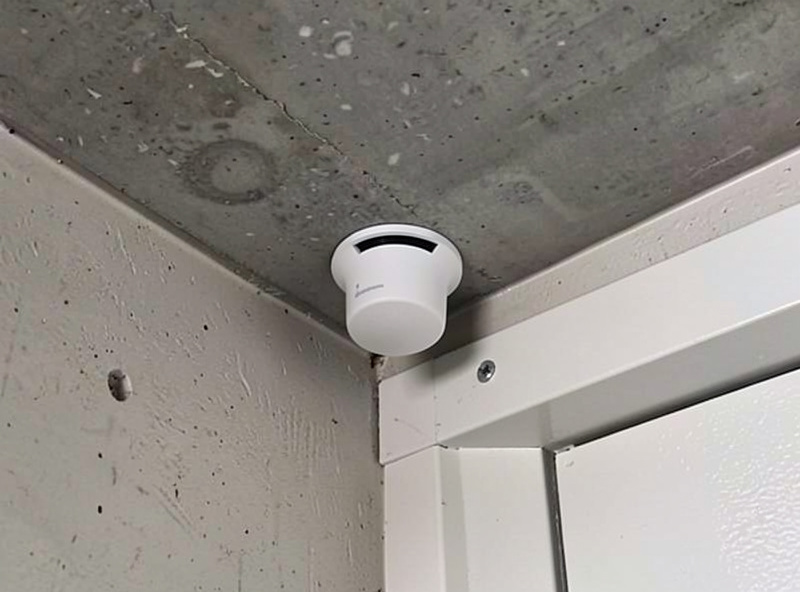
Knowing whether someone is in the garage is the difference between lights that work and lights that switch off while you are standing at the workbench. A PIR motion sensor is cheap and fine for a quick “someone walked in” trigger, but it goes blind when you stop moving. An mmWave presence sensor detects true presence — a still person counts — so the lights stay on while you work and the “garage empty” automation does not fire prematurely. A typical 24 GHz mmWave sensor holds presence on a motionless person out to about 6 metres, where a PIR drops them after roughly 10-15 seconds of stillness. That gap is exactly why a workbench or a spot under the car defeats a PIR but not an mmWave sensor, and it is the single reason I default to mmWave in the garage.
In my setup I use mmWave where genuine presence matters and PIR for cheap, fast triggers elsewhere, exactly as I lay out in my roundup of the best smart home sensors. The garage is a good mmWave candidate because you stand still at a bench, under a car, or sorting boxes — all the situations a PIR misreads as “nobody home.” Pair presence with the door state and you get smart behavior: lights on when occupied, off a few minutes after the door closes and presence clears.
Climate and Leak Sensors
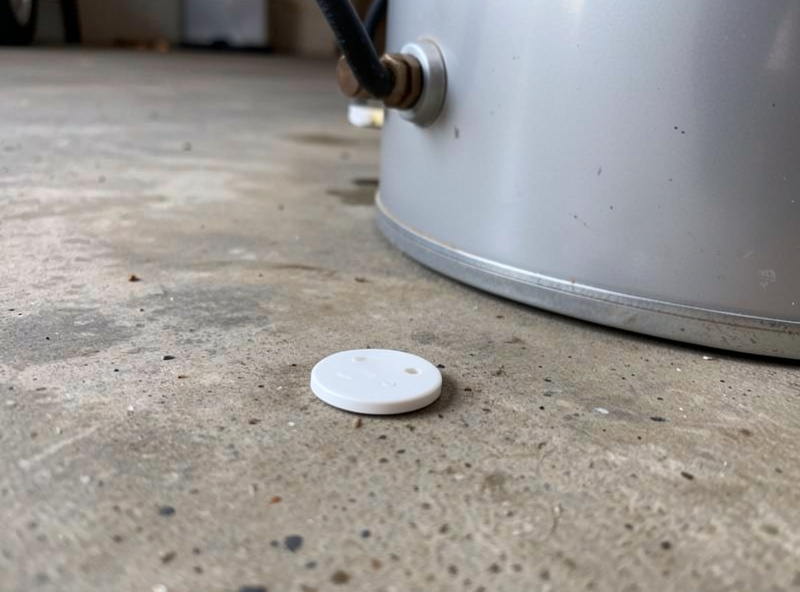
A garage is often the harshest room in the house — unheated, humid, and home to the water heater — so two sensors quietly pay for themselves. A temperature and humidity sensor lets the hub send a freeze alert before pipes are at risk and can trigger ventilation when humidity climbs. A leak sensor on the floor near the water heater or in the low spot where melt-water pools catches a flood in its first minutes, when it is still a mop job and not a disaster.
I keep the leak sensor on Z-Wave because the longer range and battery life suit a device that should run untouched for years in a corner. Z-Wave’s sub-GHz band (around 900 MHz, defined by the Z-Wave Alliance) penetrates walls better than 2.4 GHz Zigbee, which is exactly why it suits a far corner of the garage. These are not glamorous automations, but they are the kind that justify the whole system the first time they fire. The same temperature logic I use here is what runs my curing chamber and protects gear stored in unheated spaces — one rule engine across every zone that has a thermometer.
Mounting, Batteries, and Reliability
Mount the tilt sensor on the top panel of the door, where its angle change is greatest and most reliable, and use the adhesive plus a screw if the panel is steel — adhesive alone fails in temperature swings. Keep contact sensors clear of the door’s path so a closing door never strikes them. For climate and leak sensors, place them where the problem actually occurs, not where it is convenient: the cold corner, the low floor spot, beside the heater.
The biggest reliability risk in a garage is a dying sensor battery silently breaking everything downstream, so I treat sensor battery as a first-class entity and alert on low battery weeks ahead of failure. The second risk is radio range — a metal door, a big motor, and a concrete wall make the garage radio-hostile. A mains-powered repeater in the mesh path between the hub and the garage fixes most range problems, and keeping your coordinator away from USB-3 ports avoids the interference that quietly wrecks Zigbee — Intel’s own white paper documents how USB 3.0 ports radiate broadband noise across the 2.4 GHz band that Zigbee and Thread depend on. If you are choosing radios, Zigbee vs Z-Wave vs Wi-Fi covers the tradeoffs, and putting it all on a segregated network is in my smart home VLAN guide.
Wiring the Open/Close Logic
Once the position sensor reports to the hub, the door becomes a proper entity with three real states: closed, open, and — if you used dual contacts — moving. From there the high-value automations follow naturally: warn then auto-close after the door has been open more than ten minutes; refuse to arm “away” while the door reports open; turn the lights on when presence is detected and off after the door closes and the garage clears.
The discipline that makes this maintainable is consistent entity naming — “garage” should mean one zone everywhere, so an automation reads cleanly months later. Get the naming and the trusted position sensor right and the garage stops being a pile of devices and becomes a system. The same notification pattern I use for the door is in smart door sensor notifications.
As an Amazon Associate I earn from qualifying purchases. The one component I would never build a smart garage without is a Zigbee garage tilt sensor; a Z-Wave leak sensor is the cheap insurance that pays for itself once.
Frequently Asked Questions
What sensor tells my hub if the garage door is open?
A tilt sensor mounted on the top door panel, or a pair of contact sensors at the open and closed positions, reports the door’s true state to your hub in under a second. This is the source of truth for every door automation, because a relay only confirms it sent a command, not that the door actually moved.
Tilt sensor or dual contact sensors for a garage door?
A single tilt sensor is the simplest reliable choice and what most people should use. Dual contact sensors add the ability to tell moving from stuck partway, but they are two devices and two batteries. For the average garage, a tilt sensor is plenty.
Should I use mmWave or PIR in the garage?
Use mmWave where genuine presence matters, because it detects a still person and keeps the lights on while you work at a bench or under a car. PIR is cheaper and fine for a quick walked-in trigger, but it goes blind when you stop moving and can fire a false garage-empty automation.
Which radio is best for garage sensors?
I run the tilt and climate sensors on Zigbee and the leak sensor on Z-Wave for its longer range and battery life. The garage is radio-hostile due to the metal door and motor, so place a mains-powered repeater in the mesh path and keep your coordinator away from USB-3 ports.
How long do garage sensor batteries last?
Most contact and tilt sensors run a year or more on a coin cell, but cold garages shorten that. The real risk is a dead battery silently breaking your automations, so monitor sensor battery as a first-class entity and set a low-battery alert weeks before failure rather than discovering it when a rule stops working.
Related Guides
- Smart Garage & Access: Complete Guide
- myQ Alternatives Compared
- Best Smart Home Sensors
- Smart Door Sensor Notifications
- Zigbee vs Z-Wave vs Wi-Fi