Home Gate Automation Guide: Local Smart Gate Control
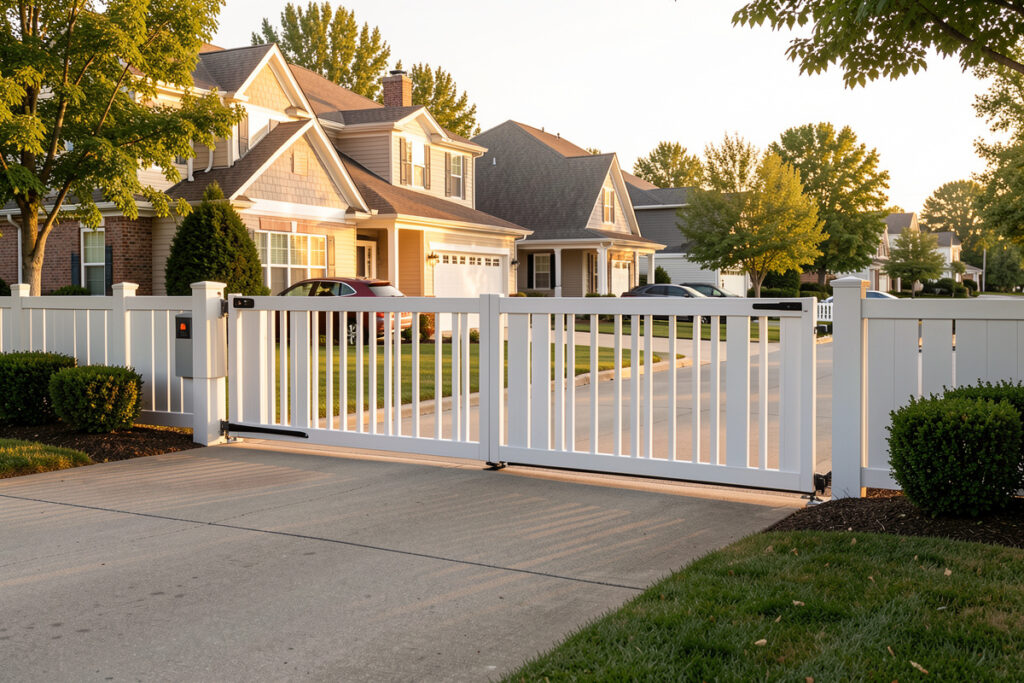
Automating a driveway gate comes down to three things: a relay wired across the gate controller’s pushbutton input, a way to know the gate’s position, and a presence trigger to open it as you arrive. Done locally, the gate opens before you reach it — a swing gate can take 15 seconds to cycle, so the trigger has to fire early — and it never depends on a server in another country. In my setup the gate runs off the same Home Assistant hub as the garage door, on the same local-first rules.
A gate is really just the garage door problem moved one layer out to the property line — a motor, a control signal, and a position you need to trust. The wiring and the safety considerations are different and more serious, but the automation logic is familiar if you have already built a smart garage. Here is how I approach gate automation without handing control to a cloud app.
How Gate Automation Actually Works
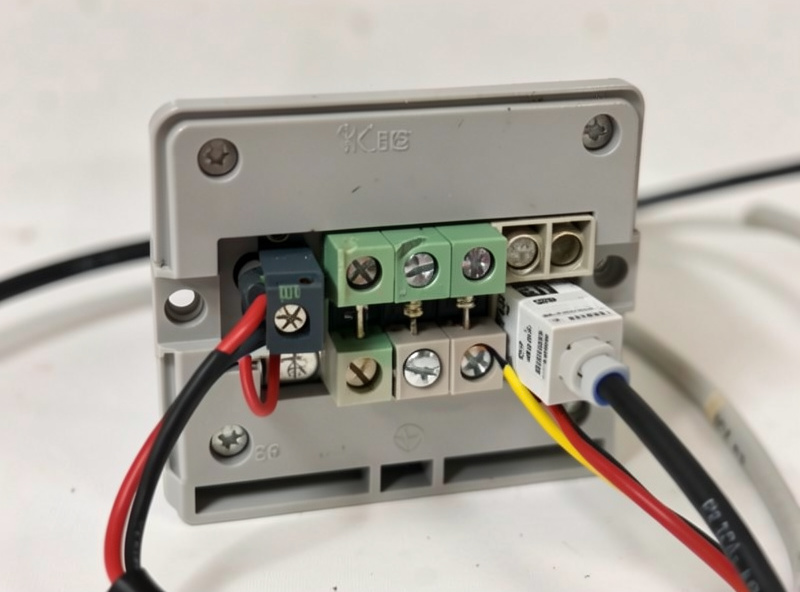
Almost every powered gate already has a controller board with a dry-contact input meant for a wired pushbutton or an intercom. Smart control means wiring a relay across that same input so your hub can pulse it exactly like the button. The relay is the whole bridge — you are not replacing the gate motor, just giving the hub a way to press its button. A momentary pulse of around half a second is all the controller expects, exactly the length of a real button press.
From there it is the same pattern as the garage: pair the relay with a position signal so the hub knows whether the gate is open, closed, or moving. Many gate controllers expose an open/closed status output you can read with a contact sensor, and where they do not, a tilt or contact sensor on the gate leaf works. Once the hub knows both how to trigger the gate and where it is, every automation downstream becomes trustworthy — the same reason I never run a garage door without a real position sensor.
Swing Gates vs. Sliding Gates
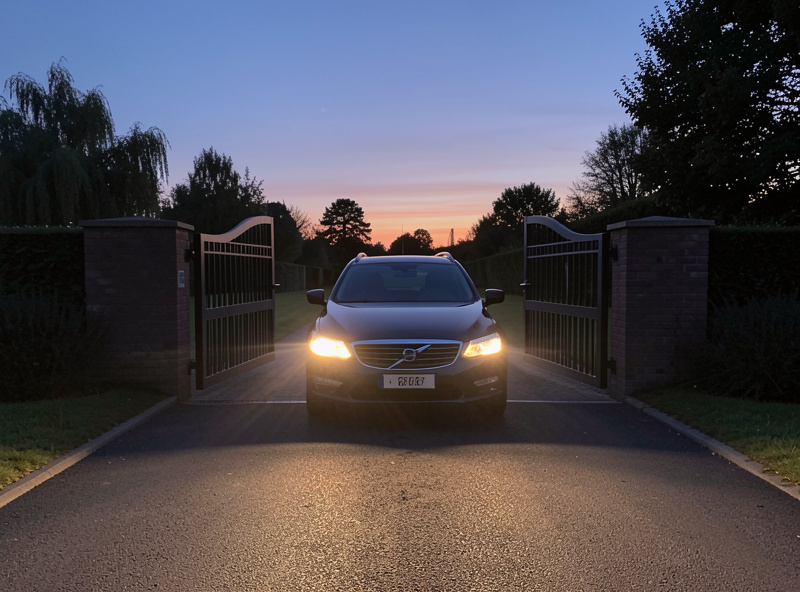
The automation logic is identical for swing and sliding gates, but the physical setup differs. Sliding gates run on a single motor along a track and are generally simpler to sense and trigger. Swing gates often use one or two arm motors and may take longer to cycle, which matters when you write the “open as I arrive” timing so the gate is fully open by the time the car reaches it. A typical swing leaf takes 12-15 seconds to open and a sliding gate 20-25 seconds across a wide driveway, so I trigger from a beam roughly 10-15 metres out to cover the slowest case.
Whichever you have, the controller board is where you connect. Identify the pushbutton or “command” input, confirm it is a dry-contact trigger, and wire your relay across it. If your gate uses a multi-button controller — full open, pedestrian, partial — you can wire separate relays to each input and expose all three as entities to the hub. That is the kind of control a cloud gate app rarely gives you, and it is trivial once the logic lives locally.
Presence Triggers: Opening the Gate Automatically
The payoff of a smart gate is arriving and having it open on its own, and there are several ways to trigger that. A phone geofence is the easiest but the least reliable on its own, because it can fire late or from the wrong side of the property. I back a geofence with a second local signal — a beam sensor on the driveway, an RFID tag in the car, or a plate-recognition event from a camera — so the gate only opens when something is genuinely arriving.
Plate recognition is the most satisfying: a camera at the gate feeds a local detection pipeline, and a recognized plate from the household opens the gate with no phone involved. That is the same kind of local object detection I use for package detection at the garage, just pointed at the driveway. Keep the camera and any detection on your own network — a gate that opens based on a cloud service is a gate that stays shut when the service is down.
Safety Is Not Optional
A powered gate is heavy and moves with force, so the safety devices are not the place to economize. Photocells across the opening stop the gate if something breaks the beam, and safety edges reverse it on contact — these entrapment-protection devices are what the UL 325 safety standard for gate operators and ASTM F2200 for gate construction exist to enforce. Any automation you add must respect these — your relay triggers the gate’s own controller, which keeps its built-in safety logic intact, and you should never wire around a photocell or edge to make an automation simpler.
This is also where I draw the honest line between what I run and what is a professional’s job. A relay-and-sensor setup on a residential gate controller is firmly DIY territory. Full commercial access control — keypads tied to building management, KNX or dedicated gate-controller commissioning, multi-property zoning — is what specialist installers do, and it is a different world from a home hub. If your gate guards anything beyond a private driveway, get the safety commissioning done by someone certified.
Tying the Gate Into the Whole System
Once the gate is an entity on the hub, it joins the rest of the access layer. In my automations the gate, the garage door, and the people-door lock all participate in the same routines: “arriving home” can open the gate, raise the garage, and unlock the side door in sequence; “away” closes and locks everything and refuses to leave the gate open. One rule engine, one set of conventions, every actuator on the property in the same place.
That crossover is the real advantage of a local hub — the same brain that runs the gate runs the grow lights, the curing chamber, and the sauna pre-heat. To keep all of it reliable, put the gate relay and camera on a segregated IoT network as described in my smart home VLAN guide, and choose your radios deliberately using Zigbee vs Z-Wave vs Wi-Fi. A gate at the property edge is often a range stretch, so a mains-powered repeater in the path earns its keep.
As an Amazon Associate I earn from qualifying purchases. The one part most gate projects need is a dry-contact smart relay to wire across the controller’s pushbutton input.
Frequently Asked Questions
How do I automate an existing driveway gate?
Wire a smart relay across the dry-contact pushbutton input on your gate’s controller board, so your hub can pulse it like the button. Add a contact or tilt sensor for position, then trigger it with a presence signal. You keep the existing gate motor and its built-in safety logic.
What is the best way to make a gate open automatically when I arrive?
Back a phone geofence with a second local signal so it is reliable: a driveway beam sensor, an RFID tag in the car, or a plate-recognition event from a local camera. Plate recognition is the most seamless because it opens the gate with no phone involved, and keeping it local means it works when the internet is down.
Can I automate a gate without the cloud?
Yes. A local relay across the controller input and a position sensor reporting to a hub like Home Assistant keep all gate logic on your own network. Cloud is only needed if you want remote control from outside, and even that can be done through your own secured connection rather than a manufacturer’s server.
Is it safe to add automation to a powered gate?
Yes, as long as you trigger the gate’s own controller and leave its safety devices intact. Photocells and safety edges must keep working, and you should never wire around them to simplify an automation. For gates guarding more than a private driveway, have the safety commissioning done by a certified installer.
Does gate automation work the same for swing and sliding gates?
The automation logic is identical — a relay across the pushbutton input plus a position sensor. The difference is physical: swing gates often cycle slower than sliding gates, so you time the auto-open trigger to fire earlier, ensuring the gate is fully open by the time the car reaches it.
Keep Building
- Smart Garage & Access: Complete Guide
- Package Detection With a Garage Camera
- Smart Garage Sensor Guide
- Smart Home VLAN for IoT
- Zigbee vs Z-Wave vs Wi-Fi