How to Set Smart Lights to Simulate Sunrise (2026)
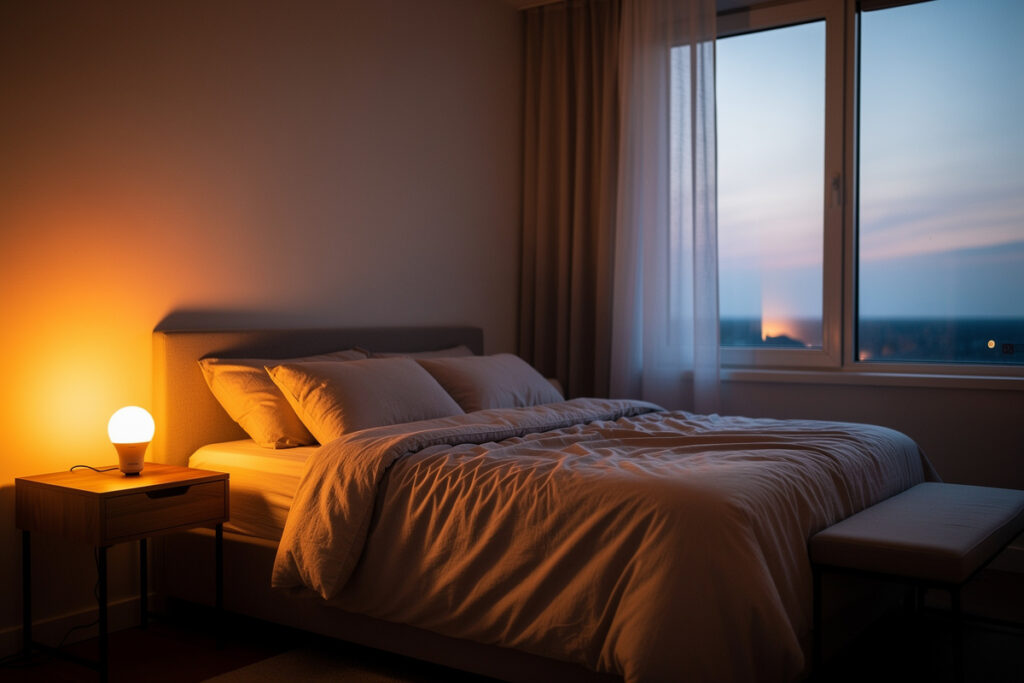
Setting smart lights to simulate sunrise involves creating automated routines that gradually increase brightness and shift color temperature from warm amber to energizing cool white over 15-30 minutes before your wake-up time. Most smart bulb apps like Philips Hue, Wyze, and LIFX include built-in wake-up features that control this transition automatically. Configure the schedule in your app by setting a start time, duration (15-30 minutes recommended), final brightness level (70-100%), and target wake time for a natural, gentle alarm alternative.
Sunrise simulation works by mimicking natural dawn light patterns that humans evolved to respond to. Unlike jarring audio alarms, gradual light increases trigger cortisol production and suppress melatonin naturally, resulting in less grogginess and better morning alertness.
As an Amazon Associate I earn from qualifying purchases.
Why Sunrise Simulation Improves Wake-Up Experience
Your body has evolved over millions of years to wake with the sun. Natural sunrise triggers biological processes that prepare you for the day:
- Cortisol release: The “stress hormone” actually helps you feel alert and ready when released naturally in the morning
- Melatonin suppression: The sleep hormone decreases as light exposure increases
- Body temperature rise: Core temperature increases gradually, promoting wakefulness
- Heart rate increase: Cardiovascular system prepares for activity
Traditional audio alarms interrupt sleep cycles abruptly, often during deep sleep phases. This creates sleep inertia, the groggy disorientation that can last 15-60 minutes after waking. Sunrise simulation aligns your wake-up with natural circadian rhythms, reducing or eliminating this effect.
Studies show that dawn simulation lighting can improve mood, reduce depression symptoms, and make waking up feel less painful, particularly during dark winter months.
Sunrise Simulation Features by Brand
Philips Hue Wake Up Routine
Philips Hue offers the most sophisticated sunrise simulation through their dedicated “Wake up” routine in the Hue app. The system automatically:
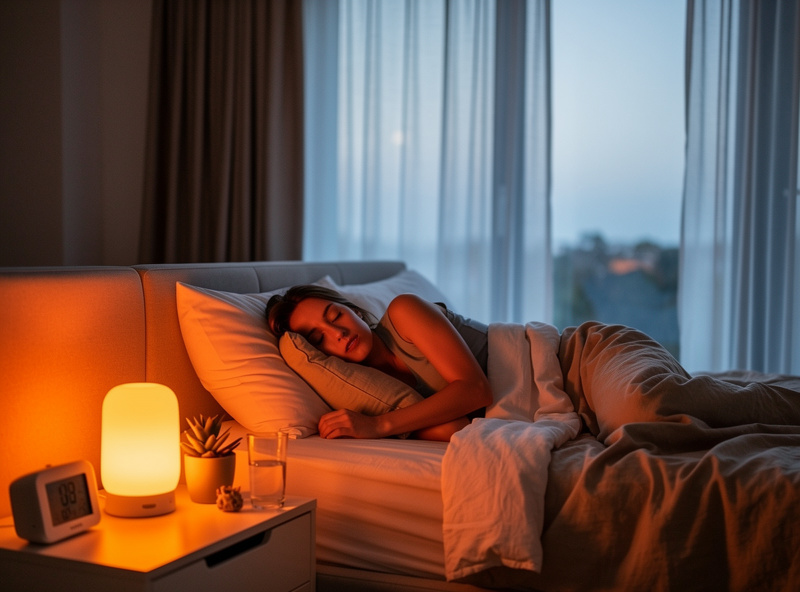
- Starts 30 minutes before your set wake time (adjustable)
- Begins at 1% brightness with warm 2200K candlelight
- Gradually increases brightness while shifting to cool 4000K white
- Reaches 100% brightness at your target wake time
- Optionally adds gentle sounds through connected speakers
The routine works with any White Ambiance or Color Ambiance bulbs and requires the Hue Bridge. Multiple bulbs can participate simultaneously for whole-room illumination.
Wyze Bulb Sleep Schedule
Wyze offers simplified sunrise simulation through their Sleep Schedule feature. While less granular than Philips Hue, it provides effective wake-up lighting:
- Set wake time in the Wyze app
- Choose gradual brightness increase duration (15-30 minutes)
- Select final color temperature (cool white recommended for waking)
- Optionally add a backup audio alarm
Wyze works best for bedside lamps where you want simple, no-frills sunrise simulation without hub requirements.
LIFX Schedule Feature
LIFX provides flexible scheduling with the “Day & Dusk” automation that includes wake-up sequences. The system creates smooth transitions but requires manual setup of brightness and color temperature curves rather than using preset sunrise patterns.
Advanced users can create complex multi-step schedules that precisely mimic natural dawn progression through the LIFX app.
TP-Link Kasa Smart Actions
Kasa offers basic scheduling with gradual transitions for their smart bulbs. While not specifically labeled as “sunrise,” you can create effective wake-up lighting by scheduling:
- First step: 10% brightness at warm temperature 30 minutes before wake time
- Second step: 50% brightness at neutral temperature 15 minutes before
- Final step: 100% brightness at cool temperature at wake time
Nanoleaf Circadian Lighting
Nanoleaf Essentials bulbs include automatic circadian rhythm following. When enabled, lights naturally shift from warm evening tones through neutral night levels to energizing morning light based on your location’s sunrise time.
This passive approach requires less configuration but offers less control over exact timing compared to dedicated wake-up routines.
Step-by-Step Setup Guide
Step 1: Choose Your Wake-Up Time
Select a realistic wake time that allows 30 minutes for the sunrise simulation to complete before you need to be awake. If you need to be up by 7:00 AM, start the sequence at 6:30 AM. This gives your body time to respond to the gradually increasing light.
Tip: Start your sunrise 30-45 minutes earlier than necessary during the first week while your body adjusts to waking with light rather than sound.
Step 2: Configure Duration and Brightness
Optimal sunrise simulation typically spans 20-30 minutes. Shorter durations (15 minutes) work for light sleepers or those already partially awake. Longer durations (30-45 minutes) benefit heavy sleepers or people with seasonal affective disorder.
Set your final brightness between 70-100%. Cool white (4000K-6500K) at full brightness provides the strongest wake signal. If sharing a room with a partner on different schedules, 50% brightness may be more considerate.
Step 3: Set Color Temperature Progression
The ideal sunrise transitions through color temperatures:
- Start (0-10% brightness): 2200K warm amber or candlelight
- Early phase (10-30%): 2700K warm white
- Middle phase (30-60%): 3000K soft white
- Late phase (60-90%): 4000K cool white
- Final (90-100%): 5000K-6500K daylight
Most smart bulb apps automate this progression. If your app requires manual configuration, create 4-5 scheduled steps at 5-7 minute intervals with gradually shifting temperatures.
Step 4: Position Bulbs Strategically
Place wake-up bulbs where light reaches your face naturally:
- Bedside lamps: Ideal for direct exposure while lying in bed
- Ceiling fixtures: Provide ambient room illumination
- Window-adjacent lamps: Mimic natural dawn direction
- Avoid: Lights positioned behind you or blocked by furniture
For maximum effectiveness, use multiple bulbs positioned around the room to eliminate dark spots and provide even illumination.
Step 5: Test and Adjust
Run your sunrise simulation on a weekend morning when you can observe the effect without work pressure. Adjust timing if you wake before reaching full brightness or sleep through the entire sequence. Consider these adjustments:
- Waking too early: Start sequence later or reduce final brightness
- Sleeping through: Begin earlier, increase final brightness, or add multiple bulbs
- Too abrupt: Extend duration to 30-45 minutes with gentler brightness curve
- Partner complaints: Use bedside lamp only on your side, lower final brightness
Advanced Sunrise Configuration
Multi-Bulb Coordination
Create more immersive sunrise experiences by coordinating multiple bulbs with slight timing offsets:
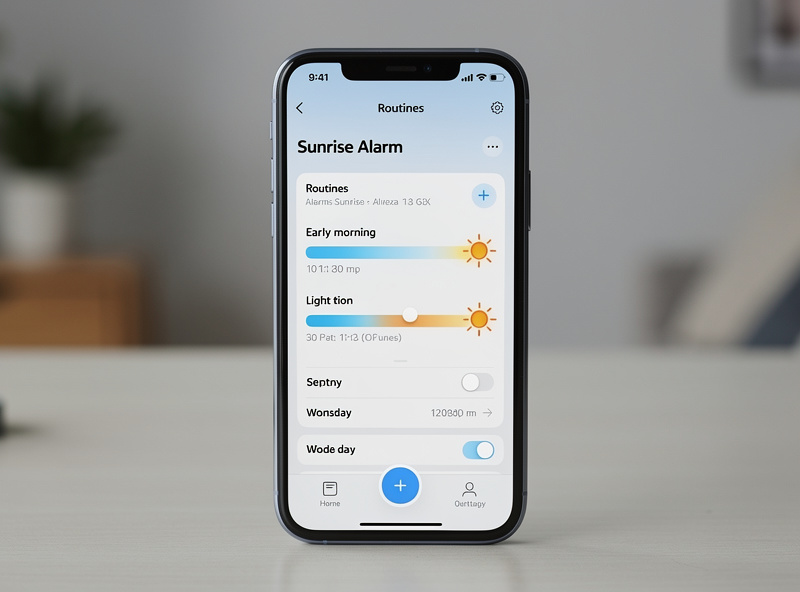
- Window-side lamp starts first (5:30 AM)
- Bedside lamp follows (5:35 AM)
- Ceiling fixture activates last (5:40 AM)
This simulates light gradually filling the room as the sun rises, creating natural depth and directionality.
Weekend vs. Weekday Schedules
Configure different sunrise patterns for work days and weekends:
- Weekdays: Brighter, faster sunrise (20 minutes) for schedule adherence
- Weekends: Gentler, slower sunrise (30-40 minutes) for relaxed waking
- Days off: Disable completely or set much later
Most apps support multiple schedules that activate on specific days of the week.
Seasonal Adjustments
Winter months with shorter daylight benefit from earlier, brighter sunrise simulation. Summer months may need gentler sequences as natural light already wakes you. Consider creating seasonal routines:
- Winter: Start 45 minutes before wake time, reach 100% brightness
- Summer: Start 20 minutes before, reach 70% brightness
- Fall/Spring: Standard 30-minute progression
Combining with Audio Alarms
Use sunrise simulation as your primary wake trigger, with a traditional alarm set 5-10 minutes later as backup. This provides the gentleness of light waking with the reliability of sound if you oversleep. Position the audio alarm across the room so you must get up to disable it.
Some smart speakers (Amazon Echo, Google Nest) integrate with smart bulbs to provide synchronized light and sound wake-up experiences.
Troubleshooting Sunrise Simulation
Not Bright Enough to Wake Me
Increase final brightness to 100%, extend duration to 30-45 minutes, or add additional bulbs. Consider positioning lights closer to your bed or using more directional fixtures that focus light toward your sleeping position.
Wakes Partner Too Early
Use a single bedside lamp on your side of the bed rather than ceiling fixtures. Set final brightness to 50-60% and start the sequence later. Consider sleep masks for your partner if they prefer complete darkness.
Schedule Not Working Reliably
Check that your smart bulbs maintain Wi-Fi connection overnight. Weak signals can delay or prevent scheduled activations. Ensure your phone or hub maintains correct time settings and that Daylight Saving Time transitions haven’t disrupted schedules. Update bulb firmware regularly for improved reliability.
Too Jarring or Abrupt
Extend the duration to 30-45 minutes. Start at even lower initial brightness (0.5-1%). Use smoother color temperature transitions rather than sudden shifts. Consider adding more steps to the progression for gradual change.
Comparison: Best Bulbs for Sunrise Simulation
| Bulb | Sunrise Feature | Duration Range | Best For |
| Philips Hue | Dedicated wake-up routine | 1-60 minutes | Best overall experience |
| Wyze | Sleep schedule wake-up | 15-30 minutes | Budget-friendly |
| LIFX | Day & Dusk automation | Custom scheduling | Advanced customization |
| TP-Link Kasa | Smart actions scheduling | Manual step creation | Multi-step control |
| Nanoleaf | Circadian lighting | Automatic by location | Passive automation |
FAQ
How long should a sunrise simulation take?
Most sleep experts recommend 15-30 minutes for gradual light increase. Start at 1 percent brightness with warm 2,200K light and gradually increase to full brightness at 4,000K by your wake time. Shorter simulations feel abrupt while longer ones may not create enough contrast to wake you.
Does sunrise simulation actually improve sleep?
Yes. A study published in the Journal of Sleep Research found that artificial dawn exposure during the last 30 minutes of sleep reduced sleep inertia and improved morning alertness compared to waking without it.
Can I set different sunrise times for weekdays and weekends?
Yes. Most smart light apps and voice assistants support separate weekday and weekend schedules. In Alexa, create two routines with different triggers. In Google Home and Philips Hue, set individual day schedules within the automation settings.
Which smart bulbs have built-in sunrise modes?
Philips Hue offers a dedicated Wake Up routine in its app. LIFX has Day and Dusk scheduling built in. For other brands like Wyze and Kasa, you can create custom sunrise automations through Alexa or Google Home routines that gradually adjust brightness and color temperature.
Will sunrise simulation work if my partner sleeps later?
Use a bedside lamp with a smart bulb rather than overhead lights to minimize disturbance. Position the lamp on your side of the bed facing away from your partner. The gradual increase from warm dim light is far less disruptive than suddenly turning on bright overhead fixtures.
Can I combine sunrise simulation with a sunset routine?
Yes, and this combination maximizes sleep quality. Set a sunset routine to gradually dim lights to 2,200K warm white over 30-60 minutes before bedtime, then a sunrise routine to reverse the process in the morning. This supports your natural circadian rhythm on both ends.
Bottom Line
Setting smart lights to simulate sunrise involves configuring automated routines that gradually increase brightness and shift color temperature from warm amber to cool white over 20-30 minutes before your target wake time. Philips Hue offers the most refined sunrise experience with dedicated wake-up routines, while budget options like Wyze provide effective alternatives without hub requirements.
Position bulbs where light reaches your face naturally, typically bedside lamps or ceiling fixtures directly above your sleeping position. Configure schedules that start 30 minutes before you need to wake, progressing through color temperatures from 2200K to 5000K while brightness increases from 1% to 100%.
Sunrise simulation reduces morning grogginess by working with your body’s natural circadian rhythms rather than jarring you awake with sound. Most users report feeling more alert and less disoriented within a week of switching to light-based waking.
Want to optimize your entire sleep environment? Learn about the best smart bulbs for bedrooms to create complete sleep and wake routines throughout your home.