Best Smart Temperature Sensors for Each Room (2026)
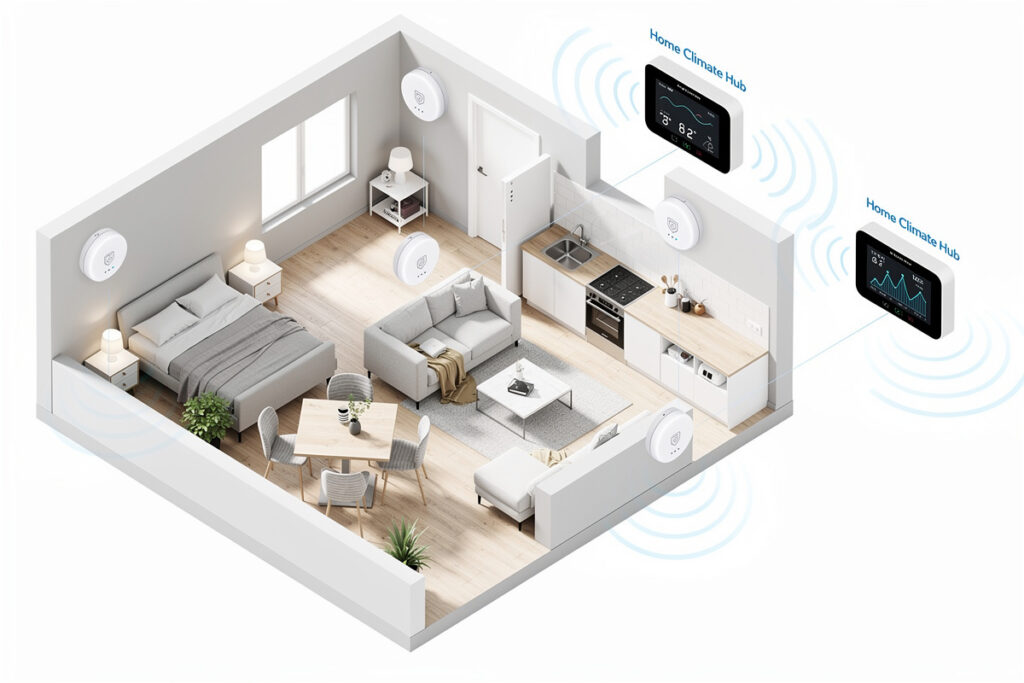
I have Aqara temperature sensors in every bedroom, my office, and the workshop — eight sensors total on my Zigbee mesh, all feeding into Home Assistant. The reason is simple: my thermostat reads 72°F in the hallway, but the upstairs bedroom nearest the afternoon sun hits 80°F by 3 PM while the basement office stays at 65°F year-round. That 5-15 degree spread is normal in multi-story homes and means your HVAC constantly overshoots in some rooms to compensate for others. Smart temperature sensors fix this by feeding room-by-room data to your thermostat, cutting energy waste through precision zone control — the HVAC stops overshooting empty rooms to chase a single hallway reading.
As an Amazon Associate I earn from qualifying purchases.
I run the Aqara sensors because they are $15 each, the Zigbee battery lasts two years on a single CR2032, and they integrate with Home Assistant natively through zigbee2mqtt. I use them for climate monitoring only — my thermostat is a basic Honeywell that I have not upgraded yet — but the data alone is worth the investment. Knowing that the nursery holds 68°F all night while the rest of the house drops to 64°F means I do not have to guess whether the baby is comfortable.
Why Room-by-Room Temperature Monitoring Matters
Traditional thermostats measure temperature in only one location — usually a hallway or main living area. This single-point measurement creates significant comfort problems:
Common Temperature Disparities:
- Upstairs rooms 5-10°F warmer than downstairs
- South-facing rooms overheating in summer
- North-facing rooms staying cold in winter
- Rooms far from the thermostat getting insufficient airflow
- Home offices and bedrooms with unique comfort needs
Smart temperature sensors solve these issues by providing the data your thermostat needs to maintain consistent comfort throughout your home. The result is fewer thermostat adjustments, lower energy bills, and improved comfort in every room.
How Smart Temperature Sensors Work
These wireless devices form a sensor network throughout your home:
Basic Operation:
- Sensors measure ambient temperature (and often humidity)
- Data transmits wirelessly to smart thermostat or hub
- Thermostat calculates average or prioritizes occupied rooms
- HVAC system adjusts based on actual room conditions
- App provides historical data and comfort analytics
Advanced Features:
- Occupancy detection (sensors know when rooms are in use)
- Follow Me mode (climate follows you from room to room)
- Humidity monitoring for comfort and air quality
- Smart scheduling based on room usage patterns
- Integration with window/door sensors (pause AC when windows open)
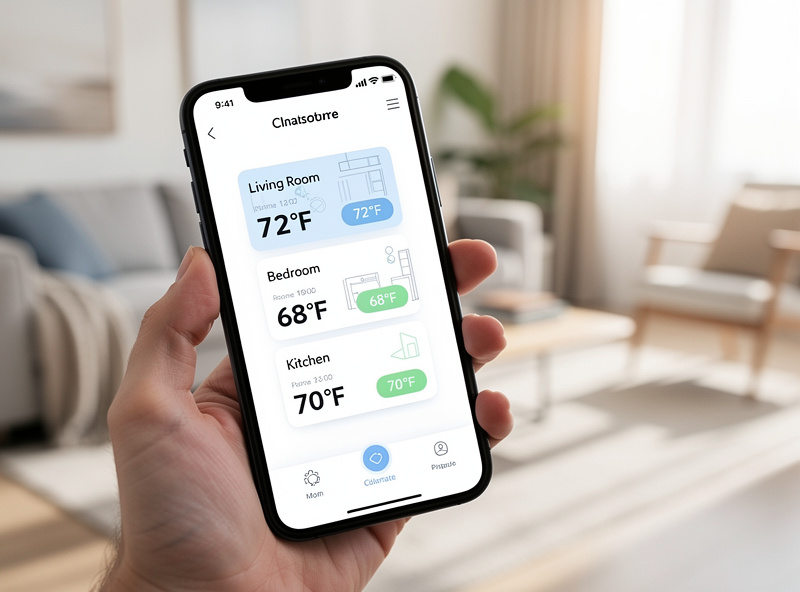
Best Smart Temperature Sensors 2026
Smart Temperature Sensor Comparison
| Feature | Ecobee | Aqara | SensorPush | SwitchBot |
|---|---|---|---|---|
| Price | $40 | $12 | $50 | $18 |
| Protocol | Proprietary | Zigbee | Bluetooth | WiFi |
| Occupancy | Yes | No | No | No |
| Humidity | Yes | Yes | Yes | Yes |
| Battery Life | Up to 5 years | 2+ years | 1+ year | 1 year |
| Range | 60ft | Zigbee mesh | 325ft | WiFi |
1. Ecobee SmartSensor — Best for Ecobee Thermostats
Designed specifically for Ecobee thermostats, these puck-shaped sensors provide occupancy detection, temperature monitoring, and seamless integration with Ecobee’s advanced climate control features.
Key Features:
- Motion detection for occupancy-based climate control
- Up to 5-year battery life on a CR2477 coin cell per Ecobee’s spec
- 60-foot range from thermostat
- Follow Me mode tracks your movement through the home
- Works exclusively with Ecobee thermostats
- Dual pack available for multi-room coverage
Price: $79 (2-pack)
Best For: Ecobee thermostat owners
2. Aqara Temperature and Humidity Sensor — Best Budget Option
Affordable Zigbee-based sensors that work with multiple smart home platforms including HomeKit, SmartThings, and Home Assistant. These are what I run on my Zigbee mesh — eight of them, two years on each CR2032 battery, and they have never dropped from the network.
Key Features:
- Temperature and humidity monitoring
- Zigbee 3.0 protocol (requires Aqara hub or compatible)
- 2-year battery life (CR2032 coin cell)
- Apple HomeKit compatible
- Compact design (1.5-inch diameter)
- Automation triggers for climate control
Price: $15-20 per sensor
Best For: Budget buyers, HomeKit users, Home Assistant
3. SensorPush Wireless Thermometer/Hygrometer — Best for Monitoring
Bluetooth sensors with exceptional data logging and visualization through the SensorPush app. Ideal for detailed climate monitoring and analysis.
Key Features:
- Accurate temperature and humidity readings
- Bluetooth 4.0 LE connectivity — 325 feet line of sight per SensorPush’s spec, considerably less through walls
- 1-year+ battery life
- Excellent data visualization and historical tracking
- Optional WiFi gateway for remote access
- Export data for advanced analysis
Price: $50 per sensor, $100 with WiFi gateway
Best For: Data enthusiasts, wine cellars, greenhouses, cigar humidors
4. Nest Temperature Sensor — Best for Nest Thermostats
Simple, reliable sensors designed specifically for Nest Learning Thermostat and Nest Thermostat E integration.
Key Features:
- Basic temperature monitoring only
- 50-foot range from thermostat
- 2-year battery life (CR2 battery)
- Schedule-based temperature preferences per room
- Works exclusively with Nest thermostats
- Clean, minimalist design
Price: $39 (1-pack), $99 (3-pack)
Best For: Nest thermostat owners wanting basic room sensors
Optimal Sensor Placement
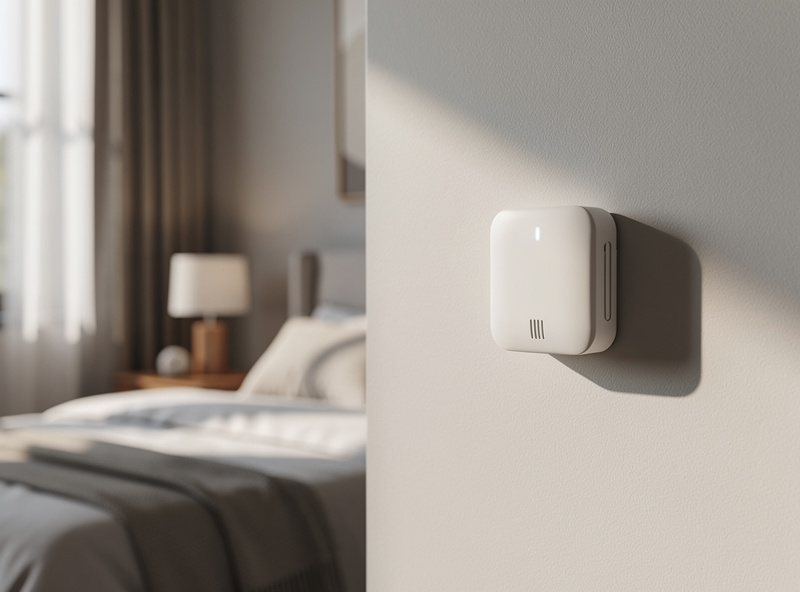
Strategic placement ensures accurate readings. I learned the hard way that putting a sensor on an exterior wall reads about 3°F too low in winter — the cold radiates through the wall even in a well-insulated house. Interior walls only, at least 3 feet from windows and vents.
Best Locations:
- Bedrooms (comfort priority during sleep hours)
- Home offices (productivity comfort)
- Living rooms (family gathering areas)
- Baby nurseries (consistent temperature critical)
- Rooms far from the main thermostat
- Upper floors (heat rises, temperature varies)
Avoid These Locations:
- Direct sunlight (false high readings)
- Near heat sources (radiators, lamps, electronics)
- Near air vents (inaccurate fluctuating readings)
- Near exterior doors (draft interference)
- Inside closets (does not represent room conditions)
- Kitchens (cooking heat skews readings)
Mounting Height: Place sensors at chest height (4-5 feet) on interior walls. This represents the air temperature you actually experience.
Integration and Automation
Smart temperature sensors become powerful when integrated with your climate control system. My Aqara sensors feed into Home Assistant, where I track per-room temperature trends and get alerts if the nursery drops below 66°F or the workshop exceeds 85°F in summer.
Ecobee Smart Features:
- Follow Me: Climate follows you as you move between rooms
- Smart Home/Away: Adjusts based on occupancy detection
- Room Priority: Specify which rooms matter most at different times
Nest Schedule Integration:
- Set different target temperatures for each room by time of day
- Bedroom cooler at night, office comfortable during work hours
- Living room priority during evening relaxation
Third-Party Automations:
- Home Assistant: Unlimited automation possibilities
- SmartThings: Integration with other Samsung devices
- HomeKit: Siri control and scene integration
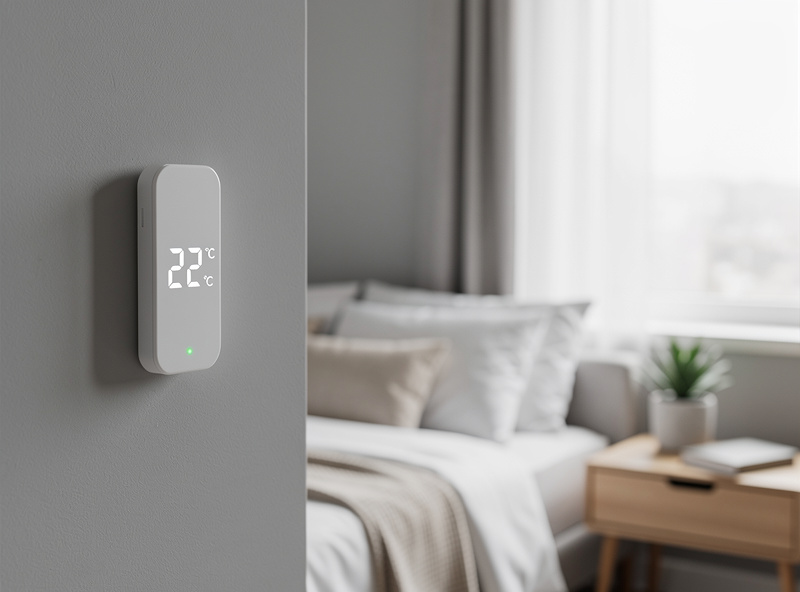
My Recommendation
Best Overall: Ecobee SmartSensor — for Ecobee thermostat owners, nothing beats the integration and occupancy detection. The Follow Me feature alone justifies the investment.
Best Budget: Aqara Temperature and Humidity Sensor at $15-20 with HomeKit and Home Assistant compatibility. This is what I run: eight sensors, zero issues, two-year battery life per unit. The per-room temperature graphs in my HA dashboard are the most frequently checked panel in the house after the front door lock status.
Best for Data: SensorPush for detailed climate analytics, historical trends, and data export.
Best for Simplicity: Nest Temperature Sensor for Nest thermostat owners wanting basic room temperature balancing without complexity.
Energy Savings with Smart Temperature Sensors
Room sensors save energy by stopping the two classic single-thermostat failure modes: overcooling the whole house to fix one hot bedroom, and heating rooms nobody is in. The exact savings depend on how uneven your home is and how aggressively you use occupancy features — but at $15-20 per Aqara sensor, even a modest improvement in HVAC targeting pays back the hardware within the first heating season. The bigger win for me has been comfort: the system heats and cools to the rooms we actually use, not the hallway average.
Related Articles
- Best Smart Smoke Detectors
- Smart Home for Beginners
- Best Smart Water Leak Detectors
- Smart Humidity Sensor for Basement
- Smart Home Protocols
Where I Put Temperature Sensors (And Where Not To)
Sensor placement is the difference between useful climate automation and garbage data. The three worst spots are behind a sofa (blocked airflow reads 2-3 degrees high), near a heating vent (reads above room average), and in a kitchen (oven cycles swing readings wildly). The best spot is an interior wall at chest height, away from windows, vents, and heat-generating electronics. I use 3M Command strips — no drilling, removable for renters, and air circulates around the sensor.
For multi-room climate control, the sensor that matters most is the bedroom. That is where temperature directly affects sleep quality, and it is usually the room with the worst airflow. I put a Zigbee temperature/humidity sensor on the bedroom wall and tie it to the thermostat through Home Assistant — when the bedroom drops below 65F after midnight, the thermostat bumps up two degrees. That single automation improved my sleep more than any other smart home change.
Why Sensor Height Matters
Heat rises, which means a sensor at ceiling height reads 3-5 degrees warmer than one at floor level. For climate control, you want the reading where the people are: chest height on an interior wall. I tested this by placing two identical Zigbee sensors in the same room, one at 6 feet and one at 4 feet, and the ceiling sensor consistently read 3 degrees higher. That offset is enough to make a thermostat overcool the room. Always mount at the height where your family actually spends time.
Frequently Asked Questions
How many temperature sensors do I need?
Start with problem rooms, typically 2-4 sensors for a 2,000 sq ft home. Prioritize bedrooms, home offices, and rooms far from the main thermostat. Ecobee supports up to 32 sensors; most homeowners find 4-6 provides optimal comfort coverage.
Can I use temperature sensors without a smart thermostat?
Yes, but functionality is limited. Standalone sensors like SensorPush provide monitoring and alerts via smartphone apps but cannot control HVAC systems. For automatic climate adjustment, you need compatible smart thermostats like Ecobee, Nest, or Honeywell.
Do temperature sensors work with all thermostats?
No, sensors are typically brand-specific. Ecobee sensors only work with Ecobee thermostats. Nest sensors only work with Nest. Aqara and third-party sensors often work with multiple platforms through HomeKit, SmartThings, or Home Assistant hubs.
How accurate are smart temperature sensors?
Most quality sensors are accurate within plus or minus 0.5 degrees Fahrenheit, sufficient for home climate control. Professional-grade accuracy is not needed for comfort optimization. Calibrate sensors if you notice consistent discrepancies between sensors and thermostat readings.
Can temperature sensors detect occupancy?
Some can. Ecobee SmartSensors include occupancy detection, allowing Follow Me mode that prioritizes comfort in occupied rooms. Most budget sensors like Aqara and SensorPush monitor temperature only without occupancy detection.
Where should I place temperature sensors?
Mount sensors 5 feet high on interior walls, away from windows, heat registers, and direct sunlight. Bedrooms should have sensors near sleeping areas. Avoid kitchens and bathrooms where cooking humidity affects readings. Follow manufacturer guidelines for optimal placement.