Smart Humidity Sensor for Basement — Prevent Mold (2026)
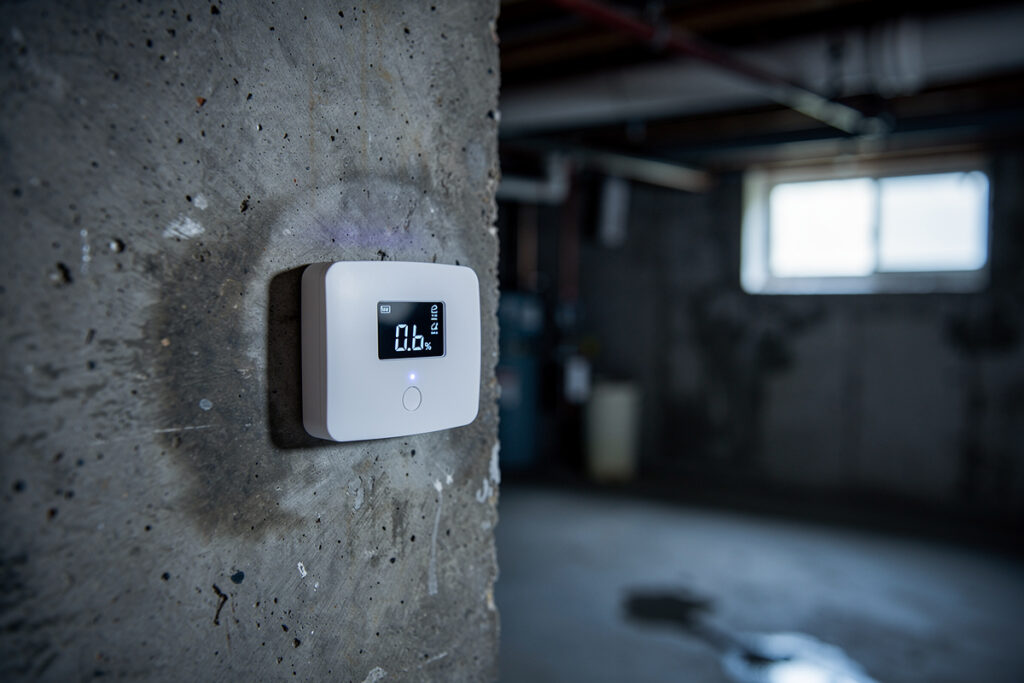
A smart humidity sensor is the cheapest insurance you can buy for a basement. Mold needs sustained damp to take hold above 60% RH — per EPA guidance — and a basement quietly drifts above that line for days before you ever notice by feel. A sensor catches it before the mold does.
I run humidity sensors in every part of my house that matters, and the basement is the one where the sensor doesn’t just tell me there’s a problem: it fixes it, by kicking on a dehumidifier through a smart plug the moment the air gets too wet. That closed loop — measure, decide, act, locally — is the whole point.
Below is how I’d actually do it: which sensors are worth buying, where to put them (it matters more than people think), and how to wire the automation that turns a passive gauge into a hands-off mold defense. This is the same sensor-and-rules approach I use everywhere else in the house, pointed at the dampest room in it.
As an Amazon Associate I earn from qualifying purchases. The sensors I name are the ones I’d put on a basement wall myself; the links go to current listings so you can check price and specs.
What humidity level actually prevents mold
Indoor humidity is measured as relative humidity (RH) — the percentage of moisture in the air relative to what that air can hold at its current temperature. Warm air holds more water than cold air, which is exactly why a cool basement feels clammy even when the number looks moderate. Per EPA guidance, mold growth becomes likely once RH stays above 60% for an extended stretch, and the practical target for a basement is 30–50% RH — dry enough to stop mold, comfortable enough to use the space.
The reading that earns its keep down here, though, is dew point — the temperature at which moisture condenses out of the air. A good sensor reports temperature and humidity, and from those you (or your hub) can watch the dew point. Basements are full of cool surfaces — concrete walls, cold-water pipes — and condensation forms on those long before the room’s overall humidity looks alarming. Watching dew point is how you catch the localized damp that a single RH number hides.
The sensors I’d actually buy
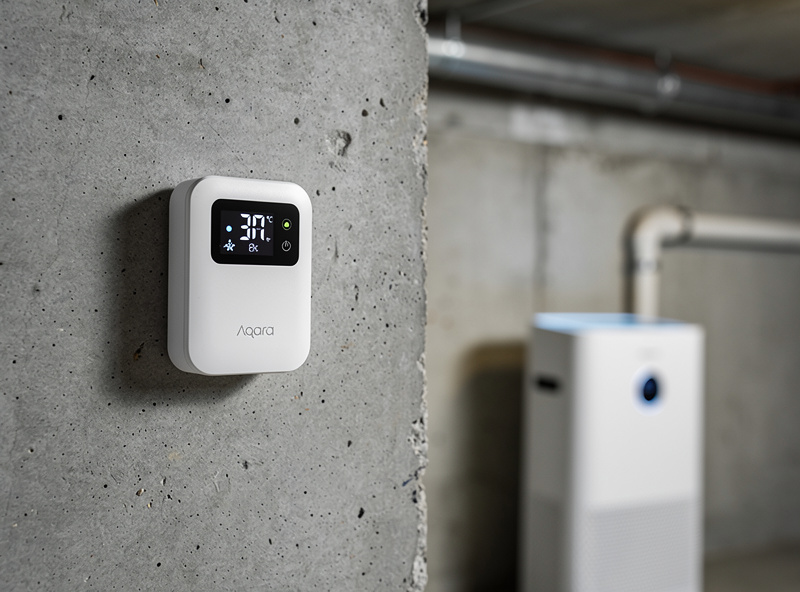
You don’t need an expensive one — you need a reliable one, and ideally one that reports locally so the data lives on your hub instead of a vendor’s cloud. Here are the four I’d choose between, depending on whether you already run a hub:
- Aqara Temperature & Humidity Sensor — my default for a hub-based home. Zigbee, tiny, runs for a year-plus on a coin cell, and it’s cheap enough to scatter several around a large basement. Pairs straight into Home Assistant via Zigbee2MQTT and into HomeKit, Alexa, or Google through the Aqara hub. (check the Aqara sensor)
- SensorPush HT.w — the pick if you have no hub and want excellent historical graphs. It stores data locally and syncs over Bluetooth, with a Wi-Fi gateway option for remote alerts. The accuracy and the app’s graphing are the best in this group. (look up the SensorPush HT.w)
- SwitchBot Meter — a great middle ground: a clear front display so you can read it standing there, Bluetooth locally, and Wi-Fi via a SwitchBot hub for alerts and automations. Frequent, fast updates. (see the SwitchBot Meter)
- Govee Wi-Fi Hygrometer — cheapest path to phone alerts with no hub at all. The app handles multiple sensors with zone management, which is handy if you’re watching a laundry room, a storage corner, and the utility area separately. Cloud-dependent, so it’s my least “local-first” pick. (browse Govee hygrometers)
| Sensor | Connectivity | Local control | Stated accuracy | Best for |
|---|---|---|---|---|
| Aqara T&H | Zigbee | Yes (via hub) | ±3% RH | Hub homes, multiple cheap sensors |
| SensorPush HT.w | Bluetooth + Wi-Fi gateway | Yes (local logging) | ±2% RH | No hub, best graphs |
| SwitchBot Meter | Bluetooth + Wi-Fi hub | Partial | ±2% RH | On-device display + alerts |
| Govee Wi-Fi | Wi-Fi | No (cloud) | ±3% RH | Cheapest phone alerts |
| Eve (Thread) | Thread / Matter | Yes (HomeKit local) | ±3% RH | Apple/Matter households |
Whichever you pick, prefer one that reports locally. For the wider sensor picture across the whole house, my best smart home sensors roundup compares the full network, and the room-by-room temperature sensors guide is the natural companion.
Where to put them (this matters more than the brand)
A basement isn’t one humidity reading — it’s several. Air circulation, foundation condition, and appliances make the corners behave completely differently from the middle of the room. One sensor in the wrong spot tells you nothing useful. Here’s where mine go:
Against the foundation walls. Moisture intrusion shows up at the exterior walls first. Mount the sensor 6–12 inches off the wall — close enough to catch seepage, far enough to avoid a false reading from direct contact with cold concrete.
The historically damp spots. Under windows, near the sump pump, beneath any plumbing. If it’s been wet before, it’ll be the first to go wet again — keep a sensor there permanently, even after you’ve fixed the cause.
Near what you’re protecting. Stored cardboard, documents, clothing, wooden furniture. Protecting your stuff is as much the job as protecting the structure, and these zones often sit in dead air where damp pools.
At different heights. Cool, moist air settles low. A floor-level sensor and a mid-wall sensor will disagree, and the gap between them tells you whether you have a stratification problem that a fan would fix.
Turn the sensor into an automatic dehumidifier
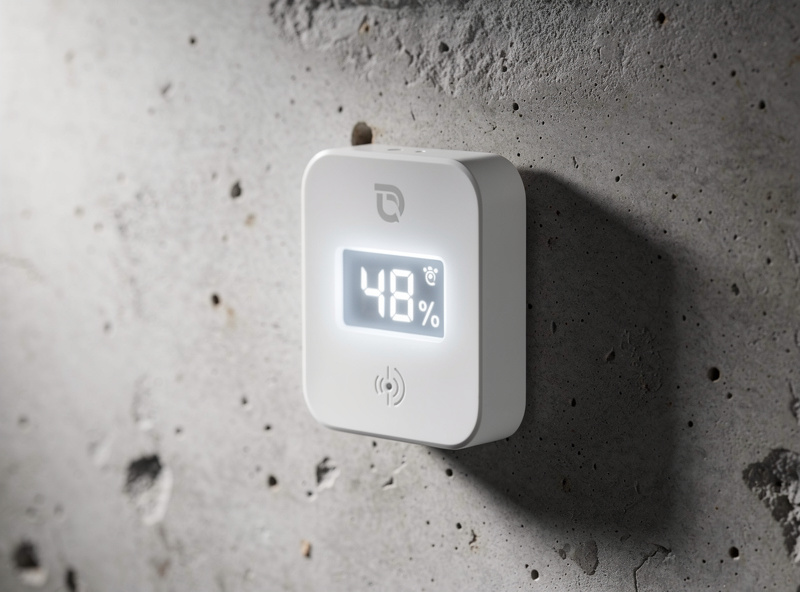
This is where a smart sensor leaves a dumb hygrometer behind. The single best automation in a basement is dead simple: sensor → smart plug → dehumidifier, with a deadband so it isn’t constantly cycling. In my setup the rule is plain English: turn the dehumidifier on when RH climbs past 55%, turn it off when it drops below 45%. That 10-point gap (the deadband) keeps the compressor from short-cycling itself to death every few minutes.
You need three things: a humidity sensor your hub can read, an energy-reporting smart plug rated for the dehumidifier’s draw, and the dehumidifier itself. The plug’s energy reporting is a bonus here — it tells you how hard the unit is actually working, which is an early warning that something’s getting wetter. If you’re choosing the appliance, my basement and crawlspace dehumidifier picks covers what to buy. (A metered smart plug is the cheap glue that makes it work.)
From there you can layer in more:
- Ventilation. Tie a sensor to an exhaust or circulation fan so a humidity spike automatically increases airflow and breaks up stagnant damp pockets.
- Zones. Run separate responses per area — the laundry corner triggers its own fan, while general dampness runs the main dehumidifier.
- Weather-aware pre-emption. Combine the readings with a forecast and run the dehumidifier ahead of a humid spell instead of chasing it. I cover that pattern in weather-based automation.
Running it on a real hub
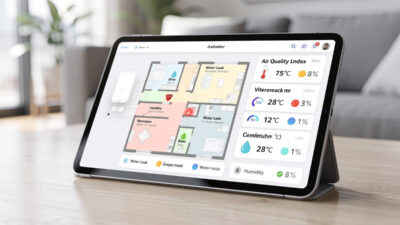
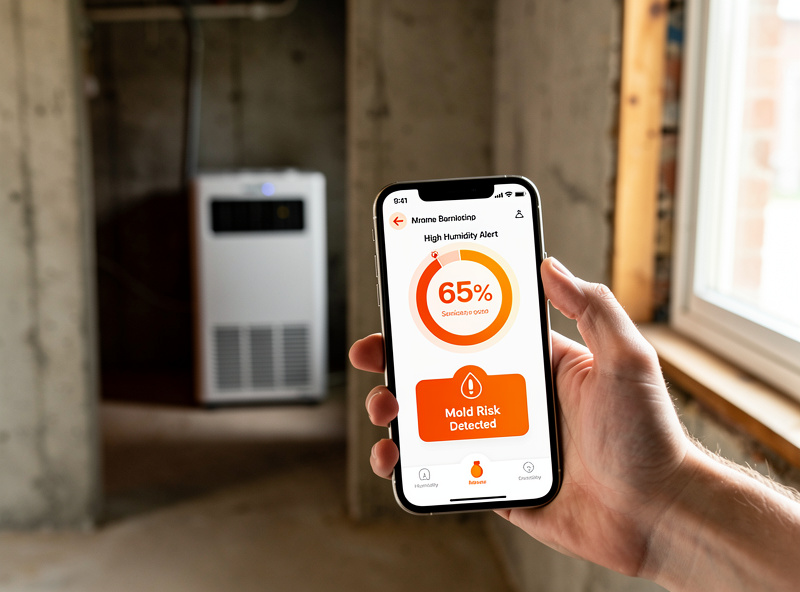
Standalone apps are fine for a single sensor, but the moment you want conditional logic you’ll want a proper hub. On Home Assistant I build a small basement dashboard with color-coded RH and dew point, and rules like “if humidity is above 60% for two hours and the dehumidifier plug shows it’s already running, send an alert” — because that combination means the unit can’t keep up, which is the signal that actually matters. The big advantage of a local hub is that all of this keeps running when the internet is down, which is exactly when a sump-pump-area sensor is most worth having. If you’re weighing local vs cloud, I made the case in does a smart home work without internet, and the broader control picture is in smart home energy management systems.
Reading the data: the patterns that predict trouble
Logged history is where sensors pay off, because mold telegraphs itself before it’s visible:
Sustained high readings. RH above 60% for a couple of days is the real risk — not a brief spike. Watch the trend line, not the moment.
A sudden jump. A fast climb of 15–20 points in a few hours usually means active water intrusion — a leak or seepage — and warrants going down to look now.
Condensation cycles. When readings repeatedly approach the dew point on cool surfaces, you’ve got recurring condensation even if the room average looks fine.
Seasonal swings. A year of data shows your basement’s rhythm — usually worst at spring thaw and through humid summers — so you can schedule preventive dehumidification instead of reacting.
Don’t skip the physical fixes
A sensor measures the problem; it doesn’t drain the wall. The monitoring is most useful as verification that your physical fixes worked: seal foundation cracks and improve exterior drainage, keep gutters and downspouts clear, insulate cold pipes to stop condensation, air-seal gaps around windows and utility penetrations, and grade the soil to slope away from the foundation. After each of those, the sensor data tells you — objectively — whether it actually reduced the moisture or not. That feedback loop is worth as much as the early warning.
Why it’s worth it
Damp, moldy indoor spaces are linked by the CDC to respiratory symptoms, particularly for people with asthma or allergies, which is reason enough to keep a basement dry. And the property side is unforgiving: mold degrades building materials, ruins stored belongings, and can spread spores through the HVAC system. Professional remediation isn’t cheap — a small cleanup is a few hundred dollars, but structural mold removal runs into the thousands. Against that, a handful of sub-$20 sensors and one automation rule is trivially cheap insurance. Keeping a documented humidity log also demonstrates proactive moisture management, which is increasingly worth having as insurers tighten mold coverage.
Maintenance
These sensors are nearly set-and-forget, but two things keep them honest. Calibration: a cheap salt-test kit (a sealed container with a saturated salt solution sits at a known 75% RH) lets you sanity-check a sensor once a year and retire any that have drifted badly. Batteries: most run a year or two on a coin cell, but cold basements shorten that — enable low-battery alerts and keep spares. Beyond that, a puff of dry compressed air on the housing now and then is all the cleaning they need.
Frequently asked questions
What humidity level prevents mold in a basement?
Per EPA guidance, keep indoor relative humidity below 60 percent, and aim for 30 to 50 percent in a basement. Mold growth becomes likely once humidity stays above 60 percent for an extended period, so the target keeps you safely under that line while remaining comfortable.
Where should I place humidity sensors in my basement?
Put them against foundation walls (6 to 12 inches off the concrete), in historically damp spots like near the sump pump, beside anything moisture-sensitive you store, and at different heights. A basement has several microclimates, so multiple sensors beat one.
Can a humidity sensor control my dehumidifier automatically?
Yes. Connect the dehumidifier through a smart plug and have your hub switch it on when humidity passes about 55 percent and off below 45 percent. The 10-point deadband stops the unit short-cycling, and an energy-reporting plug shows you how hard it is working.
Do I need Wi-Fi in the basement for a smart humidity sensor?
Not necessarily. Zigbee, Z-Wave, and Thread sensors reach through a mesh from an upstairs hub, and Bluetooth sensors log locally. Wi-Fi sensors are simplest for remote alerts but depend on the cloud, which is why I prefer a local protocol for anything load-bearing.
How accurate are smart humidity sensors?
Good ones are rated around plus or minus 2 to 3 percent RH, which is plenty for mold prevention. Verify once a year with a salt-test kit (a known 75 percent RH reference) and retire any sensor that has drifted more than about 5 percent.