How Smart Thermostats Learn Your Schedule (2026)
The Quick Answer
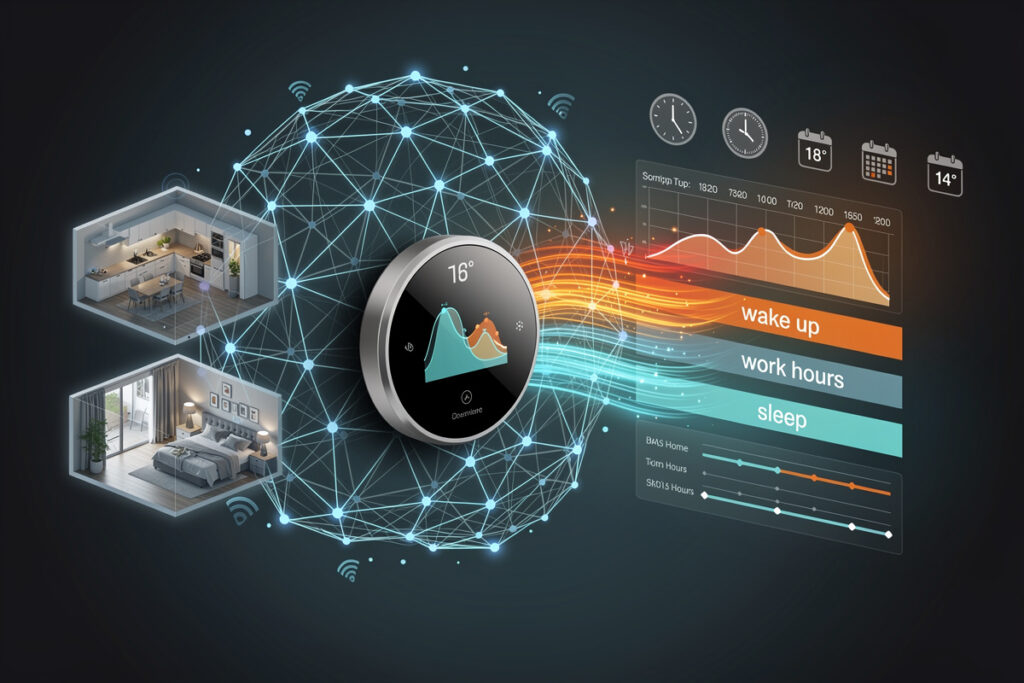
Smart thermostats learn your schedule through a combination of motion detection, smartphone geofencing, manual temperature adjustments, and occupancy sensors. They analyze patterns over 1-2 weeks to automatically create heating and cooling schedules that match your routine—turning down temperatures when you are away or asleep without requiring manual programming. Compare all smart thermostat learning features in our complete guide.
As an Amazon Associate I earn from qualifying purchases.
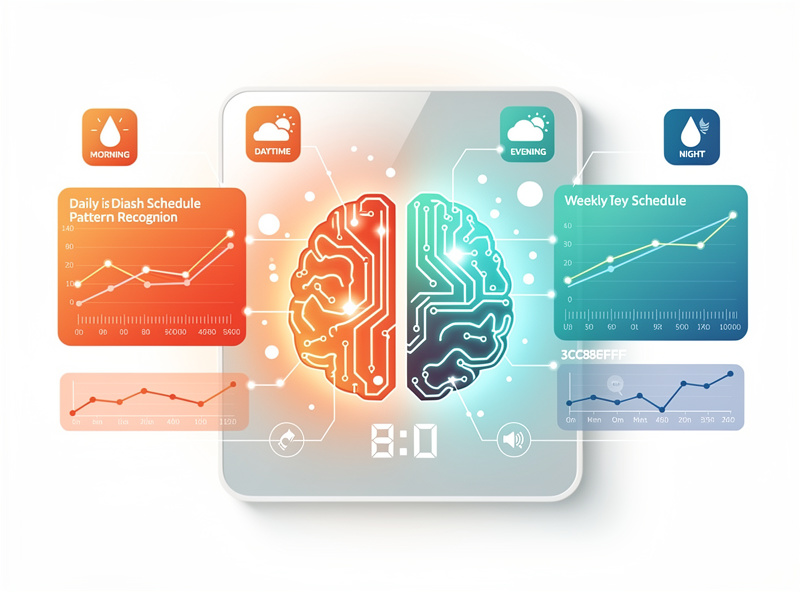
The Science Behind Smart Thermostat Learning
Learning thermostats use machine learning algorithms that observe multiple data streams to understand when you are home, away, sleeping, or active. Unlike programmable thermostats that require you to input specific times and temperatures, learning models infer optimal settings by watching your behavior.
Data Sources Smart Thermostats Monitor
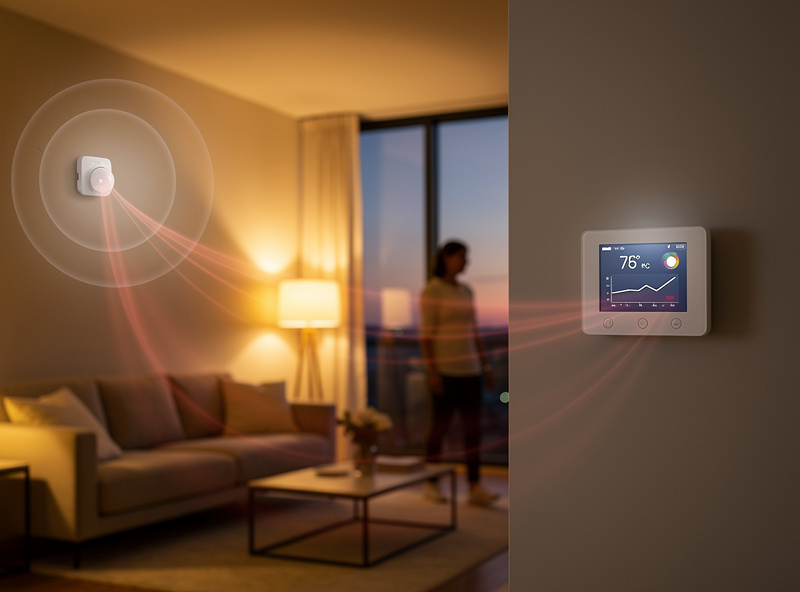
1. Motion and Occupancy Sensors
The thermostat’s built-in motion detector tracks when people walk by. If the thermostat sees regular motion at 7 AM weekdays but not on weekends, it learns your work schedule. Some models also connect to separate room sensors for whole-home occupancy detection.
How It Works: Passive infrared (PIR) sensors detect heat signatures moving across their field of view. The thermostat logs these events and correlates them with time of day.
2. Manual Temperature Adjustments
Every time you turn the dial or tap the app to change temperature, the thermostat records: the time, day of week, temperature change, and whether the house was heating or cooling at the time. If you consistently lower the heat to 65°F at 10:30 PM, the thermostat learns your bedtime preference.
Pattern Recognition: Algorithms look for recurring adjustments at similar times. One late-night adjustment is ignored; five consecutive nights establishes a pattern.
3. Smartphone Geofencing
Your phone’s GPS location provides the most reliable occupancy data. When your phone leaves a predefined radius (typically 3-5 miles from home), the thermostat knows you have gone. When you re-enter that radius, it prepares for your arrival.
Smart Home/Away: This feature combines geofencing with motion sensors. If your phone shows “away” but motion is detected (houseguest, pet sitter), the thermostat stays in home mode.
4. Time and Weather Data
Thermostats factor in outdoor temperature and sunrise/sunset times. If you typically wake at 6 AM, but it is still dark in winter, the thermostat might delay heating startup until closer to your actual wake time—saving energy while maintaining comfort.
5. Historical HVAC Runtime
By tracking how long your system takes to heat or cool your home, the thermostat learns your home’s thermal characteristics. A poorly insulated home needs longer pre-heating than a well-sealed one. This data refines the schedule timing.
Smart Thermostat Learning Features Comparison
| Feature | Nest Learning | Ecobee Smart | Honeywell T9 |
|---|---|---|---|
| Auto-Schedule | Full learning | Manual + Smart Away | Adaptive Recovery |
| Geofencing | Home/Away Assist | Smart Home/Away | Customizable radius |
| Room Sensors | Temperature only | Temp + Occupancy | Temp only |
| Learning Time | 1-2 weeks | 1 week occupancy | 3-5 days patterns |
| Manual Override | Accepts and adapts | Respects schedule | Flexible response |
How Different Brands Learn
Nest Learning Thermostat — The Pioneer
Nest’s algorithm is the most sophisticated. During the first week, it primarily observes—making few automatic changes. By week two, it begins implementing a learned schedule while continuing to refine.
Unique Features:
- Auto-Schedule: Creates schedule based solely on your adjustments—no programming required
- Early-On: Calculates when to start heating/cooling to reach target temperature exactly at schedule time
- Airwave: Runs the fan after the compressor stops, using residual cool air in ducts
- Sunblock: Adjusts for direct sunlight heating the thermostat itself
Learning Timeline: Basic schedule in 3-7 days; refinement continues for 2-3 weeks.
Ecobee — Sensor-Based Intelligence
Ecobee relies more on sensors and manual scheduling, with Smart Home/Away as the primary learning mechanism. You set a basic schedule, and Ecobee adjusts based on actual occupancy detected by sensors.
Unique Features:
- Follow Me: Uses only sensors in occupied rooms for temperature averaging
- Smart Home/Away: Overrides schedule when occupancy contradicts expected away time
- Smart Recovery: Reaches target temperature by scheduled time, not starting at that time
Learning Timeline: Occupancy patterns learned in 1-2 weeks; manual scheduling never fully automated.
Honeywell Home — Predictive Intelligence
Honeywell thermostats use Adaptive Recovery and geofencing primarily. They emphasize reaching comfort levels by specific times rather than complex pattern learning.
Unique Features:
- Smart Response: Pre-heats/cools based on how long your system takes
- Geofencing: Strong phone-based presence detection
- Monthly Energy Reports: Detailed analysis of patterns and savings
What the Thermostat Learns Specifically
Your Daily Rhythm
After 2 weeks, the thermostat knows:
- When you typically wake up (first motion + temperature adjustment)
- When you leave for work (last motion + phone geofence exit)
- When you return home (phone geofence entry + motion)
- When you go to sleep (last evening motion + temperature reduction)
- Weekend vs. weekday differences
Your Temperature Preferences
It also learns your comfort zones:
- Morning heating preference (68°F, 70°F, etc.)
- Daytime away temperature (how aggressively to save)
- Evening comfort level (relaxation temperature)
- Sleeping temperature (typically 3-5°F cooler/heating)
- Seasonal adjustments (winter vs. summer preferences)
Your Home’s Characteristics
The thermostat understands your house:
- How quickly temperature changes when HVAC stops
- How long heating/cooling takes to reach target (thermal mass)
- Sun exposure patterns (south-facing rooms heat faster)
- Humidity impact on comfort (Feels Like calculations)
The Learning Process Timeline
Days 1-3: Observation Only
The thermostat primarily watches. It may implement minimal changes—perhaps starting to follow obvious patterns like consistent 6 AM temperature bumps. Most decisions still require manual input.
Days 4-7: Basic Pattern Implementation
Initial schedule appears based on strong patterns detected. If you lowered the temperature every night at 10 PM, the thermostat now does that automatically. Accuracy is maybe 70%—it gets the basics right but misses nuances.
Week 2: Refinement
The schedule becomes more sophisticated. The thermostat distinguishes weekday from weekend patterns, notices that you sleep in on Saturdays, and adjusts morning heating accordingly. Corrections become less frequent as the schedule matches your behavior.
Weeks 3-4: Optimization
Fine-tuning phase. The thermostat learns edge cases: that you occasionally work from home on Fridays, that you have a weekly 7 AM gym session Wednesday, or that you stay up later on weekends. It adapts while maintaining energy efficiency.
Ongoing: Continuous Adaptation
Smart thermostats never stop learning. They adjust for:
- Seasonal changes in your routine
- Changes in household composition (new baby, kids leaving for college)
- Work schedule changes
- Gradual shifts in preferences
When Learning Does Not Work Well
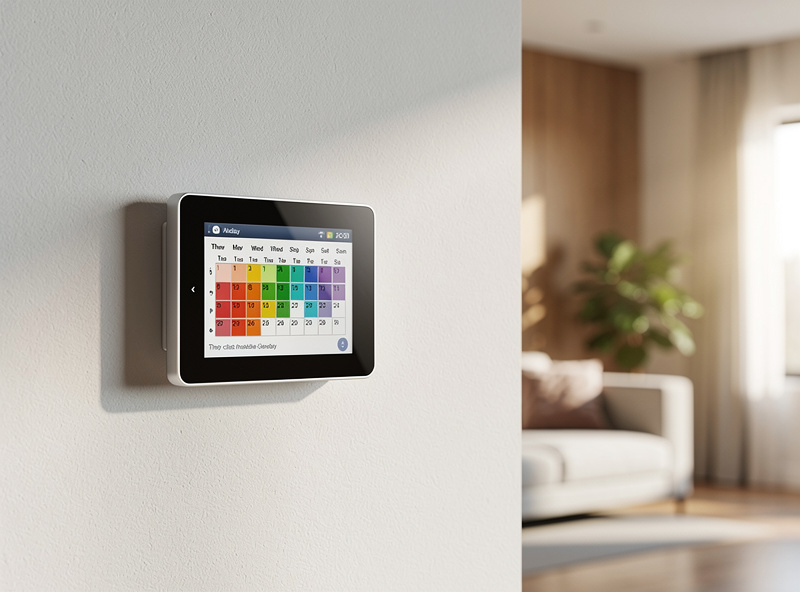
Highly Irregular Schedules
If your schedule changes constantly—shift work, frequent travel, unpredictable hours—the thermostat cannot establish patterns. You will get better results with manual scheduling or simple geofencing.
Multiple Users with Different Routines
If your partner works different hours, or kids have varying school schedules, the thermostat sees conflicting patterns. Some models handle this better (Ecobee with multiple phone geofencing), but learning becomes less precise.
Frequent Manual Overrides
If you constantly adjust the thermostat despite the learned schedule, the algorithm gets confused. It tries to incorporate your changes but may create an erratic schedule that satisfies nobody.
Pets and Phantom Motion
Large pets trigger motion sensors, making the thermostat think someone is home when the house is empty. This reduces energy savings. Solutions: disable motion-based learning, use phone geofencing exclusively, or set pet-friendly temperature ranges.
Maximizing Learning Effectiveness
During Initial Setup
- Let It Learn: Resist the urge to program manually for the first week
- Be Consistent: Follow your normal routine as closely as possible
- Make Deliberate Adjustments: When uncomfortable, change the temperature—this teaches preferences
- Enable All Sensors: Geofencing, motion detection, external sensors
Ongoing Optimization
- Minimize Overrides: If the schedule is mostly right, let it be
- Review Energy Reports: Monthly reports show where learning is working or failing
- Adjust Sensitivity: If away detection is wrong, tweak geofence radius or motion sensitivity
- Reset If Needed: If the learned schedule becomes terrible, reset and start fresh
Related: How Much Do Smart Thermostats Save? | Nest vs Ecobee Comparison | Smart Thermostat Geofencing
Frequently Asked Questions
How long does it take for a smart thermostat to learn?
Most smart thermostats establish basic patterns within 1-2 weeks. Nest Learning Thermostat typically needs 7-10 days for initial schedule creation, with refinement continuing for 3-4 weeks. Ecobee relies more on manual scheduling with occupancy-based adjustments, establishing patterns in 5-7 days.
Can I manually program instead of using learning?
Yes, all smart thermostats allow manual schedule programming. Nest combines learning with manual adjustments—you can edit any learned schedule. Ecobee emphasizes manual scheduling with occupancy-based overrides. Learning is optional and can be disabled on most models if you prefer full control.
What if my schedule changes frequently?
For variable schedules, Ecobee with occupancy sensors often works better than learning-only systems. The Smart Home/Away feature detects when you are unexpectedly home or away, adjusting regardless of schedule. Geofencing also handles schedule changes by using your phone location rather than time-based programming.
Do smart thermostats work with irregular schedules?
Yes, but performance varies by brand. Nest learns patterns even with irregularity, focusing on your most common behaviors. Ecobee relies on occupancy detection and manual scheduling, making it more flexible for unpredictable routines. Both handle irregular schedules better than traditional programmable thermostats.
Will learning work if I work from home?
Savings are smaller with work-from-home schedules, but learning still optimizes temperature management. The thermostat learns your preferred working temperature, optimizes overnight setbacks, and detects when you leave for errands. Expect 5-10% savings rather than the 10-15% achieved with consistent away periods.
Can I reset the learning and start over?
Yes, all major brands allow resetting learned data. On Nest, use the app to clear Auto-Schedule and start fresh. Ecobee allows resetting occupancy patterns while keeping manual schedules. Resetting is useful after major lifestyle changes like retirement, new jobs, or household member changes.
Related Articles
- Best Smart Thermostats 2026: Complete Buyer’s Guide
- Nest vs Ecobee: Honest Comparison
- Smart Thermostat Geofencing: How It Saves Energy
- How Much Does a Smart Thermostat Save? Real Data
- Best Smart Thermostat for Apartment Renters