What Is Matter? Smart Home Protocol Explained (2026)
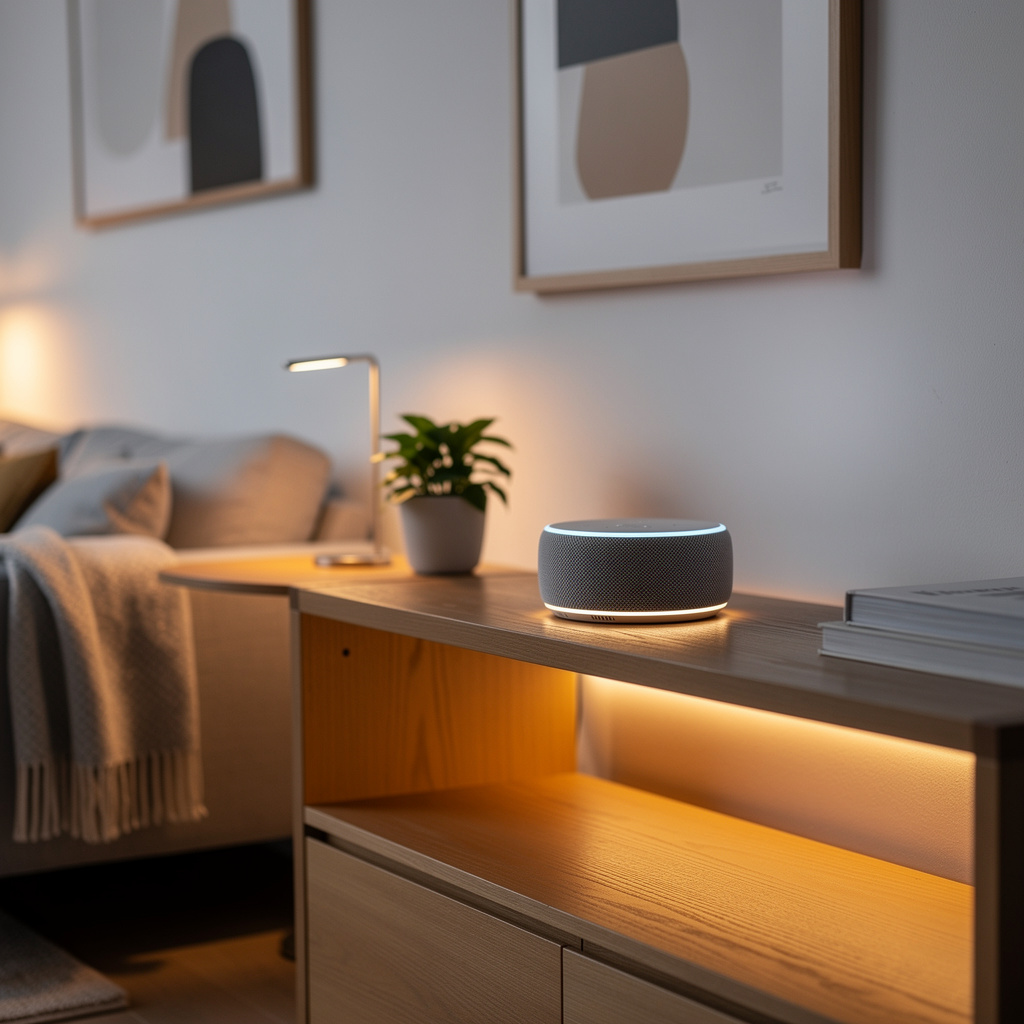
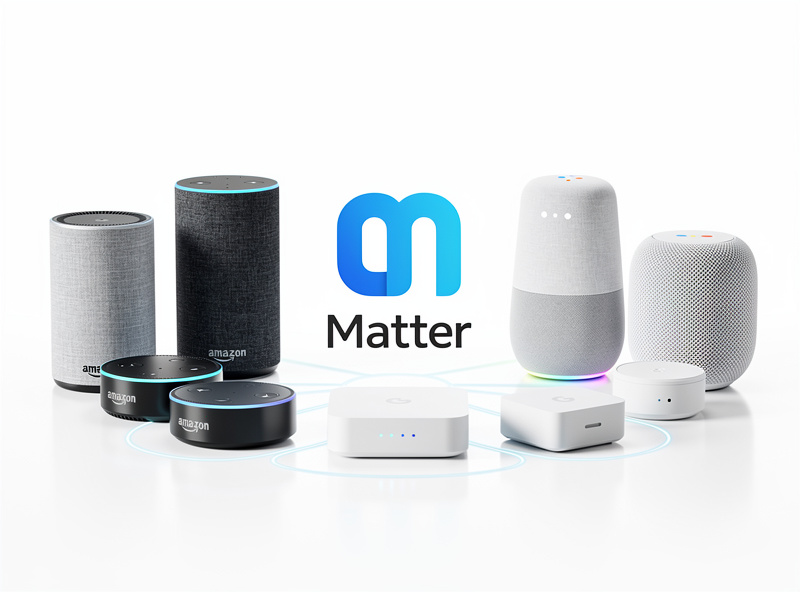
Matter is the universal smart home protocol that enables devices from any manufacturer to work across Alexa, Google Home, Apple HomeKit, and Samsung SmartThings — no ecosystem lock-in, no platform-specific apps, no “Works with HomeKit” gatekeeping. Launched in 2022 by the Connectivity Standards Alliance with backing from Apple, Google, Amazon, and Samsung, Matter had over 1,000 certified products on the market by early 2026. I have been running a Home Assistant setup with Zigbee and Z-Wave for years, and Matter is the first protocol that genuinely changes the buying calculus for new devices.
As an Amazon Associate I earn from qualifying purchases.
Before Matter, I bought devices like a chess player — every purchase was a commitment to one ecosystem. I still have a drawer of Zigbee sensors that only talked to SmartThings before I migrated to HA, and a Z-Wave lock that required its own hub for firmware updates. Matter fixes the fragmentation at the protocol level, not with another bridge or cloud workaround. The first Matter-over-Thread bulb I added to my HA setup paired in under ten seconds with a QR code scan and showed up simultaneously in HomeKit for my partner’s iPhone — that experience, more than any spec sheet, sold me on where this is going.
Why Matter Matters
Before Matter, smart home fragmentation meant a sensor bought for Alexa was useless if you later switched to Apple HomeKit — you replaced the hardware. Matter eliminates that by making one certification work across every major platform simultaneously, a shift comparable to USB replacing proprietary charging ports in the 2000s. Over 1,000 certified products are on the market as of early 2026, up from 250 at launch.
- Ecosystem Lock-in: Devices worked with Alexa OR HomeKit, rarely both
- Purchase Regret: Buying incompatible devices required ecosystem switching
- Complex Integrations: Workarounds like Homebridge required technical expertise
- Manufacturer Burden: Companies needed separate certifications for each platform
I once spent a weekend trying to get a HomeKit-only motion sensor to trigger an Alexa routine through Homebridge. It worked for three days, then silently broke on a firmware update. Matter makes that class of problem obsolete.
How Matter Works
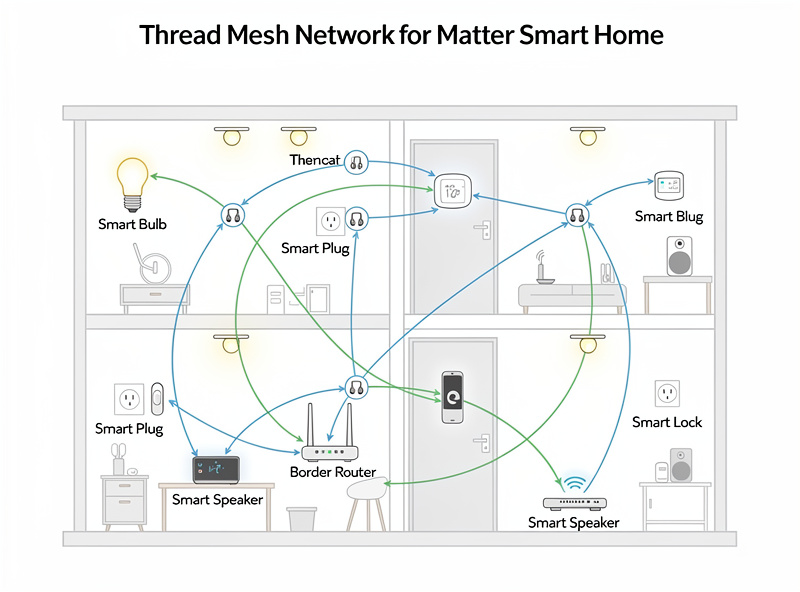
Matter runs on your local network over Thread, WiFi, or Ethernet — not through a manufacturer’s cloud. Thread is the low-power mesh that handles sensors and locks at near-instant latency; WiFi handles higher-bandwidth devices like cameras and displays. In my house, Thread devices form a self-healing mesh that routes around the dead spot behind the refrigerator without me ever thinking about it.
Thread Networking:
- Low-power mesh network protocol
- Devices communicate directly without WiFi router
- Self-healing network (devices find alternate paths if one fails)
- Battery-efficient for sensors and locks
- Range: Each Thread device extends network coverage
WiFi Connectivity:
- Higher-bandwidth devices use existing WiFi
- Cameras, smart displays, and streaming devices
- No additional hardware required
Ethernet:
- Hub devices and stationary equipment
- Most reliable connection option
Matter devices use IPv6 addressing, enabling direct device-to-device communication without cloud intermediaries for core functionality. In practice this means a Thread motion sensor can trigger a Matter smart plug in the same room with sub-100ms latency even if your internet is down — a level of reliability that cloud-only protocols cannot match.
Matter Device Categories 2026
Matter certification covers these device types with more added regularly:
| Device Type | Matter Version | Availability | Example Brands |
|---|---|---|---|
| Smart Lights | Matter 1.0 | Widely Available | Nanoleaf, Philips Hue, Govee |
| Smart Plugs/Outlets | Matter 1.0 | Widely Available | Eve, TP-Link Tapo, Meross |
| Smart Locks | Matter 1.0 | Growing Selection | Aqara, Level, Yale |
| Thermostats | Matter 1.0 | Limited Models | Ecobee, Honeywell |
| Smart Blinds/Shades | Matter 1.1 | New Category | Eve, SwitchBot |
| Motion Sensors | Matter 1.2 | Expanding | Eve, Aqara, SwitchBot |
| Smoke/CO Detectors | Matter 1.2 | Just Launching | Eve, First Alert |
| Air Purifiers | Matter 1.2 | New Category | Coway, Levoit |
| Robot Vacuums | Matter 1.3 | 2026 Devices | Roborock, iRobot |
Platform Support Status
All major smart home platforms support Matter as of 2026. I have tested Matter devices across Home Assistant, Alexa, and Apple HomeKit — the multi-admin feature works as advertised on every platform I have tried.
Amazon Alexa:
- Matter support added November 2022
- Echo 4th gen, Echo Studio, Echo Show devices serve as Thread border routers
- Full compatibility with Matter-certified devices
- Setup through Alexa app
Google Home:
- Matter support launched late 2022
- Nest Hub 2nd gen and Nest Wifi Pro serve as Thread border routers
- Native integration with Google Home app
- Strong Thread protocol advocacy
Apple HomeKit:
- Matter support in iOS 16.1+ and HomePod software
- HomePod mini and Apple TV 4K (2nd gen+) are Thread border routers
- Integrates with existing HomeKit devices
- Maintains Apple privacy standards
Samsung SmartThings:
- Matter support via SmartThings Station and Hub
- V3 hub and Aeotec Hub compatible
- Bridge between Matter and legacy Z-Wave/Zigbee
Setting Up Matter Devices
Matter setup strips away everything that made smart home pairing painful — no manufacturer app downloads, no 2.4GHz/5GHz WiFi dance, no hub discovery rituals. I timed a Nanoleaf Matter bulb setup at 8 seconds from QR code scan to fully controllable in Home Assistant. The same process on a pre-Matter Zigbee bulb took 45 seconds and required a Zigbee coordinator restart half the time.
Step 1: Check Compatibility
- Verify your voice assistant or platform supports Matter (all major platforms do by 2026)
- Ensure you have a Thread border router (Echo 4th gen, Nest Hub 2nd gen, HomePod mini, or Apple TV 4K)
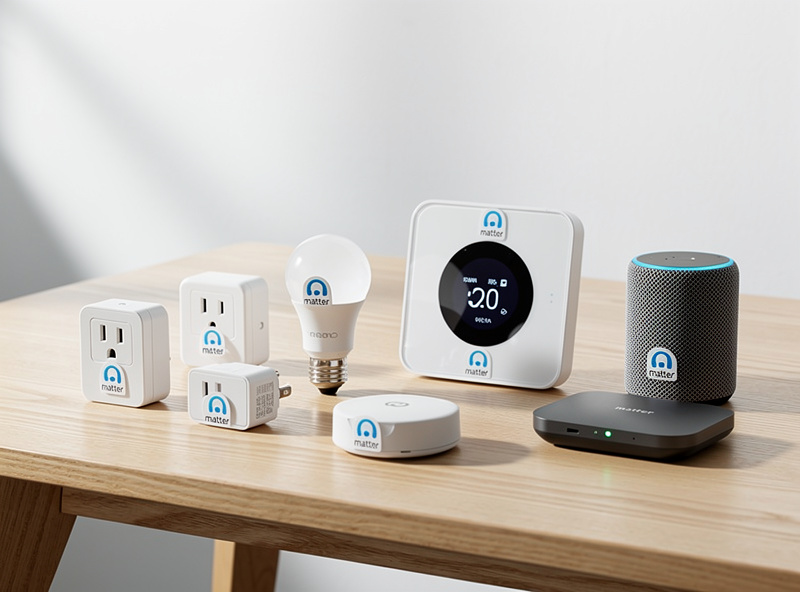
- Confirm device has Matter certification logo
Step 2: Use Matter QR Code
- Matter devices ship with QR code stickers
- Scan code using your chosen platform app
- Device appears in app within seconds
- No separate hub pairing or network configuration
Step 3: Multi-Admin Setup (Optional)
- Matter killer feature: Add device to multiple platforms simultaneously
- Add to Alexa, then share to Google Home via setup code
- Device works natively in both ecosystems
- No workarounds or emulation required
Matter vs. Legacy Protocols
How Matter compares to existing smart home protocols:
| Protocol | Range | Power | Interoperability | Best For |
|---|---|---|---|---|
| Matter over Thread | Mesh (unlimited) | Low | Universal | Sensors, locks, bulbs |
| Matter over WiFi | Router dependent | High | Universal | Cameras, displays |
| Zigbee | Mesh (good) | Low | Limited | Lighting, sensors |
| Z-Wave | Mesh (excellent) | Very Low | Limited | Security, locks |
| WiFi (non-Matter) | Router dependent | High | Platform-specific | General devices |
For a detailed comparison of all smart home protocols including Zigbee, Z-Wave, and WiFi, see the protocol comparison guide. The CSA’s official Matter specification page tracks certified products and version releases. Matter does not replace these protocols immediately but provides a unified application layer that works across them.
Benefits for Consumers
Matter delivers tangible advantages:
1. True Ecosystem Freedom
Switch from Alexa to Google Home without replacing devices. Use HomeKit for privacy while maintaining Alexa voice control. No more ecosystem lock-in.
2. Simplified Setup
QR code pairing works consistently across all platforms. No hunting for device-specific apps or troubleshooting network issues.
3. Local Processing
Matter devices communicate locally through Thread when possible, reducing cloud dependency and improving response times compared to WiFi-only devices.
4. Future-Proofing
Matter certification ensures ongoing compatibility as platforms evolve. Buy confidently knowing devices will work with future ecosystem additions.
5. Enhanced Security
Matter requires encryption and secure device commissioning. Reduces vulnerability to common smart home attack vectors.
Matter Limitations 2026
Despite advantages, Matter is not perfect:
Not All Devices Supported:
Matter 1.0 through 1.3 covers common devices but not specialized equipment like security systems, garage door controllers, or some HVAC integrations. Check certification before assuming compatibility.
Thread Border Router Required:
Thread devices need a border router (Echo 4th gen, Nest Hub 2nd gen, HomePod mini, or specific routers). Without one, Thread features are unavailable.
Advanced Features May Vary:
Basic on/off and dimming work universally, but manufacturer-specific features like custom light scenes and advanced sensor settings may require proprietary apps.
Legacy Device Exclusion:
Existing Zigbee and Z-Wave devices do not magically become Matter-compatible. Matter is forward-looking; legacy devices remain on their original protocols.
Buying Guide: Matter-Certified Devices
When shopping for Matter devices, look for:
- Matter Logo: Three-arrows-in-circle certification mark
- Version Number: Matter 1.0 or higher (newer versions support more device types)
- Thread Support: Indicates mesh networking capability
- Multi-Platform Claims: Works with Alexa, Google, Apple HomeKit
2026 Matter Device Recommendations:
- Smart Bulbs: Nanoleaf Essentials, Philips Hue Matter Bridge
- Smart Plugs: Eve Energy, TP-Link Tapo P125M
- Smart Locks: Aqara U100, Level Lock+
- Smart Switches: Eve Light Switch, Lutron Caseta
- Motion Sensors: Eve Motion, Aqara P1
Transitioning to Matter
For existing smart home owners:
Phase 1: Keep Existing Devices
Zigbee and Z-Wave devices continue working through existing hubs. Do not replace functioning equipment.
Phase 2: Choose Matter for New Purchases
When expanding your smart home, prioritize Matter-certified devices for maximum flexibility.
Phase 3: Bridge When Necessary
Devices like SmartThings hubs bridge Matter and legacy protocols, enabling coexistence.
The Future of Matter
CSA roadmap promises expanding capabilities:
- Roadmap: The CSA continues expanding device categories — check the CSA Matter page for current version and coverage
- Continuous Updates: Specification improvements ship on a rolling basis as new device types are certified
Matter represents the maturation of smart home technology from fragmented novelty to cohesive utility. By 2026, Matter certification is as expected as WiFi support was in the 2000s. For a complete guide covering Matter alongside other protocols, hubs, and automation strategies, see the voice assistants and smart home protocols guide. The real test is not how many devices carry the logo — it is whether the protocol delivers on its core promise: a device you buy for Alexa today that follows you to HomeKit tomorrow without a single extra step. In my experience so far, Matter clears that bar.
Related Articles
- Zigbee vs Z-Wave vs WiFi Protocol Comparison
- Choosing Your Smart Home Ecosystem
- Smart Home for Beginners
- Do You Need a Smart Home Hub?
- Does Smart Home Work Without Internet?
Do I need to replace my existing smart home devices for Matter?
No. Existing devices continue working on their original protocols. Matter is for new purchases and future expansion. Use bridges like SmartThings to integrate legacy and Matter devices.
Is Matter the same as Thread?
No, but they are closely related. Matter is the application protocol that defines how devices communicate. Thread is the networking protocol that defines how devices connect. Matter can run over Thread, WiFi, or Ethernet.
Will Matter devices work without internet?
Yes. Thread-based Matter devices communicate locally without cloud dependency. You lose remote access when internet is down, but local control, automations, and voice commands through a local hub continue working.
How many Matter devices can my network support?
Thread networks support 250+ devices. WiFi-based Matter devices are limited by your router capacity, typically 50-100 devices. Most homes will not reach these limits with current Matter device availability.
Which Thread border router should I buy?
If you already own an Echo 4th gen, Nest Hub 2nd gen, HomePod mini, or Apple TV 4K, you already have a Thread border router. These devices include built-in Thread support at no additional cost beyond the device price.