Zigbee Routers vs End Devices: How Mains Repeaters Heal Your Mesh
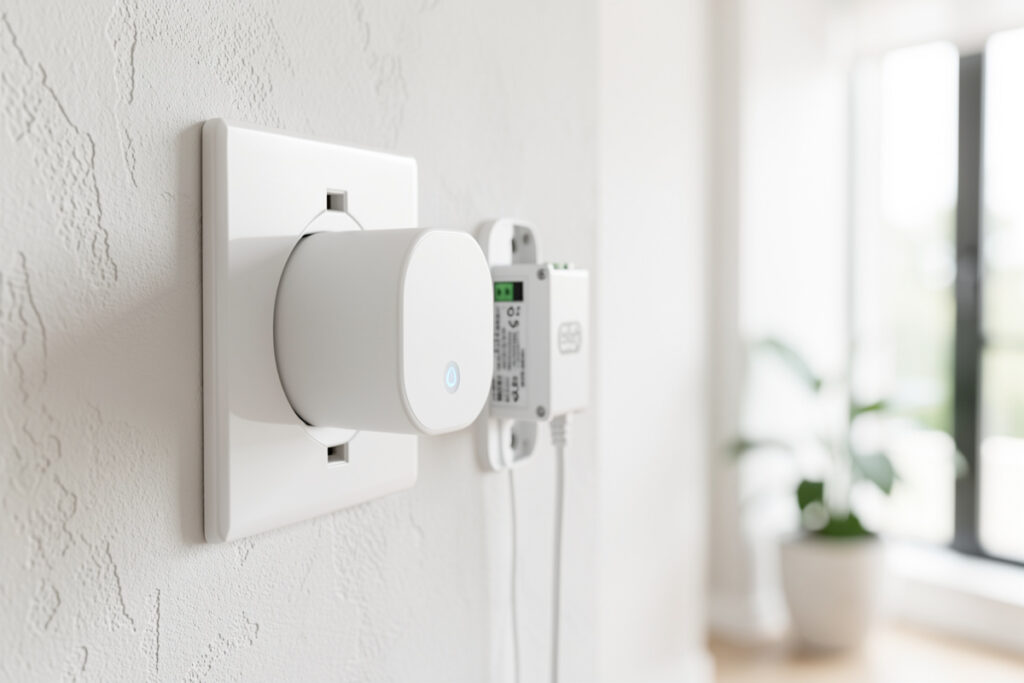
Every device on a Zigbee network is one of two things: a router or an end device. Routers are the mains-powered devices — smart plugs, in-wall relays, most bulbs — that relay traffic and extend the mesh. End devices are the battery-powered ones — sensors, buttons, locks — that sleep most of the time and only talk to one router. Understand that split and most Zigbee reliability problems suddenly make sense, because a healthy mesh is really just enough routers in the right places.
This is the concept I most wish someone had drilled into me when I started, because it reframes nearly every dropout. The fix for an unreliable sensor is rarely the sensor — it is giving it a strong router to lean on. This guide explains the difference, which devices route well, and how many you need, as part of my Zigbee2MQTT setup guide cluster.
The short version
Mains-powered Zigbee devices act as routers that relay messages and heal the mesh; battery devices are end devices that depend on a nearby router as their parent. A network with too few routers leaves distant sensors clinging to weak links and dropping off. The single most effective upgrade for a flaky Zigbee network is usually adding a couple of cheap mains-powered plugs to act as routers between the coordinator and the trouble spots.
What a router actually does
A Zigbee router is any always-powered device that participates in passing messages along. When a sensor at the far end of the house wants to report, its message does not have to reach the coordinator in one leap — it hops from the sensor to its parent router, and from there router to router until it arrives. Each router also keeps a small routing table so the mesh knows the paths available — a structure the official Zigbee2MQTT network documentation describes in detail. Because there are usually several possible paths, the network can route around a router that goes offline; that is the self-healing property people mean when they call Zigbee a mesh.
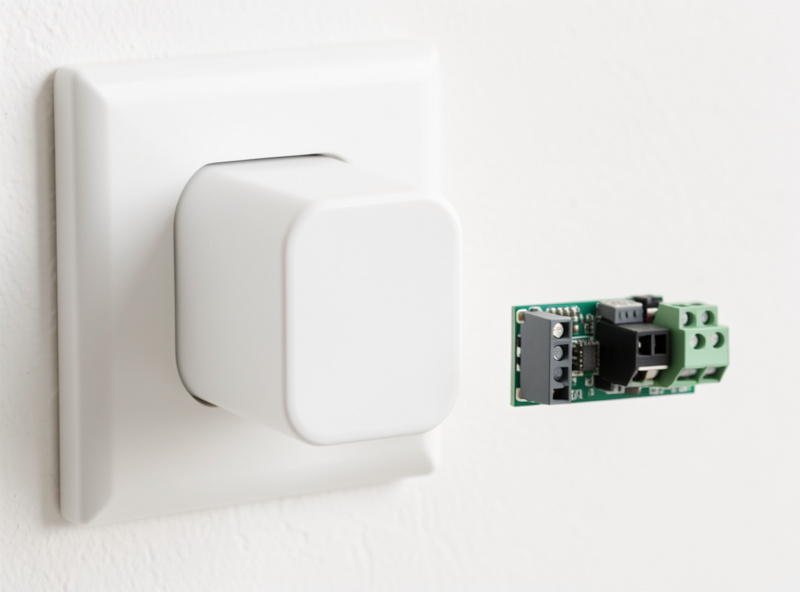
Smart plugs and in-wall relays make excellent routers because they are always on and they sit at outlet height around the house, which is exactly where you want relay points. This is a big part of why I treat plugs and relays as the building block of a smart home rather than buying smart bulbs everywhere — the same device that switches a lamp is quietly carrying traffic for the sensors around it. My picks for the ones I trust are in best smart plugs, and the broader plug-versus-switch logic is in smart plug vs smart switch.
What an end device is, and why it sleeps
End devices are the battery-powered members of the network: contact sensors, motion and presence sensors, temperature and humidity sensors, buttons, water-leak detectors, and most locks. To make a coin cell last months or years, these devices spend almost all their time asleep, waking briefly to send a reading and then going quiet again. While asleep they cannot relay anyone else’s traffic, which is why they are end devices and never routers — routing requires being awake and listening all the time, and that would flatten a battery in days.
Because an end device only talks to one parent router at a time, the quality of that one link is everything. If the nearest router is far away or behind a wall, the sensor’s link is marginal, it burns extra battery retrying, and it eventually drops off. The cure is not a fresh battery — it is a closer router. This is the root of an enormous share of “my sensor keeps dying” complaints, and I walk through diagnosing it step by step in Zigbee device keeps dropping off.
| Trait | Router | End device |
|---|---|---|
| Power | Mains-powered, always on | Battery, mostly asleep |
| Relays traffic | Yes — carries the mesh | No |
| Typical examples | Smart plugs, in-wall relays, many bulbs | Sensors, buttons, locks |
| Extends range | Yes | No |
| Talks to | Coordinator and other routers | One parent router |
| Effect of adding more | Strengthens and heals the mesh | Adds load that routers must carry |
Not all routers route equally well
Here is a wrinkle worth knowing: although most mains-powered devices technically route, some do it far better than others. Plugs and dedicated relays from solid brands tend to be excellent, reliable routers. Some inexpensive smart bulbs, on the other hand, have a reputation for being poor routers — they keep small routing tables, can be slow to pass traffic, and a few have historically dropped packets under load. The community lore that “cheap bulbs make bad routers” is rooted in real behavior.
That does not mean avoid bulbs entirely — it means do not rely on a chain of bargain bulbs as the backbone of your mesh. I keep the load-bearing routing on plugs and relays I trust, and let bulbs be bulbs. There is also a subtle trap with bulbs: a smart bulb only routes while it has power, so if it is on a switch someone flips off at the wall, every device that was relaying through it suddenly loses its path. That is one more reason I favor switches and relays that keep the smarts powered over bulbs that go dark when the wall switch is off.
How many routers do you actually need?
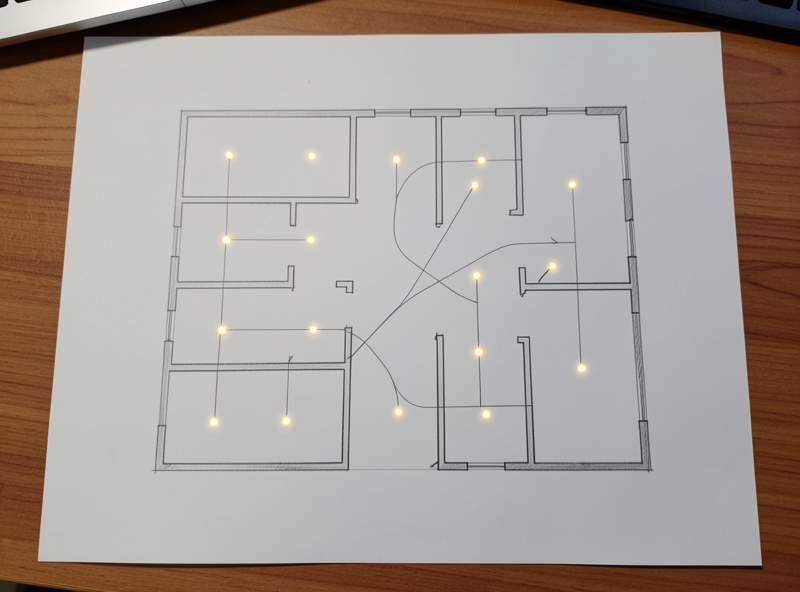
There is no single magic number, but the principle is simple: you want every end device to have a strong router within comfortable range, and you want a few possible paths back to the coordinator from every corner of the house. In practice that often means a router roughly every room or two, more where there are thick walls, appliances, or long runs. A two-bedroom apartment might be happy with a handful; a multi-floor house wants routers on each floor so traffic can climb between levels.
The cheapest way to add routing is a few energy-monitoring smart plugs you would find useful anyway — they earn their keep twice, switching something and relaying traffic. When you are deliberately filling a coverage gap into a garage or outbuilding, the right procedure matters, and I cover it in how to add a Zigbee repeater the right way. The wrong way — adding a router and hoping devices migrate to it — usually disappoints, because existing end devices stick with their current parent until something forces them to re-evaluate.
Mains-powered sensors: the best of both worlds
There is a happy middle category worth knowing about. Some sensors — particularly USB- or mains-powered mmWave presence sensors — are always on, and because they never sleep, many of them route as well. So a powered presence sensor in a hallway can do double duty: it detects presence and it relays traffic for the battery devices around it. When I want true presence detection in a room rather than just motion, I lean toward a powered mmWave sensor for the accuracy, and the routing it adds is a free bonus.
This is the inverse of the bulb problem. A bulb that loses power stops routing; a hard-wired sensor that always has power becomes a dependable relay point exactly where you tend to want one, in the middle of a living space. If you are placing powered sensors anyway, place them with half a thought to the mesh and they will strengthen it for free. It is the kind of two-birds decision that makes a network feel effortless once you start thinking in routers and end devices.
Reading the mesh and pairing in the right order
The network map in Zigbee2MQTT shows you the whole picture: which devices are routers, which are end devices, and which parent each one is using, with link-quality numbers on every connection. When I add routers, I check the map afterward to confirm that the distant sensors have actually picked up stronger parents. If they have not re-homed on their own, I re-pair the stubborn ones near the new router so they bond to it.
Pairing order matters for the same reason. I always energize and pair routers first, in their final locations, then pair battery end devices in or near where they will live. A sensor paired next to the coordinator bonds to whatever is closest at that moment, so if you then carry it to a distant room it keeps reaching for a parent it can barely hear. Pair it in place and it bonds to the right local router from the start. Range, by the way, is about the path, not the straight-line distance — the deeper treatment of that is in Zigbee range and interference problems.
Signs your mesh is short on routers
There are tells. If your devices near the coordinator are flawless but everything past a certain distance is unreliable, that is a routing gap, not bad hardware. If a sensor works in winter and struggles in summer, suspect a seasonal change in the path — a door that is now closed, furniture moved, a humid wall. If adding a single device seems to wobble several unrelated ones, the mesh is stretched thin and re-organizing under the new load. And if the network map shows a long chain of end devices all hanging off one overworked router, that router is a single point of failure waiting to bite.
The fix for all of these is the same family of moves: add a router in the weak zone, relocate the coordinator into clearer air, or both. I keep a couple of spare plugs specifically so that when a corner of the house gets flaky I can drop in a relay point and watch the map heal within a few minutes. It is the cheapest, fastest reliability upgrade in the whole hobby, and it almost never involves buying a replacement for the device that looked broken.
How routing compares in Z-Wave and Thread
The router-and-end-device split is not unique to Zigbee. Z-Wave works the same way conceptually — mains-powered devices route, battery devices sleep — just on a different, lower-frequency radio that dodges the 2.4 GHz Wi-Fi crowd entirely. Thread, the radio behind many Matter devices, also has routing nodes and sleepy end devices, and it shares Zigbee’s band. So the mental model you build here transfers directly: in any of these meshes, always-on devices carry the network and battery devices lean on them.
That is reassuring if you are running a mixed home, because you do not have to learn three philosophies. The same instinct — scatter enough always-on relay points so no sleepy device is ever far from a strong parent — keeps a Zigbee mesh, a Z-Wave mesh, and a Thread mesh healthy alike. The radios differ; the routing logic does not.
Locks, and why battery routers do not exist
People sometimes ask why their battery smart lock cannot also act as a router to help the mesh near the front door. The answer is the same sleep logic: a lock has to conserve battery, so it sleeps as an end device and cannot stay awake to relay. If your lock is at the edge of range and unreliable, the fix is to put a router near it — a plug in a nearby outlet or an in-wall relay — so the lock has a strong, close parent. Giving a critical device like a lock its own nearby router is one of the few places I will add a plug purely for routing, not because I need to switch anything.
How this ties back to the whole network
Routers and end devices are the two halves of every Zigbee decision. When you choose a coordinator, you are picking the heart; when you place routers, you are building the circulatory system; when you add sensors, you are adding the nerves. A great coordinator with no routers is a heart with no arteries — see the coordinator stick guide for that side. Get the routing layer right and everything you hang off it inherits the reliability.
As an Amazon Associate I earn from qualifying purchases.
So if you take one thing from this: when a Zigbee device misbehaves, ask “does it have a strong router nearby?” before you blame the device. Nine times in ten, adding or relocating a mains-powered router fixes more than swapping the sensor ever would. The mesh wants to be healthy; your job is mostly to give it enough always-on relay points to do that healing on its own.