Best Smart Motion Sensor Lights for Home Security (2026)
The Quick Answer
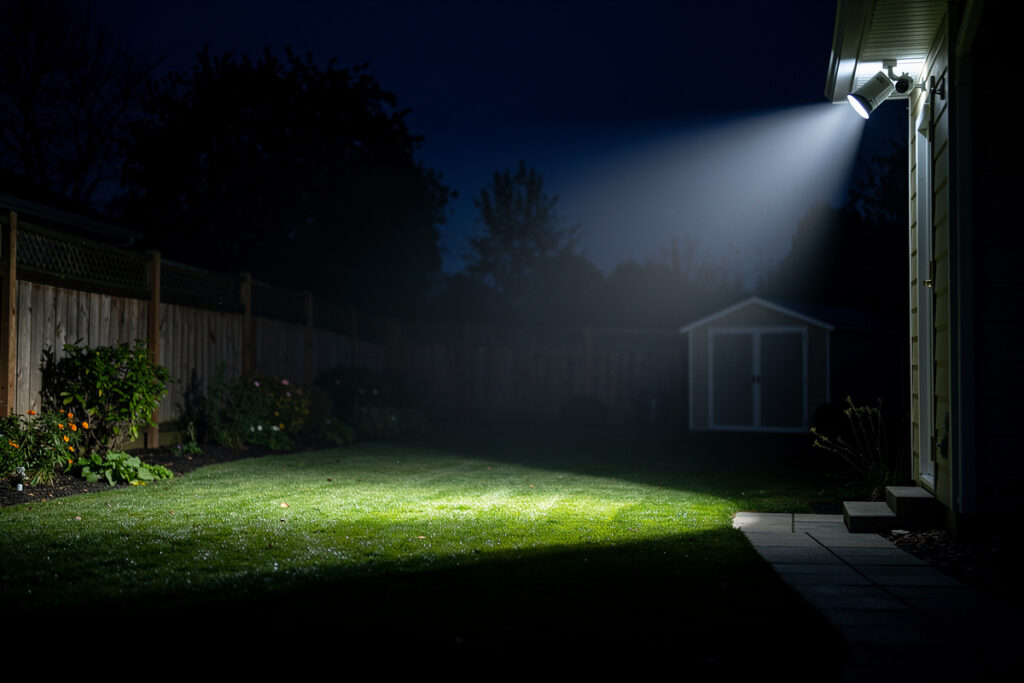
The best smart motion sensor lights include the Ring Smart Lighting system, Philips Hue Outdoor, and Wyze Bulb with motion sensor. These devices detect movement and automatically illuminate areas, deterring intruders while providing convenient hands-free lighting. Look for adjustable sensitivity, customizable schedules, and integration with your broader security ecosystem.
As an Amazon Associate I earn from qualifying purchases.
How Smart Motion Lights Enhance Security
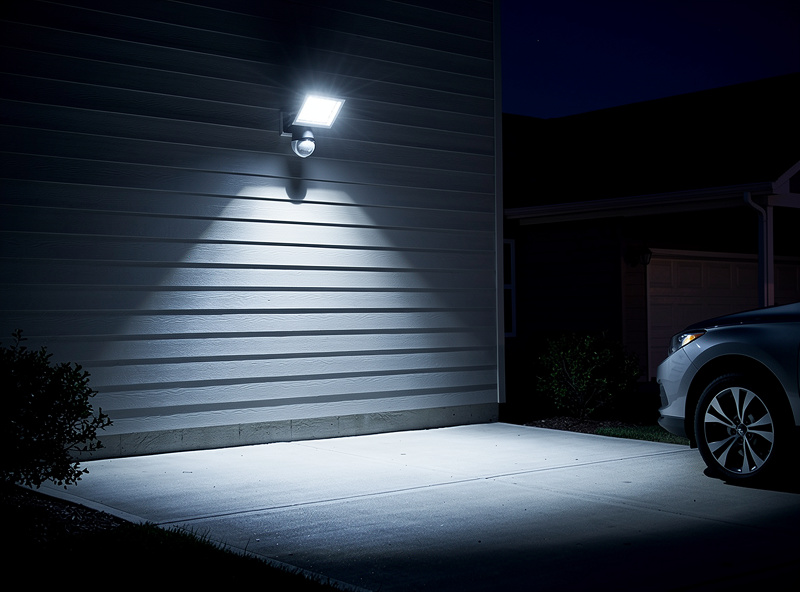
Motion-activated lighting serves dual purposes: deterring potential intruders who prefer darkness, and alerting you to activity around your property. For a complete overview of all smart security camera options, see the best smart security cameras guide. When a smart light detects motion, it can trigger other actions—recording video, sending phone notifications, activating sirens, or even triggering interior lights to simulate occupancy.
Unlike traditional motion lights, smart versions offer granular control. Adjust sensitivity to ignore pets but detect humans. Set different behaviors for day vs. night. Create automated routines when you are away. The intelligence transforms basic lighting into an integrated security component.
Types of Smart Motion Lights
Smart Bulbs with Motion Detection
These standard-shaped bulbs contain built-in motion sensors. Screw them into existing fixtures—no wiring changes needed. Ideal for porches, garages, and entryways where you already have light fixtures.
Best Option: Wyze Bulb with Motion Sensor — $15-20 per bulb with 1100 lumens brightness, adjustable color temperature, and integration with Wyze ecosystem.
Smart Floodlights
High-output fixtures (1500-3000 lumens) designed for driveways, backyards, and large areas. These replace existing outdoor fixtures and often include built-in cameras or sirens.
Top Pick: Ring Floodlight Cam Wired Pro — 2000 lumens, 110dB siren, 3D motion detection, color night vision camera, and seamless Ring ecosystem integration.
Smart Spotlights and Path Lights
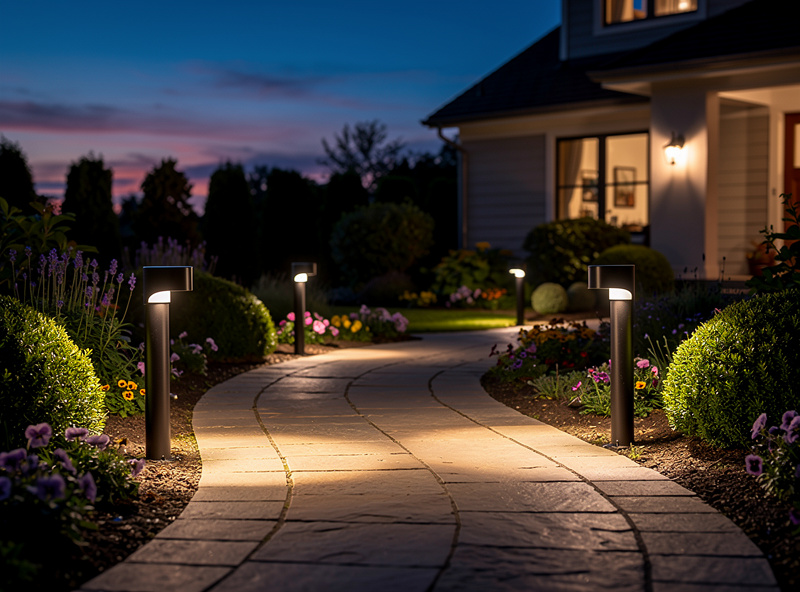
Battery-powered or solar options for areas without wiring. These accent landscaping while providing security coverage along walkways and dark corners.
Best System: Ring Smart Lighting Pathlights — Battery-powered, Ring’s own spec sheet lists 80 lumens each with roughly a year of runtime on four D batteries under normal triggering (dusk-to-dawn mode drains them faster), and integration with Ring Bridge for smart features.
LED Strip Lights with Motion
Flexible strips perfect for under cabinets, along stairs, or behind furniture. Motion sensors trigger accent lighting automatically.
Recommended: Philips Hue Lightstrip Plus with Motion Sensor — 16 million colors, indoor/outdoor rated, and integrates with Hue ecosystem for advanced automations.
Key Features to Consider
Detection Range and Sensitivity
Look for adjustable detection zones to prevent false triggers from passing cars or swinging branches. Quality lights offer 20-40 foot detection ranges with sensitivity settings from “pet-friendly” (ignores animals under 50 pounds) to maximum sensitivity for perimeter security.
Brightness and Color Temperature
Security lighting should be bright enough to startle intruders and capture clear video. Look for:
- Entry points: 800-1500 lumens
- Driveways/large areas: 2000+ lumens
- Color temperature: 3000K-5000K (warm white to daylight) for visibility
Power Options
- Wired: Most reliable, no battery maintenance, continuous power
- Battery: Flexible placement, 6-24 month battery life depending on activation frequency
- Solar: Eco-friendly, limited by sunlight exposure, best for southern exposures
Smart Home Integration
Best-in-class motion lights integrate with broader ecosystems:
- Ring: Works with Ring Alarm, cameras, and doorbells for unified security. Compare Nest vs Ring doorbells for the best entry monitoring option.
- Philips Hue: Integrates with Hue sensors, switches, and entertainment sync
- SmartThings: Triggers automations with any SmartThings-compatible device
- Alexa/Google: Voice control and routine integration
Top 5 Smart Motion Lights for 2026
1. Ring Floodlight Cam Wired Pro (Best Overall)
2000-lumen floodlights with 110dB siren and 1080p camera. Bird’s Eye View provides overhead motion trails. Hardwired installation ensures no battery anxiety. Color night vision and two-way talk. The ultimate all-in-one security light, though requires existing wiring.
2. Philips Hue Outdoor Motion Sensor + PAR38 Bulbs (Best Smart Home)
Hue’s outdoor motion sensor works with any Hue bulbs or fixtures. Set different light scenes for motion—soft welcome lighting for family, bright security mode for unknown motion. Weatherproof, runs on 2 AA batteries with at least two years of battery life per Philips’ own spec, and integrates with 100+ Hue products.
3. Wyze Bulb Color with Motion Sensor (Best Budget)
Color-changing smart bulb with built-in motion detection at an unbeatable price. 1100 lumens, 16 million colors, and scheduling via Wyze app. No hub required. While not as bright as dedicated security lights, excellent for entryways and covered porches.
4. Arlo Pro 3 Floodlight Camera (Best Battery Option)
2000-lumen floodlight with 2K HDR camera, completely wire-free. Rechargeable battery lasts 3-6 months. Color night vision and integrated siren. Expensive but unmatched flexibility for areas without wiring access.
5. Aootek 238 LED Solar Security Light (Best Solar)
Budget solar option with 238 LEDs producing wide-angle coverage. Three modes (security, permanent on, smart brightness). IP65 weatherproof. No wiring, no batteries to replace—just sunshine required.
Installation and Placement Tips
Strategic Positioning
- Height: Mount 8-10 feet high to prevent tampering while optimizing detection angle
- Coverage: Position to catch approach paths—driveways, walkways, dark corners
- Avoid: Directly facing streets (triggers from cars) or heat sources (vents, AC units)
- Overlap: Multiple lights should cover all sides of the house with some overlap
Motion Zone Configuration
Use your light’s app to define detection zones. Exclude areas with frequent benign motion (swaying trees, passing traffic) while covering vulnerable entry points. Most apps let you draw custom zones on a live camera view or diagram.
Scheduling and Automation
Set different behaviors for different times:
- Daytime: Lower sensitivity or disabled to save energy
- Evening: Welcome lighting for family arrivals
- Night: Maximum brightness and sensitivity for security
- Away Mode: Trigger interior lights to simulate occupancy
Integration with Security Systems
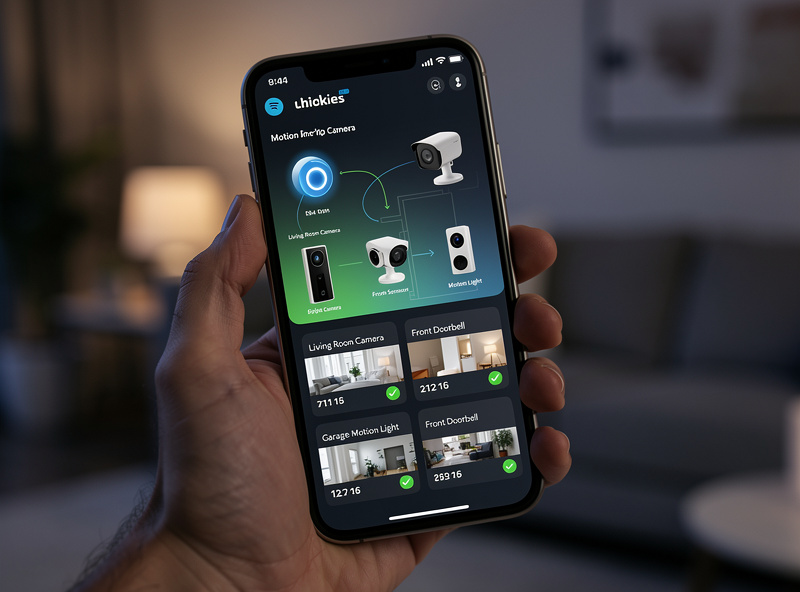
The real power of smart motion lights emerges when connected to broader security. Pair them with subscription-free cameras for a complete monitoring system, or add video doorbells for entry point coverage.
- Camera Triggers: Motion light activation starts camera recording 5 seconds earlier
- Siren Activation: Multiple motion detections within 5 minutes triggers alarm siren
- Phone Notifications: Get alerted when lights activate while you are away
- Smart Plugs: Turn on interior lamps when exterior motion detected. see the best smart plugs guide for automation options.
Cloud-Dependent vs Locally-Controlled Motion Lighting
Worth knowing before you buy: Ring, Wyze, and most of the camera-equipped floodlights on this list are cloud-first devices. The motion event, the notification, and often the automation logic itself round-trip through the manufacturer’s servers, which means a Ring or Wyze outage can mean your floodlight stops reacting to motion at all, not just losing remote notifications. Philips Hue is the partial exception — the Hue Bridge processes motion locally and can keep basic on/off rules running even if Philips’ cloud is down, though the fancier scene-based automations still lean on the app.
If local control matters to you, the more reliable pattern is a dedicated Zigbee or Z-Wave PIR sensor paired with a smart bulb or relay through a self-hosted hub like Home Assistant, rather than a manufacturer’s all-in-one floodlight camera. You lose the built-in camera and siren, but the automation itself keeps running on your own network regardless of whether any company’s cloud is having a bad night. For a pure security floodlight where the camera and siren are the point, a cloud-connected unit like the Ring Floodlight Cam is still the simpler choice — just go in knowing what you’re trading away.
Either way, put the light’s Wi-Fi module on a separate IoT network segment from your laptops and phones. It costs nothing extra and it’s the single biggest thing you can do to limit what a compromised device could reach.
One more practical note if you go the hub-and-sensor route: mains-powered relays make far better long-term citizens on a mesh network than battery sensors do, because they double as repeaters for everything else on the mesh. A PIR sensor at the front door is a battery device by necessity, but if you’re adding a smart bulb or in-wall relay to actually switch the light, that’s one more always-on node strengthening the rest of your Zigbee or Z-Wave coverage — a small side benefit that a cloud-only floodlight camera never gives you, and one more reason the boring relay-behind-a-dumb-switch approach usually wins over the flashy all-in-one gadget once you actually live with it for a year.
Professional Placement Strategies
Security professionals recommend the “layered lighting” approach. The outer perimeter uses low-level ambient lighting that allows cameras to capture anyone approaching. The middle zone uses motion-triggered lighting to alert and illuminate intruders. The inner zone uses the brightest motion lights combined with cameras for maximum deterrence. Avoid creating deep shadows—walk your property at night and note areas where someone could hide even when lights activate.
My Motion Light Setup
I use Zigbee PIR sensors paired with smart bulb adapters in the hallway and staircase. The automation is simple: motion detected after sunset, lights on at 30% brightness; no motion for 3 minutes, lights off. The 30% level is deliberate: full brightness in a hallway at 2 AM is jarring, 30% is enough to see where you are walking without fully waking up. The 3-minute timeout is long enough that you do not get plunged into darkness mid-trip but short enough that the lights are not burning all night.
The sensors cost $12 each and the bulb adapters $15 each. Three hallway/staircase zones cost about $80 total, and the automation has run flawlessly for two years. This is the kind of automation that disappears into your life: guests never reach for a light switch because the lights are always on when they need to be and off when they do not.
The sensor placement lesson I learned the hard way: do not mount the PIR sensor pointing at a heat source. My first hallway sensor was angled toward the kitchen doorway, and every time the oven opened, the heat bloom triggered the hallway lights at 11 PM. Repointing the sensor 15 degrees away from the kitchen door fixed it permanently. PIR sensors detect infrared changes, and any heat source in their field of view is a potential false trigger: heating vents, refrigerators, even south-facing windows on a sunny day.
The lux sensor matters as much as the motion sensor. I tied the motion lights to a lux threshold of 30, meaning the automation only fires when the ambient light is actually dark enough to need illumination. Without the lux condition, the motion lights turned on during cloudy afternoons when the hallway was dim but not actually dark. The lux threshold eliminated every daytime false trigger and made the automation invisible until it was genuinely needed.
Frequently Asked Questions
Do smart motion lights work during power outages?
Wired models do not, but battery and solar options continue functioning. Consider a mix – wired for reliability, battery or solar for backup. Some systems like Ring can connect to solar chargers for continuous operation even during extended outages.
Can animals trigger motion lights constantly?
Yes, if sensitivity is too high. Quality lights offer people only modes using PIR passive infrared heat detection that distinguishes human-sized heat signatures from smaller animals. Position lights away from pet paths if possible and adjust sensitivity to ignore animals under 50 pounds.
How long do batteries last in wireless motion lights?
Depends entirely on activation frequency. A light triggered 5 times nightly might last 6-12 months on AA batteries. The same light triggered 50 times nightly might drain in 2-3 months. LED efficiency means even frequent activation uses minimal power.
What is the best brightness for security motion lights?
Entry points need 800-1500 lumens for adequate illumination. Driveways and large areas require 2000+ lumens to deter intruders and provide clear camera footage. Color temperature of 3000K-5000K offers the best balance of visibility and comfort.
Can smart motion lights integrate with security cameras?
Yes, and this is where they become most valuable. When a motion light triggers, it can simultaneously start camera recording, send phone notifications, and activate other security devices. Ring, Philips Hue, and SmartThings ecosystems offer the deepest integration between lights and cameras.
Related Articles
- Best Smart Security Cameras 2026: Complete Buyer Guide
- Best Smart Cameras Without Monthly Subscription (2026)
- Smart Doorbell Battery Life: What to Expect (2026)
- Indoor Security Camera Privacy: What You Should Know
- Best Smart Plugs 2026: Complete Buyer Guide
- Smart Driveway Alert Systems: Detection and Notifications