Smart Doorbell Battery Life — What to Expect (2026)
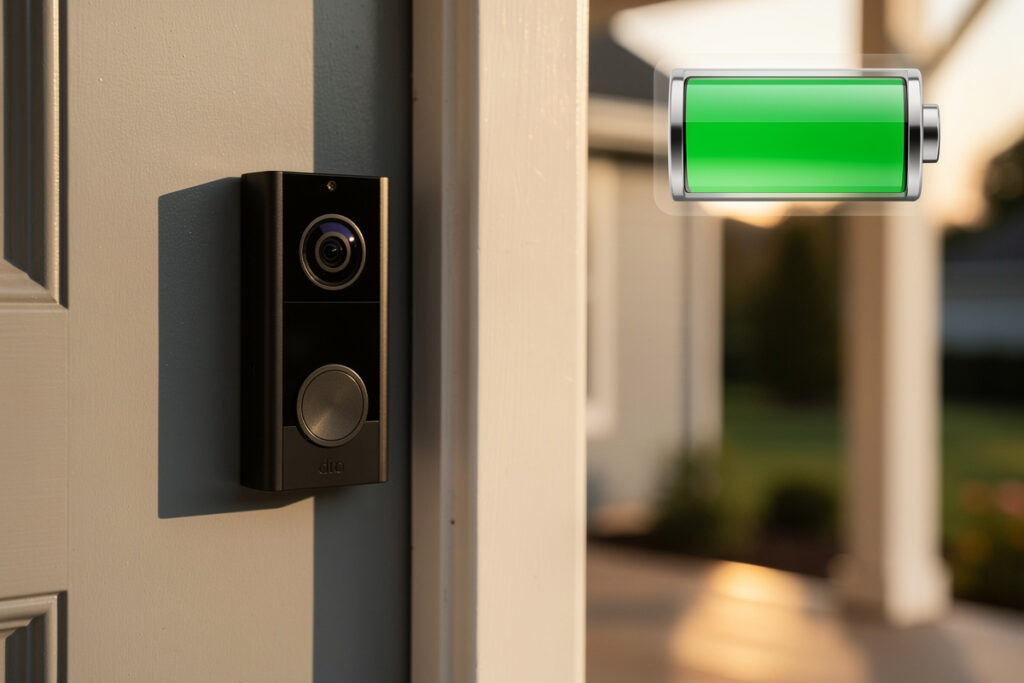
Most battery smart doorbells last two to six months on a charge under normal use — but that range is almost meaningless until you know your own front door. The number that actually decides it is how many times a day the camera wakes up, and that depends entirely on where it’s pointed. After running doorbell and camera gear on my own local-first setup for years, my honest take is this: battery life is less a spec you shop for and more a consequence of how you install and configure the thing. Get the placement and settings right and a “2–6 month” doorbell comfortably hits the top of that range. Get them wrong and you’ll be recharging it every few weeks until you give up.
Here’s exactly what drains them, how the popular models actually compare, and the changes that move battery life the most — including the one fix (hardwiring) that ends the recharge treadmill entirely.
As an Amazon Associate I earn from qualifying purchases. The doorbells and accessories I link are the ones I’d genuinely recommend; the links go to current listings so you can check price and specs.
What actually drains the battery
Five things move the needle, and they’re roughly in this order of impact:
Motion events — by far the biggest factor. Every detection wakes the camera to record and upload. A doorbell facing a busy street that fires fifty-plus times a day will die in a fraction of the time of one on a quiet side entrance seeing five. This single variable explains most of the wild range in reviews — people aren’t lying about “2 weeks” or “6 months,” they just have very different front doors.
Live view. Every time you pull up the feed to watch, the camera streams continuously over Wi-Fi, which is power-hungry. If you’re the type to check the porch ten times a day, expect a noticeable hit.
Video quality. Recording 2K or higher, and running infrared night vision, costs more than 1080p. Dropping resolution and frame rate buys real runtime if you need it.
Cold weather. Lithium cells hate the cold. Below freezing (0°C / 32°F) usable capacity can fall by a third or more, and in deep cold a pack may briefly shut down to protect itself. Here in Sweden this is the dominant seasonal effect — my outdoor battery gear simply doesn’t last as long in January, and no setting fully fixes that.
Weak Wi-Fi. The hidden one. When signal at the door is poor, the radio works harder and retransmits, quietly eating battery. A doorbell at the edge of coverage can lose a meaningful chunk of its life to nothing but a bad connection — worth fixing before you blame the battery.
How the popular models compare
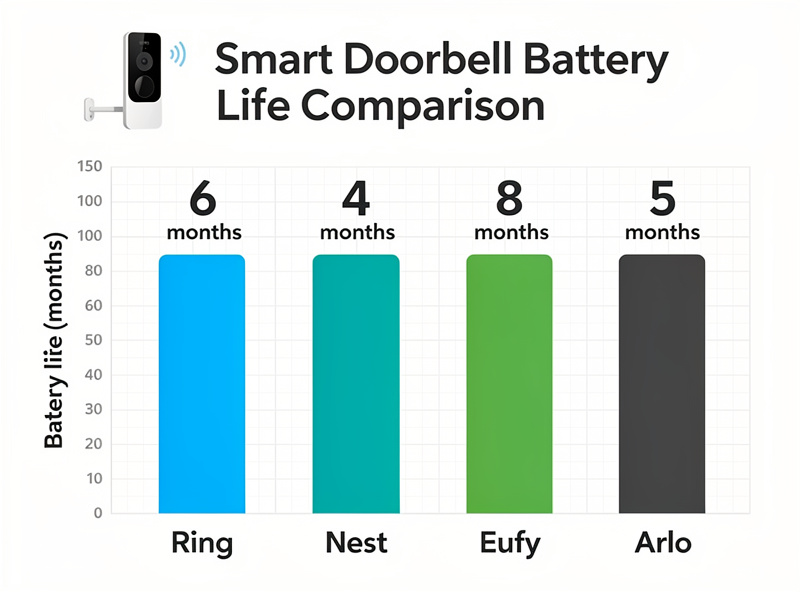
Manufacturer battery claims assume light use, so treat these as best-case — Google’s own published tiers for the Nest Doorbell run from about 1 month on a busy door to about 6 months on a quiet one, and Eufy’s own spec sheet quotes a similar 4-to-6-month range under normal use — which is exactly why the table below leans toward realistic, moderate-traffic numbers rather than the best-case marketing figure. What I weigh more heavily is the part most battery articles ignore: whether the footage stays local and whether you’re forced into a subscription. As someone who runs local-recording cameras precisely to keep footage off the cloud, that column matters as much to me as the runtime.
| Doorbell | Battery life (typical) | Storage | Subscription | Local-friendly |
|---|---|---|---|---|
| Ring Video Doorbell (battery) | 3–4 months | Cloud | Required for video history | No |
| Eufy Video Doorbell 2K (battery) | 4–6 months | Local (built-in) | None | Yes |
| Google Nest Doorbell (battery) | 2.5–3.5 months | Cloud (limited free) | Recommended | No |
| Arlo Essential Wire-Free | 2–4 months | Cloud | Required for cloud | No |
| Wyze Video Doorbell Pro | 3–4 months | Cloud / microSD | For full features | Partial |
My picks by priority: for longest life with no fees and local storage, the Eufy battery doorbell is the one that matches how I think about cameras. For the easiest recharge experience, the Ring battery doorbell with its quick-release pack is hard to beat. For the best AI detection, the Nest battery doorbell, at the cost of shorter runtime. On a budget, the Wyze Doorbell Pro. If you want the head-to-head on the two biggest names, my Nest vs Ring doorbell comparison goes deeper.
How to actually extend battery life
In order of how much they help:
- Tighten the motion zone. This is the big one. Mask out the sidewalk and street so the camera only fires for people actually approaching your door. Cutting nuisance triggers from the road is the single most effective change you can make.
- Fix the Wi-Fi at the door. Add a mesh node or extender near the entrance if signal is weak. You’re recovering battery that was being wasted on a bad connection.
- Add a motion light so the camera isn’t the trigger. Pairing the doorbell with smart motion sensor lights means the porch is already lit and you can lean on cheaper PIR sensors for “someone’s here” detection, sparing the doorbell some wake cycles.
- Schedule it down when you’re home. If you don’t need alerts at 2pm on a Saturday when everyone’s in, schedule reduced activity.
- Drop the video quality from 2K to 1080p, and the frame rate where the app allows, if you’re chasing every last week.
- Keep a charged spare pack. For quick-release models, a second battery pack means a ten-second swap instead of days of downtime — buy this on day one.
- Add a solar charger if your door gets sun (more on that below).
The real fix: hardwire it
Here’s the opinion I’ll stand behind: a doorbell you have to pull off the wall every six weeks is a doorbell you’ll eventually stop maintaining, and a security device you neglect isn’t security. If your home has any existing doorbell wiring — even a dead chime circuit — the best move is to hardwire the battery doorbell. Almost all of them support it as a supplement: the wiring trickle-charges the battery continuously so it never runs down, and you keep the battery as backup for power cuts. That’s genuinely the best of both worlds, and it’s why I always check for existing wiring first.
The requirement is a transformer supplying 16–24V AC, which most doorbell circuits already provide. If you’re comfortable with basic low-voltage wiring it’s a straightforward job; if not, an electrician handles it quickly. The reliability payoff — never thinking about the battery again — is worth it. This is the same reliability-first logic I apply to anything load-bearing in the house, and it pairs naturally with running the feed through a local system that keeps working without internet.
Charging the right way
Most battery doorbells take five to eight hours to fully charge over USB. A few habits keep the pack healthy for years: don’t run it flat — lithium cells last longer if you recharge around the 15–20% mark rather than letting them hit zero; use the supplied charger or an equivalent; and accept that after a couple of years a pack will hold noticeably less than when new. That capacity fade is normal lithium aging, not a fault, and it’s the point at which a fresh spare pack restores full runtime cheaply.
Solar charging: a useful supplement, not a cure
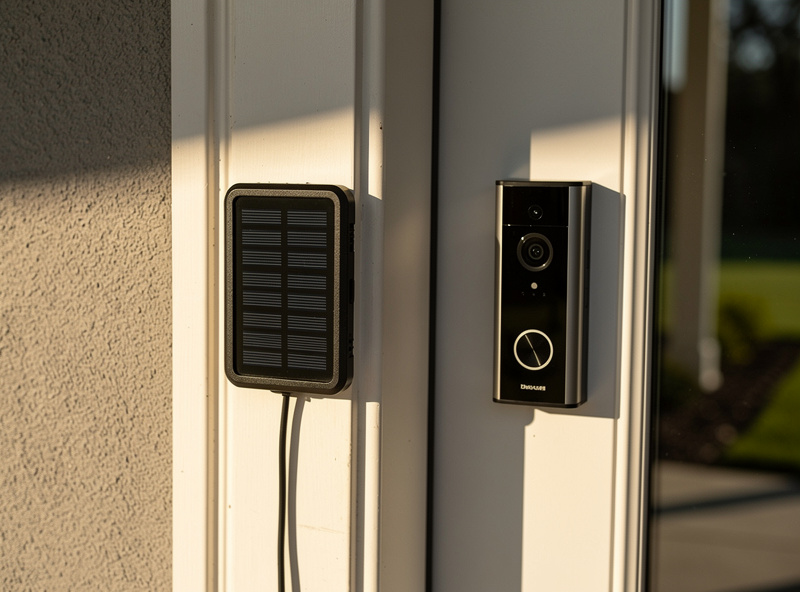
Solar chargers sit between battery and hardwired. A small panel mounts near the doorbell and trickle-charges it whenever there’s light. In a sunny spot they can effectively keep a low-to-moderate-traffic doorbell topped up through spring and summer. The honest caveat — and it’s a big one at my latitude — is that a typical doorbell panel only produces a fraction of a watt, and winter sun in the north simply won’t keep up. Treat solar as something that extends the gap between charges, not something that eliminates charging. If your door faces the sun, a doorbell solar charger is a cheap, tidy upgrade.
Track the battery so it never catches you out
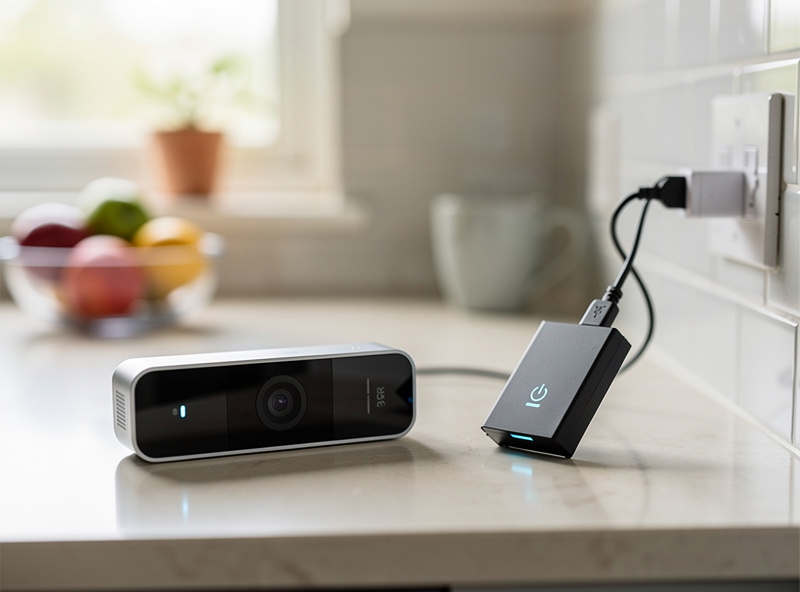
The thing that turns a battery doorbell from a chore into a non-issue is logging its charge level the same way I log everything else in the house. Most doorbells expose a battery-percentage reading, and whether you use the manufacturer app or pull it into a hub, the move is the same: set an alert well before zero. I trigger mine at 20%, which gives days of lead time to swap a spare pack or plan a charge — instead of discovering a dead doorbell when someone’s already at the door.
Logging over weeks does something more useful, too: it shows you the shape of the drain. A steady, predictable slope is healthy. A sudden steeper slope means something changed — a new light or tree branch is triggering motion, a setting got bumped, or winter has arrived and the cold is taking its cut. Because the data is there, you diagnose it in a minute instead of guessing. If you run a hub, the battery sensor sits right alongside your cameras and motion sensors, and the same dashboard that tells you the porch light is on tells you the doorbell has three weeks left. For the broader case for keeping this kind of monitoring local, see best smart home sensors.
When to replace the battery vs the whole doorbell
Battery packs are consumables. After two to three years of charge cycles a pack will hold meaningfully less than it did new — that’s normal lithium aging, not a defect. If your runtime has quietly halved and the placement and settings haven’t changed, the pack is tired, and on quick-release models a fresh one restores full life for a fraction of a new doorbell. Only consider replacing the whole unit when the camera, app support, or weather sealing is what’s failing — the battery alone almost never justifies it. This is the calculus I’d run before spending: cheapest effective fix first, replacement last.
What to realistically expect
Map your door to one of three buckets and the spec range stops being confusing:
- Quiet door (5–10 events/day): you’ll hit the manufacturer’s 4–6 month claims.
- Average door (20–30 events/day): plan on 2–3 months between charges.
- Busy door (50+ events/day): expect just weeks — this is the door that should be hardwired or solar-assisted, full stop.
If you’re building out wider coverage, think about how the doorbell fits with subscription-free outdoor cameras and indoor privacy, and the full smart security camera guide ties the system together.
Frequently asked questions
How long do smart doorbell batteries last?
Most battery smart doorbells last two to six months per charge under normal use. Eufy’s battery doorbell typically reaches four to six months, Ring three to four, and Nest two and a half to three and a half. The biggest variable is how many motion events your door sees each day.
What drains a smart doorbell battery fastest?
Motion event frequency, by a wide margin — a doorbell facing a busy street drains far faster than one on a quiet entrance. Frequent live view, cold weather below freezing, weak Wi-Fi signal, and high video resolution all add to the drain.
Can I hardwire a battery doorbell?
Yes. Most battery doorbells support hardwiring as a supplement, where existing doorbell wiring trickle-charges the battery so it never runs down while keeping the battery as power-cut backup. The transformer needs to supply 16 to 24 volts AC, which most doorbell circuits already do.
Does cold weather shorten doorbell battery life?
Significantly. Below freezing, lithium battery capacity can drop by a third or more, and in deep cold a pack may briefly shut down to protect itself. Battery doorbells reliably last shorter in winter, so northern installs benefit most from hardwiring.
Is a solar charger worth it for a doorbell?
In sunny locations, yes — a small panel trickle-charges the doorbell and can keep a low-traffic unit topped up through spring and summer. But doorbell panels produce only a fraction of a watt, so at northern latitudes or on busy doors they extend the interval between charges rather than eliminate charging.
Related guides
- Nest vs Ring Doorbell: Which Smart Doorbell Wins?
- Best Smart Security Cameras 2026
- Best Smart Cameras Without Monthly Subscription
- Best Smart Motion Sensor Lights for Home Security
- Indoor Security Camera Privacy: What You Should Know