15 Smart Home Automation Ideas That Save Time (2026)
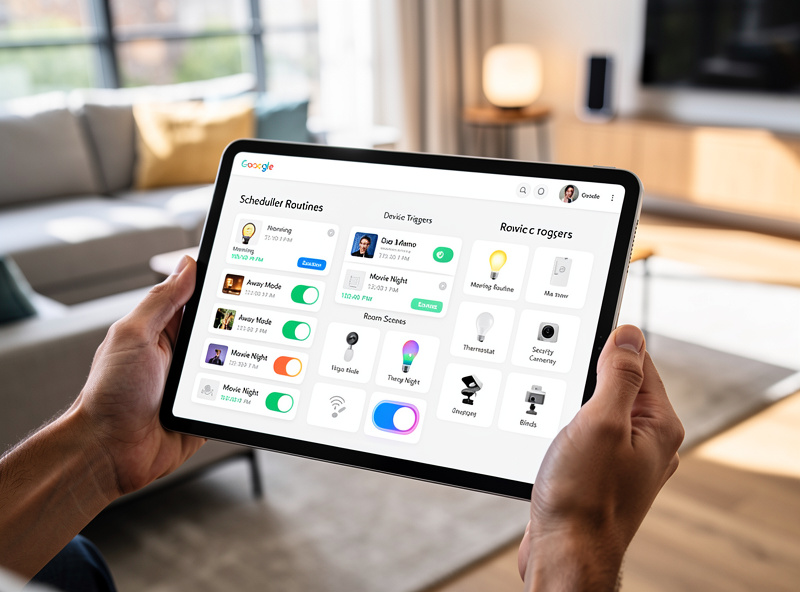
I have been running a local-first Home Assistant setup for years, and the automations that survived my purges are the ones that save actual clock time — not the flashy multi-step routines that break the moment a sensor drops offline. Across my Zigbee mesh, Z-Wave locks, and a handful of Shelly relays behind dumb switches, the 15 automations below collectively reclaim about 20 minutes a day. If you are just starting out, avoid these common smart home mistakes before committing to sensors and logic.
As an Amazon Associate I earn from qualifying purchases.
The automation that surprised me most was not the complex climate logic — it was the laundry-finished notification. A single Zigbee smart plug with power monitoring on the washing machine, chained to a phone alert in Home Assistant, ended the “forgot the load in the washer overnight” problem that had plagued my household for years. The unglamorous automations are the ones that stick. What follows is ordered from five-minute no-sensor setups to multi-condition routines that need a hub — pick your comfort level and build from there.
Beginner Automations (5-Minute Setup)
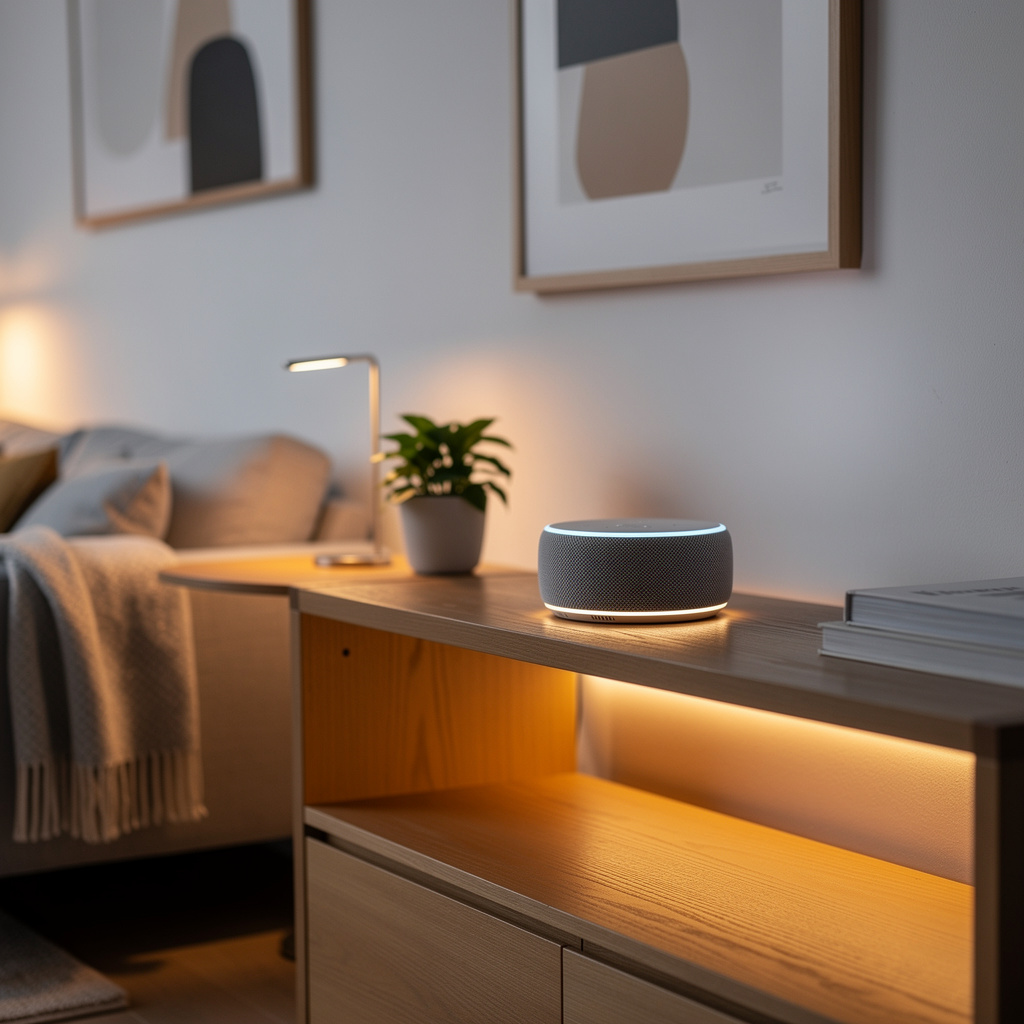
These five automations need nothing beyond smart bulbs, plugs, and a voice assistant — no sensors, no hub, no wiring. I started here myself four years ago with a couple of Wi-Fi plugs and an Echo Dot, and I still run versions of all five today.
1. Sunrise Lighting Wake-Up
Gradually brighten bedroom lights 30 minutes before your alarm. Simulates natural sunrise for easier waking, especially during Sweden’s dark winter months when the actual sun does not clear the horizon until 9 AM.
Setup: Schedule smart bulbs to fade from 0% to 80% over 30 minutes starting at wake time minus 30 minutes.
Devices needed: 2-3 smart bulbs in bedroom
Time saved: Eliminates grogginess, improves morning efficiency
2. Bedtime Shutdown Routine
Single voice command or scheduled trigger turns off all lights, adjusts thermostat for sleep temperature, and arms security system. This is the automation I recommend deploying first — it is dead simple and the daily payoff is immediate.
Setup: “Alexa, bedtime” triggers lights off, thermostat to 68 degrees, doors locked, security armed.
Devices needed: Smart lights, thermostat, lock, security system
Time saved: 5 minutes nightly (30+ hours yearly)
3. Welcome Home Lighting
Lights automatically turn on when you arrive home after sunset, eliminating fumbling for switches in the dark. In my HA setup I tie this to a Zigbee contact sensor on the front door plus a lux sensor — geofencing alone triggers too many false positives when I walk the dog past the house.
Setup: Geofencing trigger when phone enters home zone plus time condition (after sunset).
Devices needed: Smart lights, voice assistant with location services
Time saved: Convenience and safety
4. Coffee Maker Automation
Smart plug schedules coffee maker to turn on 10 minutes before wake time, ensuring fresh coffee awaits. I use a Shelly Plug S behind the drip machine and the grinder fires up on the same schedule — the smell of fresh-ground coffee is a better alarm than any phone.
Setup: Smart plug scheduled to activate 10 minutes before alarm.
Devices needed: Smart plug, coffee maker with physical power switch
Time saved: 5-10 minutes morning preparation
5. Movie Mode Scene
Dim living room lights to 20%, adjust color temperature to warm (2700K), and pause notifications with single command.
Setup: Voice command “Movie time” triggers lighting scene plus Do Not Disturb.
Devices needed: Smart bulbs in living room
Time saved: Ambiance creation in seconds
Intermediate Automations (Sensor-Based)
These routines need motion sensors, contact sensors, or smart switches — the step up from voice-only to state-aware. My first sensor was a cheap Zigbee PIR in the hallway; it worked so reliably that within a month I had six more sensors deployed.
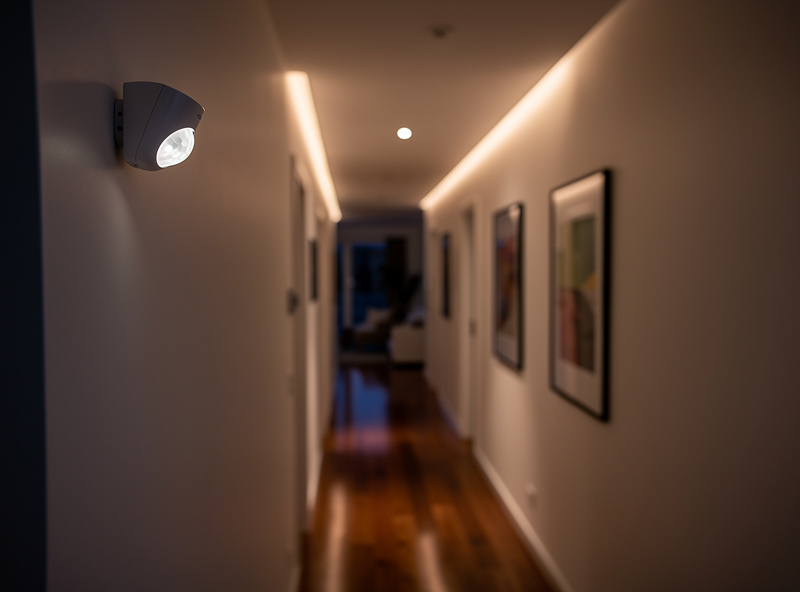
6. Motion-Activated Hallway Lighting
Lights turn on when motion detected in hallway, turn off after 5 minutes of no activity.
Setup: Motion sensor triggers smart switch or bulb on/off with delay timer.
Devices needed: Motion sensor, smart bulbs or switches
Time saved: Eliminates light switch usage, prevents lights left on
7. Door-Triggered Entry Sequence
Front door unlock triggers: entry lights on, thermostat to home mode, disarm security, announcement “Welcome home.”
Setup: Smart lock unlock event triggers lighting plus climate plus security routine.
Devices needed: Smart lock, smart lights, thermostat, security system
Time saved: Automated home preparation
8. Bathroom Fan Humidity Control
Smart switch monitors humidity via separate sensor, automatically runs exhaust fan when humidity exceeds threshold. I have a Zigbee humidity sensor in the bathroom that triggers a Shelly relay behind the fan switch — it has run for two years without a hiccup, and the bathroom no longer fogs the mirror.
Setup: Humidity sensor above 60% triggers smart switch for 15 minutes.
Devices needed: Humidity sensor, smart switch for exhaust fan
Benefit: Prevents mold, ensures proper ventilation
9. Laundry Finished Notification
Smart plug monitors washing machine or dryer power consumption, sends phone notification when cycle completes. This single automation has saved more wet loads from sitting overnight than every other routine combined.
Setup: Smart plug detects power drop (cycle end) triggers phone notification.
Devices needed: Smart plug with power monitoring
Time saved: No more forgotten laundry. If your smart plug won’t connect to WiFi, see the troubleshooting guide
10. Away Mode Simulation
When house is empty, random lighting patterns simulate occupancy, alternating rooms every 30-60 minutes during evening hours.
Setup: Geofencing (all phones away) plus time-based random lighting sequence.
Devices needed: Multiple smart bulbs, location services
Benefit: Deterrent against break-ins
Advanced Automations (Complex Logic)
These multi-condition routines need a real hub — Home Assistant, Hubitat, or SmartThings with the local processing turned on. I write all of these as Node-RED flows inside Home Assistant because the visual wiring makes debugging condition chains much faster than YAML.
11. Context-Aware Climate Control
Thermostat adjusts based on multiple factors: time of day, occupancy, outdoor weather, and historical preference learning.
Setup: IF home AND evening AND temperature above 75 degrees THEN cool to 72 degrees. IF away THEN eco mode 65 degrees.
Devices needed: Smart thermostat, presence sensors, weather integration
Time saved: Manual adjustments eliminated
12. Leak Detection Emergency Response
Water sensor detects leak triggers immediate phone notification plus audible alarm plus shut off smart water valve plus camera recording activation. I put Aqara leak sensors under every sink, the washing machine, and the water heater after a slow dishwasher leak cost me a cabinet replacement — the $15 sensor would have caught it in minutes.
Setup: Water sensor trigger initiates multi-step emergency sequence.
Devices needed: Water leak sensor, smart water valve, security camera
Benefit: Prevents catastrophic water damage
13. Smart Pet Care Routine
Morning routine includes: automatic pet feeder activation, water fountain on, calming music for anxious pets, camera snapshot sent to phone.
Setup: Scheduled trigger activates feeder, outlets, and cameras.
Devices needed: Smart pet feeder, smart outlets, indoor camera
Time saved: 5-10 minutes morning pet care
14. Multi-Person Arrival Coordination
Different responses based on who arrives: Kids arrive triggers unlock door, lights on, parent notification. Parents arrive triggers full home preparation routine.
Setup: Geofencing identifies arriving user, triggers personalized routine.
Devices needed: Multiple user geofencing, smart lock
Benefit: Customized household experience
15. Sleep Quality Optimization
Bedroom sensors track sleep patterns, adjusting: blackout shades at bedtime, optimal temperature throughout night, gentle sunrise lighting for wake time, air purifier on during deep sleep hours. I have run a version of this for two winters now — the bedroom temperature drops to 65F by midnight and the sunrise fade starts 25 minutes before my alarm, and I genuinely wake up less groggy than I did before automating it.
Setup: Sleep sensor data triggers multi-device optimization routine.
Devices needed: Sleep tracker, smart shades, thermostat, air purifier
Benefit: Improved sleep quality and duration
Automation Setup Platforms
Your platform determines how much logic you can build and whether your automations survive an internet outage. I run Home Assistant on an Intel N100 mini-PC for unlimited conditional logic and local processing, but Alexa Routines covered my first two years just fine.
| Platform | Best For | Difficulty | Processing |
|---|---|---|---|
| Alexa Routines | Beginners, simple IF/THEN | Easy | Cloud |
| Google Home Routines | Google ecosystem users | Easy | Cloud |
| Apple HomeKit | Privacy-focused users | Moderate | Local |
| IFTTT | Cross-platform integrations | Moderate | Cloud |
| Home Assistant | Advanced logic, local processing | Advanced | Local |
| SmartThings | Mixed device protocols | Moderate | Hybrid |
For most users starting their automation journey, Alexa Routines or Google Home Routines provide sufficient capability for the first 10 automations. As needs grow more complex, platforms like Home Assistant or Hubitat offer local processing and unlimited conditional logic without cloud dependency. For a comprehensive guide covering automation platforms, hubs, and protocols, see the voice assistants and smart home protocols guide. For local-control architecture, the Home Assistant documentation covers offline automation in depth, and the CSA Matter specification explains cross-brand device compatibility.
Time Savings Calculation
Conservative estimates for daily time savings with full automation, based on what I have actually measured in my own household:
- Lighting control: 5 minutes (no switch flipping)
- Climate adjustment: 3 minutes (automated comfort)
- Security arming and disarming: 2 minutes
- Scene setting (movie, dinner, etc.): 5 minutes
- Reminder notifications: 2 minutes (laundry, tasks)
Total daily savings: 17 minutes
Yearly savings: 100+ hours
Beyond time savings, automation reduces decision fatigue and ensures consistent home management regardless of busy schedules. The cumulative effect of eliminating small daily tasks compounds into significant quality-of-life improvements over months and years.
Troubleshooting Common Automation Issues
Problem: Automations trigger unexpectedly
Solution: Add time restrictions (e.g., only 6 PM to 11 PM) or location conditions to limit trigger windows. I once had a motion sensor in the living room triggering “away mode” lights at 3 AM because the cat walked past it — a simple time condition fixed it permanently.
Problem: Delayed response
Solution: Check WiFi signal strength. Consider local hub for faster processing versus cloud-dependent routines. Cloud routines typically add 500ms-2s of latency; local processing on a hub cuts that to near-instant.
Problem: Conflicting automations
Solution: Document all automations and identify overlapping triggers. Prioritize critical automations over convenience features. In my HA instance I group automations by room and use a naming convention like livingroom.lighting.motion — it makes hunting down conflicts a whole lot faster than scrolling a flat list of forty routines.
Problem: Automation stops after internet outage
Solution: Migrate critical automations to local hub platforms like Hubitat or Home Assistant. Keep cloud-based routines for non-critical convenience features only.
Starting Your Automation Journey
For beginners, implement automations in this order:
- Week 1: Bedtime shutdown routine (immediate daily value)
- Week 2: Morning wake lighting (energy and mood boost)
- Week 3: Motion-activated high-traffic areas
- Week 4: Away mode security simulation
- Month 2+: Advanced multi-condition routines
Start simple. Master one automation before adding complexity. The goal is friction reduction, not technological complexity. Track which automations you actually use after 30 days and remove the ones that do not add value. The best smart home is one that works reliably when your hands are full and your mind is elsewhere — not one with the most automations. The same Home Assistant instance that runs my bedtime shutdown also manages the grow-light schedules in the workshop and the sauna pre-heat timer. One rule engine, many jobs. That is the automation philosophy worth building toward.
Related Articles
- Smart Home for Beginners — Where to Start
- Do You Need a Smart Home Hub?
- Choosing Your Smart Home Ecosystem
- Does Smart Home Work Without Internet?
- Smart Home Protocols Compared
Do automations work when the internet is down?
Cloud-based automations like most voice assistant routines stop working during outages. Hub-based or local automations through SmartThings, Hubitat, or Home Assistant continue operating. Migrate critical automations to local platforms for reliability.
Can I create automations across different brands?
Yes, through platforms like IFTTT, Home Assistant, or SmartThings. Matter protocol also enables cross-brand compatibility natively. Avoid ecosystem lock-in by choosing Matter-certified devices when possible.
What is the most impactful single automation?
The bedtime shutdown routine provides immediate daily value: one command secures your home, adjusts climate for sleep, and turns off all lights. This single routine saves 5+ minutes every night and ensures nothing is forgotten.
How many automations should a beginner start with?
Start with 2-3 simple automations like bedtime shutdown and morning lighting. Master these before adding complexity. Most users find 5-10 automations cover their daily needs without becoming overwhelming to manage.
What is the difference between cloud and local automations?
Cloud automations process through manufacturer servers and require internet connectivity. Local automations run on your hub hardware and continue working during internet outages. Local processing is faster and more private but requires hub investment.