Smart Fans: Tower, Pedestal, and Ceiling Picks
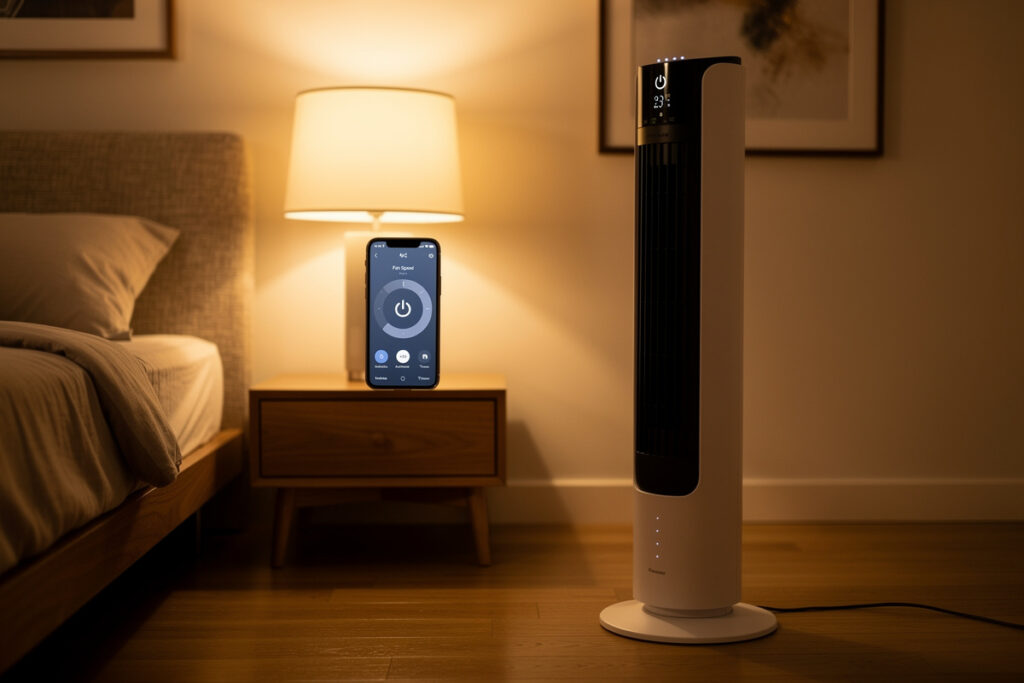
A smart fan adds wifi control, voice integration, scheduled cooling, and oscillation patterns to a category that’s been functionally unchanged for 50 years. The 2026 smart fan market spans $40 budget tower fans to $700 Dyson bladeless purifier-fans. This guide covers the four fan types worth buying smart (tower, pedestal, ceiling, AC-supplemental), top picks at each price tier, what smart features actually matter, and when a smart fan beats a window AC for cooling.
Quick Answer: Best Smart Fan 2026
For a quiet bedroom (under 30 dB on low), the Dreo MC710S Tower Fan ($140) is the top pick — app, voice, oscillation patterns, 8-hour timer. For value, the Govee Smart Tower Fan ($75) covers most needs at half the cost. For ceiling fan replacement, the Hunter Fanatic ($300-450) integrates with HomeKit. For bladeless premium feel with purification, the Dyson Cool TP07 ($550) combines fan and purifier but costs 2-3x dedicated devices.
Why Pay More for “Smart”?
A non-smart $30 tower fan moves air. A $140 smart tower fan moves air, plus:
- Voice control (“Alexa, set fan to medium”)
- Phone app for changing settings without standing up
- Schedules (run from 9 PM to 7 AM in bedroom; off during workday)
- Integration with thermostat (fan runs when AC kicks on for circulation)
- Sleep mode (gradually decreases speed and oscillation through the night)
- Quieter motors at low setting (most premium smart fans run at 25 to 30 dB; budget units at 35 to 45 dB)
If you only ever use the fan on one setting, set it once, and never touch the controls — skip smart, save $80 to $120. If your fan use varies by time of day, room occupancy, or weather, smart features pay back in convenience and lower power use.
For broader smart-home automation, see the Smart Home Automation Ideas guide — fan automation is one of the easiest first routines to set up.
Smart Tower Fans
Tower fans are 36 to 42 inches tall, oscillate 90 to 360 degrees, and fit in a 1 sqft footprint. They produce a softer, more diffuse airflow than pedestal fans — better for bedrooms, worse for cooling a single seat fast.
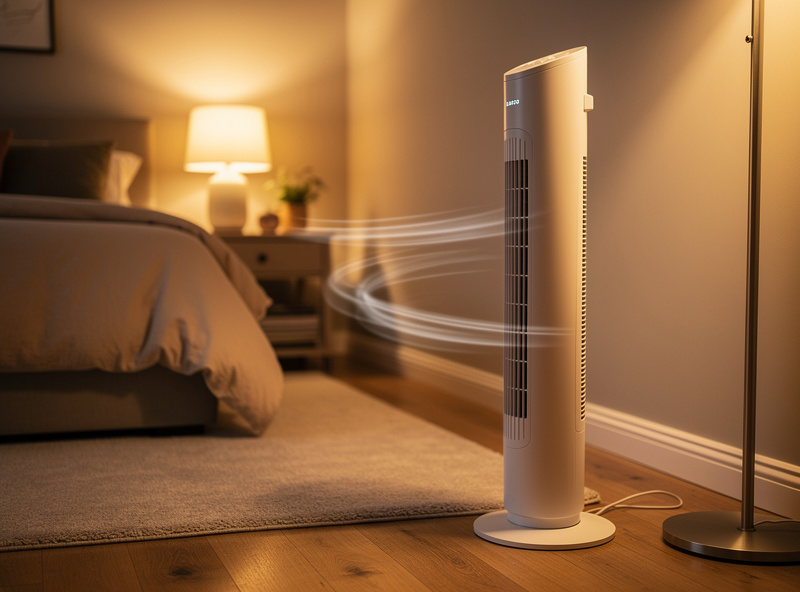
Dreo MC710S — $140
The Dreo MC710S is the bedroom-quiet pick. 25 dB on low (whisper-quiet), 12 fan speeds, 4 oscillation modes, 8-hour timer. App control, Alexa, Google. The remote is well-designed and the LED display can be dimmed for sleep use. Five-year warranty.
Dreo Pilot Pro — $180
Premium model with built-in PM2.5 sensor and HEPA filter for combo fan-purifier function. 28 dB minimum, 9 speeds. App + Alexa + Google. Worth it if you want both fan and basic air filtering in one device, but not as effective as a dedicated air purifier paired with a regular fan.
Govee Smart Tower Fan H7102 — $75
Value pick. 8 speeds, 75-degree oscillation, app + Alexa + Google. App is functional but less polished than Dreo. Build feels lighter than Dreo at the same speed setting. Good first smart fan if you want to try the category.
Honeywell QuietSet HYF290 — $80 (NOT smart)
Listed for context: not smart, but the gold standard quiet tower fan. If wifi isn’t worth $50-60 to you, this is the pick. 8 speeds, very quiet, $80. Pair with a smart plug for basic on/off + scheduling.
Smart Pedestal Fans
Pedestal fans deliver focused, high-velocity airflow to a single seat or bed — better for direct cooling, worse for room ambience. Height adjustable, larger footprint.
Vornado 660 with Smart Plug — $130
Vornado doesn’t make their own smart fans, but the 660 paired with a current-sensing smart plug ($25-35) gives you full smart functionality. Vornado’s vortex action moves air better than any tower fan tested. The smart plug provides app, voice, and routine integration.
Dyson Cool AM07 — $400
Bladeless tower (technically not a pedestal). Premium feel, very quiet (35 dB low), 10 speeds. App + voice. Cooling power is moderate compared to Vornado at this price. Worth it for the design and silence; skip if you want maximum air movement per dollar.
Smart Ceiling Fans
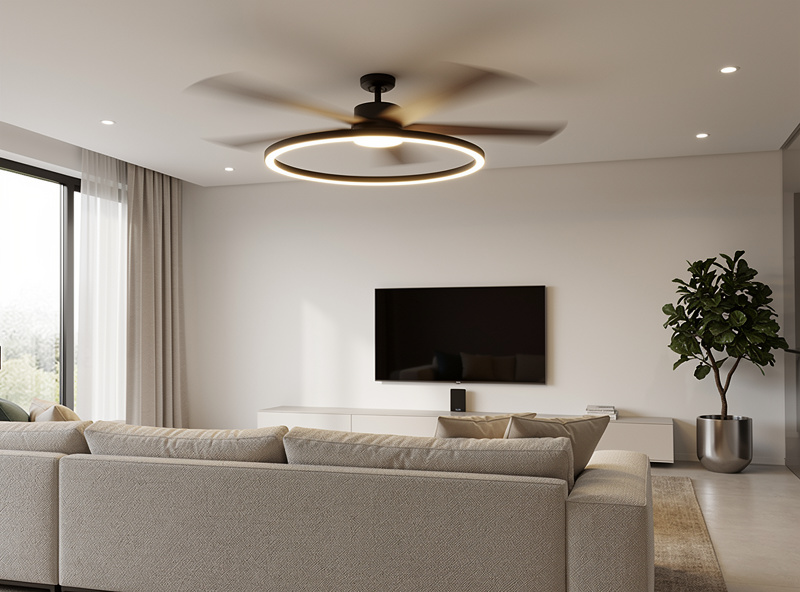
Smart ceiling fans replace your existing hardwired ceiling fan. Three brands lead the category in 2026:
Hunter Fanatic — $300-450
Integrates with HomeKit (rare in the category), Alexa, Google, SmartThings. 6 fan speeds, dimmable LED light, multiple finishes. Quietest ceiling fan tested. The HomeKit support is the killer feature for Apple users.
Big Ass Fans Haiku — $700-1,200
Premium category. Massive air movement, very quiet, beautiful design. Smart features and wifi standard. Worth it for great rooms or open floor plans where airflow matters more than budget.
Hampton Bay (Home Depot) Smart Ceiling Fans — $150-250
Budget pick. Wifi via Hampton Bay app + Alexa + Google. Build quality is acceptable. Lifetime is shorter than Hunter (5-7 years vs 10+) but at half the price the math is fine for non-premium spaces.
Ceiling fan installation requires hardwired electrical experience. If you’re not comfortable with electrical work, hire a licensed electrician ($150-250 typical install fee) or check the DIY Smart Home Budget guide for what to DIY vs hire out.
Smart Fan + Smart AC Coordination
The most underrated smart fan use is HVAC coordination. When your central AC runs, the smart thermostat triggers a smart fan to circulate cooled air to a room the AC vent doesn’t quite reach (offices, basements, far bedrooms). When AC stops, fan stops.
This setup works with any smart fan + smart thermostat combo via routines or IFTTT. Resulting effect: even temperature distribution without running the AC longer or harder.
The full setup is covered in the Best Smart Thermostat guide — most modern smart thermostats include third-party device coordination natively.
Sleep Mode and Schedules
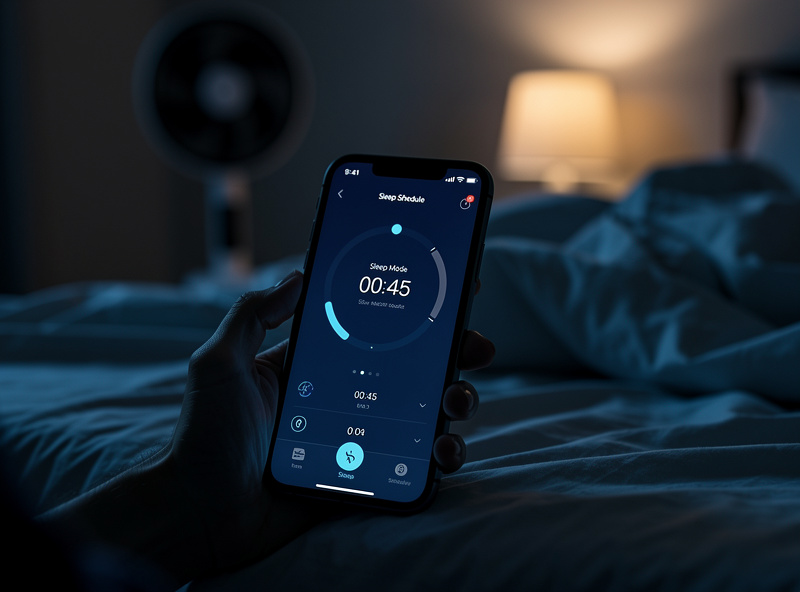
The most useful smart fan feature for bedrooms is sleep mode — gradually decreases fan speed over 1 to 8 hours so the fan that helped you fall asleep at 75 degrees doesn’t blast you with cold air at 4 AM when the room dropped to 68.
Schedule example for a bedroom smart fan:
- 9:30 PM: ramp to medium-low (10-15 percent)
- 10:00 PM: oscillation off, 8-hour sleep timer starts
- 10:00 PM to 5:00 AM: gradually decrease from medium-low to off
- 5:00 AM: off
- 6:30 AM: low setting for morning routine
- 9:00 AM: off until evening
Most smart fans support this kind of schedule natively. The Dreo and Govee apps both have sleep mode; cheap “smart” fans with only on/off voice control do not.
Smart Window AC vs Smart Fan
| Need | Smart Fan | Smart Window AC |
|---|---|---|
| Cool a 100 sqft bedroom on hot summer night | Inadequate alone above 80°F | Required above 78°F |
| White noise / sleep aid | Excellent | Excellent |
| Move conditioned air around the house | Excellent | Not applicable |
| Spot cooling near a desk | Excellent | Overkill |
| Energy use (8 hr night) | 0.4-0.8 kWh = $0.06-$0.12 | 2-7 kWh = $0.30-$1.05 |
| Initial cost | $75-$200 | $300-$700 |
Most homes need both. AC for hot weather, fans for shoulder seasons and air circulation. The smart layer makes them coordinate instead of either-or competition.
Common Mistakes
Buying a “smart” fan with only voice control. Voice without app + scheduling + sensor integration is just a $30 fan with a $40 voice module. The value of smart is in the routines.
Wrong size for the room. Tower fans diffuse air; pedestal fans focus it. A 36-inch tower fan in a 400 sqft living room is barely felt. Use pedestal or 42-inch for larger spaces.
Using fans alone in extreme heat. Once indoor temperature climbs above 90°F, the CDC advises that fans stop helping and can actually raise your body temperature instead — that’s the point to switch to air conditioning or a cooling center rather than relying on airflow alone.
Ignoring noise level on spec sheet. Manufacturers sometimes only publish dB at lowest setting (which you’ll never use because it doesn’t move air). Read reviews for real-world sound at medium setting.
For broader bedroom-environment automation, see the Smart Air Purifier guide — running purifier and fan in coordination cuts particle exposure during sleep.
As an Amazon Associate I earn from qualifying purchases.
My Smart Fan Setup
I have a smart-plug-controlled pedestal fan in the bedroom tied to the same temperature sensor that runs the thermostat. When the bedroom exceeds 72F at night, the fan turns on automatically. It is a $25 plug on a $40 fan, cheaper than any smart fan on the market, and the automation logic lives in Home Assistant where I can adjust the threshold without climbing into an app. The physical fan speed and oscillation stay manual; the smart plug just handles on/off timing.
Is a smart fan worth the extra cost?
Yes if you’ll use scheduling, voice control, or HVAC coordination. Skip if you set the fan once and never adjust. Smart layer adds $50 to $80 over comparable manual fans. The bedroom sleep-mode feature alone is the killer benefit for most users.
What is the quietest smart fan for a bedroom?
The Dreo MC710S at 25 dB on low is the quietest smart tower fan tested. The Dyson Cool AM07 at 35 dB low is the quietest pedestal-style. For under $100, the Govee H7102 is acceptable at 32 dB low.
Do smart fans work with Alexa and Google Home?
Most do. Dreo, Govee, Hunter, and Dyson all support Alexa and Google Home. Hunter ceiling fans add HomeKit support (rare in the category). SmartThings support is selective — check before buying.
Should I get a smart tower fan or smart ceiling fan?
Tower fans for renters, single rooms, or supplemental cooling. Ceiling fans for owned homes, whole-room circulation, and HVAC supplementation. Tower fans cost $75 to $200 and require no installation. Smart ceiling fans cost $200 to $1,200 and need electrical work.
Can a smart fan replace an air conditioner?
No, not once indoor temperature climbs above 90°F. Fans move air to enhance evaporative cooling on skin but do not lower air temperature. The CDC advises that above 90°F indoors, fans stop helping and can actually raise your body temperature instead.
How much electricity does a smart fan use?
Tower fans draw 30 to 80 watts on medium speed. Running 8 hours costs $0.04 to $0.10 per night at average US electricity rates. A whole summer of nightly use is roughly $5 to $15 — far less than equivalent AC use.
Related Articles
- Smart Air Purifier 2026: Complete Buyers Guide
- Smart Humidifier: Whole-Home and Room Picks
- Smart Dehumidifiers: Basement and Crawlspace
- Best Smart Thermostat 2026
- Smart Home Automation Ideas