Smart Home Automation for Pets: Building Routines
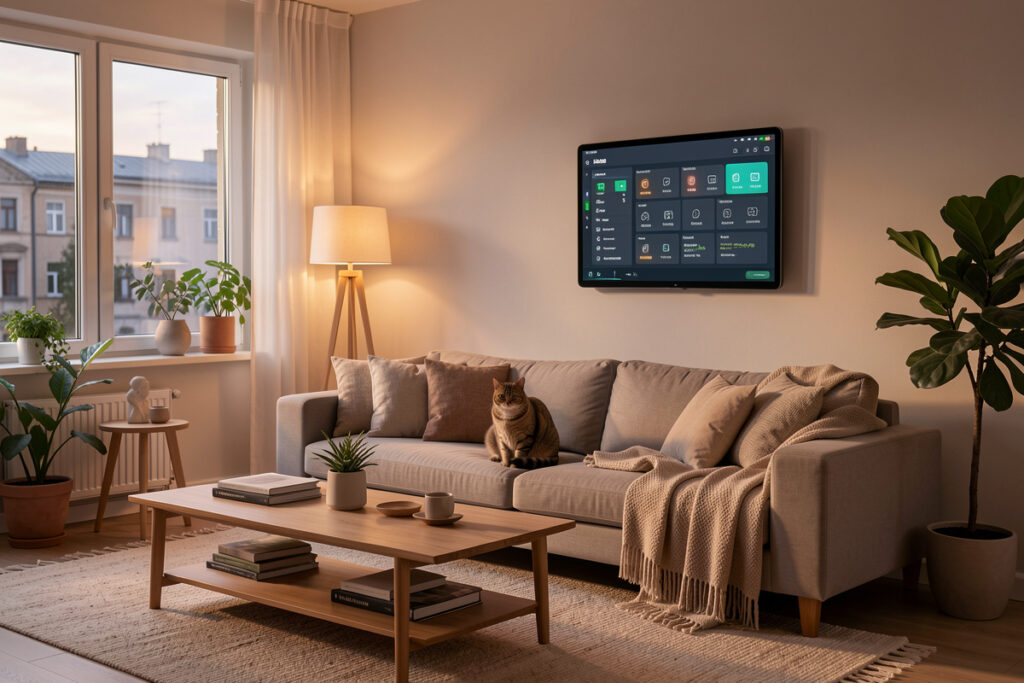
Smart home automation for pets is about the rules, not the gadgets. Once your feeder, door, camera, and litter box are on one local hub, the real value comes from the routines that tie them together — presence-aware feeding, an “everyone left” cleaning cycle, a vacation mode that confirms your pet ate. In my setup these automations run locally and fire in roughly 50–200 milliseconds — no cloud round-trip — so they keep working even when the internet doesn’t.
If you’ve already read my pet automation buyer’s guide and picked your devices, this is the next step: turning a pile of connected hardware into a system that actually thinks. I’ve built and torn down these routines over years of running a local-first home, and the ones below are the recipes that earned a permanent place. None of them need cloud, none of them are complicated, and each one solves a real daily problem rather than just looking clever in a demo.
Start With Presence, Not Schedules
A schedule is a blunt instrument — it fires whether or not it makes sense. Presence is what makes pet automations feel intelligent. In my automations, presence comes from sensors and room logic: motion and mmWave presence sensors, door contacts, energy reporting — not “a phone joined the Wi-Fi,” which fails the moment a guest visits or a phone sleeps. With real presence detection, the system knows whether anyone’s home, which room they’re in, and whether the back door was just used.
That single input transforms everything downstream. Feeding can skip a portion if a housemate already topped up the bowl. The litter cycle can wait until the room is empty. The camera can raise its sensitivity only when the house is unoccupied. If you haven’t built reliable presence yet, my presence-detection guide is the foundation — get this layer solid first, because almost every good pet routine leans on it. Build presence once, and every automation you add afterward gets smarter for free.
The “Everyone Left” Routine
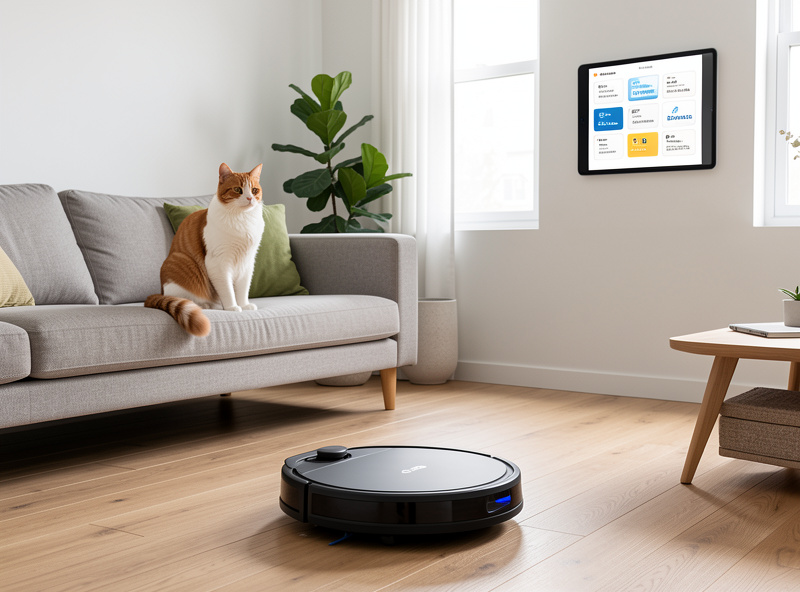
This is the workhorse. When presence shows the house is empty, a single routine kicks off the chores you’d rather not be home for: it runs the self-cleaning litter cycle, sends the robot vacuum past the litter and feeding areas to clear tracked litter and stray hair, and sets the cameras to away-mode sensitivity. By the time anyone returns, the floors are clean and the boxes are fresh, all done in the window when no one was around to be bothered by the noise.
The reverse routine matters just as much. When the first person comes home, the cameras drop back to a privacy-respecting mode, and any “pet alert” notifications quiet down because you can see the situation yourself. The beauty of doing this locally is speed and reliability: the routine fires the instant presence changes, with no cloud round-trip, and it still works during an internet outage. That’s the difference between automation you trust and automation you babysit.
Vacation Mode: The Routine That Earns Real Trust
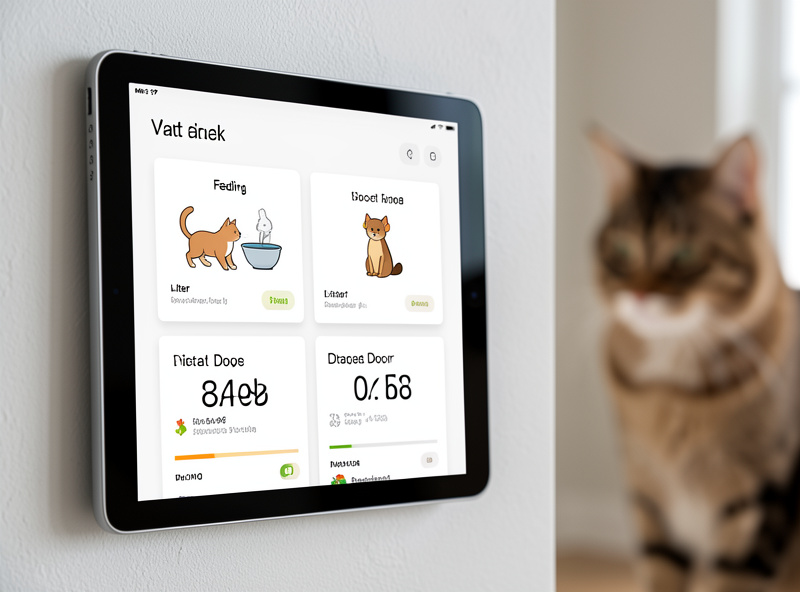
Leaving pets at home for a day or two is where a smart setup proves its worth — and where you most need it to not fail. My vacation mode is a single toggle that reconfigures the whole house: the feeder holds its schedule rigidly with a local fallback, the water fountain’s stall alarm goes to high priority, the litter box keeps cycling, and the cameras switch to active monitoring with a daily local highlight clip. Most importantly, the feeder’s dispense event triggers a once-a-day “the cat has been fed” confirmation, so I get positive proof rather than trusting silence.
That positive-confirmation pattern is the key mindset. Don’t build automations that only tell you when something goes wrong — build ones that prove the good thing happened. A feeder that silently fails looks identical to a feeder that worked, unless you’ve wired a confirmation off the actual dispense. The same logic applies to water, litter, and door access: each critical function should produce a signal you can check, not an absence you have to assume is fine. This is the safety net that lets you actually relax while you’re away.
Health Signals Hiding in Your Automations
One quiet benefit of routing every pet device through one hub is that the data accumulates into a behavioral baseline. The feeder knows how much was eaten. The litter box logs visit frequency and sometimes weight. The microchip door records comings and goings. Individually these are small; together they sketch a picture of normal, and deviations from normal are often the earliest sign something’s off — a cat eating less, visiting the box more, or staying in one room.
I want to be careful and clear here: this is an early-warning flag, not a diagnosis, and anything unusual is a reason to call your vet, never to start treating a pet yourself. But having the data in one place, watched by local rules, means you notice the change days earlier than you would by eye. A gentle “the cat’s eating has dropped this week” nudge from the hub has prompted more than one well-timed check-up. The automations weren’t built to monitor health — they just produce the data as a side effect, and it would be a waste not to use it.
Keeping It Local — and Why That’s the Whole Point
Every routine here runs on a local hub, and that’s deliberate. Pet gear is some of the most cloud-dependent hardware you can buy, and stringing critical routines through six different manufacturers’ servers is how you end up with an unfed pet because one company had a bad night. Running it locally means the rules fire in milliseconds, keep working through an outage, and don’t leak your home’s daily rhythm to anyone. It also means one place to look — one dashboard, one set of automations — instead of six apps with six logins.
The plumbing underneath is a local message bus that lets devices which were never designed to cooperate end up in the same routine, and a segmented IoT network that keeps all that chatty pet hardware away from your laptops. You don’t need to build it all at once. Start with one device and one routine, get it reliable, then add the next. The same hub that runs these pet routines runs the rest of my house — the lights, the heating, the workshop — because every device that uses electricity is a candidate for the same rule engine. Pets were just where it started paying off first.
Mistakes That Quietly Break Pet Routines
The failures I see most often aren’t dramatic — they’re quiet, and they come from a few repeatable mistakes. The biggest is building a critical routine on a cloud-only device, so a feeding automation depends on a manufacturer’s server staying up; the first outage ends with an empty bowl and no error. Anything load-bearing needs a local schedule or fallback underneath the clever automation. Treat the cloud as a bonus layer, never the foundation.
The second is sloppy entity naming. Forty pet-related devices and sensors named inconsistently turn a simple “is the cat fed” automation into an afternoon of detective work, and every routine you add on top inherits the confusion. Name everything by location and function from the very first device — it’s the cheapest reliability you’ll ever buy. The third is presence by phone alone, which breaks the instant a guest arrives or a phone sleeps; lean on real sensors instead.
The last one is over-building. It’s tempting to wire a dozen conditions into one routine, but every extra condition is another thing that can misfire, and a pet routine that fails silently is worse than no routine at all. When something does misbehave, the trigger is almost always the culprit rather than the action — my notes on debugging triggers have saved me hours. Keep each automation small, test it for a week before trusting it, and make sure every one of them fails to a safe state.
A Sane Order to Build In
If you’re staring at a long list of possible automations, build in this order. First, get presence reliable — it’s the input everything else needs. Second, automate the feeder with a local schedule and a dispense confirmation, because feeding is the highest-stakes routine. Third, add the “everyone left” cleaning cycle, which pays back immediately in less daily chore time. Then layer on the door curfew, the camera modes, and the vacation toggle as you get comfortable. Each addition is small, and each one makes the others a little smarter.
Resist the urge to build twelve clever automations on day one. The routines that survive are the ones that solve a problem you actually have, run reliably, and fail safe when a device drops off. A handful of dependable, local pet routines beats a sprawling cloud-dependent setup that looks impressive until the morning it doesn’t feed the cat. Build slowly, keep it local, and let the system grow with you.
As an Amazon Associate I earn from qualifying purchases.
Keep Building
Ready to go deeper on the hardware behind these routines? Start with the full smart home pet automation guide for the device-by-device buying view, then dial in the anchor device with my automatic feeder picks and lock down access with a microchip pet door. For the cleaning side of the “everyone left” routine, see the self-cleaning litter box guide and my robot vacuum pick for pet hair. And if you’re just setting up the brain of it all, the Home Assistant setup walkthrough is where the whole system begins.