Best Automatic Pet Feeder for a Smart Home (2026)
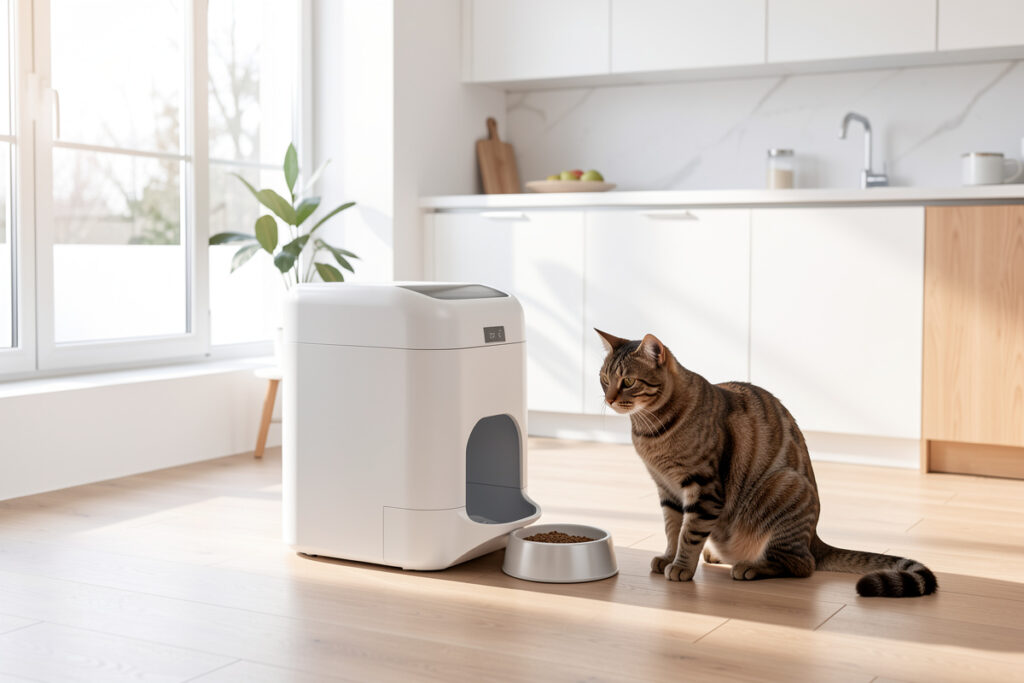
The best automatic pet feeder for a smart home is one that runs its schedule locally and only asks the internet for nice-to-haves. In my setup, the feeder dispenses breakfast at 06:00 whether or not broadband is up, because the schedule lives on the device or my hub — never on a server I don’t control.
I have cycled through more feeders than I’d like to admit, and the lesson was the same every time: a feeder is a load-bearing automation. If it fails, a living thing goes hungry. That single fact changes how you should shop for one. This is the smart-home buyer’s view — not “which feeder has the cutest app,” but which one keeps feeding when the cloud is dark, integrates with a real hub, and protects against the two failure modes that actually matter: a missed meal and a jammed dispense.
What Makes a Feeder Genuinely “Smart”
A smart feeder is not one you poke from your phone — it is one that makes the feeding decision itself, on a schedule that survives an outage. The bar I hold every feeder to: does it keep its schedule with the Wi-Fi unplugged? The good ones store the timetable on the device, so a router reboot or a cloud outage never touches the meal. The bad ones treat the schedule as a cloud setting and quietly stop the moment they can’t phone home. You will not find that distinction on the box; you find it by reading reviews for the words “stopped feeding when the app went down.”
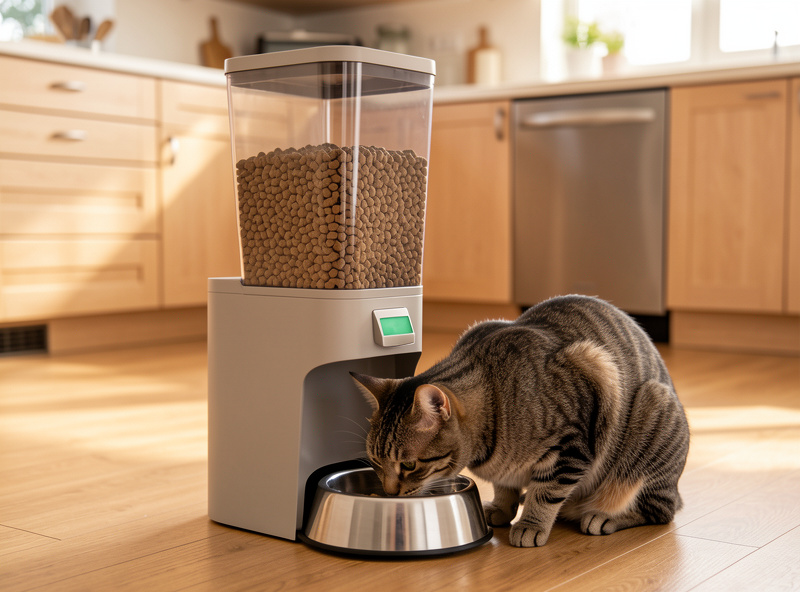
Beyond the schedule, the features that earn their place are portion accuracy, an anti-jam auger or stirrer for the kibble bridge that forms in every hopper, and a battery backup so a power blip doesn’t wipe the timetable. On the feeders I trust, a portion lands within roughly ±2 grams of the target and the hopper holds 4–6 litres — about a week of food for a single cat — so auger accuracy and capacity matter nearly as much as whether the schedule survives an outage. App control, feeding history, and a built-in camera are bonuses — pleasant, but never the thing the meal depends on. If you want the camera angle specifically, my pick for a feeder with a built-in camera covers that subcategory in detail.
Local Control vs Cloud-Only Feeders
This is the whole decision in one heading. A cloud-only feeder is a feeder with a single point of failure sitting in someone else’s data center. A locally-controlled feeder either keeps its own schedule offline or integrates with a hub like Home Assistant so the schedule lives in your house. In my automations the feeder is a switch the rule engine flips, with the device’s own timer as a second layer of safety — belt and braces, because hunger is not a feature I experiment with.
The practical paths to local control today: a feeder with a documented local API, a Zigbee-based feeder that joins your mesh directly, or a plain reliable feeder whose hopper is driven by a smart relay you control. I lean toward the first two, but the third is underrated — a mechanically dumb, rock-solid feeder on a smart plug or relay can be more reliable than a clever cloud one, because there is simply less to break. If you’re building the hub side of this, my Home Assistant setup guide is the place to start.
Feeder Types Compared
Feeders fall into a few clear categories, and the right one depends on your pet, your kibble, and how deep you want to go on integration. Here’s how they stack up against the criteria that actually matter for a smart home.
| Feeder type | Local schedule | Hub integration | Best for | Watch out for |
|---|---|---|---|---|
| Gravity / mechanical | N/A (always-on) | Via smart plug only | Free-feeders, simplicity | No portion control |
| Wi-Fi cloud feeder | Sometimes | Often app-only | Camera + app fans | Stops if cloud is down |
| Wi-Fi with local API | Yes | Good | Home Assistant users | Check API is documented |
| Zigbee feeder | Yes | Native, local | Local-first setups | Smaller hopper choices |
| Dumb feeder + relay | Yes (hub-driven) | Full, your rules | DIY reliability | You build the schedule |
The Automations Worth Building
A feeder on a timer is the baseline. The value comes from the rules you wrap around it. Gap feeding is my favorite: split the daily ration into four or five small portions instead of two big ones, which slows fast eaters and keeps a grazer’s bowl from going stale. Then layer presence on top — my presence-detection setup lets the feeder skip a portion if a contact sensor shows the bowl was just topped up, so a worried housemate and the automation don’t double-feed.
Vacation mode is where a feeder pays for itself. When “away” is active, the feeder holds its schedule, the camera raises its alert sensitivity, and the hub sends a single daily “the cat ate” confirmation triggered by the dispense event — not a cloud notification I have to trust, but a local rule firing on a real signal. I also wire a low-hopper alert: if the dispense motor runs but the food-level sensor doesn’t change, something jammed, and I’d rather know at 06:01 than at dinner. This is the kind of cross-device logic the pet routines guide walks through end to end.
Power, Backup, and Placement
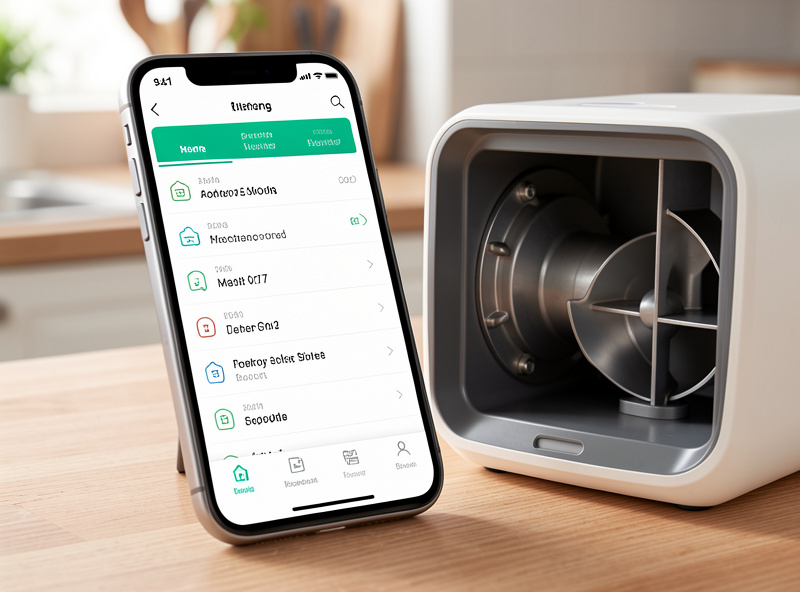
How a feeder is powered tells you how it will fail. Mains-only feeders are reliable until the power blinks, and a cheap one will forget its schedule when it comes back — a battery backup that holds the timetable through a brief outage is non-negotiable for the main meal. Battery-only feeders dodge the outage problem but introduce a quieter one: a dead battery you didn’t notice. I run mine on mains with battery backup and put the power draw on an energy-monitoring plug, so the hub can see the feeder is alive and flag it if it goes dark.
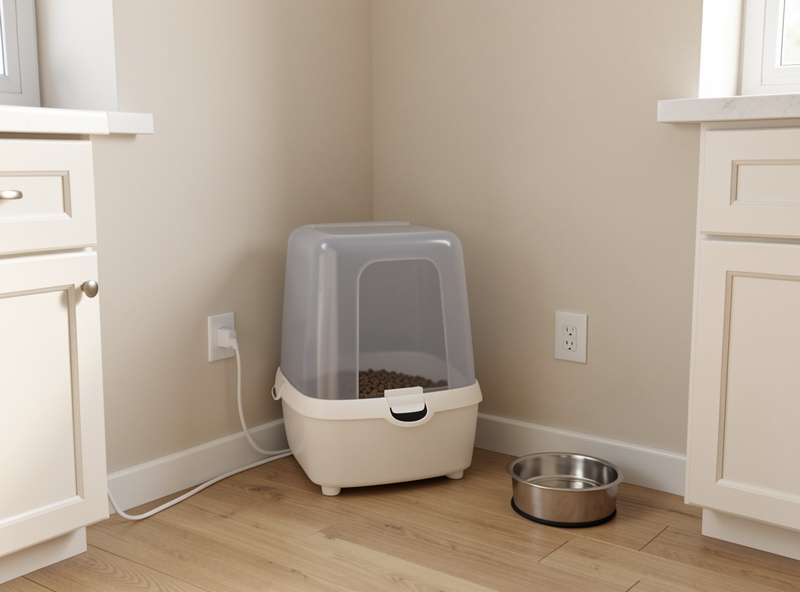
Placement matters more than people expect. Keep the feeder away from the water bowl so spray and humidity don’t cake the kibble in the throat, off direct sun so the hopper doesn’t cook the food, and on a hard, level floor so a determined pet can’t tip it to trigger a “free” meal. I also leave a finger of clearance under the dispense chute — a bowl crammed too close jams the very first portion and you won’t know until the morning it matters. Get the boring physical setup right and the clever automation has something solid to stand on.
What to Avoid
Skip any feeder whose schedule is stored only in the cloud — it is the one failure that ends with an empty bowl. Be wary of feeders with a narrow throat or no anti-jam mechanism if you feed odd-shaped or large kibble; the bridge that forms in the hopper is the second-most-common reason a “working” feeder misses a meal. And treat a subscription as a red flag: a feeder that gates feeding history or camera footage behind a monthly fee is a recurring cost wearing a one-time-purchase disguise, and you never own the data.
As an Amazon Associate I earn from qualifying purchases.
One more: wet-food feeders are a different animal. The good ones use ice packs and sealed trays, but they are mechanically fussier and rarely integrate cleanly. If your pet must eat wet food on a schedule, buy for reliability and accept that deep hub integration may not be on the menu. For everything dry-kibble, a local-schedule feeder on its own isolated IoT network is the setup I trust.
Frequently Asked Questions
Do automatic pet feeders work without internet?
The good ones do. Feeders that store the schedule on the device or a Zigbee feeder on a local hub keep feeding through an outage. Cloud-only feeders that treat the schedule as a server setting can stop when the internet drops, which is why I avoid them for the main meal.
Can I connect a pet feeder to Home Assistant?
Yes, through a feeder with a documented local API, a native Zigbee feeder, or by driving a simple feeder with a smart relay. Once it is in Home Assistant you can add presence-aware skipping, gap feeding, and a local dispense-confirmation alert.
How many portions a day should an automatic feeder give?
For most cats and small dogs I split the daily ration into four or five small portions rather than two large ones. It slows fast eaters and keeps food fresher. The exact amount depends on your pet, so confirm the daily total with your vet.
Are camera feeders worth it?
The camera is a nice bonus for checking in, but it should never be the reason the feeder works. Buy for a reliable local schedule and anti-jam mechanism first; treat the camera as a convenience, and prefer models that record locally rather than behind a subscription.
What happens if the feeder jams?
A jam is the most common silent failure. The fix is a feeder with an anti-jam auger or stirrer plus a hub automation that compares the dispense event to a food-level change and alerts you if the motor ran but no food moved.
Related Guides
- Smart Home Pet Automation: The Local-First Guide
- Best Smart Pet Feeders With a Camera
- Best Smart Pet Water Fountain
- Smart Home Automation for Pets
- Best Smart Plugs for Reliable Automation