Best Smart Power Strips — Monitor Energy Usage (2026)
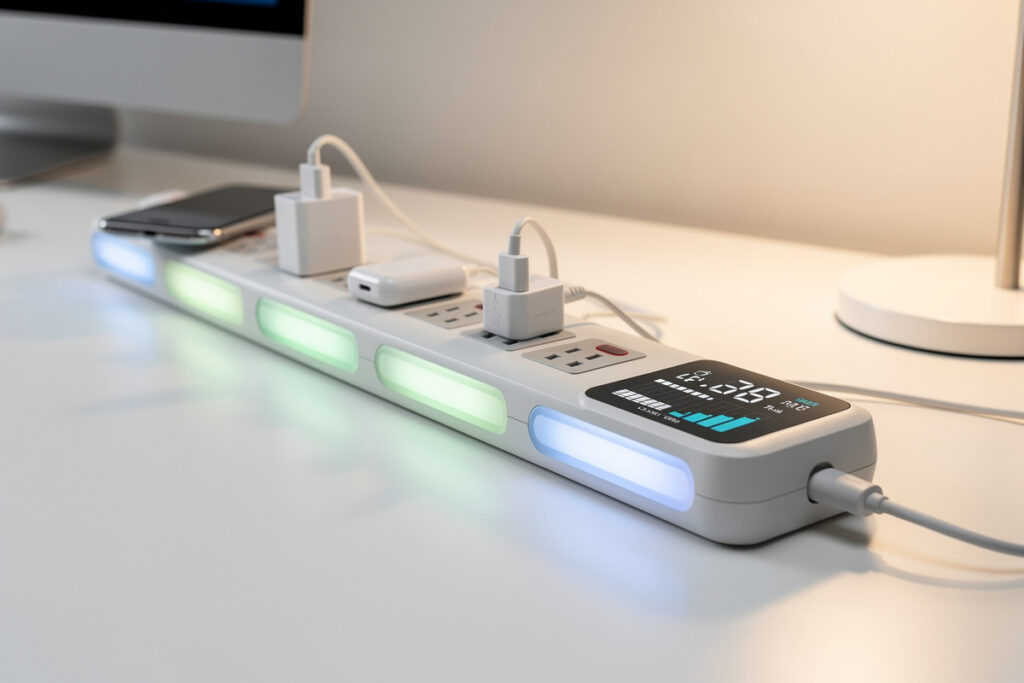
The best smart power strips for home energy monitoring combine WiFi-controlled outlets with real-time consumption tracking, letting you identify and eliminate phantom loads that cost the average household $100-200 annually. The TP-Link Kasa KP303 leads for dedicated strip design with per-outlet monitoring, while four individual Kasa EP25 smart plugs offer superior flexibility at similar cost. For whole-house visibility, the Emporia Vue monitors up to 16 circuits from your electrical panel.
Smart power strips solve a problem most homeowners do not realize they have: devices drawing power 24/7 even when turned off. Your television, cable box, game console, and computer monitor all consume electricity in standby mode. A smart strip cuts this waste completely while showing you exactly how much each device costs to operate.
This guide compares the top smart power strips and energy monitoring solutions for 2026, explains how to calculate your phantom load, and shows which setup delivers the fastest return on investment. For individual smart plug options with energy monitoring, see the best smart plugs buyer guide.
Disclosure: HomeAutoCentral is reader-supported. As an Amazon Associate I earn from qualifying purchases, at no extra cost to you. I only recommend gear worth your money.
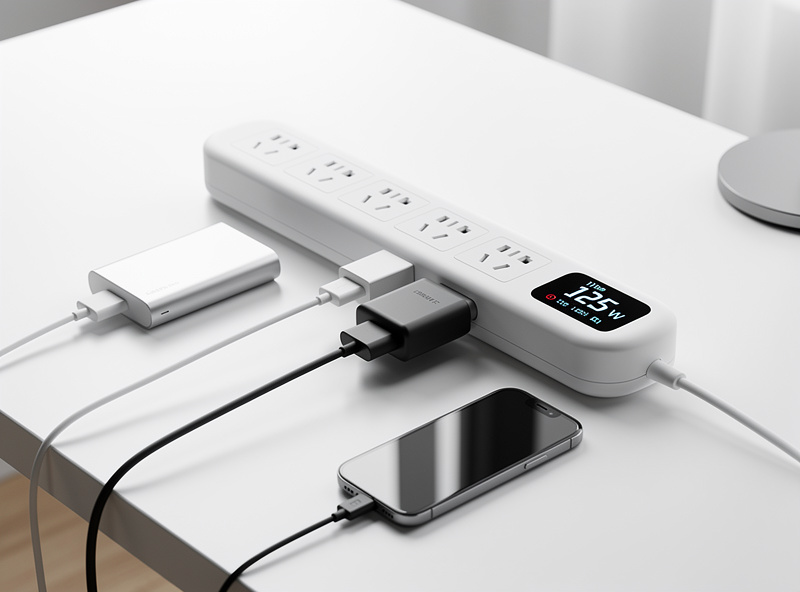
Quick Comparison: Best Smart Power Strips 2026
| Product | Outlets | Energy Monitoring | Price | Best For |
|---|---|---|---|---|
| TP-Link Kasa KP303 | 3 | Per-outlet | $25-35 | Budget strip with monitoring |
| Kasa EP25 (4-Pack) | 4 individual | Per-plug | $40-50 | Flexible placement |
| Kasa HS300 | 6 | Per-outlet | $50-60 | Maximum outlets |
| Emporia Vue | 16 circuits | Whole-house | $100-130 | Complete visibility |
| Amazon Smart Plug (Energy) | 1 | Single plug | $15-20 | Alexa households |
| Shelly PM Plus | 1 | Detailed | $15-20 | Home Assistant/DIY |
Understanding Phantom Loads and Energy Waste
Phantom loads, also called vampire loads or standby power, represent electricity consumed by devices that appear turned off. The average household wastes 5-10% of its electricity bill on phantom loads, translating to $100-200 annually for a home spending $150 monthly on power.
Common Phantom Load Culprits
| Device | Standby Watts | Annual Cost | Smart Strip Savings |
|---|---|---|---|
| Cable Box/DVR | 15-25W | $20-40 | $18-35 |
| Gaming Console | 10-15W | $15-25 | $12-20 |
| TV (55″ LED) | 0.5-1W | $5-10 | $4-8 |
| Desktop Computer | 3-5W | $4-8 | $3-6 |
| Office Printer | 5-10W | $8-15 | $6-12 |
| Sound System | 5-10W | $7-15 | $5-12 |
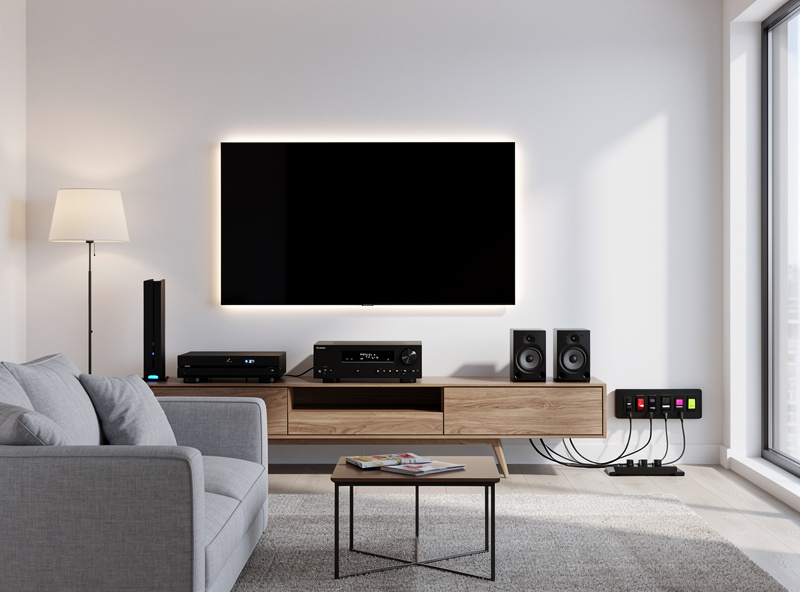
A typical entertainment center with TV, cable box, soundbar, game console, and streaming device draws 30-50 watts continuously in standby mode. At $0.13 per kWh, that costs $35-55 yearly for devices you are not using. A smart power strip eliminates this waste entirely.
Types of Smart Power Strips
1. Integrated Smart Power Strips with Monitoring
These are purpose-built strips with WiFi connectivity and per-outlet energy monitoring. Each outlet reports individual consumption data to a companion app. The Kasa ecosystem leads this category with the KP303 (3 outlets) and HS300 (6 outlets). Both show real-time wattage, daily/weekly/monthly consumption graphs, and cost estimates based on your electricity rate.
2. Individual Smart Plugs as a Strip Alternative
Instead of a single integrated strip, use individual smart plugs with energy monitoring plugged into a regular power strip. This approach offers superior flexibility: you can add or remove monitoring as needed, place plugs in different rooms, and replace individual units if one fails. Four Kasa EP25 plugs cost $40-50 and provide the same monitoring capability as a dedicated strip with added placement flexibility.
3. Advanced Power Strips (APS) – Non-Smart
Traditional “green” power strips use master/slave logic: when the master device (usually a TV) turns off, slave outlets automatically cut power to peripherals like cable boxes and game consoles. No WiFi, no app, no energy data – just automatic phantom load elimination. The TrickleStar line is the most established option. These cost $20-35 and work without any network setup.
4. Whole-House Energy Monitors
For complete energy visibility, devices like the Emporia Vue install in your electrical panel and monitor up to 16 individual circuits. This is the nuclear option for energy tracking: you see exactly what your HVAC, water heater, dryer, and kitchen appliances consume. Pair this with smart strips on high-phantom-load circuits for maximum savings. Installation requires basic electrical knowledge or an electrician visit.
Top Smart Power Strip Recommendations
Best Overall: TP-Link Kasa KP303
The KP303 delivers the best balance of features, price, and ease of use. Three individually monitored outlets, surge protection, and the polished Kasa app make it ideal for entertainment centers and home offices. Each outlet shows real-time wattage, cumulative kWh, and estimated cost. Scheduling works per-outlet, so you can cut power to your game console at bedtime while keeping the TV outlet active for late-night viewing.
Best for Flexibility: Kasa EP25 Smart Plugs (4-Pack)
Four individual plugs provide more flexibility than any integrated strip. Place one on your entertainment center, one in the home office, one in the bedroom, and one in the kitchen. Each plug monitors energy independently, supports 15A loads, and integrates with Alexa, Google, and SmartThings. At $10-12 per outlet, the per-outlet cost matches or beats dedicated strips.
Best for Maximum Outlets: Kasa HS300
Six individually monitored outlets with surge protection and USB ports. The HS300 handles complex setups like a full home entertainment center (TV, cable box, soundbar, game console, streaming device, subwoofer) plus two additional devices. The Kasa app shows all six outlets on one dashboard with individual consumption graphs.
Best for Whole-House: Emporia Vue
The Emporia Vue goes beyond individual outlets to monitor your entire home electrical system. For solar households, smart solar panel integration extends this visibility to track production alongside consumption. Eight current sensors (expandable to 16) clamp onto individual circuits in your electrical panel. The app shows real-time and historical data for every monitored circuit, solar generation tracking, and cost projections. At $100-130, it costs more than any strip but provides information no strip can match.
Best for Alexa Homes: Amazon Smart Plug with Energy Monitoring
Amazon energy-monitoring plug integrates natively with Alexa – no third-party app required. Shows current power draw in the Alexa app and can trigger routines based on consumption thresholds. Simple, reliable, and perfect for Alexa-only households. At $15-20 per plug, buy 3-4 for key locations.
Best for Home Assistant: Shelly PM Plus
For tech enthusiasts running Home Assistant, Node-RED, or other local platforms, Shelly offers detailed power monitoring with no cloud dependency. Full API access, local control, and advanced automation potential. The small form factor fits behind outlets or in junction boxes. At $15-20, it competes directly with consumer options while offering professional-grade capabilities.
Strategic Placement for Maximum Savings
Entertainment Center: $60-100/year savings
Connect your TV, cable box, soundbar, game console, and streaming devices. Cut all power when the TV is off using APS mode, or schedule everything off overnight. This single location typically delivers the fastest payback.
Home Office: $40-70/year savings
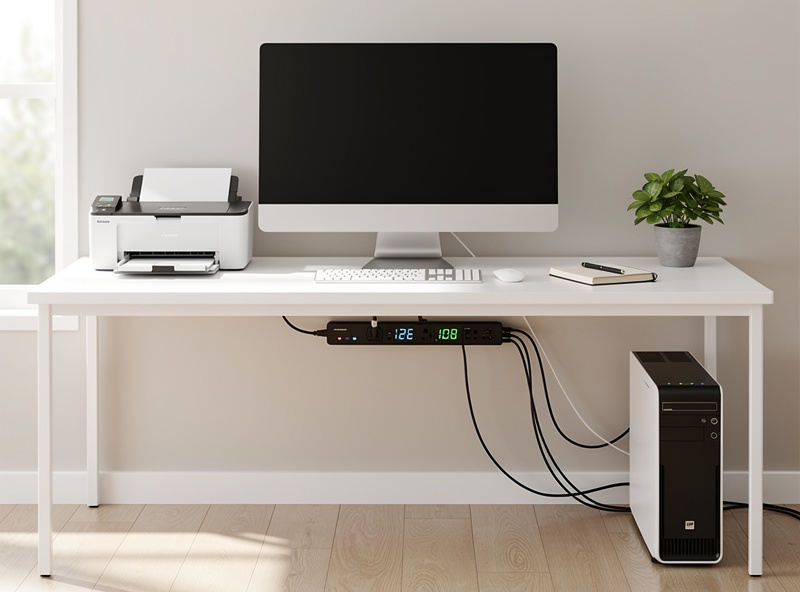
Connect your computer, monitor, printer, desk lamp, and chargers. Schedule everything off at bedtime and back on in the morning. Monitor and printer phantom loads are surprisingly persistent.
Bedroom: $30-50/year savings
Connect your TV, streaming box, sound machine, and chargers. Cut entertainment devices at bedtime. Keep a separate always-on outlet for CPAP or medical devices.
Kitchen Counter: $20-30/year savings
Most kitchen devices draw minimal phantom power, but coffee makers with digital clocks and displays are constant drains. A single monitored plug on your coffee maker pays for itself within a year.
Calculating Your Payback Period
Smart power strip ROI depends on phantom load magnitude and usage patterns. Here is the calculation framework:
Example: Entertainment Center
- Smart strip cost: $30 (Kasa KP303)
- Combined phantom load: 50W (TV, cable box, soundbar, console, streaming device)
- Hours saved daily: 16 (off overnight and while at work)
- Daily savings: 0.050 kW x 16 hours = 0.8 kWh
- Annual savings: 0.8 x 365 = 292 kWh
- Cost savings at $0.13/kWh: $38/year
- Payback period: 9.5 months
After payback, the strip generates $38/year in ongoing savings. Over 5 years, that $30 investment returns $190 in electricity savings – a 533% return. See the smart plug value analysis for detailed ROI calculations across different scenarios.
Using Energy Data Effectively
The real power of monitoring strips is the data they provide. After one week of monitoring, review your consumption patterns:
- Identify energy hogs: Which device consumes the most power? Is it running when you do not need it?
- Detect faulty devices: A device consuming more power than expected may be malfunctioning or aging
- Verify automation: Are your scheduled off-times actually cutting consumption? Check the graphs to confirm
- Set energy budgets: Most smart strip apps let you set daily or monthly energy targets, creating accountability
Advanced Automation Ideas
Goodnight Routine
Configure “Alexa, goodnight” or “Hey Google, goodnight” to cut your entertainment center, office equipment, and non-essential bedroom devices simultaneously. This single command eliminates 80-150W of standby power instantly. For voice assistant setup guidance, see the Alexa vs Google Home comparison.
Geofencing Automation
When the last person leaves home, automatically cut non-essential outlets. Keep security devices, refrigerators, and essential appliances powered. This requires a smart home hub like SmartThings or Hubitat for reliable geofencing.
Vampire Load Hunting
Plug suspected energy vampires into monitored outlets one at a time. You will discover surprising drains: old laptop chargers drawing 5W continuously, unused cable boxes consuming 20W, ancient stereo equipment pulling 8W in standby. Each discovery is an opportunity for savings.
Safety Considerations and Best Practices
- Never exceed ratings: Most smart strips handle 15A (1800W). Do not connect space heaters, hair dryers, or air conditioners to smart strips
- Direct wall connection: Plug smart strips directly into wall outlets, never into extension cords or other power strips
- Surge protection: Choose strips with built-in surge protection (joule rating of 1000+ for entertainment centers)
- Heat monitoring: During the first week, check if the strip feels warm. Quality units run cool; warmth indicates potential problems
- Medical devices: Never connect CPAP machines, oxygen concentrators, or other medical devices to smart strips that may cut power
Frequently Asked Questions
Do smart power strips really save money?
Yes. A $30-40 strip saving $30-50 per year on phantom loads pays for itself in 8-16 months, then provides ongoing annual savings. Entertainment centers and home offices see the fastest payback due to multiple high-standby devices.
Can smart power strips handle high-wattage devices?
Most smart strips are rated for 15A (1800W at 120V), adequate for most electronics but not for high-draw items like space heaters (1500W) or hair dryers (1800W). Check amperage ratings before connecting heavy loads to avoid fire hazards.
What is the difference between a smart power strip and smart plugs?
Smart power strips combine multiple outlets in one unit with surge protection and usually master or slave control options. Smart plugs are individual units you place anywhere. Strips are cleaner for concentrated device clusters; plugs offer flexibility to place monitoring where needed.
Do smart power strips work without WiFi?
Basic power delivery works without WiFi, but remote control, scheduling, and energy monitoring require an active internet connection. Some strips have manual on or off buttons for local control during outages.
Can I use a smart power strip outdoors?
Only with outdoor-rated smart power strips specifically designed for weather exposure. Standard indoor strips risk electric shock and equipment damage when used outdoors. Look for IP64 or higher ratings for outdoor use.
How many devices can I monitor with one smart strip?
Dedicated smart strips typically offer 3-6 monitored outlets. Using individual smart plugs, you can monitor dozens of devices throughout your home. For whole-house monitoring, the Emporia Vue tracks up to 16 circuits from your electrical panel.
Is a whole-house energy monitor worth it?
For homeowners serious about energy management, yes. The Emporia Vue at $100-130 reveals consumption patterns that individual strips cannot show. Pair it with smart strips on high-phantom-load circuits for complete energy visibility and control.