Smart Refrigerator 2026: 4 Tiers Compared
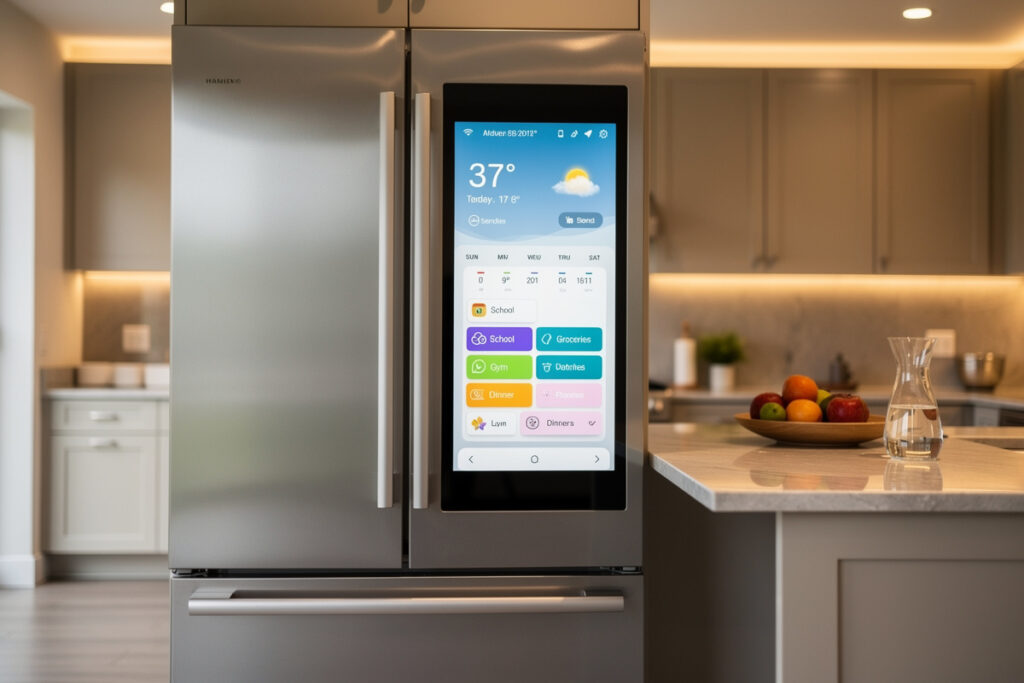
A smart refrigerator earns the $1,200-$2,500 premium over a standard model when door-ajar alerts and inventory-tracking cameras meaningfully cut your household’s grocery waste, and when the touchscreen replaces 3-5 separate counter devices (calendar, family memo board, weather widget, music player) with a 21-inch touchscreen door panel. The 2026 smart fridge market starts at $1,499 for connected basics and climbs to $4,800 for fully-loaded models with quad-zone cooling, inside cameras, and LED-lit door panels — and not every household needs the high tier.
This guide covers the four feature tiers, the connected features that justify the premium, the door-panel ecosystem that decides which apps run on your fridge for the next decade, and the realistic cost of repair for connected components.
Disclosure: HomeAutoCentral is reader-supported. As an Amazon Associate I earn from qualifying purchases, at no extra cost to you. I only recommend gear worth your money.
What Makes a Refrigerator Smart in 2026
A smart refrigerator is a Wi-Fi-connected fridge that pushes status alerts to your phone (door ajar, temperature rise, ice maker fault), accepts remote temperature adjustments, and offers at least one of inside-camera grocery viewing, touchscreen door panel, or food-inventory tracking. The 2026 entry tier starts at door alerts and remote temperature; mid-tier adds an inside camera; top tier adds a 21-inch touchscreen with full app ecosystem.
The single feature that justifies the connected premium for most households is the door-ajar alert. A standard fridge with a door left ajar overnight raises internal temperature and can spoil an entire shelf of groceries in a single incident. A household that gets even a handful of genuine saves a year — the kid who doesn’t fully close the door, the door that doesn’t latch because a jar shifted — can make the alert alone worth the premium on this feature.
Four Smart Refrigerator Tiers
| Tier | Price Range | Form Factor | Connected Features |
|---|---|---|---|
| Connected Basic | $1,499-$1,899 | French door or side-by-side | Door alerts, remote temperature, app filter reminders |
| Connected with Inside Camera | $1,999-$2,799 | French door, 4-door French | Above + 1-3 inside cameras, food expiration tracking |
| Touchscreen Smart Hub | $2,899-$3,899 | 4-door French, large built-in | Above + 21-inch touchscreen, calendar, music, family hub apps |
| Premium Bespoke / Connected Pro | $3,899-$4,800 | Customizable panels, built-in | Above + quad-zone temperature, beverage center, custom door colors |
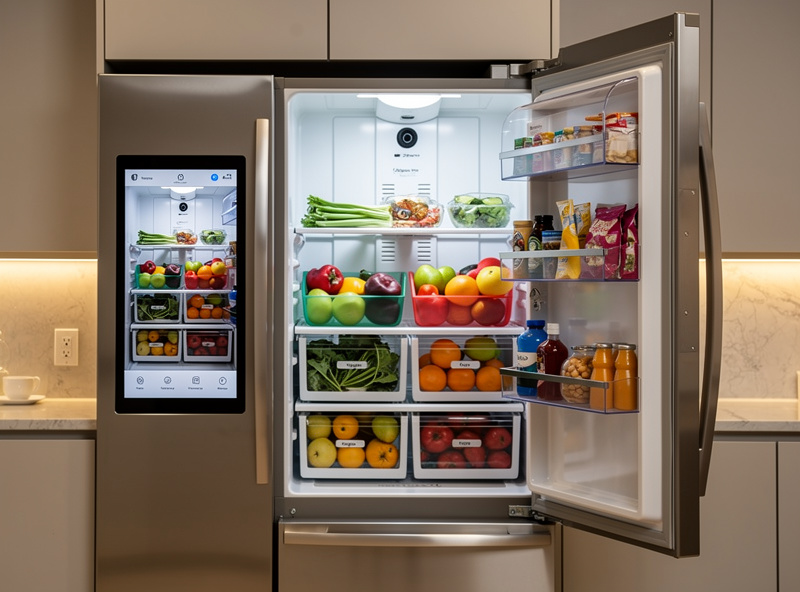
Connected Basic is the right entry point for most households. The $200-$300 premium over a non-smart equivalent buys door alerts and remote temperature — the two features with the clearest payback. Inside cameras add $500-$900 and deliver real value for households that frequently shop without a list. Touchscreen hubs add another $700-$1,000 and deliver value mainly for households that already use a kitchen tablet for recipes, weather, music, and family scheduling.
Connected Features Ranked by Daily Value
1. Door-ajar push alert. Fires when the door has been open longer than 30-90 seconds (configurable), a feature LG ThinQ and Samsung both build into their app ecosystems. The dollar value depends entirely on how often your household actually leaves the door ajar — for some homes it never fires, for others it catches a real spoiled-groceries incident a few times a year.
2. Remote temperature adjustment. Useful when stocking up before a holiday or warming up before defrost cleaning. Saves a trip to the kitchen.
3. Filter and ice-maker maintenance reminders. The water filter and ice tray both have replacement schedules that owners forget. Smart reminders extend filter quality and prevent ice-maker fouling — small savings individually, but they prevent the $150-$400 ice-maker repair that comes from prolonged use of a clogged filter.
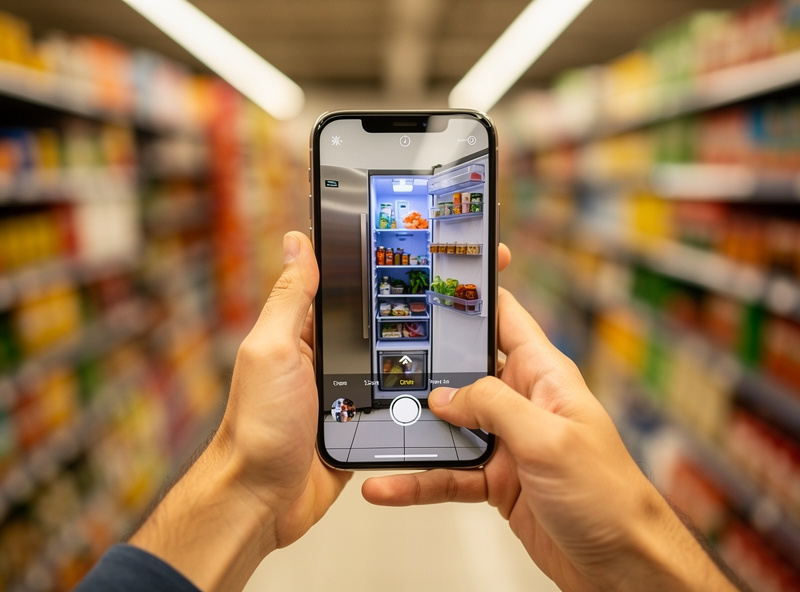
4. Inside camera with grocery view. Three small cameras on the inside door of a French-door fridge let you check what is inside from the grocery store. Owners who genuinely shop without a list get the most out of this feature; owners with an already well-organized fridge and a consistent grocery routine tend to stop checking the camera after the novelty wears off, because they already know what’s inside without looking.
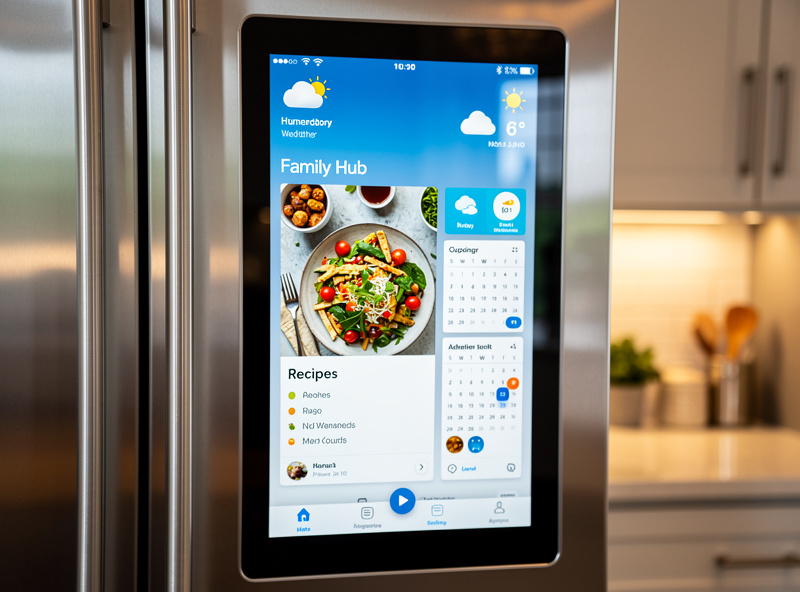
5. Family hub touchscreen apps. Calendar, weather, music, recipe display, family memo. Useful in households that previously had a tablet on the kitchen counter doing the same job; not useful as an addition to households that already have a wall-mounted tablet or smart display.
6. Voice control through Alexa or Google Home. Limited usefulness for refrigerators specifically — what voice commands do you actually issue to a fridge? Useful for music playback on touchscreen models, marginal for everything else.
Smart Refrigerator Ecosystem: Apple Home Actually Matters Here
Refrigerators are one of the few smart kitchen categories where Apple Home support is broad. LG ThinQ and Samsung Family Hub both bridge into Apple Home through their own apps on 2023+ models (not full native HomeKit device certification, but Home app visibility and basic control), and Bosch added similar HomeKit bridging on its 2025 connected line. Whirlpool, GE, and KitchenAid still skip Apple Home as of Q1 2026.
For Alexa and Google Home households, every smart refrigerator brand works. LG ThinQ has the strongest cross-platform integration (alerts route to whichever app you have open). Samsung Family Hub is the most feature-rich on the touchscreen side. Bosch and Miele lead on quiet operation. GE Profile is the strongest mid-tier option for households without HomeKit needs.
Six Shopping Criteria for a Smart Fridge You Will Use Daily
1. App reliability in the last 12 months. Smart fridge apps degrade with firmware updates more often than other smart kitchen categories because the touchscreen and camera firmware add complexity. Filter to the last 6 months of app store reviews and read 30 of them.
2. Repair cost for connected components. The touchscreen on a Samsung Family Hub costs $400-$700 to replace out of warranty. Inside cameras on LG models cost $200-$350 per camera. Standard fridge parts (compressor, evaporator, ice maker) are unchanged. Confirm the warranty on connected components specifically.
3. Door-alarm timing customization. Default door-ajar alarms fire after 30 seconds, which is annoying when you are unloading groceries. Look for adjustable timing (30-300 seconds) and per-time-of-day rules.
4. Camera count and angle if buying with inside cameras. Three cameras (one per shelf) cover more than two cameras (top + bottom). Wide-angle lenses see more than narrow. Samsung and LG have similar camera coverage on flagship 2026 models.
5. Touchscreen offline mode. Touchscreen smart fridges should still display calendar, photos, and timers when internet drops. Confirm offline behavior — some 2022-2023 models become bricks during outages.
6. Energy efficiency tier (still matters). Smart features add a few watts of standby draw on top of the compressor’s normal consumption. Look for ENERGY STAR Most Efficient certification — it accounts for the smart-feature draw and still requires the underlying fridge to hit efficiency targets.
Privacy Considerations for Inside Cameras
Inside-camera smart fridges send images to the manufacturer’s cloud for processing on every door-open event. Samsung Family Hub stores 30 days of inside-camera images on Samsung servers; LG ThinQ stores 14 days. Both brands let you opt out of cloud storage in the app, in which case the camera only streams to your phone in real time when you open the app.
For privacy-sensitive households, the opt-out is the right setting. You lose the “show me what’s in the fridge” feature when you are not at home (the camera only streams when actively requested), but you keep the from-the-store feature where you tap the app, the camera takes a fresh image, and you check what is inside.
Smart Fridge Versus Smart Hub on Counter
An Echo Show 15 or Google Nest Hub Max sitting on the counter delivers most of what a Family Hub touchscreen does — calendar, weather, recipes, music, photo display — for $250-$300 instead of the $700-$1,000 premium for the touchscreen door panel. The case for a touchscreen smart fridge over a counter hub is the always-visible placement (the fridge is always where you are looking when cooking) and the inside-camera integration that a counter hub cannot provide.
Most households will get more value from a Connected Basic tier smart fridge plus an Echo Show on the counter than from a Touchscreen Smart Hub fridge alone. The exception is built-in kitchens with no spare counter space for a separate hub. For broader smart kitchen context see the smart kitchen appliances buyers guide.
What the Fridge Actually Gives Home Assistant
I don’t own a connected fridge, and the door-ajar problem in my own kitchen is solved a different way — a cheap Zigbee door/window contact sensor stuck to the fridge door frame, reporting into Home Assistant exactly the way every other door sensor in the house does. It costs a fraction of the smart-fridge premium, doesn’t care which fridge brand I own, and the automation logic (chime after 60 seconds, escalate to a phone push after 3 minutes) is something I control instead of whatever the manufacturer’s app decided the default should be. If the appliance itself ever gets replaced, the sensor doesn’t care — it just moves to the new door.
That’s the general pattern worth internalizing before paying a four-figure premium for a “smart” version of anything that’s fundamentally a single mechanical function with a sensor bolted on. A door-ajar alert, a temperature reading, a maintenance reminder — these are all things a $20-30 sensor and a rule engine handle as well or better than a manufacturer’s proprietary app, and they outlive any single appliance. Where the built-in smart fridge genuinely earns its premium is the stuff a bolt-on sensor can’t replicate: the inside camera, the touchscreen, and food-inventory tracking that requires sensors physically inside the compartment. Judge the purchase on those features specifically, not on the door-alert headline that a $25 accessory already solves.
Frequently Asked Questions
Is a smart refrigerator worth it?
A smart refrigerator is worth the premium for households with frequent grocery waste, multiple cooks, or anyone who travels and wants door-ajar alerts. How much the door-alert feature actually saves depends on how often your household leaves the door ajar in the first place — for some homes it prevents real spoilage a few times a year, for others it rarely fires. For single-occupant households with consistent cooking habits and a well-organized fridge, the connected features rarely justify the 200-1,000 dollar premium.
What is the best smart refrigerator brand?
LG ThinQ leads on cross-platform ecosystem support and app reliability. Samsung Family Hub leads on touchscreen features. Bosch leads on quiet operation. GE Profile is the strongest mid-tier choice for households without Apple HomeKit requirements. All four brands have shipped firmware updates in 2025-2026, though no manufacturer publishes a guaranteed app-support timeline the way they do a parts warranty — check owner forums for how older models have actually fared before assuming long-term support.
Can you use the inside cameras when away from home?
Yes — every smart refrigerator with inside cameras lets you stream live or view recent images from the brand app over the internet. The most common use is checking what is inside from the grocery store before buying duplicates. Samsung and LG both offer 14-30 day cloud storage of inside-camera images with opt-out for privacy-sensitive households.
How long do smart refrigerators last compared to regular ones?
The refrigeration system on smart fridges lasts 12-15 years — same as non-smart equivalents at the same price tier. Connected components (touchscreen, cameras, Wi-Fi modules) typically need replacement at year 7-10. Plan for one connected-component repair in the 10-15 year ownership window, costing 200-700 dollars depending on the component.
Do smart refrigerators work without Wi-Fi?
Yes — every smart refrigerator continues to refrigerate, freeze, and dispense ice without Wi-Fi. You lose remote alerts, app control, voice integration, and any cloud-dependent features (camera streaming, family hub apps). The fridge falls back to its standard physical control panel for temperature adjustments. Touchscreen models retain offline access to local timers and basic apps.
Are smart refrigerators safe from being hacked?
Risk is low when you follow standard hygiene: change default Wi-Fi passwords, isolate the fridge on a guest Wi-Fi network or IoT VLAN, and keep firmware updated. Reused passwords and unpatched firmware on older units are a far more common real-world risk than a targeted zero-day exploit. Disable inside-camera cloud storage if you are privacy-conscious — Samsung and LG both offer opt-out toggles in the app.
Related Articles
- Smart Kitchen Appliances 2026: Complete Buyers Guide (parent hub)
- Smart Oven Buyers Guide 2026: 4 Tiers Compared
- Smart Coffee Maker Buyers Guide 2026
- Best Smart Home Energy Management Systems
- Best Smart Display 2026: Complete Buyer Guide