Smart Home Appliance Automation: The Local-First Guide
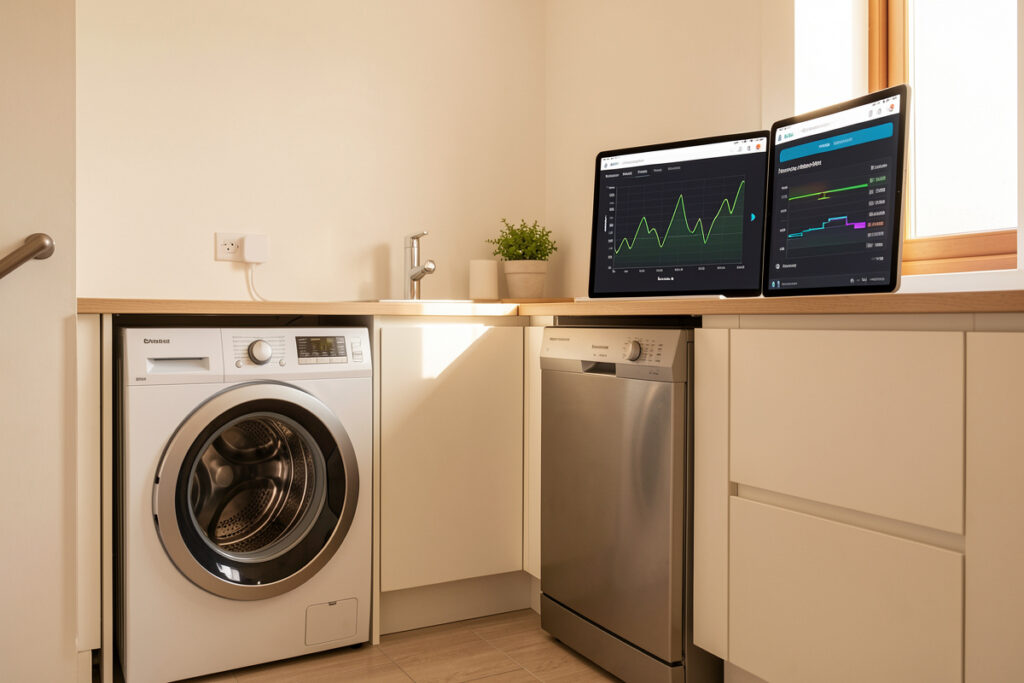
Smart home appliance automation means wiring your washer, dishwasher, fridge, and oven into one local rule engine that reacts to their real state — not bolting a cloud app onto each one. In my setup, an energy-reporting smart plug turns a dumb appliance into a sensor: the hub knows the dishwasher pulls 1,300 W on its heating element and drops under 2 W when the cycle ends, and that single number drives every automation that matters.
I have run a local-first Home Assistant install for years, and appliances were the last thing I automated — on purpose. They are the part of the house where the marketing is loudest and the actual payoff is quietest. A “smart” fridge with a touchscreen does almost nothing useful; a $15 energy plug behind a dumb dishwasher that texts me “cycle done, go unload it before the glasses spot” earns its keep every single day. This guide is the whole framework I use, plus links to the deep-dive on each appliance.
What appliance automation actually is (and what it is not)
Appliance automation is presence plus state plus a rule: the hub reads what an appliance is doing, decides whether to act, and fires an action that survives an internet outage. It is not a pile of vendor apps you open one at a time. The distinction is the whole game — a system you control locally keeps working when the cloud doesn’t and the manufacturer doesn’t get a vote on when your notifications arrive.
Here is the reframe that changed how I build: an appliance is rarely worth automating for what it does. It is worth automating for what it tells you and what it lets you schedule. A washing machine that finishes silently and sits there breeding mildew is a daily annoyance; the same machine reporting “done” to my hub becomes a tiny, reliable routine. The intelligence lives in the hub and the sensors, not in the chrome. That is why I would rather pair a $400 dumb appliance with a $15 monitoring plug than buy a $900 “connected” model whose servers I don’t control. For the full argument on which side wins, the deep-dive is best smart home appliances with local control.
The building block: smart plugs and relays, not “smart” appliances
Ninety percent of my appliance automation runs on energy-reporting smart plugs and in-wall relays, not on appliances that ship with Wi-Fi. A plug that reports power in real time is the cheapest, most reliable sensor you can buy: it tells the hub when a load starts, how hard it is working, and the moment it stops. That power curve is the trigger for nearly everything downstream.
The plug-versus-built-in decision matters because built-in connectivity is almost always cloud-bound and abandoned within a few years of firmware updates, while a local plug outlives the appliance it is attached to. When I replace a dishwasher, the plug and its automations move to the new one unchanged. I cover the plug-versus-switch tradeoff in smart plug vs smart switch, and whether the category is worth it at all in are smart plugs worth it. For models that expose local control out of the box, start with the best smart plugs.
One hard rule: match the plug to the load. A washer, dishwasher, or oven outlet can pull 10-15 A continuous, and a cheap plug rated for a lamp will cook itself. I use plugs rated for the full appliance draw, and for anything hardwired or above 16 A I use an in-wall relay or a contactor the relay drives, never a countertop plug. The smart plug for a space heater guide goes through the high-draw math in detail — the same logic applies to a tumble dryer.
Energy monitoring is the sensor that makes appliances legible
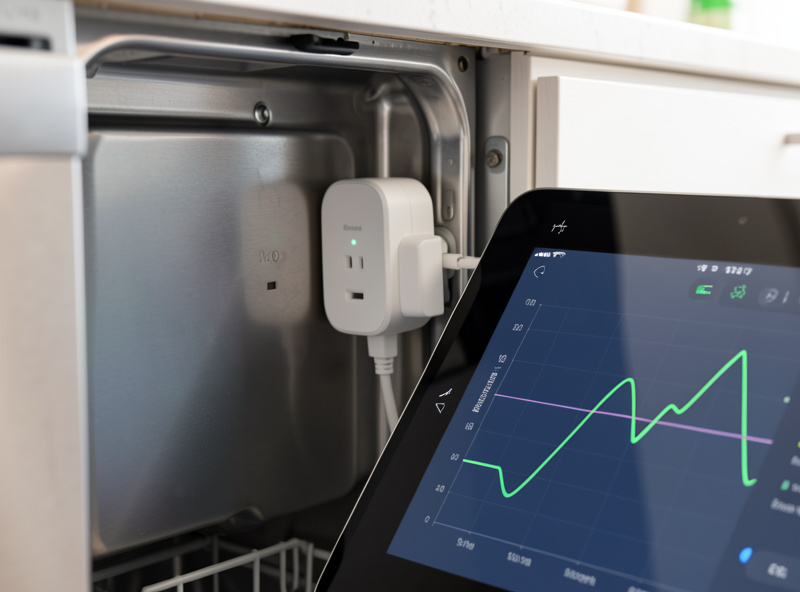
The single most useful thing I did was put energy monitoring on every major appliance. Once the hub can see a power curve, it can tell the difference between a dishwasher running, idling, and finished — without any cooperation from the appliance itself. A clothes dryer that climbs to 2,000-3,000 W on the heating element, holds, then falls back to a ~5 W standby is trivially easy to track by watts alone.
I read appliance state with a simple pattern: define a “running” threshold and a “finished” debounce. My dishwasher counts as running above ~10 W; it counts as finished when it stays under 3 W for two full minutes (the debounce stops mid-cycle pauses from firing a false “done”). That two-number recipe — running threshold plus finished-debounce — is the backbone of every appliance automation I build, and it is identical whether the data comes from a per-plug meter or a whole-panel clamp. The full breakdown of which approach to use lives in smart appliance energy monitoring, and the panel-versus-plug decision in whole-home energy monitor vs smart plugs. If you want a circuit-level view, my CT-clamp energy dashboard tracks every breaker over MQTT.
The per-appliance playbook
Each appliance has its own quirks, its own draw signature, and its own genuinely useful automation. Below is the short version; each links to the full build.
Washer and dryer
The laundry pair is the best argument for appliance automation because the failure mode — forgotten wet laundry — is so common and so annoying. With an energy plug on each, the hub sends a “wash done” notification only when nobody is home to hear the buzzer, and nags again every 30 minutes until the door opens (a contact sensor on the lid clears it). It also runs the dryer only during off-peak tariff windows when I let it; dryers rank among the home’s biggest energy users per ENERGY STAR, so that one shift is the highest-value automation in the room. Full build, including the running/finished thresholds for both machines, is in smart washer dryer automation.
Dishwasher
The dishwasher is the cleanest plug-automation case in the house: it is on its own outlet, draws a clear curve, and benefits from both a “done” alert and off-peak scheduling. I delay-start it to the cheap overnight rate using the appliance’s own delay timer, but trigger the notification and the “open the door to dry” reminder from the plug. Step-by-step in dishwasher smart plug automation.
Refrigerator
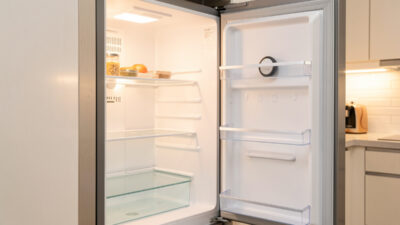
The fridge is the one appliance you automate for safety, not convenience. I do not switch it — never put a fridge on a plug you might toggle — but I monitor it hard: a temperature sensor inside, a power-draw watch on the circuit, and a leak sensor under it. If the compartment climbs past 7 °C for more than 20 minutes, or the compressor stops drawing power, the hub screams before the food spoils. That trip sits just above the 4 °C (40 °F) safe ceiling FoodSafety.gov sets for refrigerators. The native Home Assistant integration plus the sensor stack is in smart refrigerator integration with Home Assistant.
Oven
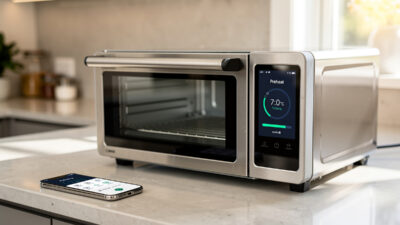
The oven is where I am most conservative — I never automate the heating element of a gas or high-wattage electric oven on a plug, full stop. What I do automate is timing, presence safety, and notifications: a power-draw watch that warns me if the oven has been pulling heat for longer than any recipe should while the house is in “away” mode. The timing-and-safety pattern, and the clear line about what you must never switch, is in smart oven plug timing automation.
Which radio belongs on an appliance
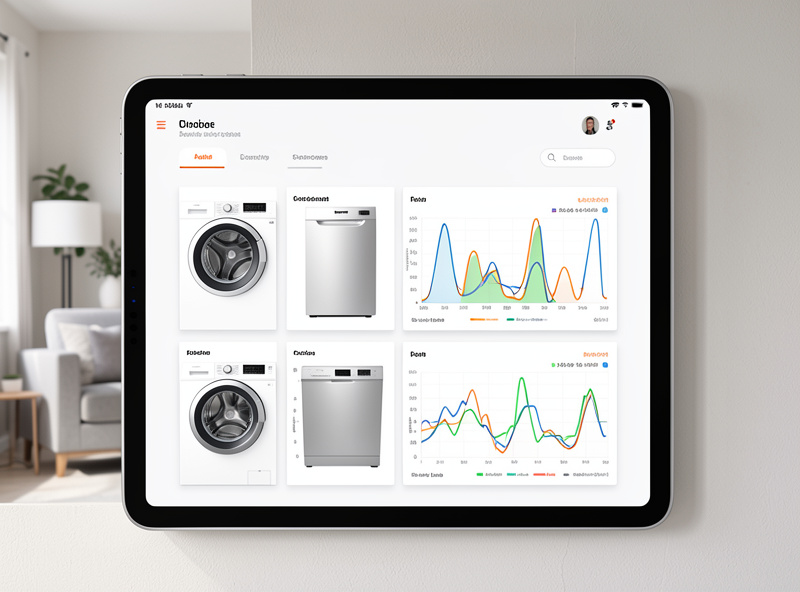
Appliances sit in metal boxes near motors and heating elements — an electrically noisy, RF-hostile spot — so radio choice matters more here than anywhere else in the house. My rule: monitoring and switching want a robust mesh, not Wi-Fi. Zigbee and Z-Wave plugs mesh through every other mains-powered node, so a plug behind the fridge relays for the one behind the dishwasher; Wi-Fi plugs each hold their own connection to the access point and fall over first when the 2.4 GHz band is crowded.
I run energy plugs on Zigbee where I want fast, frequent power reporting, and Z-Wave for the few long-range or wall-buried relays. Matter-over-Thread is where the newer appliance-adjacent gear is heading and I use it for recent devices, but I still treat Wi-Fi-only appliances as the exception, never the backbone. The full radio comparison is in Zigbee vs Z-Wave vs Wi-Fi, the protocol primer in what Matter actually is, and the Wi-Fi-versus-Zigbee decision specifically in Wi-Fi vs Zigbee for smart home. One practical gotcha that bites appliance plugs hard: a Zigbee coordinator parked next to a USB-3 port or a microwave will drop the very nodes you most want reliable — see Zigbee range and interference problems.
| Appliance | Switch it? | Best sensor | Typical draw | Best radio | Key automation |
|---|---|---|---|---|---|
| Washing machine | No (monitor only) | Energy plug | 200-2,200 W | Zigbee/Z-Wave | “Done” alert + off-peak start |
| Tumble dryer | No (monitor only) | Energy plug / relay | 2,000-3,000 W | Z-Wave / contactor | Off-peak run + lint reminder |
| Dishwasher | No (monitor only) | Energy plug | 1,200-1,500 W | Zigbee | Done alert + dry-door reminder |
| Refrigerator | Never | Temp + leak + power | 100-250 W cycling | Zigbee sensors | Spoilage / power-loss alarm |
| Oven | Never (element) | Power watch + presence | 2,000-3,500 W | Z-Wave / clamp | “Left on while away” alarm |
| Small countertop | Yes (with care) | Energy plug | 700-1,500 W | Zigbee | Auto-off after idle |
Presence and notification logic that doesn’t cry wolf
An appliance alert is only useful if it fires at the right person at the right time, and that means the hub has to know who is home. I drive appliance notifications off real presence — mmWave and motion sensors plus room logic — not “a phone joined the Wi-Fi,” which is laggy and lies when a phone sleeps. If the dishwasher finishes and the kitchen is occupied, no alert: someone will see the light. If it finishes and the house is empty, the alert waits until someone returns and then fires once.
The pattern I reuse everywhere is escalate-then-clear: notify once, re-notify on an interval, and clear automatically when a sensor proves the task is handled (a door opened, a contact closed, occupancy detected at the appliance). Built well, this is the difference between a system you trust and one you mute after a week. The sensor side of this lives in the best smart home sensors, and the brain that ties it together is covered in do you need a smart home hub and running Home Assistant on a Raspberry Pi (though I run mine on an N100 box, not an SD card).
Safety, high-draw loads, and the things you must never automate
Appliances are the one category where a bad automation can start a fire or spoil a freezer of food, so I keep a short, non-negotiable list. Never switch a refrigerator or freezer on a toggleable plug. Never automate a gas oven or cooktop. Never put a heating-element appliance on an undersized plug — overloaded outlets and undersized cords are a recognized fire cause the Electrical Safety Foundation International documents. And never build a critical-safety automation that depends on a cloud server you don’t control — if the rule has to fire when the internet is down, it has to live entirely on the local hub.
For high-draw loads I either use a relay rated well above the appliance’s continuous current or have the relay drive a properly rated contactor. Heat and inrush current are real: a dryer’s element and a motor’s startup spike both stress contacts, so I size for the peak, not the average. This is also why I keep appliances on a segmented IoT network — dozens of chatty devices sharing the flat home LAN is how a smart home turns flaky, and an appliance that loses its connection mid-automation is worse than a dumb one. The VLAN approach is in the smart home VLAN guide.
Local control versus cloud: the reliability math
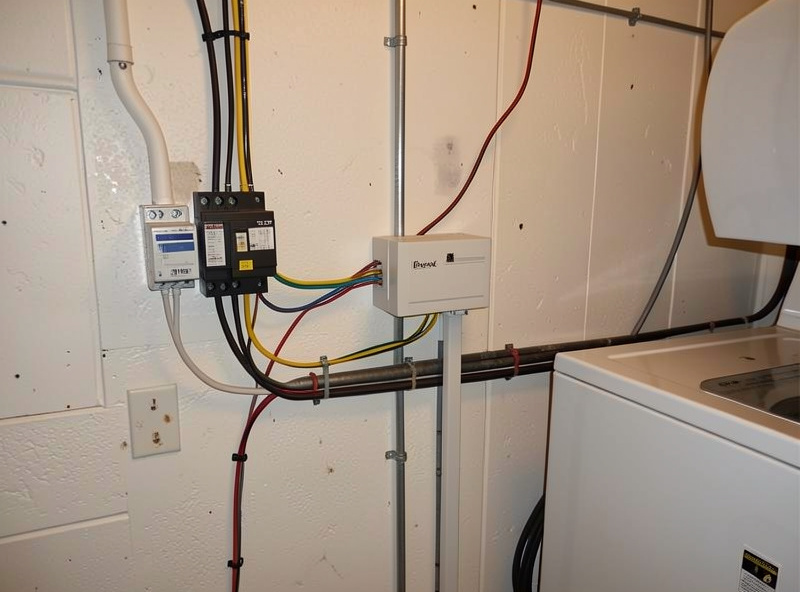
Every appliance automation I keep passes one test: does it still work when the cloud is down? A “done” notification that routes through a manufacturer’s server adds seconds of latency on a good day and simply fails on a bad one. The same automation reading a local energy plug into a local hub fires in well under a second and never depends on someone else’s uptime. That is not paranoia; it is the difference between a routine you can build a habit around and one that randomly ghosts you.
Cloud-only appliances also rot. Firmware updates change APIs, integrations break, and the “smart” features you paid extra for get sunset when the vendor pivots. A local plug plus a dumb appliance has no such expiry date — the automation is yours, written once, and it migrates to the next appliance for free. When I evaluate any connected appliance now, the first question is “can I control and read this entirely locally?” If the answer is no, it goes on a monitoring plug and the appliance’s own brain gets ignored. The full local-first device shortlist is best smart home appliances with local control.
Taming the entity sprawl before it tames you
Put six appliances on plugs with energy reporting and you have suddenly added thirty-plus entities — power, energy, current, voltage, state — and if you name them inconsistently you will hate your own dashboard within a month. I learned this the hard way after naming forty entities by whatever the integration defaulted to. Now every appliance entity follows one scheme: area_device_measurement, so kitchen_dishwasher_power sits right next to kitchen_dishwasher_state and the automations read like sentences.
The discipline pays off when you build the “is it running” template sensors: a consistent naming convention means a new appliance is a copy-paste plus three renames, not an archaeology dig. For DIY nodes I build with ESPHome, the same scheme applies — see ESP32 and ESPHome DIY sensors. Get the names right once and the whole appliance layer becomes maintainable instead of a pile of cryptic switches.
Where to start if you are building this today
Start with one appliance and one energy plug — the dishwasher is the easiest win. Get the running/finished thresholds dialed, get one clean “done” notification firing off real presence, and live with it for a week. Then add the laundry pair, then the fridge safety stack, and only then worry about the oven and the whole-home energy picture. Build it appliance by appliance, keep every rule local, and you end up with a kitchen and utility room that quietly tell you what they are doing instead of a drawer full of apps you never open.
As an Amazon Associate I earn from qualifying purchases. When I point at gear, the affiliate links go to a search so you can compare current models — for the workhorse of this whole guide, an energy-monitoring Zigbee smart plug is where I would spend the first $15.
Frequently Asked Questions
Do I need smart appliances to automate my kitchen?
No. An energy-reporting smart plug turns any dumb appliance into a sensor the hub can read. I automate a $400 dumb dishwasher with a $15 plug rather than buy a $900 connected model whose cloud features expire in a few years.
Can I put my refrigerator on a smart plug?
Monitor it, never switch it. Put a temperature sensor inside, a leak sensor under it, and watch its power draw, but never use a plug you might accidentally toggle off. A switched fridge plug is how you spoil a freezer of food.
What is the most useful appliance automation to build first?
A dishwasher done-notification driven by an energy plug. It is on its own outlet, draws a clean power curve, and the payoff is daily. Set a running threshold near 10 W and a finished-debounce under 3 W for two minutes.
Which radio is best for appliance smart plugs?
Zigbee or Z-Wave, not Wi-Fi. They mesh through every mains-powered node, so plugs relay for each other in the RF-noisy space around appliances. Wi-Fi plugs each hold their own connection and fall over first when the 2.4 GHz band is crowded.
Will my appliance automations keep working if the internet goes down?
Only if they run on a local hub reading local devices. A notification routed through a manufacturer cloud adds latency and fails during outages. The same rule reading a local energy plug into Home Assistant fires in under a second with no internet at all.
How do I avoid false done alerts mid-cycle?
Use a finished-debounce. Do not fire done the instant power drops, because dishwashers and washers pause mid-cycle. Require power to stay under the off threshold for a full two minutes before the hub declares the cycle complete.
Related Guides
- Smart Washer & Dryer Automation
- Dishwasher Smart Plug Automation
- Smart Refrigerator Integration with Home Assistant
- Smart Oven Plug Timing Automation
- Smart Appliance Energy Monitoring
- Best Smart Home Appliances with Local Control