Dishwasher Smart Plug Automation: The Easiest Win
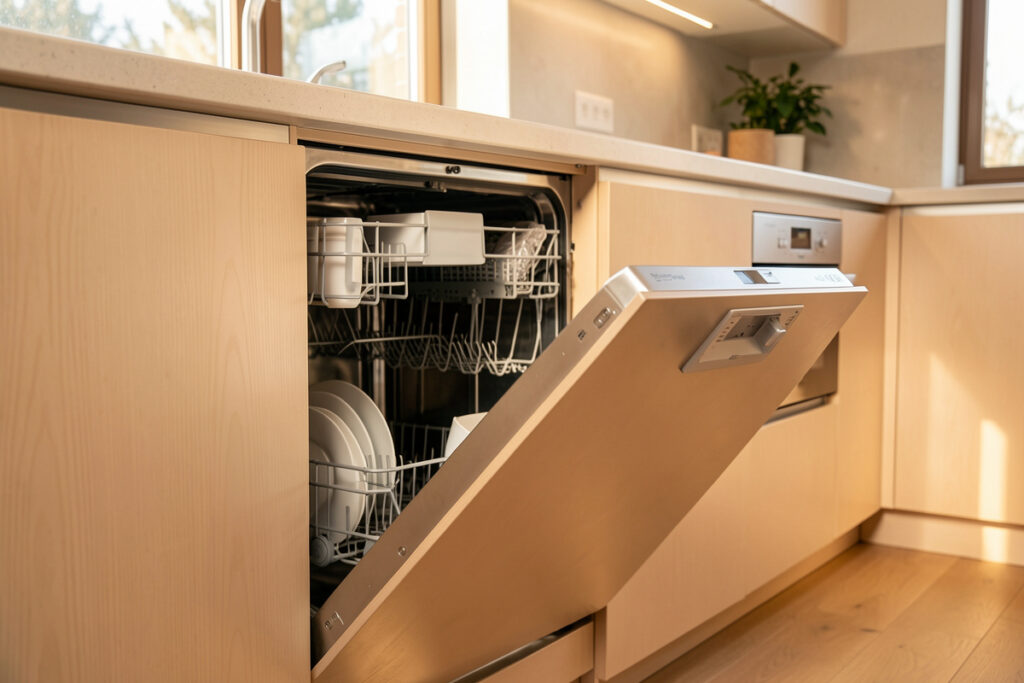
Dishwasher smart plug automation is the cleanest appliance win in the house: the dishwasher sits on its own outlet, draws an unmistakable power curve, and benefits from both a “cycle done” alert and a “crack the door to dry” reminder. In my setup an energy-reporting plug treats a $400 dumb dishwasher as a sensor — running above ~10 W, finished after two minutes under 3 W — and the hub does the rest, locally, with no app from the manufacturer involved.
This was the first appliance I automated when I moved my whole house onto a local-first Home Assistant install, and I still recommend it as everyone’s starting point. The wiring is one plug, the power curve is obvious, and the daily payoff — no more opening a dishwasher full of cold, spotted glasses three hours after it finished — sells the whole concept of appliance automation faster than anything else. Here is exactly how I build it.
Why the dishwasher is the perfect first automation
A dishwasher gives you a clean, isolated load on a dedicated circuit, which makes its power curve trivial for the hub to read. It pulls 1,200-1,500 W when the heating element fires for the wash and dry phases, drops near zero during the soak, and settles under 2 W when it is truly done — a signature so distinct the hub can identify the exact cycle stage from watts alone.
Compare that to a connected dishwasher: it pushes its “done” notification through the vendor’s cloud, which adds latency and dies during an internet outage, and its app features get sunset on the manufacturer’s schedule. A local plug feeding my hub fires the same alert in under a second, works offline, and migrates to the next dishwasher unchanged when this one dies. That is the local-first argument I make across the smart home appliance automation hub, and the plug-category basics are in are smart plugs worth it.
Picking and sizing the plug
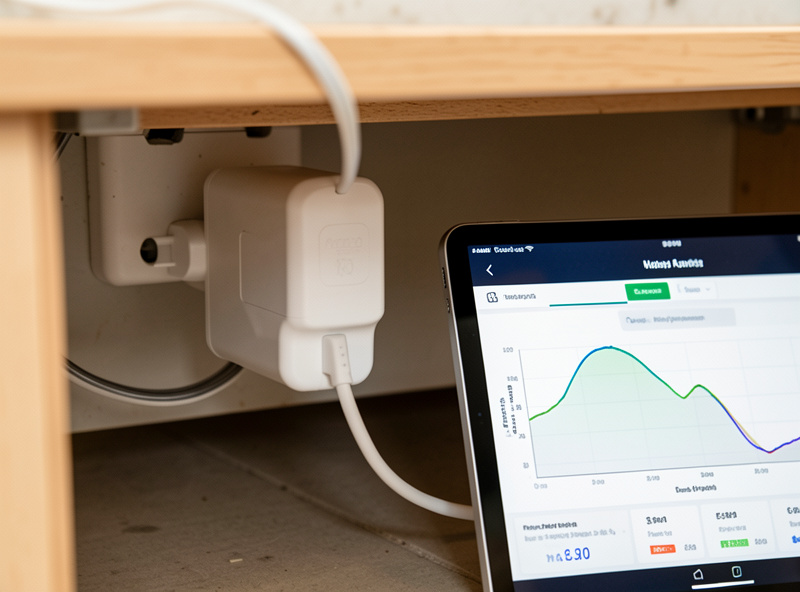
A dishwasher peaks around 1,200-1,500 W, well inside a standard 10 A plug’s rating, but I still use an energy-reporting plug rated comfortably above the peak and never a bargain unit. The reason is the heating element: it is a sustained, hot load, and a marginal plug runs warm over years of daily cycles. Monitoring only — never switch a dishwasher mid-cycle, because cutting power partway leaves dirty water in the tub and a job half done.
I run the dishwasher plug on Zigbee for fast, frequent power reporting, since the cycle-stage detection depends on seeing the curve cleanly. A Wi-Fi plug works but is the first thing to drop when the 2.4 GHz band is busy, and the kitchen is usually full of competing devices. The radio tradeoff is laid out in Zigbee vs Z-Wave vs Wi-Fi, and the plug-versus-switch question in smart plug vs smart switch. For models with clean local control, the shortlist is the best smart plugs.
The running and finished thresholds
The whole automation rests on two numbers: running above 10 W, finished after a two-minute debounce below 3 W. The debounce is the part people get wrong. A dishwasher idles near zero during the long soak phases, so a naive “power hit zero, send done” rule fires two or three false alerts per cycle. Requiring power to stay under the off threshold for two continuous minutes eliminates every false done I used to get.
I build this as a template binary sensor named kitchen_dishwasher_running and a matching kitchen_dishwasher_state, following one naming scheme across every appliance so the automations read like sentences. Watch your own machine on an energy graph for a cycle before locking in numbers — a quiet eco cycle draws less than a heavy pots cycle, so set the running threshold low enough to catch both. The full method for reading appliance curves is in smart appliance energy monitoring.
The two automations worth building
The first is the done-notification, and it is only useful if it reaches the right person. I drive it off real presence — mmWave and motion plus room logic — not “a phone joined the Wi-Fi.” If the dishwasher finishes while the kitchen is occupied, no alert; if the house is empty, the hub holds it and fires once when someone returns. It uses escalate-then-clear: notify, re-notify on an interval, and clear automatically when the kitchen shows someone has been at the machine.
The second is the open-to-dry reminder, which is the one that surprised me with how much I use it. Modern dishwashers with no heated-dry leave glassware damp; a notification two minutes after the cycle ends — “crack the door, let it air-dry” — saves a towel-drying chore every night. Both rules live entirely on the local hub, so they survive an outage, and both depend on the presence sensors covered in the best smart home sensors.
Off-peak scheduling done the safe way
If you pay a time-of-use tariff, shifting the dishwasher to the cheap overnight window is easy money — but do it with the appliance’s own delay-start timer, not by cutting power with the plug. You load it after dinner, press the machine’s delay button, and it starts itself on the cheap rate. The hub’s role is to remind you to load-and-delay before bed and to confirm, by watching the power curve, that the cycle actually ran overnight. Running full loads on the cheap window is exactly the efficiency habit ENERGY STAR recommends for dishwashers.
Switching the plug to fake a schedule is the classic beginner mistake: a dishwasher interrupted mid-fill or mid-drain does not resume cleanly, and you wake up to a fault code. Let the appliance manage its own start; let the hub manage the reminders, the verification, and the energy accounting. For the bigger picture on where per-plug data stops being enough, see whole-home energy monitor vs smart plugs.
Leak protection: the upgrade nobody regrets
The one sensor I would not run a dishwasher without is a leak sensor tucked under the front edge of the cabinet. A dishwasher is plumbed, and a slow supply-line drip or a failed door gasket can rot a kitchen floor for weeks before you notice. The EPA estimates household leaks waste roughly a trillion gallons of water a year nationally — a slow appliance drip behind a cabinet is precisely that, hidden. A $15 Zigbee leak sensor wired into the hub fires an instant local alarm — and in my setup, if the leak sensor trips, the hub also shuts the smart water valve on that branch.
That water-valve cutoff is the kind of automation that only works if it is local: it has to fire when the internet is down, because leaks do not wait for your cloud provider. Pair the leak sensor with the power monitoring and you have covered both failure modes — the cycle that finishes unnoticed and the leak that floods unnoticed. I keep all of these devices on a segmented IoT network per the smart home VLAN guide, and the related fridge safety stack is in smart refrigerator integration with Home Assistant.
As an Amazon Associate I earn from qualifying purchases. For this build I would pair an energy-monitoring Zigbee plug with a Zigbee leak sensor under the cabinet.
Frequently Asked Questions
Can I automate a dishwasher with just a smart plug?
Yes. A dishwasher sits on its own outlet and draws a clear power curve, so an energy-reporting plug lets the hub detect running, idle and finished states without any cooperation from the appliance. It is the easiest appliance automation to start with.
What wattage means my dishwasher cycle is finished?
Treat power under 3 W for two continuous minutes as finished. The two-minute debounce matters because a dishwasher idles near zero during soak phases, so an instant zero-power rule fires false done alerts mid-cycle.
Should I use the smart plug to schedule the dishwasher?
No. Use the dishwasher’s own delay-start timer so it begins on the cheap overnight rate, and let the hub remind you to load and delay. Cutting power with the plug can interrupt a fill or drain and trigger a fault code.
Is a Wi-Fi plug fine for a dishwasher?
It works, but Zigbee is better. Cycle-stage detection needs clean, frequent power reporting, and a kitchen is full of competing 2.4 GHz devices that knock Wi-Fi plugs offline first. A Zigbee plug meshes through other nodes and stays reliable.
What is the open-to-dry reminder?
A notification a couple of minutes after the cycle ends that prompts you to crack the door so glassware air-dries. Dishwashers without heated dry leave dishes damp, and this reminder saves a nightly towel-drying chore.
Do I need a leak sensor on a dishwasher?
It is the upgrade nobody regrets. A dishwasher is plumbed, and a slow drip can rot a floor before you notice. A Zigbee leak sensor under the cabinet fires an instant local alarm, and the hub can also shut a smart water valve on that branch.
Related Guides
- Smart Home Appliance Automation (hub)
- Smart Washer & Dryer Automation
- Smart Appliance Energy Monitoring
- Best Smart Plugs