Pet Camera With Treat Dispenser: A Buyer Guide
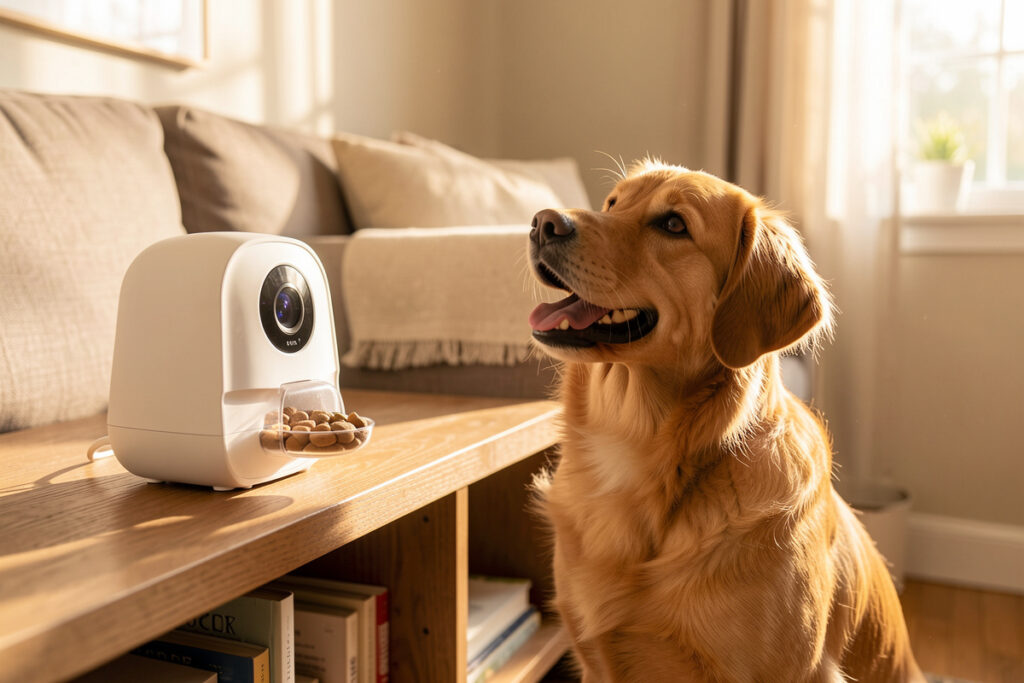
A pet camera with a treat dispenser is worth it only if it records locally and the treat-toss fires without a three-second cloud delay. In my setup the cameras feed a local NVR with on-box object detection — no subscription, no footage leaving the house — and the treat function is a bonus, not the reason I bought the camera.
This is the category where cloud lock-in is worst, because the business model is recurring revenue: cheap camera, forever footage plan. I’ve run local-recording cameras for years through a Frigate-style pipeline, and I judge every pet-cam-with-treats by two questions before any feature list — can I get the video off it without a subscription, and does the treat dispenser respond fast enough to actually reward the right behavior? Everything else is detail. Here’s the framework I use, not a list of model names I supposedly tested last Tuesday.
Local Recording Is the Whole Decision
Most pet cameras are designed to push their video into the manufacturer’s cloud and charge you monthly to look at it. That’s a privacy problem and a cost problem: you’re paying rent on footage from inside your own living room, and that footage lives on a server you don’t control. The cameras worth buying give you a plain RTSP stream you can point at a local recorder, so the video stays in the house and there’s no monthly bill.
My pipeline is a local NVR doing on-box object detection — it knows the difference between the cat, a person, and a moving curtain, and it records clips locally without anything touching a cloud. If you’re building toward that, my local security camera guide covers the NVR side, and the broader points in my indoor camera privacy notes apply doubly to a camera pointed at the room your pet lives in all day. A camera you can’t de-cloud is a subscription with a lens.
How the Treat Dispenser Actually Performs
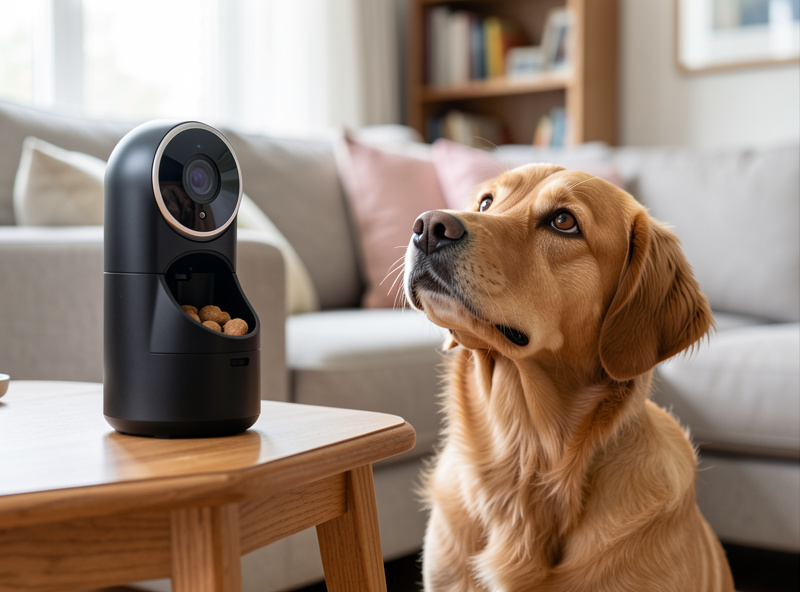
The treat toss is the fun part, and it’s also where cheap models disappoint. Two things separate a good dispenser from a frustrating one: latency and reliability. Latency, because if you tap “treat” and the toss happens three seconds later through a cloud round-trip, your dog has already wandered off and you’ve rewarded nothing. Reliability, because a dispenser that jams on certain treat sizes or flings them under the sofa trains your pet to give up on it.
Look for adjustable toss distance, a hopper sized for the treats you actually use, and — critically — local or near-local triggering so the toss is near-instant. On a local trigger I see the treat leave the hopper in well under half a second; through the cloud the same toss can lag two to three seconds — long enough that a food-motivated dog has already given up and wandered off. The best implementations let your hub fire the dispenser as part of an automation, which opens up genuinely useful behavior: a treat when the camera detects the dog settled calmly in its spot, not just on-demand from your phone. That’s the difference between a toy and a tool, and it’s only possible when the camera and dispenser talk to a local hub rather than only to an app.
The Features That Matter (and the Ones That Don’t)
Beyond local recording and a responsive dispenser, a few features earn their keep. Two-way audio so you can actually talk your pet down from the doorbell-induced meltdown. A wide field of view, because a narrow lens means your pet is constantly out of frame. Decent low-light or night vision, since pets are active at dawn and dusk. And on-device or local motion/sound detection so you get a “your dog has been barking for ten minutes” alert without piping audio to a cloud.
The features I’d happily skip: “AI pet recognition” that only works through the cloud, gimmicky laser-pointer toys that stress more cats than they entertain, and anything described as a “smart” feature that’s really just an app notification with a subscription attached. Here’s how the core decision points stack up.
| Feature | Why it matters | What to look for |
|---|---|---|
| Recording | Privacy + no monthly fee | RTSP stream / local NVR support |
| Treat latency | Rewards the right moment | Local trigger, near-instant toss |
| Field of view | Keeps a moving pet in frame | 120 degrees or wider |
| Two-way audio | Calm or redirect your pet | Clear mic, low delay |
| Detection | Useful alerts, not noise | On-device, pet vs person |
| Integration | Automations, not just app taps | Hub/Home Assistant support |
Privacy: A Camera Pointed at Your Home All Day
This camera watches the room your pet lives in, which is to say it watches your home, continuously. That’s exactly the device you don’t want freely chatting with a cloud. I put every camera on a segmented IoT VLAN — or at minimum a separate IoT SSID — so it can’t reach my laptops and I can watch exactly what it tries to phone home about. A cheap cloud camera on your flat home network is a foothold, not just a pet toy.
If a camera offers no way to keep footage local and insists on a cloud account, that’s a hard pass for me regardless of how good the treat dispenser is. The treat function is replaceable — a separate automatic feeder dispenses on a schedule, and the camera duties can go to a proper local cam. Don’t let a fun gimmick talk you into a privacy compromise you’d never accept from any other camera in the house.
Setup and Placement
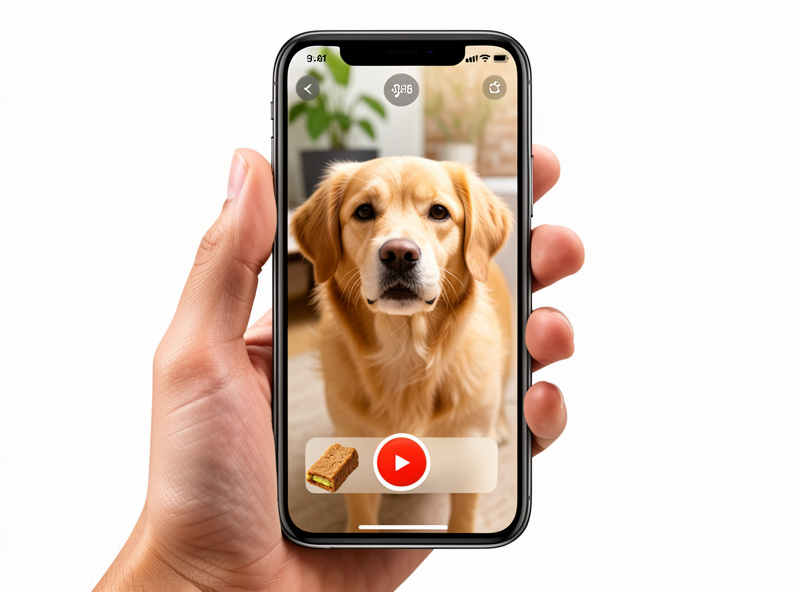
Mount the camera where it sees the room your pet actually uses, not the corner that’s convenient for the cable — a camera that misses the dog’s favorite spot is a camera you’ll stop checking. Keep the treat dispenser’s launch path clear of furniture so treats don’t vanish underneath, and on a hard floor your pet can hear them land. I position mine so the toss lands on tile, because the sound of a treat hitting the floor is half the training signal.
Once it’s recording locally and integrated, the automations write themselves. A clip saved when the camera hears sustained barking. A treat dispensed automatically when detection sees the dog settle calmly during the workday. A “we’re away” routine that bumps detection sensitivity and saves a daily highlight reel — locally. That’s the version of a pet camera that’s part of a real system, the approach I lay out across the whole pet automation routines guide.
As an Amazon Associate I earn from qualifying purchases.
Cats and Dogs Want Different Things
The marketing treats “pet camera” as one product, but cats and dogs use them completely differently, and buying for the wrong one wastes money. Dogs respond to the treat-and-talk loop: two-way audio plus a fast dispenser genuinely helps with separation anxiety, and a treat for calm behavior during the workday is a real training tool. For a dog, prioritize toss distance, audio clarity, and a hopper big enough for a full day of small rewards.
Cats are a tougher audience. Many ignore a barking-style alert camera entirely, and a flung treat is as likely to startle a nervous cat as reward it. For cats I lean less on the treat gimmick and more on the monitoring side — a wide-angle local camera that confirms the cat ate, drank, and used the box, tied into the rest of the system. If your cat is food-motivated the dispenser is a nice extra, but I wouldn’t pay a premium for it. Either way, the camera that integrates with your presence and sensor setup is worth more than the one with the flashiest standalone app.
Frequently Asked Questions
Are pet cameras with treat dispensers worth it?
They’re worth it if the camera records locally and the treat toss is fast. The treat function is a fun bonus, but the real value is monitoring. Avoid models that lock footage behind a subscription, and prioritize ones with a plain video stream you can record yourself.
Do pet treat cameras need a subscription?
Many push you toward one for cloud footage, but the better models give you an RTSP stream you can point at a local recorder, so there’s no monthly fee and the video never leaves your home. Always check for local recording support before buying.
Why is there a delay when I dispense a treat?
The delay usually comes from a cloud round-trip: your tap goes to a server and back before the toss fires. Cameras that trigger the dispenser locally, or integrate with a hub, are far closer to instant, which matters for actually rewarding your pet’s behavior.
Can I connect a pet camera to Home Assistant?
Yes, if it offers RTSP or a documented local integration. Once connected you can record to a local NVR, get pet-versus-person detection, and even fire the treat dispenser automatically when the camera sees a specific behavior.
Where should I place a pet treat camera?
Point it at the room your pet actually uses, keep the treat launch path clear of furniture, and aim the toss at a hard floor so the treat is easy to find and your pet hears it land. Avoid placing it somewhere the dispenser flings treats under the sofa.
Related Guides
- Smart Home Pet Automation: The Local-First Guide
- Best Automatic Pet Feeder for a Smart Home
- Best Local-Recording Security Cameras
- Indoor Camera Privacy: What to Know
- Smart Home Automation for Pets